Join Now
Skip to Main Content
Sam's Club
Sam's Club
All Departments
All Services
Customer reviews for HP DeskJet 4358 Wireless All-in-One Inkjet Printer, 6 Months Free Instant Ink for
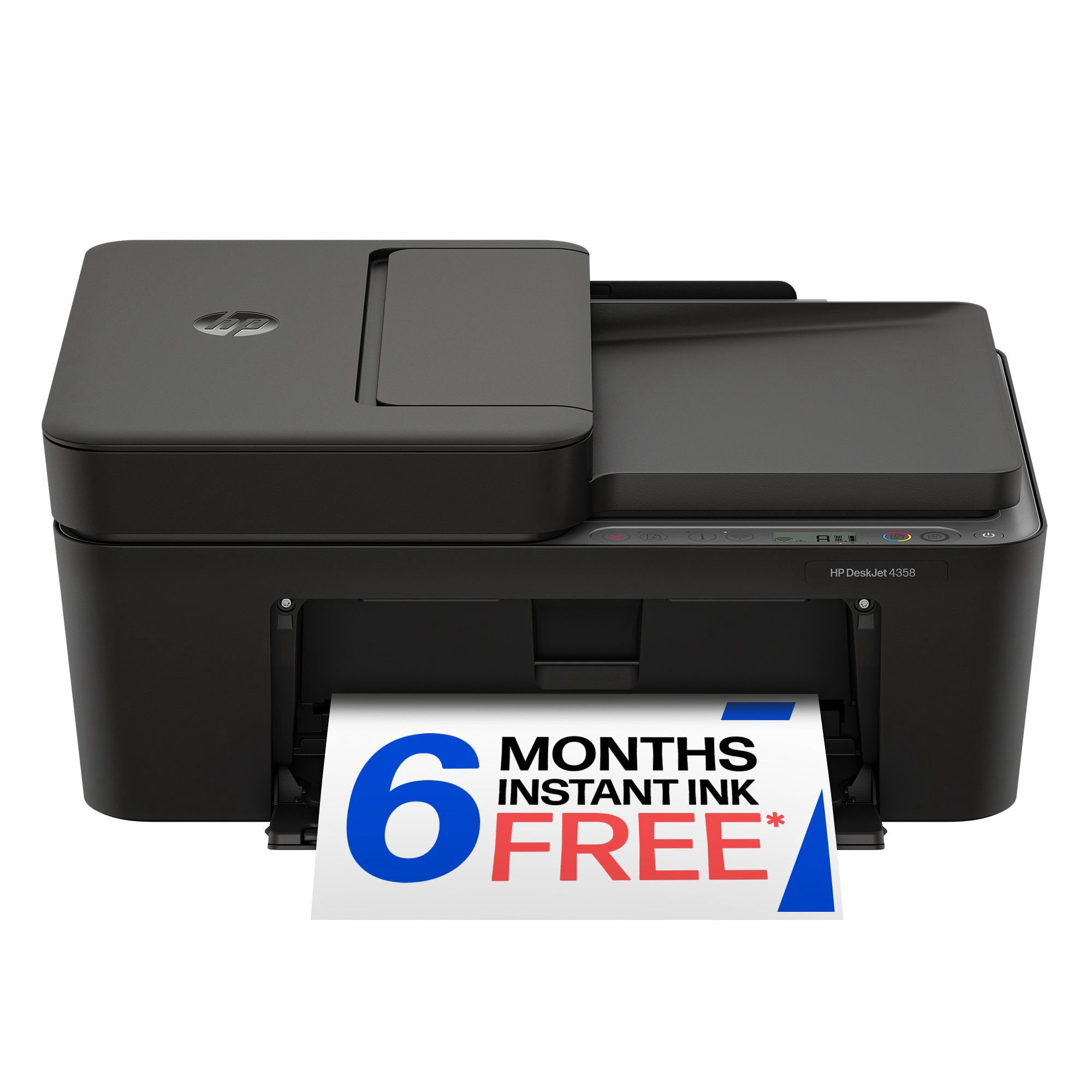
HP DeskJet 4358 Wireless All-in-One Inkjet Printer, 6 Months Free Instant Ink
3.7 out of 5 stars
stars
921 ratings428 reviews
  1. 5 stars50% (458)
  2. 4 stars15% (140)
  3. 3 stars10% (95)
  4. 2 stars6% (58)
  5. 1 star18% (170)

Member photos

  • +13 images
Sort by |
Showing 51-60 of 428 reviews
Sep 4, 2026
Reviewer name: spotter
2 out of 5 stars
2 out of 5 stars review

Verified Purchase

Not up to par

It is slow to respond, sometimes stops altogether and have to reset. I dislike not having buttons for scanning, etc and rather hazving to use my computer for functions. The external paper feed doesn't hold much and it's a hassle to get it restarted if it runs out halfway through pringing.

Review from hp.com
Helpful?497LJOSLB9NB20018316933
Sep 5, 2026
Reviewer name: Lowsy
1 out of 5 stars
1 out of 5 stars review

Verified Purchase

Out of date. Don't buy

One of the worst printers I've owned. Difficult to connect and even more difficult to keep it connected to the internet. Difficult if not impossible to add other users and their devices. Don't waste your time. You will only return it or throw it away and start all over again er.

Review from hp.com
Helpful?497LJOSLB9NB20018316933
Sep 4, 2026
Reviewer name: Jaosn
3 out of 5 stars
3 out of 5 stars review

Verified Purchase

The HP App is beyond frustrating

The Printer itself works as expected. Setup of the Printer in the HP App on my mobile worked fine. However it isn't my phone I wanted to print off of. I have a Windows 11 desktop with a fresh install of Windows. To install the printer drivers HP requires the HP App installed on my desktop. After installing their "app" it detects and installs the printer fine. However outside of the app you can't print. It gave some random error that Google was no help figuring out. I un-installed/reinstalled the printer drivers multiple times, restarted the computer multiple times, and always the same issue. I installed it on another older Windows 11 desktop that really was never going to print to it, and still the same issue so I isn't something weird with that desktop itself. In frustration I was uninstalling the HP App on the older desktop to return to troubleshooting the newer desktop when all of a sudden it starts printing. To summarize I was forced to install the HP App to install the printer drivers on my windows desktops, and then remove the HP App once the drivers were installed so it would actually print. Why I mention it on a review of this product? Because this is likely a driver issue with this model of printer and the HP App conflicting. HP might fix this in the future... If they even realize it is an issue. In the meantime I don't use the HP App except for what I'm forced too by HP, and they can claim all they want it is needed but clearly it isn't... Yet. It is very possible that will change in the future, who knows. However at this point it is highly unlikely I will continue to use HP Products when it is time for a replacement. The price point isn't worth the hoops required to make the printers work anymore.

Review from hp.com
Helpful?497LJOSLB9NB20018316933
Sep 4, 2026
Reviewer name: Kinder26-27
1 out of 5 stars
1 out of 5 stars review

Verified Purchase

Just like the 4200!

I replaced my 4200 because the print quality was poor and this one is exactly the same. When I print it cuts an inch from the boarder of everything I print. It will not print boarderless so that my image takes up the whole page. Would not recommend this or the 4200 series to anyone! Buyer beware.

Review from hp.com
Helpful?497LJOSLB9NB20018316933
Sep 4, 2026
Reviewer name: Ann
3 out of 5 stars
3 out of 5 stars review

Verified Purchase

Home school

I got this to make submitting assignments easier since it is wireless, but unfortunately you can't scan from a school ipad because the hp app can't be downloaded. I know that really isn't the fault of the device, but it still makes things more challenging. Also, unless I am wrong, you can't scan from the document feeder, so scanning one page at a time takes forever. It does work for printing wirelessly which is nice.

Review from hp.com
Helpful?497LJOSLB9NB20018316933
Sep 4, 2026
Reviewer name: Felicity
1 out of 5 stars
1 out of 5 stars review

Verified Purchase

Too expensive to not connect

This printer makes me so mad! I have to disconnect my phone from my wifi and connect to the HP printers wifi, which says "no internet" even though its connected to my home internet. My phone wont be able to print because it says no internet. Same for my computer!! The whole process should be easier, especially with the price we paid for the printer. The copier is great and easy to use

Review from hp.com
Helpful?497LJOSLB9NB20018316933
Sep 5, 2026
Reviewer name: Utah Counselor
2 out of 5 stars
2 out of 5 stars review

Verified Purchase

Ugh...

I bought this printer for my new office. It has been nothing but a headache so far. I wanted a printer I could plug into my laptop and print off handouts for clients. It gives all kinds of options for remote printing off my phone, but in terms of basic printing, it has been nothing but frustration and stress.

Review from hp.com
Helpful?497LJOSLB9NB20018316933
Sep 4, 2026
Reviewer name: Nolonger HPCustomer
1 out of 5 stars
1 out of 5 stars review

Verified Purchase

Absolute trash (literally)... do not recommend.

I ended up just tossing it in the trash after 2 weeks (not joking). The Application for this is terrible, it almost never connects to my PC and when it does its a huge hassle to get it to. Tried the direct connect.. that just waste of paper to give you the direct connect code then doesn't do anything. On top of that... it would randomly go into a Serious Error and all lights would flash. It's near impossible to get things to print out of the HP app (like directly from web browser) if you do manage to get it to connect. Connecting to our phone didn't ever work... just complete waste of money.... DO NOT RECOMMEND. I bought a cannon printer after and it worked instantly and have had no issues with it.

Review from hp.com
Helpful?497LJOSLB9NB20018316933
Sep 8, 2026
Reviewer name: Mel
3 out of 5 stars
3 out of 5 stars review

Verified Purchase

Faster printing

I purchased this as an upgrade from a smaller HP printer. My little cheap printer was super easy to setup and this one was a little more complicated making me print through the HP app instead of directly from my phone. The printing is faster than my old one, which I appreciate. I also had an issue where every time I completed a print job all of the lights started blinking so I would have to physically unplug it and then plug it back in to begin my next print job. Overall, it was initially a little annoying but not enough for me to return it.

Review from hp.com
Helpful?497LJOSLB9NB20018316933
Sep 4, 2026
Reviewer name: MR
5 out of 5 stars
5 out of 5 stars review

Verified Purchase

Easy to use, good for home

The printer is very efficient and great for home printing, scanning and copying. The HP app on my desktop took a while to setup but as a network printer it worked right away. I haven't used any of the AI features yet. It's a nice medium size for a home printer and it's quiet and pretty fast.

Review from hp.com
Helpful?497LJOSLB9NB20018316933