
 Customer reviews for HP DeskJet 4358 Wireless All-in-One Inkjet Printer, 6 Months Free Instant Ink for
HP DeskJet 4358 Wireless All-in-One Inkjet Printer, 6 Months Free Instant Ink
3.7 out of 5 stars
stars
921 ratings428 reviews
Member photos
- +13 images
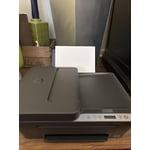
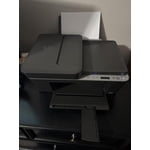
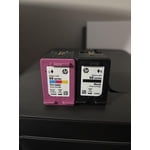
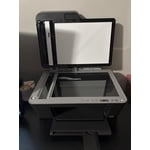
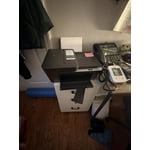
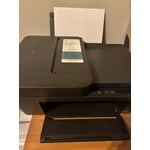
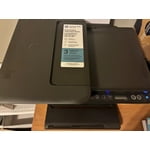
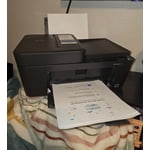
Sort by |
Showing 421-428 of 428 reviews
Sep 6, 2026
Reviewer name: Merrillville
4 out of 5 stars review
Verified Purchase
Great value
Review from hp.com
Helpful?
Sep 10, 2026
Reviewer name: Pat
5 out of 5 stars review
Verified Purchase
Printing again at home
Review from hp.com
Helpful?
Sep 9, 2026
Reviewer name: Jake
2 out of 5 stars review
Verified Purchase
Does not print fast enough
Review from hp.com
Helpful?
Sep 6, 2026
Reviewer name: Anonymous
5 out of 5 stars review
Verified Purchase
The printer is easy to use
Review from hp.com
Helpful?
Sep 4, 2026
Reviewer name: Hard to set up
1 out of 5 stars review
Verified Purchase
Terrible prot
Review from hp.com
Helpful?
Sep 7, 2026
Reviewer name: Celeste
2 out of 5 stars review
Verified Purchase
I have no idea how to connect the WiFi to it so I'mA able to print 😩not happy
Review from hp.com
Helpful?
Sep 4, 2026
Reviewer name: Emily B
4 out of 5 stars review
Verified Purchase
Easy on the cost but was a little harder getting connected.
Review from hp.com
Helpful?
Aug 19, 2026
Reviewer name: Melissa
1 out of 5 stars review
Terrible
Helpful?
reply from HP Team