Skip to Main Content
Sam's Club
Sam's Club
All Departments
All Services
Customer reviews for Epson EcoTank ET-2840 Special Edition All-in-One Inkjet Printer, 2 Bonus Black Ink Bottles for
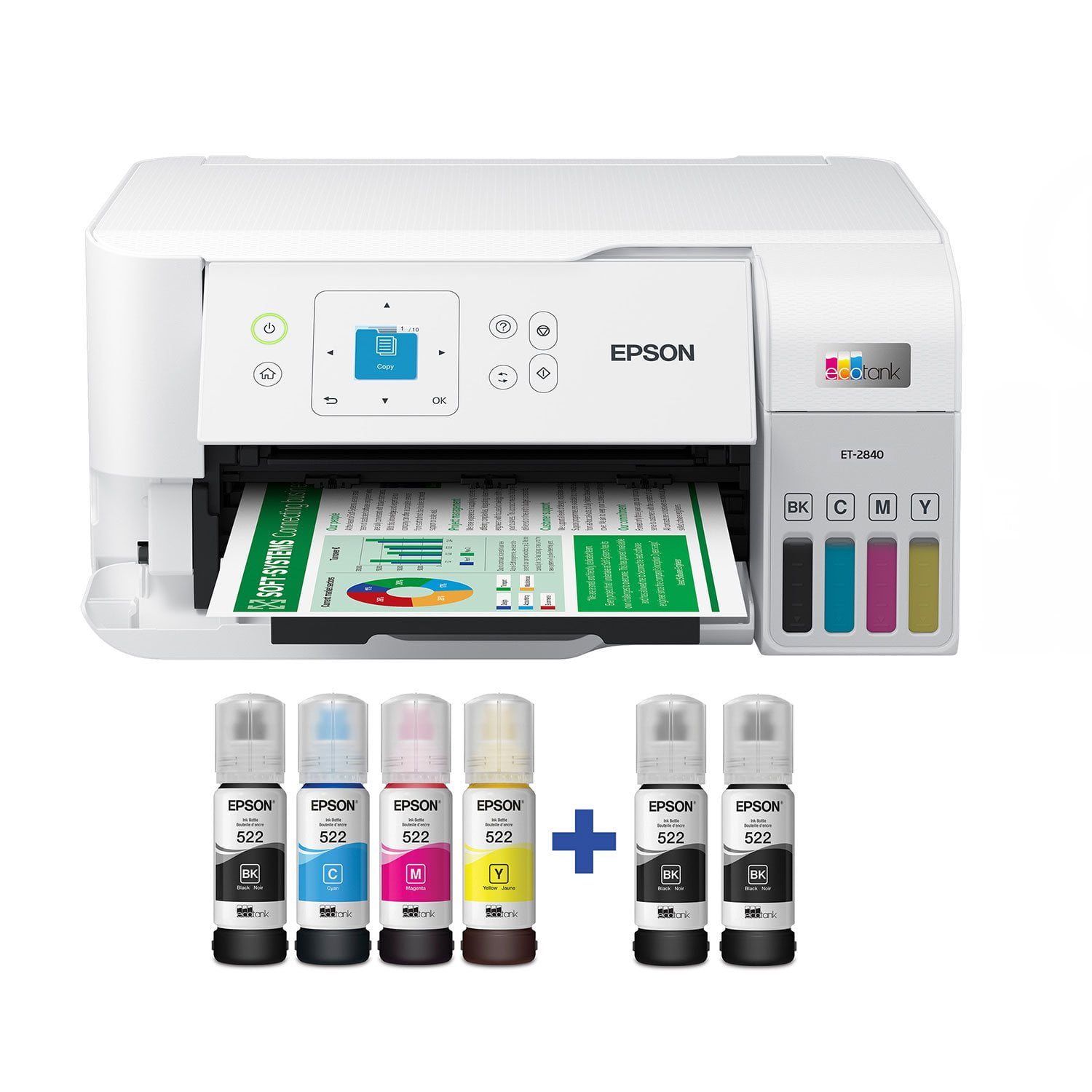
Epson EcoTank ET-2840 Special Edition All-in-One Inkjet Printer, 2 Bonus Black Ink Bottles
4.3 out of 5 stars
stars
753 ratings313 reviews
  1. 5 stars69% (517)
  2. 4 stars14% (109)
  3. 3 stars5% (38)
  4. 2 stars3% (26)
  5. 1 star8% (63)

Member photos

Sort by |
Showing 51-60 of 313 reviews
Jul 20, 2023
Reviewer name: Yngbld7
5 out of 5 stars
5 out of 5 stars review

Verified Purchase

Saving money already

Printer is already saving me money on ink. Only complaint i have, is i didnt realize i couldnt print both sides before i bought it... or i would have went with a different model

Helpful?3AFIX96BI6OX13607208607
Nov 18, 2023
Reviewer name: Ginger
5 out of 5 stars
5 out of 5 stars review

Verified Purchase

Good Product

Great product and easy to install, only thing I don't care for doesn't hold enough paper for what I need, constantly needing to fill. Just started so anxious to see if the ink last like they say.

Helpful?3AFIX96BI6OX13607208607
Aug 21, 2026
Reviewer name: anonymous
1 out of 5 stars
1 out of 5 stars review

Dont

After 6 months, all the ink jets were clogged. Ran every trouble shoot many times but it has never worked properly again. Only writing this review because i need to buy a new printer and saw this junk come up in my search!

Helpful?3AFIX96BI6OX13607208607
Aug 29, 2024
Reviewer name: MtnMike
3 out of 5 stars
3 out of 5 stars review

Keep looking

Not impressed. I bought this a week ago to serve as a part time backup printer for those times I want to get some work done from the lake house. First, I want to say it does work as advertised. But there are at least 3 drawbacks I have already encountered. 1. The information screen is postage stamp tiny; unreadable without using reading glasses from 6" and an additional light source. 2. It can only copy 1 page at a time; If you have a 3 page document, you have to feed each page in separately. 3. It does not print two-sided. Again, it is a functional printer - but barely.

Helpful?3AFIX96BI6OX13607208607
Feb 15, 2025
Reviewer name: recherfamily
2 out of 5 stars
2 out of 5 stars review

slooowwwwww

This thing is slow to.print. bought it for our business and it is super slow. Now we have to find another. Good quality prints and the ink lasts longer than other, i can say that bit if you are in a time crunch for what your printing this is NOT the printer for you.

Helpful?3AFIX96BI6OX13607208607
Dec 22, 2023
Reviewer name: tecsucks1234
3 out of 5 stars
3 out of 5 stars review

Good when it is connected to the WiFi

Beware that when you buy this printer. Be ready to type in your Wifi password at a minimum of 1,000 times. As you will type it in correctly and it will tell you that it is "set up" but it is NOT. You will go to print something using the WiFi connection and it wouldn't be actually connected to the WiFi. So you will repeat this step another 999 more times. Then every time you need to update...you can start over with that WiFi set up again. GRRRRRRRRRR....

Helpful?3AFIX96BI6OX13607208607
Aug 18, 2024
Reviewer name: Henry307
4 out of 5 stars
4 out of 5 stars review

The ET 2840

I have a Chromebook computer and a Pixel phone. It has been a nightmare to find a printer that actual works. I have returned three different named laptops as they did not work. I was determined to find one that did. I went to Sams and took pictures of the boxes and price. Got the ET 2840 and it works with Chromebox. Suggestions: * Use the Chromebox listing of printers that work. Be aware that many of those printers are no longer sold. * Use your phone to set up. Far easier than entering your information. * Everything sets up perfectly until you have to choose your system, either Microsoft or Apple. Right, there is no Chromebox mentioned, even though Google shows it is compatible. You have to search the page for Chrome. * Almost everything works (my phone, my chromebook) via wi fi. * The problem is that my wife's pixel phone does not connect and there is no information printed to fix. * Yes, I could call the Epson call center, but that oftentimes does not work. They either never heard of Chromebooks, or don't have a clue how to fix, or worst (they are aware of the problem, but don't know when that information will be made available, and no there is no system to contact you with the right information). I really wish that Epson could be contacted with a problem, and there would be a prompt response. * On the good side, the built-in scanner is wonderful. The color printing is very good (I printed several pix using Photo card stock), and it's easy to use. * I chose the ET 2840 as it has a back paper feeder, so that I can also print card stock. I don't mind printing one page, or multiple pages (printing odd pages first), then turning over and upside down to print even number pages. Have used that method many times and the printing takes less time than a front load automatic two page printing. * Finally don't make the mistake of using non-Epson inks. Sure the price is higher than your local online stores, but the colors are bright, and your printer won't shut down. * Could not give it five stars as the help center is slow to return information, and you have to work through several helpers before finding one who understands the problem. * For me, the ET 2840 is a great printer, especially if you own Chromebook and Pixel phones.

Helpful?3AFIX96BI6OX13607208607
Jan 14, 2024
Reviewer name: Mad Maxx
1 out of 5 stars
1 out of 5 stars review

Warranty issue

I will update this review in the future if the situation changes. My review is more related to the purchase process and the warranty registration of the printer. The literature with the printer indicated that a second year of warranty would be included when the product was registered. I received the printer on 1/12/24 and registered it on 1/13/24. Upon completing the registration, Epson indicated that the warranty began on 9/29/23, and that the free second year of the warranty was NOT included. This leads me to believe that the unit had been registered before (possibly a returned/refurbished unit). However, the box had NOT been opened previously and all packing appeared to be original. Currently working with Epson to sort this out. If the warranty isn't extended, as promised, it will be returned to Sam's Club for replacement/refund.

Helpful?3AFIX96BI6OX13607208607
Sep 12, 2025
Reviewer name: STEPHEN
1 out of 5 stars
1 out of 5 stars review

Misleading the customer

Very disappointed in Sams Club obvious misleading customers on the special edition 2840 printer. I purchased twice with both times receiving the wrong item. The special edition with 2 free bottles of black ink is advertised but both in store and shipping orders I placed, the standard version of the 2840 was received. I even complained both on line and in store but Sams continues to sell the standard version and not the advertised SE version. The SE version is clearly marked on the picture in the ad. The item sent is the product that's been sitting on the shelf for a long time. Not the SE version. If your going to send out the out dated standard version at least send extra ink to compensate

Helpful?3AFIX96BI6OX13607208607
Dec 16, 2023
Reviewer name: Meerkat
4 out of 5 stars
4 out of 5 stars review

Verified Purchase

Satisfied so far

So far I've been very pleased with the printer. I had no problems setting it up and it's been working very well. Would have liked it to include the automatic feed but for the price difference I can do without it. I'm giving this a 4 as I haven't had it long enough to verify the ink usage which is the main reason I purchased it.

Helpful?3AFIX96BI6OX13607208607