Skip to Main Content
Sam's Club
Sam's Club
All Departments
All Services
Customer reviews for Epson EcoTank ET-2840 Special Edition All-in-One Inkjet Printer, 2 Bonus Black Ink Bottles for
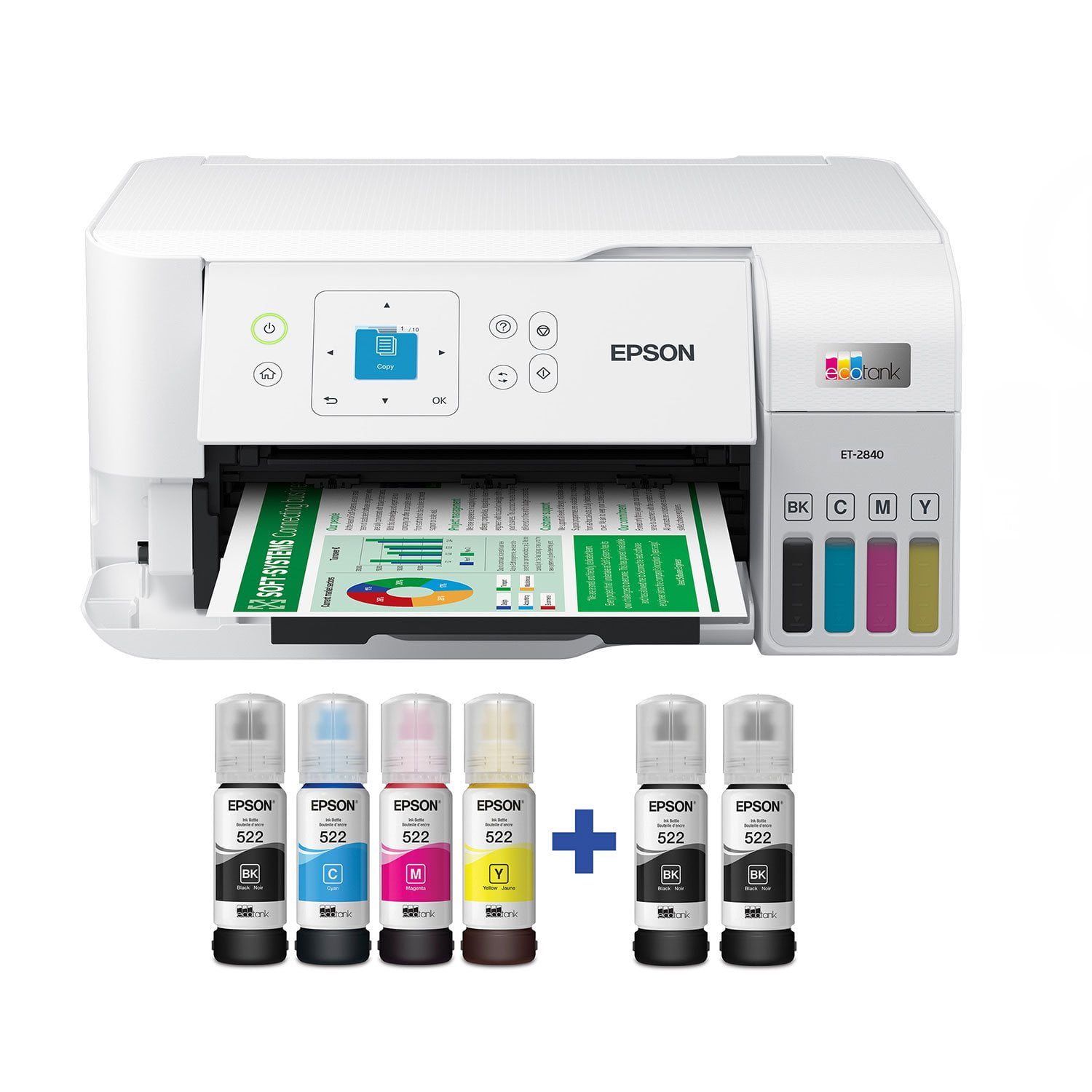
Epson EcoTank ET-2840 Special Edition All-in-One Inkjet Printer, 2 Bonus Black Ink Bottles
4.3 out of 5 stars
stars
741 ratings303 reviews
  1. 5 stars69% (509)
  2. 4 stars15% (108)
  3. 3 stars5% (38)
  4. 2 stars4% (26)
  5. 1 star8% (60)

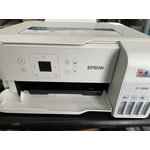
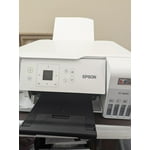
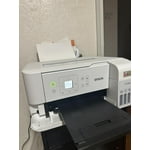
Member photos

Sort by |
Showing 211-220 of 303 reviews
Feb 13, 2025
Jeffro50
5 out of 5 stars
5 out of 5 stars review

Very easy to use very straightforward user manual instructio

Love this printer it was very easy to set up and get paired with my phone and the internet this was the easiest printer that I have seen this phone just got this product setup and fixing to do the ink test on paper that's so far but this product is great love it as I've just got it

Review from epson.com
Helpful?3AFIX96BI6OX13607208607
Feb 6, 2023
Bhive
5 out of 5 stars
5 out of 5 stars review

Incredible Printer!

“This is a review for the Epson EcoTank ET-2840 Special Edition Wireless Color Supertank printer that I received free of charge to do a beta test and review.” I have been using Epson Printers for over 20 years and this ET-2840 is quite amazing... the color saturation is beyond beautiful.....and being a photographer I am very particular about color.... I absolutely love the fact that I can print everything wireless and fast!..... The copy feature works so well for all of my invoices and receipts.... The fact that I dont have to buy separate cartridges for each color will be amazing..... I have used other printers from other makers and nothing has ever compared to Epson Quality!....Even though this is not a Photo Printer, if you print on Glossy Epson Paper.....it looks amazing.....I also, printed all of my new color business cards this week. on the ET-2840.... super happy with this printer.....

Review from epson.com
Helpful?3AFIX96BI6OX13607208607
Feb 6, 2023
dirtdog
5 out of 5 stars
5 out of 5 stars review

Great printer easy to setup and use

This is a review for the Epson EcoTank ET-2840 Special Edition Wireless Color Supertank printer that I received free of charge to do a beta test and review. As with many printers now the setup process has improved greatly in ease of use and getting printing. The ET-2840 is no exception. By leveraging the Epson app to quickly setup the printer by following a very simple step process I was able to get up and print very quickly and without any issues. Even when I had an issue with a step(which I missed) the app was able to quickly guide me through the step again so I could correct the setup issue I encountered. From a usage perspective, I found this printer to fit my needs. The printer itself is able to quickly print in both black and white and color. The crispness of the text being printed (or pictures) are great and easy to read. I was especially impressed with the ability to air print without any issue post-setup on my home network (I look forward to using this feature more over the life of the printer). I found the scanning functionality to be sufficient for my needs of an occasional document scan or to scan simple pictures to quickly digitize. Overall this is a great unit and I look forward to using it more and more in my home office.

Review from epson.com
Helpful?3AFIX96BI6OX13607208607
Feb 4, 2023
rsalvo77
4 out of 5 stars
4 out of 5 stars review

This is a review for the Epson EcoTank ET-2840 Special Editi

I unboxed the unit and removed the many security packaging blue tape to prep it for printing. I loaded the paper in the back and downloaded the epson print app on my iphone which easily detected the printer. I then filled the ink containers easily, mess free, as long as you're not color blind, you can easily match up the containers with the proper colors together. I proceeded to print and printed both a photo and a document. The photo although printed fine, it lacked color depth but I understand this is not a photo printer. Nor was I using photo paper. I printed a document from the web and it looked great. I overall like the fact that it prints many sheets without refilling and it's easy to refill when you do need to. Overall I am very happy with the printer.

Review from epson.com
Helpful?3AFIX96BI6OX13607208607
Feb 13, 2023
DotCom Reviewer
5 out of 5 stars
5 out of 5 stars review

Great Cartridge-less Inkjet and a great price point!

This is a review for the Epson EcoTank ET-2840 Special Edition Wireless Color Supertank printer that I received free of charge to do a beta test and review. When I first saw this printer I was a little skeptical. I personally have not been a fan of inkjets since Color Lasers came out. Primarily because I never had a good experience with Printer Cartridges and more specifically print heads and them drying out. Refillable cartridges were a flop completely. Naturally when seeing a tank based system like this one I was a little skeptical although I will say I have been pleasantly surprised. Between the ease of setup and filling of the tanks I am a fan. The print quality is about what you would expect for this price point but I can see a great value in its TCO. Since trying out this printer I have found myself printing more than I used to without fear of running out of ink. It's been great!

Review from epson.com
Helpful?3AFIX96BI6OX13607208607
Sep 25, 2023
Cheryl69
1 out of 5 stars
1 out of 5 stars review

Horrible

Worst printer ever. Set it up today smooth as silk.... sent it a 300 page print job major fail it keeps stopping saying its jammed, printer heads misaligned oh and will I take a survey? So it's sitting here dead 0 clue how to fix it. Ready to throw it and all of its ink out of the window. Btw set up through the app to phone and desktop. All went smoothly until I asked it to work.

Review from epson.com
Helpful?3AFIX96BI6OX13607208607
Jan 26, 2023
CherFru
3 out of 5 stars
3 out of 5 stars review

Easy Setup...Can't get copier to work.

This is a review for the Epson EcoTank ET-2840 Special Edition Wireless Color Supertank printer, that I received free of charge, to do a beta test and review. The printer arrived very quickly and was packaged well, so it was in immaculate condition. I love the compact shape and the sleek, white design fits perfectly in my home office. It was extremely easy to set up by either following the instructions on the included paperwork, the printer itself, or using the Epson App. Love the idea of not having to deal with recycling spent cartridges. The tanks were very easy to fill and there was no spillage at all. It's nice to be able to see the actual ink levels through the well windows. The printer itself is quiet and quick which is a plus. Paper feeds through nicely. Scan to computer was seamless. The reason for three stars...I cannot get it to copy, I'm pushing buttons but there is no action at all. Also, my color prints seem dull, the detail is good but there is no vibrancy at all, even with the correct paper selection.

Review from epson.com
Helpful?3AFIX96BI6OX13607208607
Feb 4, 2024
Lisa in Indiana
5 out of 5 stars
5 out of 5 stars review

Great value and eco friendly and prints very well.

Wow Epson makes the setup of this product so very easy through the app. Easily done for anyone. A great value versus using printer cartridges the eco friendly ink tank is the way to go. That you for thinking about the earth and also our pocketbooks. Thanks Epson you rock.

Review from epson.com
Helpful?3AFIX96BI6OX13607208607
Feb 2, 2023
E Van V
5 out of 5 stars
5 out of 5 stars review

Epson EcoTank ET-2840 - Cool Printer!

This is a review for the Epson EcoTank ET-2840 Special Edition Wireless Color Supertank printer that I received free of charge to do a beta test and review. Love the size, weight, and refillable ink feature of this printer. Packed safely, it was easy to remove from the box and set up (lots of blue tape protecting hinged pieces, etc. The Quick Set-Up guide was clear and concise - offering two set up alternatives - manually and through a free app I downloaded from the app store on my iphone. Note: the instructions mentioned several times NOT to connect the printer wire to the computer. Thank you. I did struggle a bit understanding how to get the app and printer connected to our WiFi but when I figured it out the instructions on the app were clear and moved at a pace that made sense with what I was being asked to do - like did you finish this or that - before moving forward. Three small issues at set up: 1. inserting the USB cord into the printer was a bit challenging. While I appreciated the space for my fingers around the port, somehow inserting the square end of the cable into the port was challenging. Eventually I tipped the printer on it's face to better see and insert the cable into the port. 2. ink tank color identification and ink level were not immediately apparent.The app did display the ink color distribution effectively. I had to look under the printer to see the colors correlation and ink level. Filling the ink tanks was clearly explained and very easy. Connection with the computer was smooth and without difficulty. From there on out, the printer was stellar! Printing wirelessly from my iphone rooms away and through the computer - quick, easy, and effortless. Photo copying took a bit more time than I expected but the quality was good. Scanning was simple! All in all, this is a wonderful all-in-one color printer. Sweet machine. I look forward to using it more! Highly recommend.

Review from epson.com
Helpful?3AFIX96BI6OX13607208607
Sep 10, 2024
LWZHN
2 out of 5 stars
2 out of 5 stars review

What idiot puts the serial number on the bottom of this machine when it is needed for setup? The printer is supposed to be kept level so the ink doesn't leak, but your Setup instructions asks for the serial number AFTER the ink is installed. I had to hold it up in the air while taking a photo of the bottom.

Review from epson.com
Helpful?3AFIX96BI6OX13607208607