Skip to Main Content
Sams Club
Sams Club
Customer reviews for LG 86" Class UA7700 Series 4K UHD Smart TV for
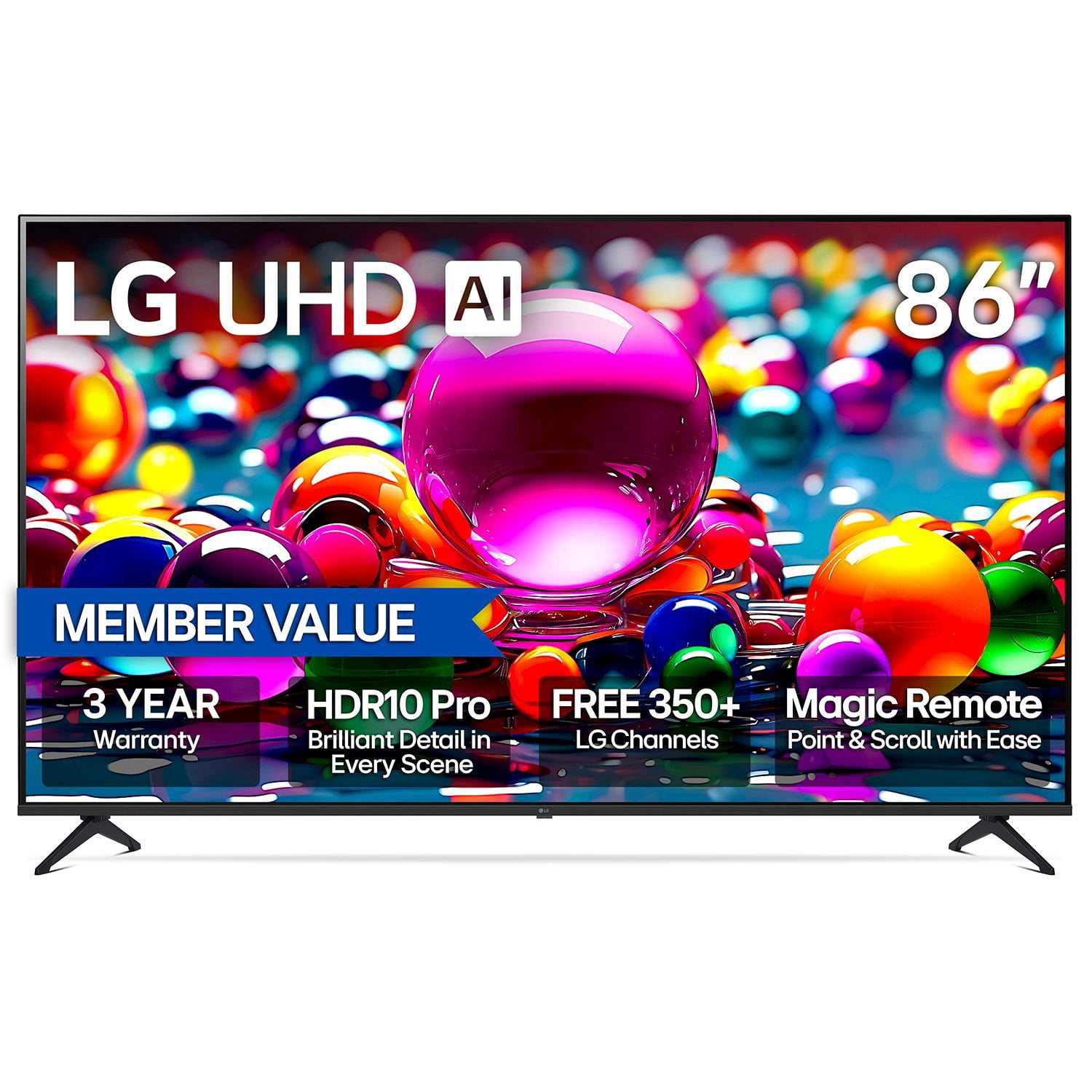
LG 86" Class UA7700 Series 4K UHD Smart TV
4.4 out of 5 stars
stars57 ratings12 reviews
  1. 5 stars79% (45)
  2. 4 stars4% (2)
  3. 3 stars4% (2)
  4. 2 stars2% (1)
  5. 1 star12% (7)

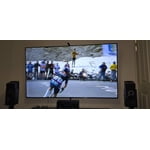
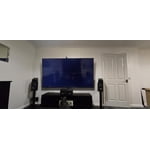
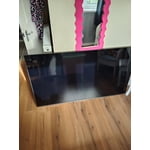
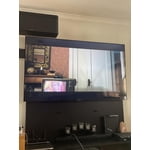
Member photos

Sort by |
Showing 1-10 of 12 reviews
Jan 4, 2026
Anonymous
5 out of 5 stars review

Verified Purchase

LG 86” inch

I love it! Perfect holiday purchase

Helpful?22BDZNDC959315850624766
Sep 6, 2025
Janet
5 out of 5 stars review

Verified Purchase

Don’t second guess yourself, just buy it.

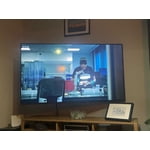
Bigger than life! Great quality and resolution. Would definitely recommend if you’re looking for an upgrade.

Helpful?22BDZNDC959315850624766
Aug 8, 2025
Milt John
5 out of 5 stars review

Verified Purchase

LG 86”

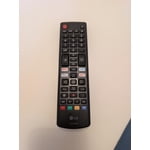
Great TV for the price. Looks and sounds good. Easy to setup plus not so heavy to mount on wall. Don’t like that you can’t mute sound from remote.

Helpful?22BDZNDC959315850624766
Aug 5, 2025
Taxpro
5 out of 5 stars review

Verified Purchase

LG Makes a good product

Nice tv. Like the remote and asy setup.

Helpful?22BDZNDC959315850624766
Jan 16, 2026
Wl
5 out of 5 stars review

Verified Purchase

Tv

Very happy

Helpful?22BDZNDC959315850624766
May 16, 2026
Aaron
3 out of 5 stars review

the issues i have are that the sound quality is terrible, the controller is a cross between a computer mouse and a nintendo wii remote and i hate it. the remote has voice control but you have to agree to allow the remote to record sounds 24/7 to use it. but other than that it's a good tv.

Helpful?22BDZNDC959315850624766
Nov 3, 2025
Kimmycap
1 out of 5 stars review

Verified Purchase

NOT App. FRIENDLY WALK PAST THIS ONE

Pass by, do not buy!!! Unable to get Hulu and other Apps on this Smart TV. Not sure why they limit on what you can watch. First time that this has ever happened. Already mounted on Wall. UGH. :(

Helpful?22BDZNDC959315850624766
reply from LG Digital Customer Care

Hi, there. Thank you for sharing your experience with the LG TV (86UA7700PUA) model. We understand how important it is to have access to your favorite streaming apps, and we appreciate you taking the time to let us know what’s happening.<br /><br />This model runs on LG’s webOS platform, and app availability can vary depending on region and licensing agreements. To check if Hulu and other apps are available for your TV, we recommend visiting the LG Content Store directly from your TV or online. Make sure your TV’s software is up to date by going to Settings &gt; All Settings &gt; Support &gt; Software Update. For more information, visit https://www.lg.com/us/support/help-library/lg-tv-how-to-update-an-lg-smart-tv--1430510575535. If you’d like us to take a closer look or assist with setup, feel free to send us an email at lgdigitalcare&#64;lg.sprinklrsupport.com. We’re here to help you get the most out of your Smart TV. ^Juvy

Dec 6, 2025
ROSE
1 out of 5 stars review

Don’t purchase this tv. Customer service very rude

I purchased this TV on January 9, 2024. By May 2025 I was having problems with it. I called Sam’s and they gave me a number to call. After a long wait on the phone they let me know I was calling samsung. They gave me Lg number. I plug the Tv and it started working again. In October 2025 it went out again. I called and it took him about a month to get a repairman out here to fix it. Just to tell me that he couldn’t repair it I’ve never had a problem with any TV like this. Repair Man said it was a screen, but they weren’t making them anymore.

Helpful?22BDZNDC959315850624766
reply from LG Digital Customer Care

Hi, Rose. Thank you for reaching out to us. We understand the importance of having your LG TV (86UA7700PUA) model working reliably, especially within the first year of ownership.<br /><br />As a helpful step, please try performing a power reset by unplugging the TV for 5 minutes, then plugging it back in and pressing the power button directly on the TV to see if the screen responds. If the issue persists, you can review more troubleshooting tips here: https://www.lg.com/us/support/product/lg-86UA7700PUA.AUSQ. If you need further assistance with repair or replacement options, please send us an email at lgdigitalcare&#64;lg.sprinklrsupport.com so we can support you directly. ^Juvy

Nov 21, 2025
KIM
1 out of 5 stars review

Hulu is not one of many apps not allowed

Do NOT purchase this television if you enjoy using multiple apps. Hulu is one that it will not permit you to add. Purchased another tv a few months ago, brand LG of course and it did permit us to add it to that one. STAY AWAY from this series

Helpful?22BDZNDC959315850624766
reply from LG Digital Customer Care

Hi, Kim. Thank you for sharing your feedback about your LG TV (86UA7700PUA) model. We understand how important it is to have access to your favorite streaming apps. For LG TVs, app availability can vary depending on the webOS version installed on the unit. A helpful step is to check the LG Content Store directly on your TV to confirm which apps are supported for your model and software version. You can find more guidance here: https://www.lg.com/us/support/help-library/lg-tv-how-to-download-smart-apps--20153174119431. If you need further assistance with app compatibility or software updates, please send us an email at lgdigitalcare&#64;lg.sprinklrsupport.com so we can help you directly. ^Juvy

Nov 21, 2025
DENNIS
1 out of 5 stars review

Waste of money

Not an option for zero stars. software is slow and now 8 months in the screen has a line in it. Customer service with LG has been overwhelming unhelpful. Will probably toss it and get something better.

Helpful?22BDZNDC959315850624766
reply from LG Digital Customer Care

Hi, Dennis. Thank you for sharing your experience with your LG TV (86UA7700PUA) model. We know how important it is for your television to deliver smooth performance and a clear picture. If you’re seeing a line on the screen, one helpful step is to perform a Picture Test from the TV’s settings menu—this helps determine if the issue is with the panel itself or with connected devices. You can find more guidance here: https://www.lg.com/us/support/help-library/lg-tv-troubleshooting-vertical-lines-or-stains-on-an-oled-tv-screen--20153130731463. If you need further assistance with service or repair options, please send us an email at lgdigitalcare&#64;lg.sprinklrsupport.com so we can help you directly. ^Juvy