Skip to Main Content
Sams Club
Sams Club
Customer reviews for SAMSUNG 65" Class CU7000-Series Crystal UHD 4K Smart TV with HDR - UN65CU7000DXZA for
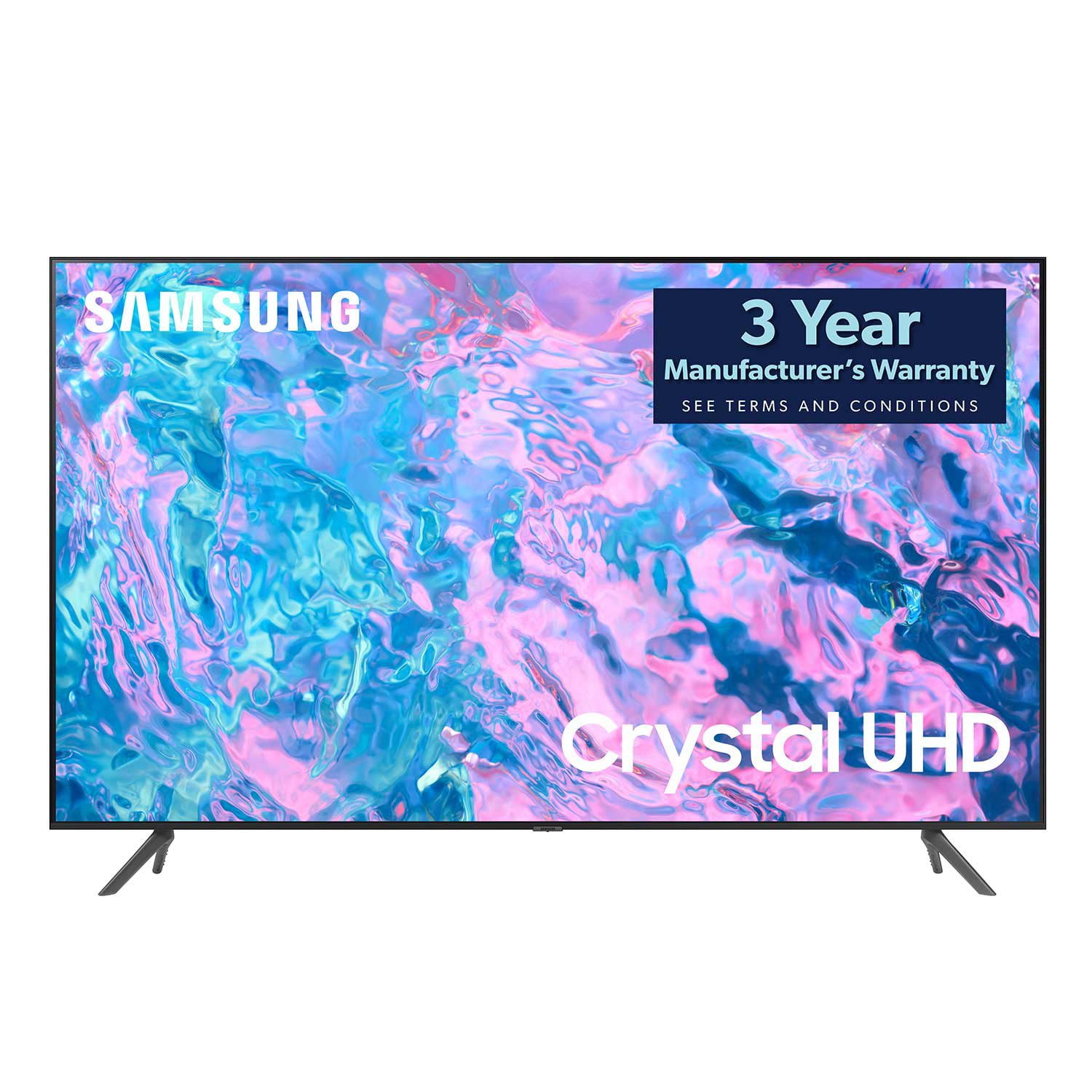
SAMSUNG 65" Class CU7000-Series Crystal UHD 4K Smart TV with HDR - UN65CU7000DXZA
4.6 out of 5 stars
stars1,820 ratings1,412 reviews
  1. 5 stars74% (1,339)
  2. 4 stars17% (309)
  3. 3 stars4% (76)
  4. 2 stars2% (29)
  5. 1 star4% (67)
Write a review

Customer photos

  • +319 images
Sort by |
Showing 771-780 of 1,412 reviews
Mar 25, 2024
treealbeautieee
5 out of 5 stars review

Clearest picture & color ever.

[This review was collected as part of a promotion.] Recently bought this television. It's resolution is amazing. It is super clear and the colors are vibrant. The sound is amazing as well. I love that I can use my phone in case I can't find the remote or if I'm in the other room.

Review from Samsung US
Helpful?6RZZK6GIRBUS13960862018
Jul 7, 2023
Dreamshopping
5 out of 5 stars review

The product have great functionalities.

[This review was collected as part of a promotion.] The product . This product is a great buy and is highly recommended. The Samsung CU7000 is a good TV overall. It connects directly to the internet via wifi, enable free and seamless streaming. It comes with free channels, and is particularly good at playing bright fast-paced video games, as it has a great response time in bright scenes and a very low input lag in Game Mode. It is a good TV to watch sports as fast, bright action looks clear. It's also great at watching movies on DVD, as it has decent contrast. However, its low overall brightness in both SDR and HDR combined with its poor reflection handling makes the TV into being a pseudo dark room TV, and its poor viewing angle gives poor viewing pleasure in a group due to its colors quickly shifting and dimming moving away from the center.

Review from Samsung US
Helpful?6RZZK6GIRBUS13960862018
Jul 6, 2023
Jachcypher
4 out of 5 stars review

Pretty good until last update and an issue popped

[This review was collected as part of a promotion.] Mostly i use smartthings to stream from my flip3 to the tv, rarely use dex now that i have a foldable... But sometimes ill connect a dex cable because internet issues happen and its nice to have that flexibility and the tv just KNOWS its my device and casts really well usually. Also samsung tv powered by pluto or whatever has really stepped it up with more shows per channel instead of maybe 5 that switched shows and the rest were baywatch channel, ONLY THE HOFFMEISTER BAYWATCH ALL WEEEEEEK. REALLY improved on the selection. The problem ive run into, has been when some internet issues happened then i was resetting smart hub unaware it was basically a factory reset so i had just gotten it back online and it finished an update to the overall system, but unbeknownst to me the APPS wasnt done updating the apps id had from before, and then the dreadez empty memory capacity, please insert usb thumb drive or hard drive to continue with this update, and it wont let me delete, reinstall, and factory resets do nothing to solve the issues and when i was on remote assistance and read the nice lady my code we went from like 42kb left memory to an absolute 0 after the factory reset she did with me. And not getting back to the update screen, we erased peacock since it became an option to remove finally, only streamer i have premium anything on Downfall after downfall. After deletion 0kbs avail. And cant install the one streamer i pay for back onto the system and poor lady was stumped too

Review from Samsung US
Helpful?6RZZK6GIRBUS13960862018
May 31, 2023
Drpickled
5 out of 5 stars review

Really easy to set up

[This review was collected as part of a promotion.] Really easy to setup and all the apps and channels were really organized so it was easy to find the channels and apps I was looking for. One of my favorite thing about it is all the free channels it comes with

Review from Samsung US
Helpful?6RZZK6GIRBUS13960862018
Mar 25, 2024
Sadapop80
4 out of 5 stars review

One consistent issue

[This review was collected as part of a promotion.] I own all Samsung televisions in my home. I love them and I think they are the greatest ones on the market. The one issue I have with everyone of my Samsung TVs and this is a luxury issue but the dark scenes when there's a lot of black background, I feel the picture is not as clear as it is with every other aspect. If I could make one suggestion, it would be clearing up the pixels of a dark black background or darker background.

Review from Samsung US
Helpful?6RZZK6GIRBUS13960862018
May 31, 2023
MuzTV123
5 out of 5 stars review

Amazing picture quality, loyal samsung customers

[This review was collected as part of a promotion.] Streaming, easy to use and a pleasure to operate and understand options. We purchased a Samsung sound bar and audio synced up perfectly with picture. Again, amazing picture. Easy to assemble and maneuver into place.

Review from Samsung US
Helpful?6RZZK6GIRBUS13960862018
May 31, 2023
Widow2021
5 out of 5 stars review

Technology Challenged Owner

[This review was collected as part of a promotion.] Being a recent widow, I have never needed to install, connect, or setup devices but I can say with certainty that anyone can easily set this one up! The app made it so easy to connect wireless and wired devices as well as the tv itself. Highly recommended from that perspective. Only con I can say after 4 months is the tv volume could use some boosting.

Review from Samsung US
Helpful?6RZZK6GIRBUS13960862018
reply from Samsung Brand Ambassador

Hi Widow2021, We appreciate your purchase and feedback on the CU7000 TV. Please know we are here to help you. There are several volume features you can adjust, which may improve your audio experience. 1) Auto Volume automatically adjusts the sound to a certain level when changing channels or switching to another external input. Go to Settings > All Settings> Sound > Expert Settings > Auto Volume. 2) Adaptive Sound automatically adjusts to a specific volume level while watching TV. The TV analyzes your volume usage history by time period to automatically adjust the volume when you use an app or switch to an external input source. Go to Settings> All Settings> Sound> Sound Mode> Adaptive Sound. 3) Several Sound Modes are likewise available to meet your personal preferences: Home > Settings > All Settings> Sound > Sound Mode If you ever have questions or need help, Samsung is here for you! Give us a call at 1-800-SAMSUNG, 8 AM - 12 AM EST, seven days a week. Our LiveChat agents are also available by clicking on the ‘Support’ link on our website. Thanks for being a part of the Samsung family! ~ Samsung Advisor

Jul 16, 2023
MSRETALIATION4LOVE
5 out of 5 stars review

This Samsung TV is extremely Awesome

[This review was collected as part of a promotion.] I love the way it looks on my streaming screen and when I'm playing my music on pandora on the screen it really makes it feel like I'm in my boyfriends car with all the bass booming and sh** #A1.LMOA And this 75” is huge it's a movie theater screen Entertainment Center I love it ….

Review from Samsung US
Helpful?6RZZK6GIRBUS13960862018
Oct 17, 2023
Minato05
4 out of 5 stars review

Great quality but…

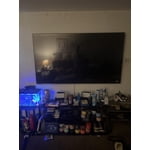
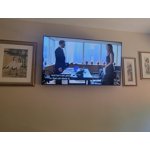
[This review was collected as part of a promotion.] The quality of the tv its self is great however it has horrible delay from the remote buttons to the action on the tv. Other than that I have had no issues regarding the tv. It also is amazing mounted on the wall.

Review from Samsung US
Helpful?6RZZK6GIRBUS13960862018
reply from Samsung Advisor

Hi Minato05, I’m sorry to hear about the issues you’re experiencing with remote response time. To ensure performance is fully optimized, please make sure your TV is running the latest firmware. To do so, go to Settings> Support> Software Update. You can easily update from there if necessary. Next, I recommend utilizing the self-diagnostic tool, which checks memory, frees unused cached memory, and closes background apps. Go to Settings > Support > Device Care > Start Device Care. If you need more help, Samsung is here for you. Please call us at 1-800-SAMSUNG, 8 AM - 12 AM EST, seven days a week. Our LiveChat agents are also available by clicking on the ‘Support’ link on our website. ~ Samsung Advisor

Sep 13, 2023
DoubleZero
5 out of 5 stars review

Great picture w/ lots of features

[This review was collected as part of a promotion.] Very vivid picture Starts up quickly Easy to connect devices Apps load quickly Eco energy saving option Surprisingly good sound from TV speakers Very vivid picture Starts up quickly Easy to connect devices Apps load quickly Eco energy saving option Surprisingly good sound from TV speakers

Review from Samsung US
Helpful?6RZZK6GIRBUS13960862018