Skip to Main Content
Sams Club
Sams Club
Customer reviews for SAMSUNG 65" Class CU7000-Series Crystal UHD 4K Smart TV with HDR - UN65CU7000DXZA for
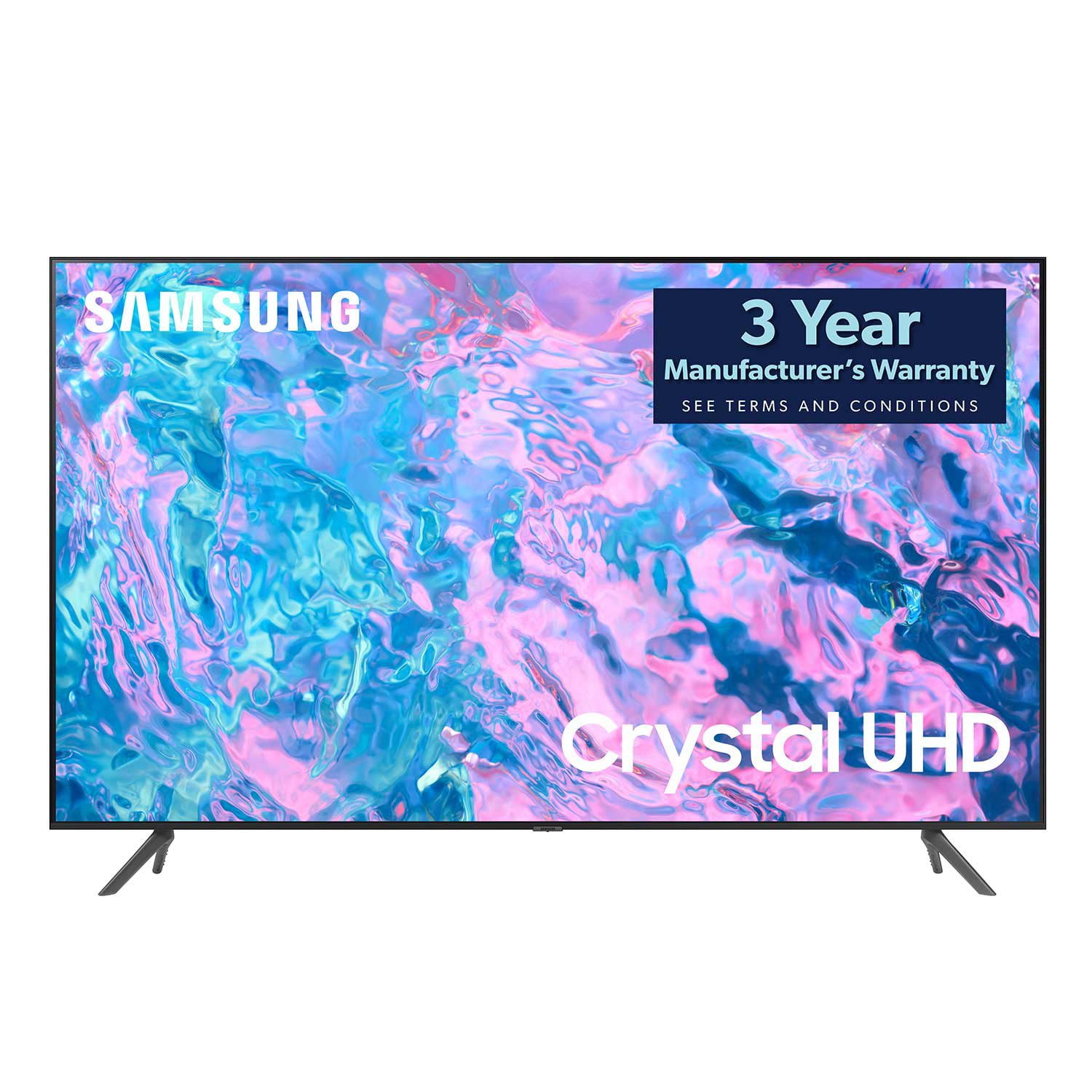
SAMSUNG 65" Class CU7000-Series Crystal UHD 4K Smart TV with HDR - UN65CU7000DXZA
4.6 out of 5 stars
stars1,820 ratings1,412 reviews
  1. 5 stars74% (1,339)
  2. 4 stars17% (309)
  3. 3 stars4% (76)
  4. 2 stars2% (29)
  5. 1 star4% (67)
Write a review

Customer photos

  • +319 images
Sort by |
Showing 351-360 of 1,412 reviews
Apr 1, 2024
Daveout
1 out of 5 stars review

You get what you pay for

Tv is a piece of junk. The volume shuts of mulitiple time a day. It also shuts off randomly a least a few times a week. Hope you don't want to watch something soon as you turn the set on. It takes a few minutes of a black screen before you can watch.

Helpful?6RZZK6GIRBUS13960862018
reply from Samsung

Hi Daveout,We appreciate your feedback on the Samsung CU7000 TV. I'm sorry to hear you are experiencing issues with your TV and volume shutting off multiple times a day. I have a few recommendations for you to try. 1. Unplug the TV from the wall outlet or surge protector and leave it unplugged for 30 seconds.2. Check the power cord to see if there is any visible damage. 3. Plug the TV power cord back into the wall outlet. If you were using a surge protector, bypass it for now and use a wall outlet.4. Try to update the software. In some cases, a software update can correct the problem. There is a risk, however. If the TV turns off during the software update, it could damage the TV. Updates can take up to 30 minutes, depending on network speed, so if the TV is not turning off too frequently, try updating the software.If the TV continues to turn off by itself continuously, please contact our Samsung Customer Support at 1-800-SAMSUNG, 8 AM - 12 AM EST, seven days a week. Or visit us on the Samsung website and click on the ‘Support’ link for:1) LiveChat2) Manuals, Software, & Warranty Info~ Samsung Advisor

Nov 15, 2023
Sharon
3 out of 5 stars review

Verified Purchase

SAMSUNG 65" Class CU7000-Series Crystal UHD

It's a nice T.V., but the speakers/sound is really bad.

Helpful?6RZZK6GIRBUS13960862018
reply from Samsung

Hi Sharon,Thank you for sharing your thoughts regarding the CU7000 TV’s sound quality. We recommend adjusting the Sound Settings to improve your experience. You can change the Sound Mode by going to Settings > All Settings> Sound > Sound Mode.You can also customize the sound with Expert Settings by going to Settings > All Settings> Sound > Expert Settings.To assist you with possible sound settings adjustments for a better audio experience or choosing a Samsung Soundbar to complement your viewing enjoyment, please reach out to us at 1-800-SAMSUNG, 8 AM - 12 AM EST, seven days a week. Our LiveChat agents are also available by clicking on the ‘Support’ link on our website.~ Samsung Advisor

May 22, 2023
Educator
5 out of 5 stars review

Great features but difficult to navigate

The Class Cu7000D Crystal is awesome and brilliant

Review from Samsung US
Helpful?6RZZK6GIRBUS13960862018
Apr 18, 2025
Evan Kalnitsky
5 out of 5 stars review

Outstanding

This was an upgrade from a 10 year old 28" non smart TV.. Welcome to the 24th century!

Review from Samsung Canada
Helpful?6RZZK6GIRBUS13960862018
Dec 13, 2024
TVguys
3 out of 5 stars review

Good color, but electronics not reliable

Had to replace screen within first 3 months, but it was civered by warranty. This is the second time i had to replace screen this year

Review from Samsung Canada
Helpful?6RZZK6GIRBUS13960862018
Dec 14, 2023
Watcher
3 out of 5 stars review

Regular TV

difficult to install due to poor directions; no manual. picture is very vivid which makes people look fake.

Review from Samsung US
Helpful?6RZZK6GIRBUS13960862018
reply from Samsung Advisor

Hi Watcher, Thank you for your feedback on the CU7000 TV. Please know your opinion is important to us and will be shared with our internal teams. I believe what you are describing is a feature called Auto Motion Plus, which eliminates ghosting and blurring that occurs from fast-moving images. These motion smoothing settings look great on live TVs, like sporting events or parades, which are filmed at 30 frames per second. Most movies, however, are filmed at 24 frames per second and are not intended to be viewed with these features. When turned on, this causes the dreaded soap opera effect. To Change Motion smoothing settings on your TV: Navigate to Settings > All Settings > Picture > Expert Settings > Auto Motion Plus Settings (Picture Clarity Settings). 1. The default setting is Auto. This means the feature automatically turns on and off based on the type of program being watched. 2. Select Auto Motion Plus (Picture Clarity) to change the setting to either Off or Custom. If you select Custom, three additional options are available: • Blur Reduction: Use the directional keys on the remote to adjust the Blur setting. • Judder Reduction: Use the directional keys on the remote to adjust the Judder setting. • LED Clear Motion: This option allows you to configure the LED backlight to sharpen fast-moving images. Select to turn On or Off. I hope these tips help you enjoy your new product. You can contact us for further help at 1-800-SAMSUNG, 8 AM - 12 AM EST, seven days a week. Our LiveChat agents are also available by clicking on the ‘Support’ link on our website. ~ Samsung Advisor

Feb 22, 2024
BlackBarbie80
5 out of 5 stars review

It's beautiful!!!
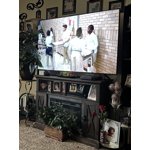
I bought the tv 2 weeks and I love it! So happy with my purchase and it had great picture quality and sound and the price was too good to pass up

Helpful?6RZZK6GIRBUS13960862018
Apr 10, 2024
Anonymous
5 out of 5 stars review

Sooo good!

After buying one 43” TV for the bedroom, the features were so much better than my older 55” Samsung, I had to buy the newer 7000 series for the living room.

Review from Samsung Canada
Helpful?6RZZK6GIRBUS13960862018
Oct 27, 2024
KrisFL
1 out of 5 stars review

No picture on the tv

I had my Samsung for a couple months. Haven't watched it much. A guest came to visit, and they told me the tv turns on, but there isn't any picture. When you look closely, you can barely see the picture. Maybe a bulb or something broke?

Helpful?6RZZK6GIRBUS13960862018
Jul 2, 2024
BruWats
5 out of 5 stars review

Amazing color and 4K definition

[This review was collected as part of a promotion.] My previous Samsung flat screen lasted nine years. This new one cost about half with many of the same features. I like the apps and Samsung TV+ because there's so little of interest on broadcast TV.

Review from Samsung US
Helpful?6RZZK6GIRBUS13960862018