Skip to Main Content
Sam's Club
Sam's Club
All Departments
All Services
Customer reviews for SAMSUNG 65" Class CU7000-Series Crystal UHD 4K Smart TV with HDR - UN65CU7000DXZA for
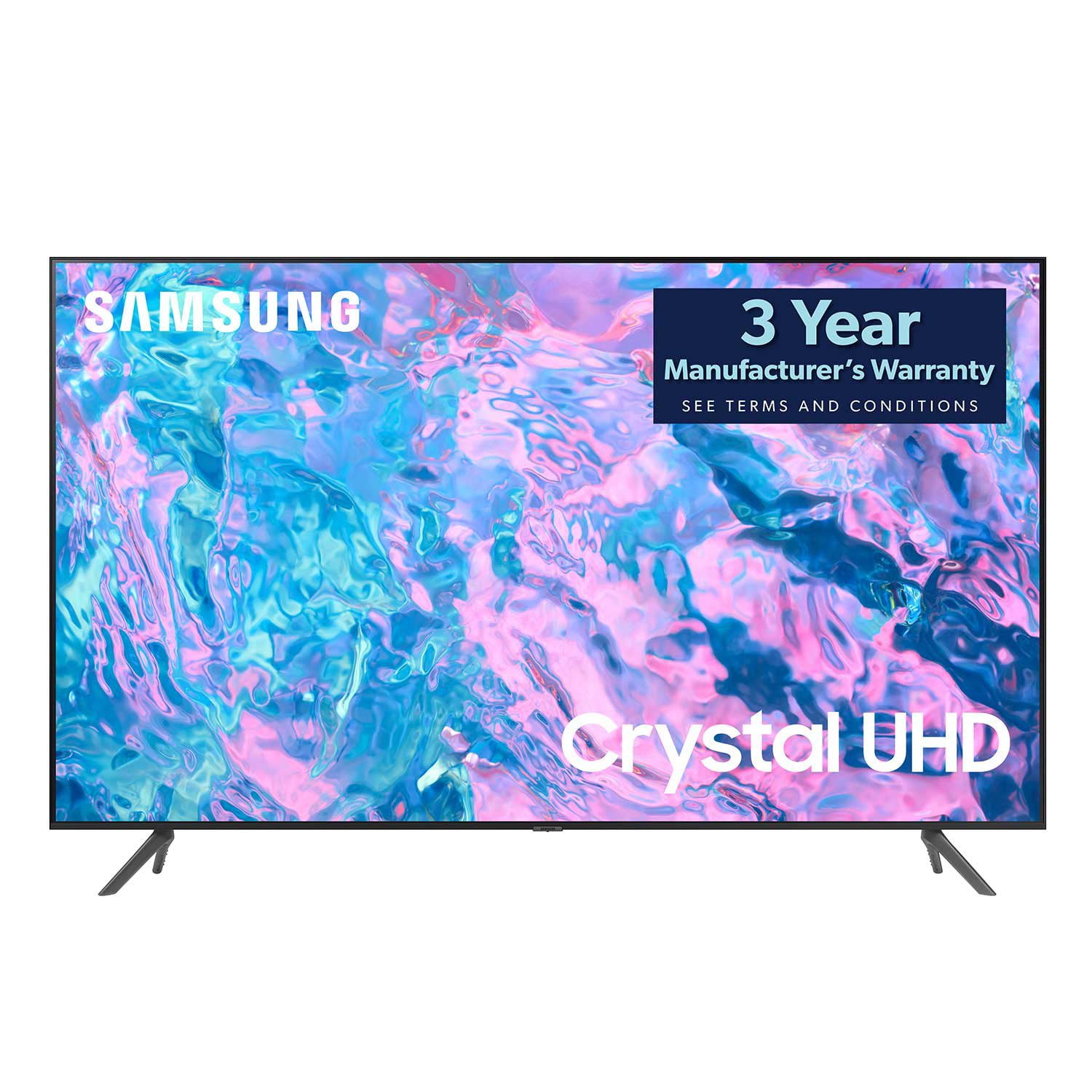
SAMSUNG 65" Class CU7000-Series Crystal UHD 4K Smart TV with HDR - UN65CU7000DXZA
4.6 out of 5 stars
stars
1,820 ratings1,412 reviews
  1. 5 stars74% (1,339)
  2. 4 stars17% (309)
  3. 3 stars4% (76)
  4. 2 stars2% (29)
  5. 1 star4% (67)

Member photos

  • +319 images
Sort by |
Showing 1,391-1,400 of 1,412 reviews
Aug 3, 2023
Prophatman
3 out of 5 stars review

Could be better

Beautiful picture but terrible sound. Not loud enough.

Review from Samsung US
Helpful?6RZZK6GIRBUS13960862018
reply from Samsung Brand Ambassador

Hi Prophatman, We appreciate your feedback on the CU7000D TV's picture and sound. There are several volume features you can adjust, which may improve your audio experience. 1) Auto Volume automatically adjusts the sound to a certain level when changing channels or switching to another external input. Go to Settings > All Settings> Sound > Expert Settings > Auto Volume. 2) Adaptive Sound automatically adjusts to a specific volume level while watching TV. The TV analyzes your volume usage history by time period to automatically adjust the volume when you use an app or switch to an external input source. Go to Settings> All Settings> Sound> Sound Mode> Adaptive Sound. 3) Several Sound Modes are likewise available to meet your personal preferences: Home > Settings > All Settings> Sound > Sound Mode Also, some sources have their own volume control, which might need to be set higher. Please check the volume control of the external device (cable box or satellite box, DVD, Blu-ray, etc.) connected to your TV. Also, check the cable connection between an external device and the TV and then try the cable connection again. I hope these tips help you enjoy your new product. You can contact us for further help at 1-800-SAMSUNG, 8 AM - 12 AM EST, seven days a week. Our LiveChat agents are also available by clicking on the ‘Support’ link on our website. ~ Samsung Advisor

Feb 21, 2024
Nath
3 out of 5 stars review

N

You tube app not really good And this tv take WiFi slow.

Review from Samsung US
Helpful?6RZZK6GIRBUS13960862018
reply from Samsung Advisor

Hi Nath, We appreciate your feedback on the Samsung CU7000 TV. I'm sorry to hear you are experiencing issues with your Wi-Fi being slow and the YouTube app not performing well. Please try the below troubleshooting steps to help resolve these issues. First, let's ensure you are running the latest Firmware. Go to Settings> Support> Software Update. To ensure you do not miss any Firmware Updates, I recommend enabling Auto Updates. Go to Settings> Support> Software Update> then select Auto Update. Next, let's try running a cold boot on your TV. To do so, hold down the Power button on the Samsung TV remote until the TV turns off and then on again. This should take about 5 seconds. I hope these tips help resolve your concerns. If you need more help, Samsung is here for you. Please call us at 1-800-SAMSUNG, 8 AM - 12 AM EST, seven days a week. Our LiveChat agents are also available by clicking on the ‘Support’ link on our website. ~ Samsung Advisor

Jan 19, 2024
Nadia Alfroahgi
5 out of 5 stars review

Great Features have a lot of apps easy access

I bought this device a month ago am so happy and lucky to get it

Review from Samsung Canada
Helpful?6RZZK6GIRBUS13960862018
reply from Samsung Support Team

Hello, thank you for your 5 star review and feedback. We will pass your comments along to our store staff and hope you visit us again someday soon.

Jun 1, 2024
phuck
1 out of 5 stars review

slow and poor picture quality

poor picture and slow smart dumb tv. do not buy one it is garbage

Review from Samsung Canada
Helpful?6RZZK6GIRBUS13960862018
May 29, 2024
Leafs67
5 out of 5 stars review

Love it!!!

The picture and features are everything I wanted. Completely satisfied.

Review from Samsung Canada
Helpful?6RZZK6GIRBUS13960862018
Jan 8, 2024
Texas grandma
4 out of 5 stars review

Has one big problem

This was a gift from my kids. Picture great but not remote

Review from Samsung US
Helpful?6RZZK6GIRBUS13960862018
Feb 11, 2024
7000
5 out of 5 stars review

Great picture

I bought this in December and still happy with it.

Review from Samsung Canada
Helpful?6RZZK6GIRBUS13960862018
Jun 10, 2023
PACAJA
3 out of 5 stars review

Sound

I was disappointed because the sound is very bad , the picture is good though

Review from Samsung US
Helpful?6RZZK6GIRBUS13960862018
reply from Samsung Brand Ambassador

Hi PACAJA, Thank you for sharing your thoughts regarding the xxxCU7000D TV’s sound quality. We recommend adjusting the Sound Settings to improve your experience. You can change the Sound Mode by going to Settings > All Settings> Sound > Sound Mode. You can also customize the sound with Expert Settings by going to Settings > All Settings> Sound > Expert Settings. To assist you with possible sound settings adjustments for a better audio experience or choosing a Samsung Soundbar to complement your viewing enjoyment, please reach out to us at 1-800-SAMSUNG, 8 AM - 12 AM EST, seven days a week. Our LiveChat agents are also available by clicking on the ‘Support’ link on our website. ~ Samsung Advisor

Sep 27, 2023
Suzzi
5 out of 5 stars review

Clear picture and colour

I have had this for 2 months, love it and have told other

Review from Samsung Canada
Helpful?6RZZK6GIRBUS13960862018
May 1, 2023
Tigerslug
5 out of 5 stars review

Quality1

Very happy with my Samsung. Quality is top of the line.

Review from Samsung US
Helpful?6RZZK6GIRBUS13960862018
reply from Samsung Brand Ambassador

Hi Tigerslug, Thank you for your review of the 65" CU700D0 TV. I'm glad you are enjoying the TV's Crystal Processor with 4K UHD Upscaling, allowing you to watch the content you love upgraded to dazzling 4K resolution, and Object Tracking Lite giving you immersive 3D surround sound. If there's anything we can do to help you, please do not hesitate to reach out to us. Call us at 1-800-SAMSUNG, 8 AM - 12 AM EST, seven days a week. LiveChat with an agent as well as manuals, software, and warranty info, can be found at the ‘Support’ link on our Samsung website. ~ Samsung Advisor