Skip to Main Content
Sams Club
Sams Club
Customer reviews for SAMSUNG 65" Class CU7000-Series Crystal UHD 4K Smart TV with HDR - UN65CU7000DXZA for
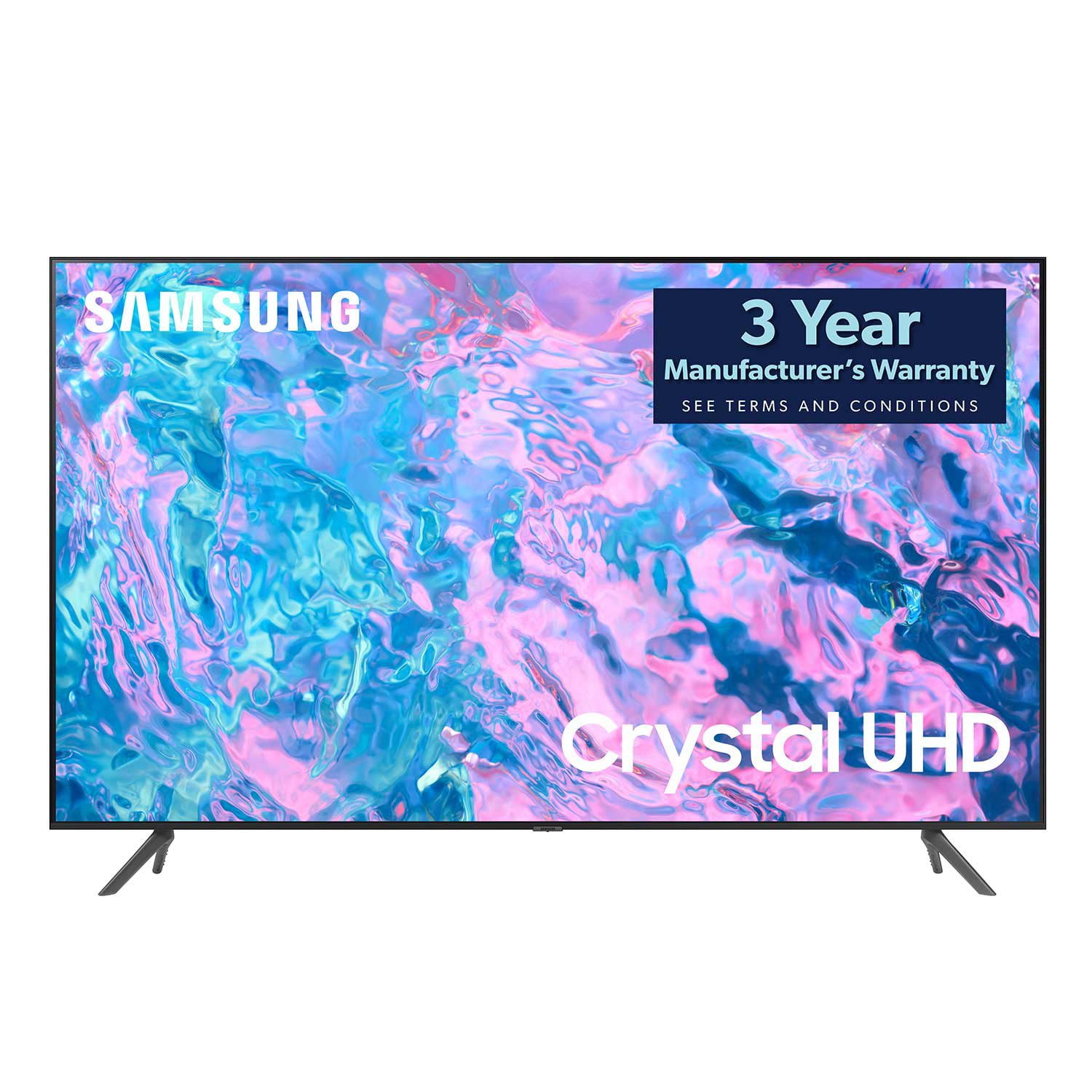
SAMSUNG 65" Class CU7000-Series Crystal UHD 4K Smart TV with HDR - UN65CU7000DXZA
4.6 out of 5 stars
stars1,820 ratings1,412 reviews
  1. 5 stars74% (1,339)
  2. 4 stars17% (309)
  3. 3 stars4% (76)
  4. 2 stars2% (29)
  5. 1 star4% (67)
Write a review

Customer photos

  • +319 images
Sort by |
Showing 1,011-1,020 of 1,412 reviews
Dec 13, 2023
Les61497
4 out of 5 stars review

Samsung tv 50”

(This review was collected as part of a promotion.) Samsung 50” crystal UHD 4K smart tv has awesome picture crisp clean lines feels like your right there

Review from Caddle
Helpful?6RZZK6GIRBUS13960862018
reply from Samsung Support Team

Hello, thank you for your review and feedback. We will pass your comments along to our store staff and hope you visit us again someday soon.

Dec 13, 2023
Oksana19792
5 out of 5 stars review

The best one out there

(This review was collected as part of a promotion.) This tv is a life changer- the quality of image is just unbelievable , breathtaking vibrant colors! Definitely worth all the money, great update from our old rust one

Review from Caddle
Helpful?6RZZK6GIRBUS13960862018
Jul 30, 2023
AmericasIntegrityExpert
5 out of 5 stars review

Good Value for the Money

My wife and I are very pleased with this TV so far. Easy setup, good picture, much better range of smart TV features than our prior TV, and a reasonable value for the money.

Review from Samsung US
Helpful?6RZZK6GIRBUS13960862018
Nov 4, 2024
Joshj959
5 out of 5 stars review

Exceptional TV

(This review was collected as part of a promotion.) I recently purchased the TV, and I absolutely love it. I use it mainly for gaming and streaming. The picture is phenomenal, especially when gaming.

Review from Samsung Canada
Helpful?6RZZK6GIRBUS13960862018
Feb 17, 2024
Dan S
5 out of 5 stars review

Great TV

TV is awesome. Got it about a month ago and have been more than satisfied. Sound quality is outstanding and so is the picture quality. Well worth the price.

Review from Samsung US
Helpful?6RZZK6GIRBUS13960862018
Jun 11, 2023
ponytail
5 out of 5 stars review

great picture.

only have it a couple of weeks but very pleased with the reception and clarity so far. purchased the samsung sound bar a week later and the combination is fantastic.

Review from Samsung US
Helpful?6RZZK6GIRBUS13960862018
Mar 25, 2024
Cyndipr
5 out of 5 stars review

Samsung TV 85 is great!

[This review was collected as part of a promotion.] Love my Samsung 85 inch TV. Great picture! Easily syncs with my other Samsung devices (like s24 ultra) and Bluetooth headsets!

Review from Samsung US
Helpful?6RZZK6GIRBUS13960862018
May 20, 2024
Khallam68
5 out of 5 stars review

Excellent picture, great price

[This review was collected as part of a promotion.] This is my main TV, daily viewing, streaming and gaming. Crystal clear picture, love all the inputs. I have a cable box, switch, wii and PS5 all hooked up, no issues.

Review from Samsung US
Helpful?6RZZK6GIRBUS13960862018
Nov 29, 2023
Pentabugle
4 out of 5 stars review

Great picture! Need voice remote control!

I bought this TV 2 weeks ago. Great picture. Navigation is quite cumbersome. TV built in July 2023 with a remote without voice control. Why not? Sure would make navigation easy. Old is new

Review from Samsung US
Helpful?6RZZK6GIRBUS13960862018
Sep 11, 2023
Mernz
3 out of 5 stars review

Not very intuitive

I don't find it very intuitive. For example, each time I want to watch YouTubeTV for news I need to go to apps and find it if I watch a different streaming platform afterwards. I choose “Add” but this doesn't save.

Review from Samsung US
Helpful?6RZZK6GIRBUS13960862018
reply from Samsung Brand Ambassador

Hi Mernz, We appreciate your feedback on the CU7000 TV interface issues you are experiencing. Please know we are here to help. First, let's make sure you are running the latest Firmware Update. Go to Settings> Support> Software update. To add Apps to your Home Menu, please follow the below instructions. On your remote control, press the Home key. Scroll up and select Apps. Then press the down key and go to Downloaded App. Find YouTube TV, hold the return key, and press Add to Home. YouTube TV should now be on your Home Menu. If you continue to have issues, please give us a call so we can better support you. You can contact us at 1-800-SAMSUNG, 8 AM - 12 AM EST, seven days a week. Our LiveChat agents are also available by clicking on the ‘Support’ link on our website. ~ Samsung Advisor