Skip to Main Content
Sam's Club
Sam's Club
All Departments
All Services
Customer reviews for SAMSUNG 65" Class CU7000-Series Crystal UHD 4K Smart TV with HDR - UN65CU7000DXZA for
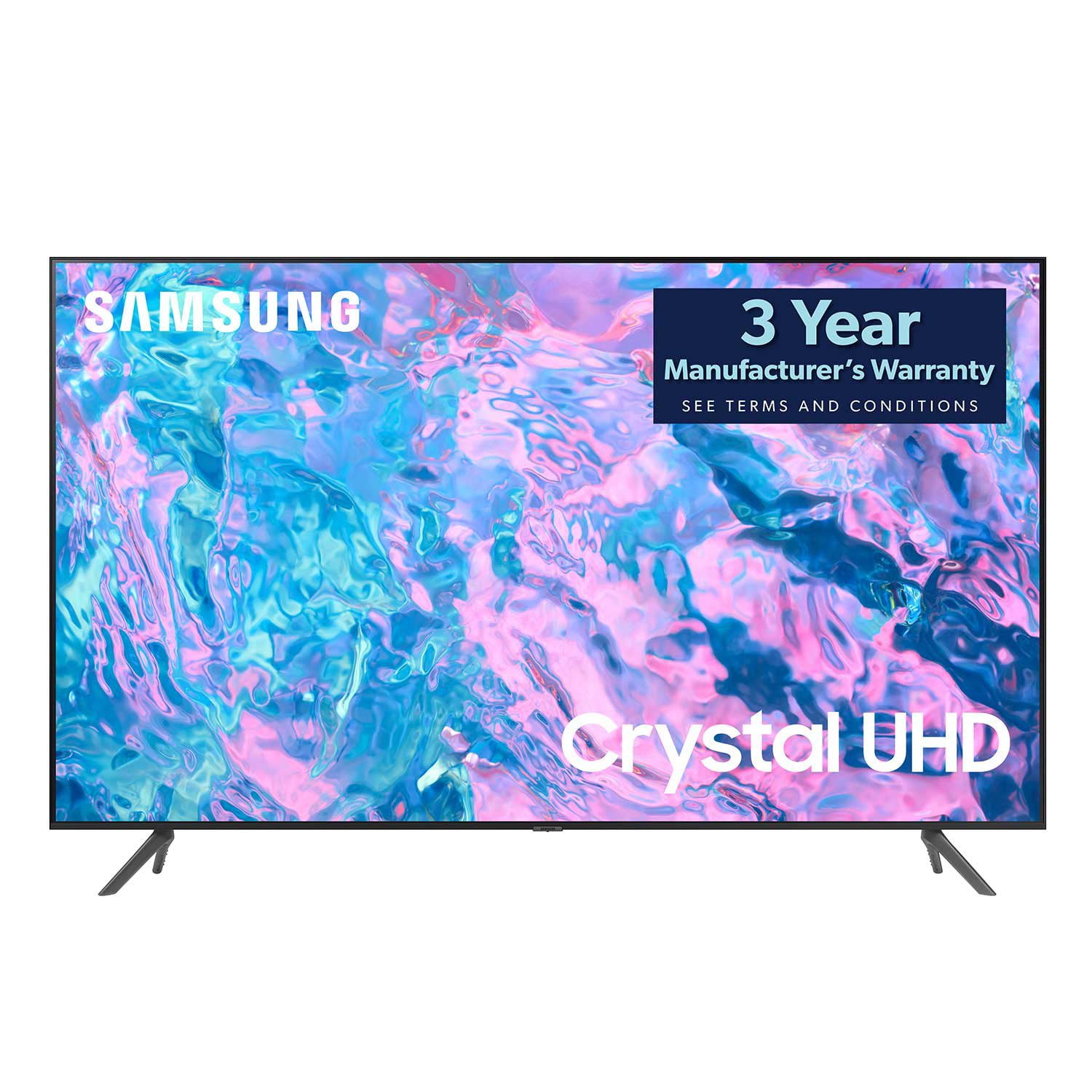
SAMSUNG 65" Class CU7000-Series Crystal UHD 4K Smart TV with HDR - UN65CU7000DXZA
4.6 out of 5 stars
stars
1,823 ratings1,415 reviews
  1. 5 stars74% (1,340)
  2. 4 stars17% (310)
  3. 3 stars4% (77)
  4. 2 stars2% (29)
  5. 1 star4% (67)

Member photos

  • +319 images
Sort by |
Showing 1,001-1,010 of 1,415 reviews
Aug 5, 2024
Reviewer name: WinkOfWar
4 out of 5 stars
4 out of 5 stars review

Great picture

[This review was collected as part of a promotion.] Great picture with nice options for customization of said picture. Just wish it had more smart features and more settings for sound.

Review from Samsung US
Helpful?6RZZK6GIRBUS13960862018
Dec 13, 2023
Reviewer name: Sonia 41340
5 out of 5 stars
5 out of 5 stars review

Great TV!

(This review was collected as part of a promotion.) We got a great deal on this TV and it was reasonably priced and the quality of the TV is amazing! I have no regrets with purchasing this TV and would recommend to anyone looking for a TV

Review from Caddle
Helpful?6RZZK6GIRBUS13960862018
Jul 9, 2023
Reviewer name: Mar_eeee
5 out of 5 stars
5 out of 5 stars review

Amazing value, especially if looking to upgrade!

I decided it was time to upgrade from a 10 year old, 28 inch to 43. I feel like I'm in TV heaven, watching so much more of it and stunned by the quality!

Review from Samsung US
Helpful?6RZZK6GIRBUS13960862018
Dec 15, 2023
Reviewer name: Luis82675
5 out of 5 stars
5 out of 5 stars review

Samsung tv

(This review was collected as part of a promotion.) Crisp picture and reasonable price. Solid purchase as it's my go to brand. Picture quality is fabulous. I've never had a bad experience or disappointed with Samsung products.

Review from Caddle
Helpful?6RZZK6GIRBUS13960862018
Jun 11, 2023
Reviewer name: ponytail
5 out of 5 stars
5 out of 5 stars review

great picture.

only have it a couple of weeks but very pleased with the reception and clarity so far. purchased the samsung sound bar a week later and the combination is fantastic.

Review from Samsung US
Helpful?6RZZK6GIRBUS13960862018
Jul 30, 2023
Reviewer name: AmericasIntegrityExpert
5 out of 5 stars
5 out of 5 stars review

Good Value for the Money

My wife and I are very pleased with this TV so far. Easy setup, good picture, much better range of smart TV features than our prior TV, and a reasonable value for the money.

Review from Samsung US
Helpful?6RZZK6GIRBUS13960862018
Dec 13, 2023
Reviewer name: Erin7978
5 out of 5 stars
5 out of 5 stars review

Samsung Smart TV

(This review was collected as part of a promotion.) I purchased this on black Friday a couple of years ago. It has great picture and sound. I'm very impressed with this Samsung product

Review from Caddle
Helpful?6RZZK6GIRBUS13960862018
Feb 17, 2024
Reviewer name: Dan S
5 out of 5 stars
5 out of 5 stars review

Great TV

TV is awesome. Got it about a month ago and have been more than satisfied. Sound quality is outstanding and so is the picture quality. Well worth the price.

Review from Samsung US
Helpful?6RZZK6GIRBUS13960862018
Feb 6, 2024
Reviewer name: RodA
4 out of 5 stars
4 out of 5 stars review

Poor sound

The sound on my 65 inch Samsung CU70000 is not great constantly goes down when you change channels. Can't get it to work even with a Samsung sound bar.

Review from Samsung US
Helpful?6RZZK6GIRBUS13960862018
reply from Samsung Advisor

Hi RodA, I apologize for the inconvenience you have had with the inconsistent sound volume on your CU7000 TV. Please try adjusting the following Settings to improve your experience. The Auto Volume function automatically adjusts the sound to a certain level when changing channels or switching to another external input. Go to Settings > All Settings> Sound > Expert Settings > Auto Volume = On. You may also want to perform a Sound Test under Support > Self Diagnosis > Start Sound Test. When connecting your TV to a Samsung Soundbar, please ensure these settings are on correctly. 1) Set the Sound Output to the TV Speaker by going to Settings > All Settings> Sound > Sound Output. 2) Check whether Digital Output Audio Format is set to Pass-Through by going to Settings > All Settings> Sound > Expert Settings > Digital Output Audio Format > Auto. If you continue to have issues, please call us at 1-800-SAMSUNG, 8 AM - 12 AM EST, seven days a week. LiveChat with an agent, as well as manuals, software, and warranty info, can be found at the ‘Support’ link on our Samsung website. ~ Samsung Advisor

Dec 13, 2023
Reviewer name: Khemwattie 82950
5 out of 5 stars
5 out of 5 stars review

loving it..

(This review was collected as part of a promotion.) family love everything about this tV..it has a super sharp color lots of features ..easy to set up

Review from Caddle
Helpful?6RZZK6GIRBUS13960862018