Skip to Main Content
Sam's Club
Sam's Club
All Departments
All Services
Customer reviews for HP Smart Tank 7002 All-in-One Inkjet Printer, 2 Bonus Black Ink Bottles for
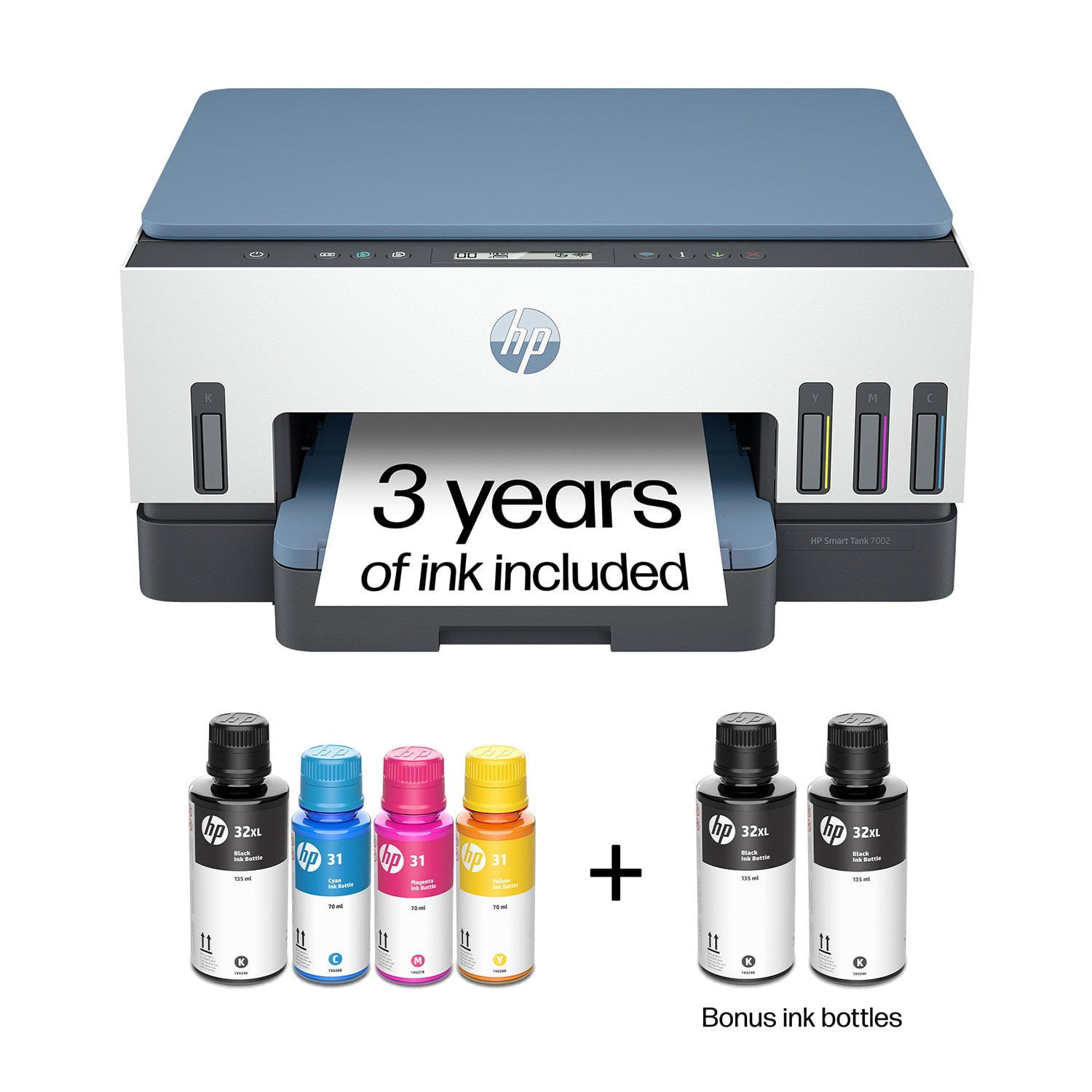
HP Smart Tank 7002 All-in-One Inkjet Printer, 2 Bonus Black Ink Bottles
4.3 out of 5 stars
stars
292 ratings151 reviews
  1. 5 stars71% (206)
  2. 4 stars11% (32)
  3. 3 stars5% (15)
  4. 2 stars1% (4)
  5. 1 star12% (35)

Member photos

Sort by |
Showing 71-80 of 151 reviews
Dec 30, 2023
Nickname not assigned
5 out of 5 stars review

Verified Purchase

Works great without any print driver concerns.

Purchased to ensure compatibility with my HP Pavilion Desktop. No surprises and it works perfectly. Only time will tell if the ink starts to dry-up due to inactivity, but I will try to print something on a regular basis.

Helpful?2UEFTCACXTF913927409268
Jan 3, 2024
Little Diapointed
4 out of 5 stars review

Verified Purchase

Great but disappointing!

Choosing the function you want to use is difficult whether you use the buttons on the printer or the Printer App. The quality of the print is very good.

Helpful?2UEFTCACXTF913927409268
Jan 21, 2024
MD
4 out of 5 stars review

Verified Purchase

Meh.

Although I have installed other wireless printers, I found it VERY difficult to use the recommended installation app. Nevertheless, the printer itself seems quite good.

Helpful?2UEFTCACXTF913927409268
Mar 13, 2025
LawnRanger
3 out of 5 stars review

Not a good printer for Legal paper.

I purchased this and found out 8 days after the return period that it doesn't support auto-duplex with legal paper. The box says it has an auto-duplex feature and one of the paper sizes the printer supports is Legal. No where in the manual that came with the printer does it state otherwise. Deceptive advertising. If you try to auto-duplex with legal paper you will see this error in the app on your phone (not on the printer but your phone): "Paper too long to auto-duplex". That is another failure in my opinion. The tiny printer screen doesn't show this message on it. After some digging on HP support site I found this link about paper specifications and it states the auto-duplexer is only for Letter and Executive paper. https://support.hp.com/us-en/document/c07773155#N66569 Also if you just want to printer single sided legal paper, the paper tray on this printer is an after thought. After you feel like your breaking it to slide to fit legal, the paper really doesn't line up well in the tray and the tray doesn't fit back in the printer without it being wobbly. Just not a great fit for legal paper. So back to duplex legal. I tried to manually duplex the legal (making a booklet) and it printed the one side so I loaded the paper back in the tray and printed the other side and it pulled in 5 sheets at the same time all about 1/4" apart. Again the paper doesn't line up in the tray properly. I've been in IT for over 30 years and was HP Laser Jet printer certified way back when they made great products These newer printers are to be thrown away when they have issues and that is a shame that we can't fix them anymore. . As for letter size printing it seems to do OK but not perfect. It's slow printing color. Nothing really any better than the 30 year old InkJets I used in the past except that this one has the larger ink tanks. Hopefully that feature will make this cost less in the long run.

Helpful?2UEFTCACXTF913927409268
Jan 1, 2025
Jerry
1 out of 5 stars review

Cheaply made Junk

I NEVER give 1 star reviews, but here goes... I bought printer #1 early Dec. '24. It worked OK for a week, then lost the Wi-Fi connection AND identified a print-head problem. After numerous attempts to fix, I returned to Sams Club. I bought same printer #2 (Thinking that this problem was simply isolated)... I spent a few hours attempting to connect to my Wi-Fi with no results. I then called HP and spent 3 HOURS on the phone with "Technical Support". Although they were attentive, after 3 hrs. they authorized a RERTURN to HP. So I boxed up printer #2, sent to HP and 2 weeks later I got Printer #3! ... AGAIN, No Wi-Fi connection and Print head notification! ... Beaten, I humbly returned printer #3 to Sams Club and they were terrific with giving me a refund!... THANKS SAMS CLUB! I then bought printer #4, but this time I purchased an EPSON 3850. I spent $100 more, but the minute I took it out of the bow I could tell that this was a MUCH BETTER MADE product!... 45 minutes later, I was PRINTING! The bottom line... Long time HP printer guy, but NO MORE!!!

Helpful?2UEFTCACXTF913927409268
Mar 25, 2024
Emma
5 out of 5 stars review

HP Great Value for the Price

I really love this printer. I replaced the Epson Eco Tank - which turned out to be the worst printer ever (2 different styles - one I returned, the other directly to the trash). HP was easy to set up, easy to print, no paper jams, images are sharp and colorful (best print in color) and I have not had any issues printing via Bluetooth with print jobs initiated on my computer or mobile phone. I love it! HP says it includes 'up to 3 years of ink' - I just need to figure out how I can buy it. Sams does not have this for purchase so I may go directly to HP to purchase.

Helpful?2UEFTCACXTF913927409268
Jun 22, 2024
Eddie
1 out of 5 stars review

Pure Junk - HP Should be Ashamed

I bought this last year and did not get a chance to install it until April of this year. I'm sorry I waited so long as I would have taken it back for a refund. This piece of junk has to be turned off and then back on nearly every day as it cannot hold onto a Wifi signal. The printer is 6 feet away from my router. Also, the factory presets do not allow you to print in color direct from my MacBook Pro computer. To do this you have to use the HP Smart App (and I'm questioning the Smart) or print from an iPhone or iPad. Total waste of money.

Helpful?2UEFTCACXTF913927409268
Dec 15, 2024
BobW
5 out of 5 stars review

One lousy printer

Had mine for about 6 months and it is just a horrible printer, I have always been an HP user for the last 25+ years for both printers and computers. This one is so far beneath their usual user friendly, ease of use that it's hard to believe even it came from the same company. Spent hours on the phone trying to get it set up, and still can't print from my iPad or iPhone. You can barely read the information screen. You need to use their smart app to make it work. I just want a printer that is intuitive and doesn't require me to learn a program just to make it work, I'm hoping this is not the future HP, if so I will be a past customer.

Helpful?2UEFTCACXTF913927409268
Dec 15, 2023
Pete W
1 out of 5 stars review

Worst new printer ever - ink smudges everywhere.

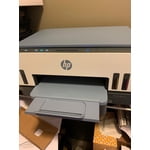
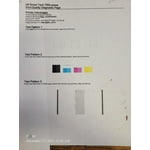
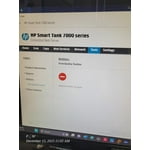
I am returning mine and HOPE that the replacement is not as bad as this one. I have not had a single page print cleanly - there is always a smudge somewhere or a line of text that looks smeared. I've tried different types of paper and nothing helps. I got this printer 8 days ago and I have printed LITERALLY 49 pages so far, with about 39 of them being "test pages," "alignment sheets," and "Print quality diagnostic pages." The printer tries to scan the alignment page but that fails because the printout quality is so poor. I'll update this review once my replacement arrives. See images of print quality.

Helpful?2UEFTCACXTF913927409268
Dec 2, 2023
JS
3 out of 5 stars review

Know before you buy

Recently purchased this product. Disappointed you are advertising a 7002 model and I received the 7000 model. This is deceiving, we should actually know what we are getting before we order. No problems printing so far but I did keep getting an error message trying to set up (trouble connecting) that eventually went away.

Helpful?2UEFTCACXTF913927409268