Skip to Main Content
Sam's Club
Sam's Club
All Departments
All Services
Customer reviews for Epson EcoTank ET-2840 Special Edition All-in-One Inkjet Printer, 2 Bonus Black Ink Bottles for
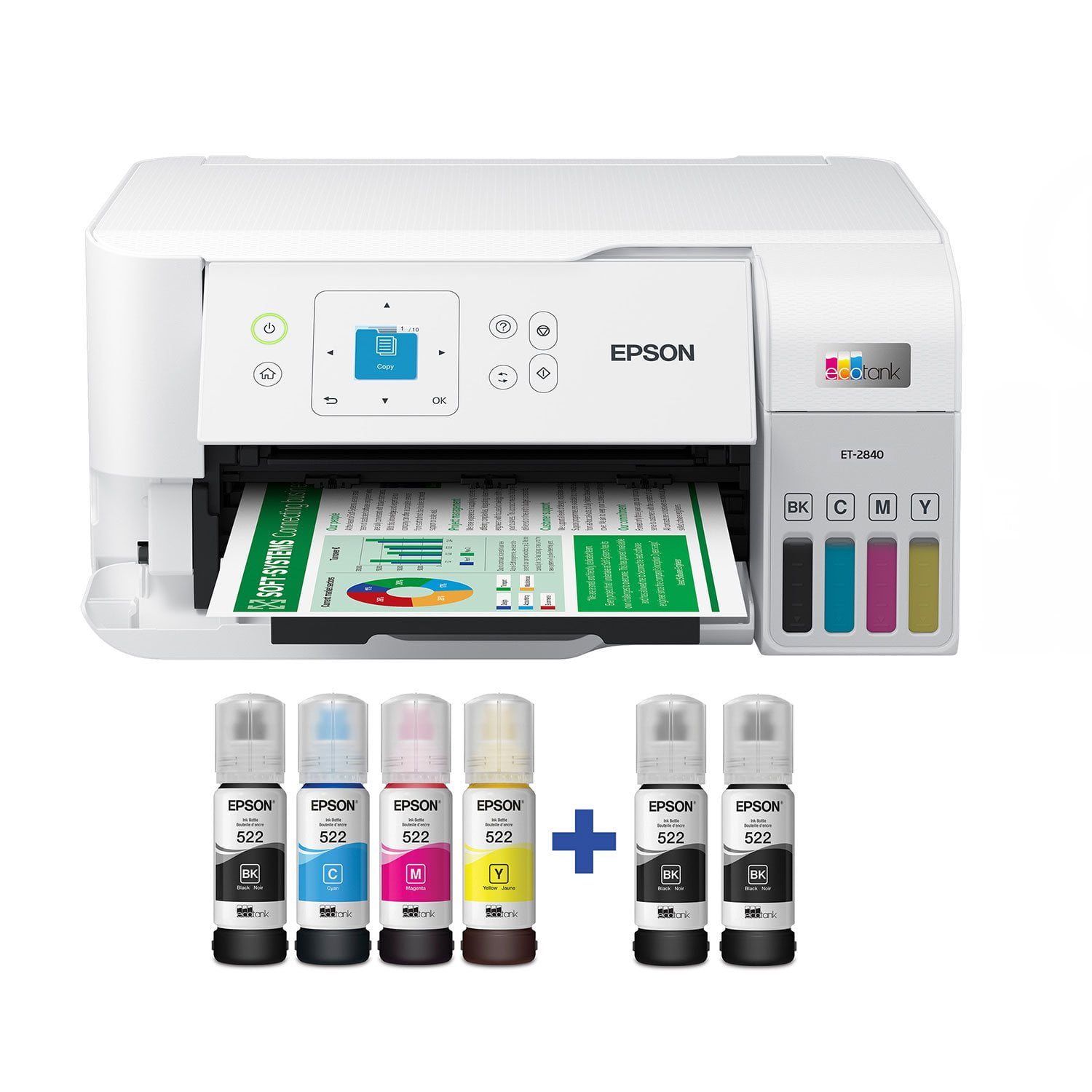
Epson EcoTank ET-2840 Special Edition All-in-One Inkjet Printer, 2 Bonus Black Ink Bottles
4.3 out of 5 stars
stars
741 ratings303 reviews
  1. 5 stars69% (509)
  2. 4 stars15% (108)
  3. 3 stars5% (38)
  4. 2 stars4% (26)
  5. 1 star8% (60)

Member photos

Sort by |
Showing 81-90 of 303 reviews
Mar 20, 2025
Peetee
5 out of 5 stars
5 out of 5 stars review

AWESOME printer

I have owned this printer for some time. It is one of the very best peripheral purchases I have ever made. It has saved me a fortune in ink and the quality of the print is very good. The printer does not use the ink up quickly in the tanks as one might imagine. Should this printer fail, I wil most certainly purchase another. I was NOT a fan of Epson before this printer. Epson gladly suprised me.

Helpful?3AFIX96BI6OX13607208607
Sep 2, 2023
willardl
1 out of 5 stars
1 out of 5 stars review

DOES NOT PRINT DOUBLE-SIDED

What printer doesn't print double-sided?!?! I wish this would have been written clearly in the description. I thought double-sided printing was the standard. I'm stuck with a printer I simple can't use because of substantial waste and cost of paper! So crazy!

Helpful?3AFIX96BI6OX13607208607
Feb 15, 2025
recherfamily
2 out of 5 stars
2 out of 5 stars review

slooowwwwww

This thing is slow to.print. bought it for our business and it is super slow. Now we have to find another. Good quality prints and the ink lasts longer than other, i can say that bit if you are in a time crunch for what your printing this is NOT the printer for you.

Helpful?3AFIX96BI6OX13607208607
Sep 30, 2024
DP
1 out of 5 stars
1 out of 5 stars review

Dont buy.

Wish Could Return, worst machine EVER, more time spent trying to get the chine to actually print than worth. Never works without restarting or reconfiguring. Print quality is great after the 215 minutes it takes to get the p o s to actually print from anything on a PC. Trying to airprint without the EPSON app does not work at all.

Helpful?3AFIX96BI6OX13607208607
Sep 22, 2023
PND
1 out of 5 stars
1 out of 5 stars review

What a piece of JUNK

Don't know where to begin. The printer has a very slow scanner, loses WIFI connection often and has a terrible paper feed design that allows the 8.5X11 paper to slide back in the tray while the cassette is being inserted. The lack of a touch screen and overly complicated menus are also a minus. I expected much better from EPSON. My experience has been so bad I'm going to re-install my decade old Canon printer and use it. This thing is going back to Sam's Club. I can't recommend this printer to anyone.

Helpful?3AFIX96BI6OX13607208607
Jan 20, 2024
Stuti
1 out of 5 stars
1 out of 5 stars review

Warranty Issue

I have warranty issue for the product I bought 14-Jan-2024. Received and Registered on 18-Jan-2024. It got registered from 15-Feb-2023 to 14-Apr-2024. Effectively with only three months of warranty where I expect two years if registered with EPSON. Box was not tempered and product seems new. EPSON team can you help? Whom to contact? C

Helpful?3AFIX96BI6OX13607208607
Aug 27, 2024
Sully
1 out of 5 stars
1 out of 5 stars review

Garbage!

Purchased this printer in March of 2024 and have had nothing but issues with it. I consistently get error messages when trying to print and now I can not print light card stock without it jamming. I called Epson support and was told this printer does NOT support anything but regular paper which is NOT listed anywhere in the items description. I need a printer that prints card stock and was basically told I was out of luck. It’s not a warranty issue and I am 6 weeks outside the return window. Horrible customer service.

Helpful?3AFIX96BI6OX13607208607
Dec 22, 2023
tecsucks1234
3 out of 5 stars
3 out of 5 stars review

Good when it is connected to the WiFi

Beware that when you buy this printer. Be ready to type in your Wifi password at a minimum of 1,000 times. As you will type it in correctly and it will tell you that it is "set up" but it is NOT. You will go to print something using the WiFi connection and it wouldn't be actually connected to the WiFi. So you will repeat this step another 999 more times. Then every time you need to update...you can start over with that WiFi set up again. GRRRRRRRRRR....

Helpful?3AFIX96BI6OX13607208607
May 9, 2023
JBU
1 out of 5 stars
1 out of 5 stars review

EPSON PRINTER

I bought this printer about 6 months ago and Epson will not repair or replace it (Blank ink line is not working). HORRIBLE CUSTOMER SERVICE. You will speak to someone from India who knows nothing about printers to then be transferred to someone in the states that will hang up on you right before he lets you know that there is nothing they can do without a fee passed on to the customer to fix the printer. I WOULD GIVE ZERO STARS, BUT IT IS NOT AN OPTION. I bought 2 epsons and I would not recommend buying one especially with the extremely poor customer service and bad product!!!!

Helpful?3AFIX96BI6OX13607208607
Apr 16, 2023
Twinmama
1 out of 5 stars
1 out of 5 stars review

Mac can not download the printer driver

I tried to download but I could not. Then I called support center and they said that “ our specialist will call you”, but no one call back to me from Epson so far. I will return it and will chose different companies one. I do not recommend for Mac user.

Helpful?3AFIX96BI6OX13607208607