Join Now
Skip to Main Content
Sam's Club
Sam's Club
All Departments
All Services
Customer reviews for SAMSUNG 65” Class U8000H Series Crystal UHD 4K Vision AI Companion Smart Tizen TV for
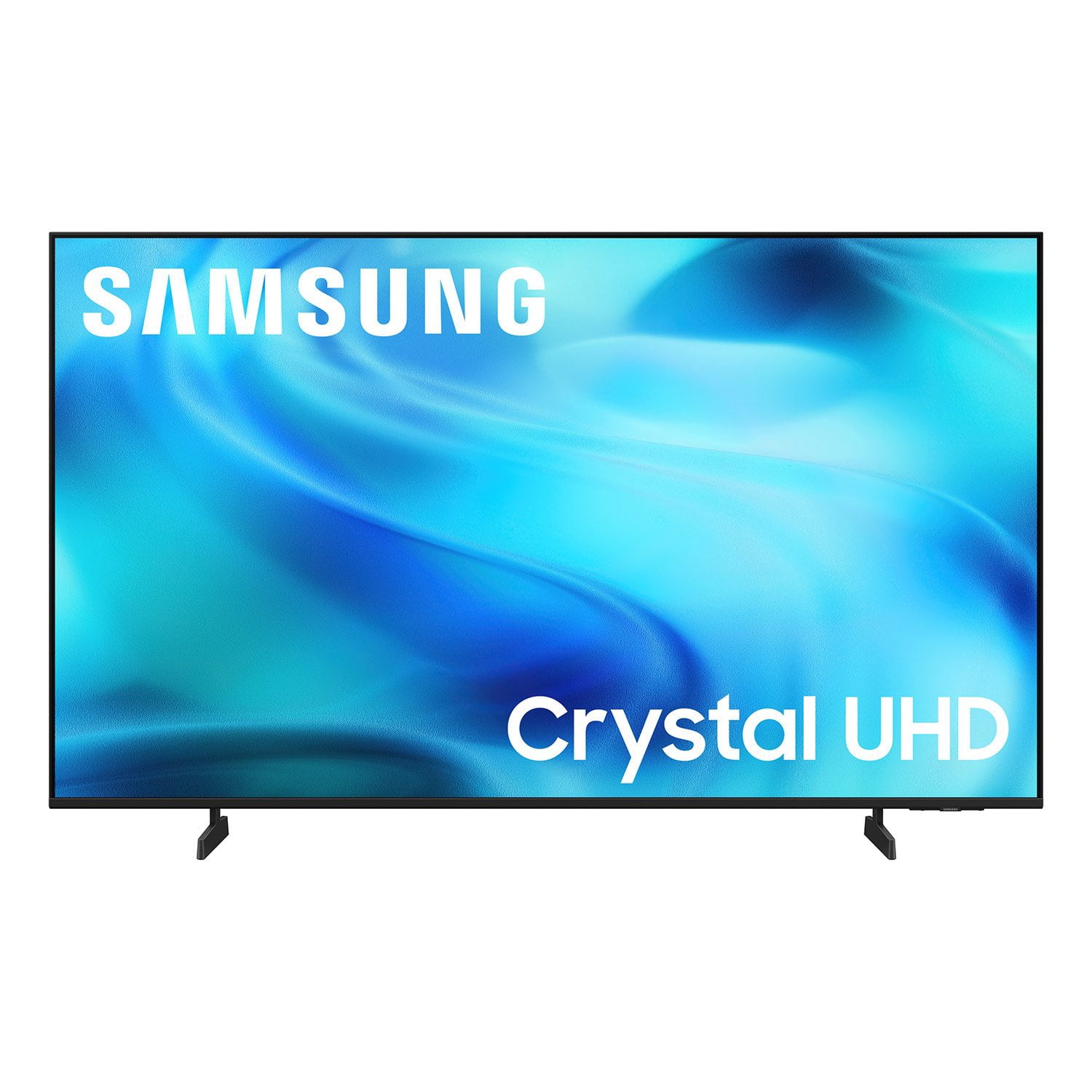
SAMSUNG 65” Class U8000H Series Crystal UHD 4K Vision AI Companion Smart Tizen TV
4.7 out of 5 stars
stars
718 ratings712 reviews
  1. 5 stars78% (563)
  2. 4 stars14% (104)
  3. 3 stars4% (30)
  4. 2 stars2% (13)
  5. 1 star1% (8)
Sort by |
Showing 31-40 of 712 reviews
Oct 13, 2026
Reviewer name: Jackson
3 out of 5 stars
3 out of 5 stars review

Good TV! Bombardment of advertisements.

[This review was collected as part of a promotion.] The tv is good! Has good picture quality and crisp lines. The adjustable brightness makes it great for use both during the night and the day. But i think these are the bare minimum. The downside is the main menu. Everytime you turn on the tv there is a constant bombardment of advertisements and suggestions. And no matter how far down or deep into the settings you go, there is no way to remove the “top picks for you”. Which is always suggesting some unwelcome irrelevant tv show or movie. Or trying to encourage using ai

Review from Samsung US
Helpful?6DMR7T6N290P20100069019
reply from Samsung Advisor

Hi Jackson, We appreciate your feedback on the U8000HD TV. Please know that your opinion is important to us and will be shared with our internal teams. If there’s anything we can assist with, please don’t hesitate to call us at 1-800-SAMSUNG (8AM – 9PM EST Mon – Fri, 8AM – 6PM Sat), or reach us via text anytime. You can also visit ‘Support’ on our website for: • Live Chat • Manuals, Software, & Warranty Info ~ Samsung Advisor

Oct 13, 2026
Reviewer name: Lance
5 out of 5 stars
5 out of 5 stars review

Clear and good quality

[This review was collected as part of a promotion.] Brightness and size of the TV were major factors. The name usually ensures good quality. i liked the prices as well. Having a good selection was also something we liked about the products. The size was perfect for our rooms and office.

Review from Samsung US
Helpful?6DMR7T6N290P20100069019
Nov 6, 2026
Reviewer name: Garence
5 out of 5 stars
5 out of 5 stars review

great picture

[This review was collected as part of a promotion.] Wish the remote had numbers on it this is harder to maneuver. It does not go back to the other channel when you hit the go back button. you have to go out to antenna or Samsung plus not convenient.

Review from Samsung US
Helpful?6DMR7T6N290P20100069019
Oct 20, 2026
Reviewer name: Chris
5 out of 5 stars
5 out of 5 stars review

Big Time TV

[This review was collected as part of a promotion.] This is a great TV. I am overjoyed With its results . The only thing that I would change on this TV is the brightness and the contrast that I could adjust it to my liking more. The response of the TV is great iit response to your commands very well.

Review from Samsung US
Helpful?6DMR7T6N290P20100069019
Oct 20, 2026
Reviewer name: irishcream13
5 out of 5 stars
5 out of 5 stars review

Best Choice EVER

[This review was collected as part of a promotion.] WOW.. what an excellent choice for a TV. The color is so vibrant and clear from our last one. Didn't know what we were missing till we brought the SAMSUNG home. So glad we decided to pick a SAMSUNG, we get to relax and see true color of all different shows.

Review from Samsung US
Helpful?6DMR7T6N290P20100069019
Oct 20, 2026
Reviewer name: Tommyboy
5 out of 5 stars
5 out of 5 stars review

Great picture

[This review was collected as part of a promotion.] Great picture, depth and color, features, picture quality, contrast, the price compared to the features and quality are amazing. Love everything about it so far and still learning about new features I've never had before. Great quality

Review from Samsung US
Helpful?6DMR7T6N290P20100069019
Oct 20, 2026
Reviewer name: JMTUhd
5 out of 5 stars
5 out of 5 stars review

Great picture!

[This review was collected as part of a promotion.] I really appreciate the picture and brightness of my Samsung TV! When I first got it, the picture was ok, but when I reviewed the settings page and increased the brightness, the picture came to life. Great tv! 😄

Review from Samsung US
Helpful?6DMR7T6N290P20100069019
Oct 12, 2026
Reviewer name: Kingjune
5 out of 5 stars
5 out of 5 stars review

Worth every penny

[This review was collected as part of a promotion.] The TV has a fas refresh,the upscaling on the it looks amazing, and love the setting for audio, contrast and brightness, but the uniformity on the black screen would need a bit of work. Worth the price

Review from Samsung US
Helpful?6DMR7T6N290P20100069019
Oct 12, 2026
Reviewer name: PapaBear1322
5 out of 5 stars
5 out of 5 stars review

Amazing TV

[This review was collected as part of a promotion.] Amazing TV for gaming, and family shows and movie nights. We've enjoyed it for many nights now. The wife loves playing her fortnite and other games on it. All the colors really pop and the frame rate is great. The upscale of the graphics is amazing and really makes the contrast pop.

Review from Samsung US
Helpful?6DMR7T6N290P20100069019
Nov 5, 2026
Reviewer name: Michael M
3 out of 5 stars
3 out of 5 stars review

Choose Wisely

[This review was collected as part of a promotion.] The price point is outstanding, but it has one significant short coming. The Samsung TVs do not support DirecTV in it's app store. If you have DirecTV, you need to use a firestick or similar product to get this programming.

Review from Samsung US
Helpful?6DMR7T6N290P20100069019
reply from Samsung Advisor

Hi Michael M, Thank you for reaching out to us. Please know that the DIRECTV app is available in our built-in app store. Use the below directions to add the app to your TV. Searching for & Installing Apps 1. From the Home screen, press up on the remote’s directional pad. 2. Navigate to and select Search. 3. Using the search bar, enter the content or app you’d like to find. 4. Navigate to and select the app you’d like to install, then select Install. Note: Previously installed apps can be accessed on the Settings screen. Adding & Managing Apps on Home Screen 1. Go to App Settings (these can be found at the bottom of the Apps screen) and select the app you want to move. The following options will be available: a. Add to Home: Move the app to your desired location on the Home screen. b. Delete: Delete app. c. Lock/Unlock: Lock the app with a PIN so only you can use it. When the app is selected again, you will be prompted to enter the PIN to unlock it. d. Reinstall: Reinstall the app. e. View Details: View the app’s information and details. If you need more help with app management, please don’t hesitate to reach Samsung Support at 1-800-SAMSUNG (8AM – 9PM EST Mon – Fri, 8AM – 6PM Sat), or reach us via text anytime. You can also visit ‘Support’ on our website for: • Live Chat • Manuals, Software, & Warranty Info ~ Samsung Advisor