Skip to Main Content
Sam's Club
Sam's Club
All Departments
All Services
Customer reviews for SAMSUNG 65” Class U8000H Series Crystal UHD 4K Vision AI Companion Smart Tizen TV for
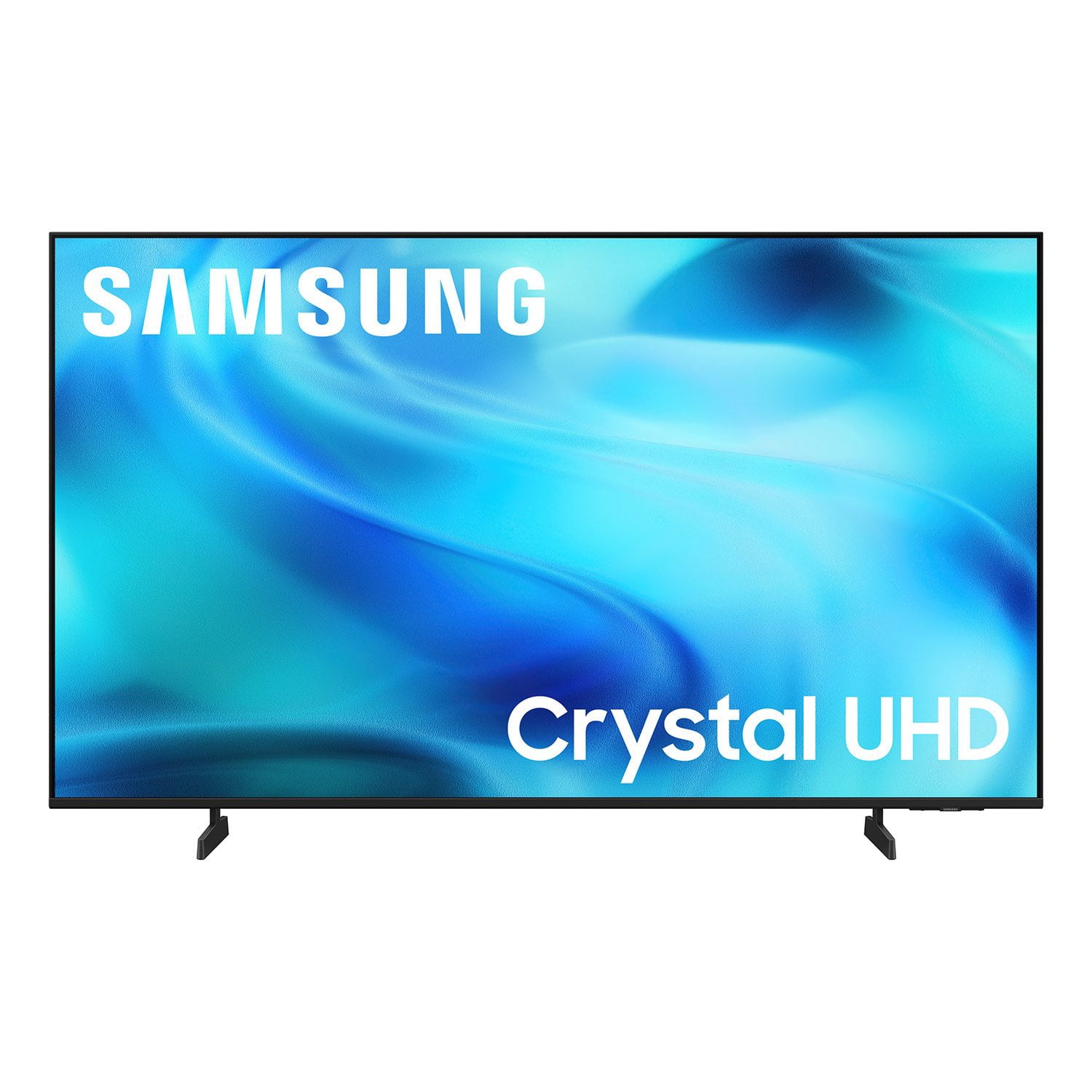
SAMSUNG 65” Class U8000H Series Crystal UHD 4K Vision AI Companion Smart Tizen TV
4.7 out of 5 stars
stars
718 ratings712 reviews
  1. 5 stars78% (563)
  2. 4 stars14% (104)
  3. 3 stars4% (30)
  4. 2 stars2% (13)
  5. 1 star1% (8)
Sort by |
Showing 21-30 of 712 reviews
Nov 5, 2026
Reviewer name: Jack
4 out of 5 stars
4 out of 5 stars review

Nice view!

[This review was collected as part of a promotion.] Love this tv and the ease of setup. It’s crisp, clear and has plenty of volume without needing a sound bar. One issue and hoping it’s fixable is the autoplay feature when the unit turns on. It’s stuck on a news channel and comes on very loud. Once I can figure that out, I’ll love the TV even more.

Review from Samsung US
Helpful?6DMR7T6N290P20100069019
Nov 5, 2026
Reviewer name: Megh
4 out of 5 stars
4 out of 5 stars review

It's alright. This remote though…

[This review was collected as part of a promotion.] It does what it's supposed to do I guess. But I would highly recommend making a different kind of remote for it. I don't know how many times I've lost it now it is so thin and small. And don't set anything near it because it will 9 outta 10 turn the tv off in the middle of your show :( the remote is so thin the buttons have to be more prominent and therefore the slightest touch will push a button. Fix that for sure. I also cannot provide a photo of the remote since it is currently missing. Again. Download the app. Lifesaver

Review from Samsung US
Helpful?6DMR7T6N290P20100069019
reply from Samsung Advisor

Hi Megh, We appreciate your feedback. If the remote is not available for use, we recommend using the SmartThings app on your Android or IOS device. If you haven’t set it up yet, here’s how to add your TV: 1. With the TV on, open the SmartThings app on your phone. 2. Tap the Device tab, then the Home icon. Select your preferred location. 3. Tap Add (+) > Add device. 4. Under the By device type tab, tap TV > Samsung > TV, then tap Start. 5. Choose a location and room, then tap Next. 6. Select your TV from the list and confirm by selecting OK on the TV screen. 7. Once added, you can rename your TV and tap Done to finish setup. If you need help with the SmartThings app or have any other questions, please call Samsung Support at 1-800-SAMSUNG (8AM – 9PM EST Mon – Fri, 8AM – 6PM Sat ). Our LiveChat agents are also available on the ‘Support’ page of our website. ~ Samsung Advisor

Nov 5, 2026
Reviewer name: Gem15
5 out of 5 stars
5 out of 5 stars review

Great TV

[This review was collected as part of a promotion.] TV is just what I was looking for for 65 inch at a reasonable price. Great color great sound highly recommend. Easy to set up all the extras were just a bonus that I wasn't even looking for but use them a lot. Can't get past the colors like I'm sitting in the front row.

Review from Samsung US
Helpful?6DMR7T6N290P20100069019
Nov 5, 2026
Reviewer name: Mick
3 out of 5 stars
3 out of 5 stars review

Great TV, Terrible Remote

[This review was collected as part of a promotion.] Picture and sound are fine, but the remote is awful - we should be able to change the channel with numbered buttons, not this scrolling garbage. Changing that functionality would greatly improve the viewing experience.

Review from Samsung US
Helpful?6DMR7T6N290P20100069019
reply from Samsung Advisor

Hi Mick, We appreciate your thoughts on the U8000HD TV’s remote. While it may appear minimal at first glance, many of the buttons are designed with dual or long-press functions to help reduce clutter without sacrificing functionality. For example: • Volume rocker: Push UP/DOWN to adjust volume; press and release quickly to MUTE. • Long-press Volume button: Hold for more than 1 second to access Accessibility Shortcuts. • RETURN button: Press to go back to the previous screen or menu; when watching TV, it takes you back to the previous channel. These combined functions help create a cleaner design while keeping everything you need just a button away. If you ever need help with your remote or want to learn more shortcuts, we’re here to assist. You can reach us at 1-800-SAMSUNG (8AM – 9PM EST Mon – Fri, 8AM – 6PM Sat), or reach us via text anytime. You can also visit ‘Support’ on our website for: • Live Chat • Manuals, Software, & Warranty Info ~ Samsung Advisor

Nov 5, 2026
Reviewer name: Stan
5 out of 5 stars
5 out of 5 stars review

Best feature

[This review was collected as part of a promotion.] I keep referring friends and family to Samsung tv's. While the picture and reception (I also have an antenna) are great it is the ease Samsung's tvs add apps. So many choices yet so much easier than any other I've found.

Review from Samsung US
Helpful?6DMR7T6N290P20100069019
Oct 28, 2026
Reviewer name: Nia4
5 out of 5 stars
5 out of 5 stars review

Great manovering and options. Fantastic viewing.

[This review was collected as part of a promotion.] I love those T.V it makes it so easy to navigate though your apps and channels also the smart hub is a plus. I love the color spectrum and the way you can change brightness and styles of each option from vivid to movie to gaming picture mode I specially have my movie picture mode darker than usual I play that late a night to help me sleep. I love that it has my samsung account and avatar integrated into it so awesome. The sound is pretty awesome you can control the.output also it's just an overall great T.V samsung i s litteraly the way to go 👌🏻 . My fridge is samsung my washer and dryer and my phone. Been wanting a samsung tablet though that's next on my list 🤞🏻

Review from Samsung US
Helpful?6DMR7T6N290P20100069019
Nov 5, 2026
Reviewer name: Jewels
5 out of 5 stars
5 out of 5 stars review

Love Our Samsung TV

[This review was collected as part of a promotion.] We purchased this tv when our other tv stopped working. It was quite bigger than the one we have, but we love it. We have received a lot of compliments on it when people come over. Great picture quality.

Review from Samsung US
Helpful?6DMR7T6N290P20100069019
Oct 12, 2026
Reviewer name: peaceverest
4 out of 5 stars
4 out of 5 stars review

Good value TV for 2026

[This review was collected as part of a promotion.] The TV is good for the price point. It's bright enough to watch on a bright day indoors. Sound is fair, but I use Q-symphony with a soundbar. UI is more responsive than my older TV. It has more features and I can do most of the things from my phone.

Review from Samsung US
Helpful?6DMR7T6N290P20100069019
Oct 12, 2026
Reviewer name: tchizzle
5 out of 5 stars
5 out of 5 stars review

Great features and I can control it with my phone.

[This review was collected as part of a promotion.] Rhe quality of the television is very great. I have all samsung products and I wanted to put all their products in my home and the tvs were the last things I needed. And once they were in I can control the tvs from anywhere in the world. That is the unique quality that samsung has plus I can use them from my phone and even cast to them without any problems.

Review from Samsung US
Helpful?6DMR7T6N290P20100069019
Nov 5, 2026
Reviewer name: Frank
4 out of 5 stars
4 out of 5 stars review

Samsung tv

[This review was collected as part of a promotion.] So far tv works just fine, picture is bright and clear. Definite upgrade from my visio.. works fine with our wifi. Definitely east to navigate with the remote. We use it as an extra tv in our bedroom.

Review from Samsung US
Helpful?6DMR7T6N290P20100069019