Join Now
Skip to Main Content
Sam's Club
Sam's Club
All Departments
All Services
Customer reviews for SAMSUNG 65” Class U8000H Series Crystal UHD 4K Vision AI Companion Smart Tizen TV for
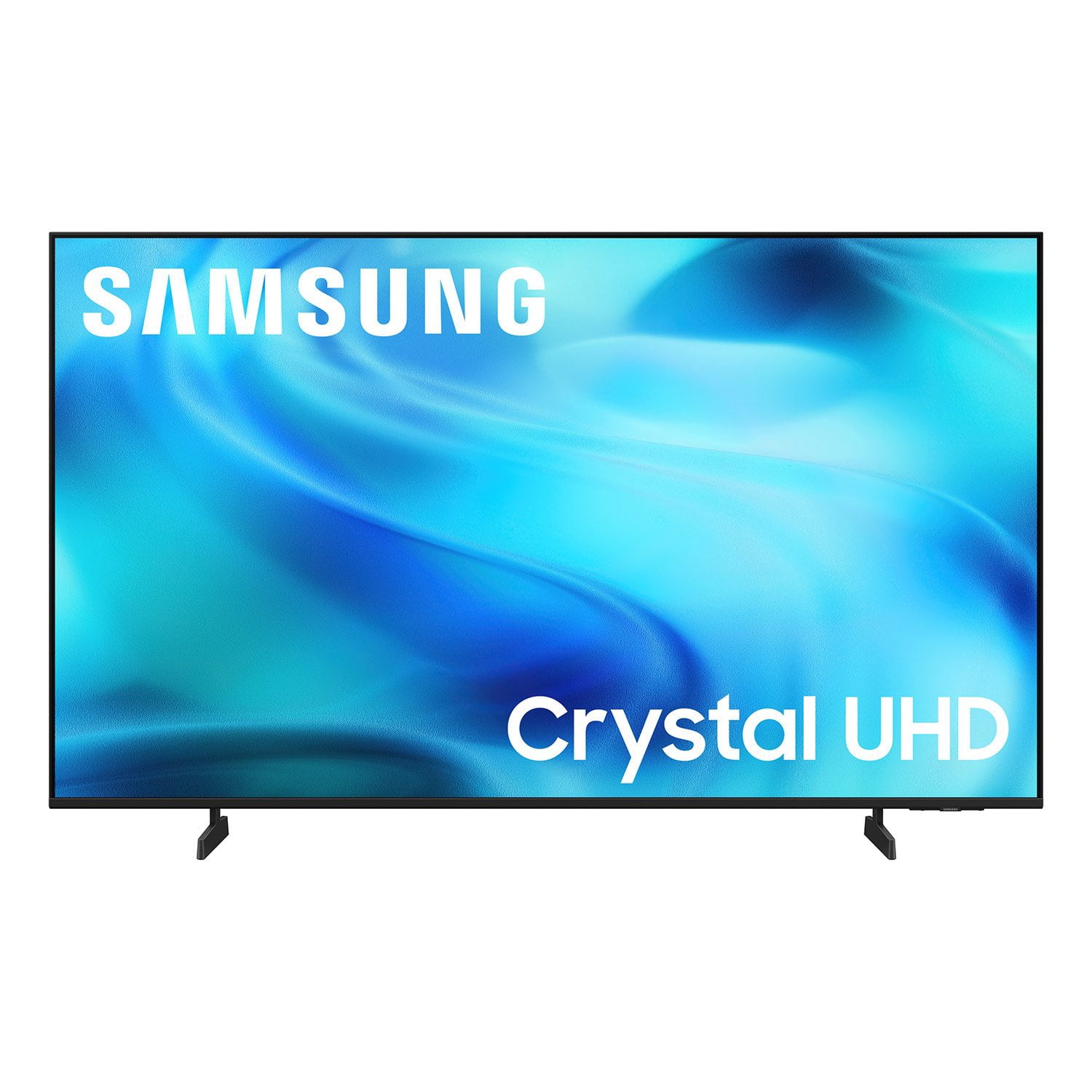
SAMSUNG 65” Class U8000H Series Crystal UHD 4K Vision AI Companion Smart Tizen TV
4.7 out of 5 stars
stars
718 ratings712 reviews
  1. 5 stars78% (563)
  2. 4 stars14% (104)
  3. 3 stars4% (30)
  4. 2 stars2% (13)
  5. 1 star1% (8)
Sort by |
Showing 11-20 of 712 reviews
Oct 12, 2026
Reviewer name: Asteel5279
5 out of 5 stars
5 out of 5 stars review

Awesome tech

[This review was collected as part of a promotion.] Very nice and crisp screen. Looks like you are actually experiencing what youre watching. Volume is clear and futuristic. It is an upgrade in technology. It's a helpful and uniform piece of tech. The refresh time on linking to an external device is very quick.

Review from Samsung US
Helpful?6DMR7T6N290P20100069019
Nov 1, 2026
Reviewer name: Mors
2 out of 5 stars
2 out of 5 stars review

Samsung U8000H is a poor TV overall

[This review was collected as part of a promotion.] It delivers poor picture quality, with dull colors and low peak brightness. It supports a few gaming features, but can't take advantage of the latest gaming consoles. It's best-suited for watching shows in a moderately-lit room, as it's not bright enough to overcome glare during the day.

Review from Samsung US
Helpful?6DMR7T6N290P20100069019
reply from Samsung Advisor

Hi Mors, Thank you for your feedback on the Samsung U8000HD TV. If the picture appears unclear, dull, or lacks definition, there are several settings you can adjust to improve clarity and overall image quality. Go to: Settings > All Settings > Picture > Expert Settings, and review these key settings: Picture Clarity Settings: While originally intended for motion handling, these can also impact overall clarity • Off: Disables motion enhancements • Auto: Automatically adjusts based on content • Custom: Lets you fine-tune: o Judder Reduction – Helps smooth out uneven motion o LED Clear Motion – Boosts sharpness in fast-moving content o Noise Reduction – Reduces distortion and enhances detail in lower-resolution sources Core Picture Settings • Brightness – Controls overall screen brightness • Contrast – Enhances the difference between bright and dark areas • Sharpness – Adjusts edge definition; closer to 20 increases detail • Color – Enhances depth and intensity of colors And don’t forget to check for the latest firmware, which may improve performance: Settings > Support > Software Update > Update Now These adjustments can make a noticeable difference in overall clarity. If you need further help tailoring the settings to your preferences or environment, please contact Samsung Support at 1-800-SAMSUNG (8AM – 9PM EST Mon – Fri, 8AM – 6PM Sat). LiveChat is also available via the ‘Support’ link on our website. ~ Samsung Advisor

Nov 6, 2026
Reviewer name: Room Tv
5 out of 5 stars
5 out of 5 stars review

Great Tv

[This review was collected as part of a promotion.] Great tv, love the smart apps and how responsive the tv is it works. The brightness and contrast are great, seems to upscale content that isn’t in 4K to look better. For tv speakers the soundstage audio quality is excellent. Happy with our purchase especially after mounting to wall.

Review from Samsung US
Helpful?6DMR7T6N290P20100069019
Oct 20, 2026
Reviewer name: Anonymous
5 out of 5 stars
5 out of 5 stars review

SAMSUNG IS GREAT

[This review was collected as part of a promotion.] All of my TVs Are Samsung they make a great product and less a long period of time . Definitely I would recommend these TVs Criminal justice having access for compliment performance members of crime

Review from Samsung US
Helpful?6DMR7T6N290P20100069019
Oct 17, 2026
Reviewer name: Jenni
5 out of 5 stars
5 out of 5 stars review

Best tv ever

[This review was collected as part of a promotion.] We love our new huge family TV 🫶🏻 after 10 years of our 65 inch tv we decided to get this new 85 inch Samsung tv.although we had to wait 3 whole weeks to get a tv it was all worth in the end. Is like having a theater at home 🥰

Review from Samsung US
Helpful?6DMR7T6N290P20100069019
Nov 6, 2026
Reviewer name: Breaker9
2 out of 5 stars
2 out of 5 stars review

Installation issues

[This review was collected as part of a promotion.] I was unable to properly install my cable TV and my other components . The analog-to-digital Signals do not match up. I will have to hire a professional Organization to assist Me . I have no faith in seat geek,

Review from Samsung US
Helpful?6DMR7T6N290P20100069019
reply from Samsung Advisor

Hi Breaker9, We are sorry to hear that you are having difficulty setting up your U8000HD TV. If you need assistance, please don’t hesitate to call 1-800-SAMSUNG (8AM – 9PM EST Mon – Fri, 8AM –6 PM Sat), or reach us via text 24/7. You can also visit ‘Support’ on our website for: • Live Chat • Manuals, Software, & Warranty Info ~ Samsung Advisor

Oct 8, 2026
Reviewer name: Dann
2 out of 5 stars
2 out of 5 stars review

Bluetooth for hearing aids fail

[This review was collected as part of a promotion.] I wear hearing aids and have a plug in Bluetooth transmitter that works on most TVs but won't plug into this one, it also allows room or speaker sound while transmitting to the hearing aids. This TV the sound is blanked out by the Bluetooth when activated. I cannot use the blue tooth hearing aids when others watch the same tv

Review from Samsung US
Helpful?6DMR7T6N290P20100069019
reply from Samsung Advisor

Hi Dann, AudioThank you for sharing your review. Your TV features Multi-output Audio, which lets you hear audio through both the TV speakers and Bluetooth headphones at the same time. You can also adjust each audio output independently - for instance, keeping the TV volume lower while boosting volume on your headphones. To enable: Home > left directional key > Settings > All Settings > General & Privacy > Accessibility > Multi-output Audio If you need additional help, feel free to reach Samsung Customer Support at 1-800-SAMSUNG (8AM – 9PM EST Mon – Fri, 8AM – 6PM Sat). You can also LiveChat with an agent or explore more resources under the Support link on our website. ~ Samsung Advisor

Oct 20, 2026
Reviewer name: RailwayPT
5 out of 5 stars
5 out of 5 stars review

The quantity and Quality of features are Great

[This review was collected as part of a promotion.] I have owned and experienced many tv products, and this is the best overall tv that I have experienced up to this time in my long life. The operation is intuitive for a technically challenged person. Sound tv or outside audio works almost as if you are sitting in a movie theater. All pictures seem to be in HD type quality. I am very happy with all aspects of this tv product.

Review from Samsung US
Helpful?6DMR7T6N290P20100069019
Oct 12, 2026
Reviewer name: Jade
5 out of 5 stars
5 out of 5 stars review

Great Experience

[This review was collected as part of a promotion.] I am enjoying this upscaled quality that I am experiencing. This TV has clean bright visualities and great contrast. Along with the ease of functionality with speed and flow. The setup is fast. TV is also a great price. The sound has a stage quality. Every function can be changed. Great Experience! Five stars!

Review from Samsung US
Helpful?6DMR7T6N290P20100069019
Oct 17, 2026
Reviewer name: John S
5 out of 5 stars
5 out of 5 stars review

Exceptional Picture and features

[This review was collected as part of a promotion.] The picture is great, especially for sports. Installation setup were very easy. The new Samsung 800HD 70 inch color TV delivers a stunning 4K picture with deep blacks and vibrant colors. Setting it up is fast and simple, taking only a few minutes right out of the box.

Review from Samsung US
Helpful?6DMR7T6N290P20100069019