Join Now
Skip to Main Content
Sam's Club
Sam's Club
All Departments
All Services
Customer reviews for SAMSUNG 65” Class U8000H Series Crystal UHD 4K Vision AI Companion Smart Tizen TV for
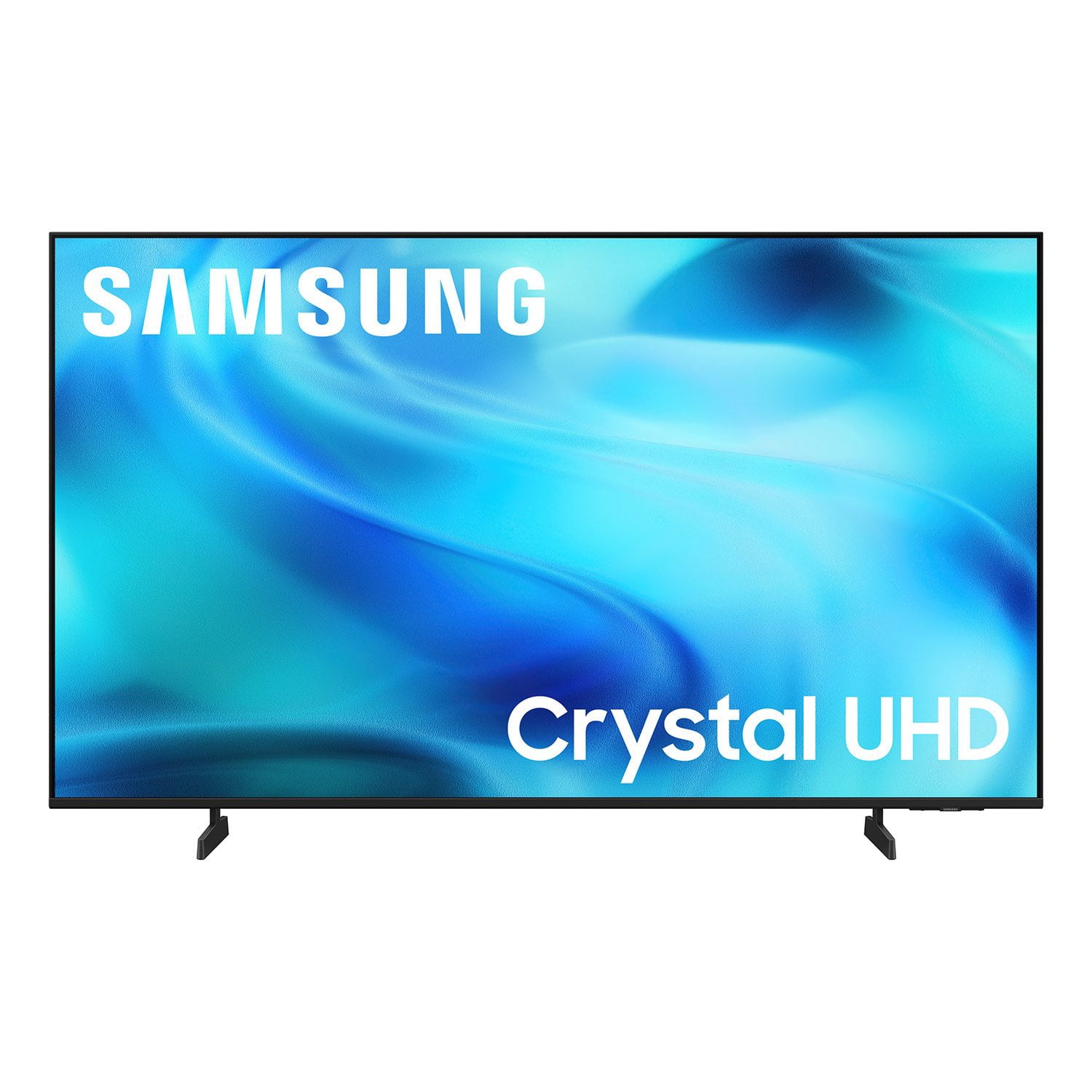
SAMSUNG 65” Class U8000H Series Crystal UHD 4K Vision AI Companion Smart Tizen TV
4.7 out of 5 stars
stars
718 ratings712 reviews
  1. 5 stars78% (563)
  2. 4 stars14% (104)
  3. 3 stars4% (30)
  4. 2 stars2% (13)
  5. 1 star1% (8)
Sort by |
Showing 41-50 of 712 reviews
Nov 5, 2026
Reviewer name: Stan
5 out of 5 stars
5 out of 5 stars review

Best feature

[This review was collected as part of a promotion.] I keep referring friends and family to Samsung tv's. While the picture and reception (I also have an antenna) are great it is the ease Samsung's tvs add apps. So many choices yet so much easier than any other I've found.

Review from Samsung US
Helpful?6DMR7T6N290P20100069019
Oct 12, 2026
Reviewer name: Jade
5 out of 5 stars
5 out of 5 stars review

Great Experience

[This review was collected as part of a promotion.] I am enjoying this upscaled quality that I am experiencing. This TV has clean bright visualities and great contrast. Along with the ease of functionality with speed and flow. The setup is fast. TV is also a great price. The sound has a stage quality. Every function can be changed. Great Experience! Five stars!

Review from Samsung US
Helpful?6DMR7T6N290P20100069019
Oct 8, 2026
Reviewer name: Dann
2 out of 5 stars
2 out of 5 stars review

Bluetooth for hearing aids fail

[This review was collected as part of a promotion.] I wear hearing aids and have a plug in Bluetooth transmitter that works on most TVs but won't plug into this one, it also allows room or speaker sound while transmitting to the hearing aids. This TV the sound is blanked out by the Bluetooth when activated. I cannot use the blue tooth hearing aids when others watch the same tv

Review from Samsung US
Helpful?6DMR7T6N290P20100069019
reply from Samsung Advisor

Hi Dann, AudioThank you for sharing your review. Your TV features Multi-output Audio, which lets you hear audio through both the TV speakers and Bluetooth headphones at the same time. You can also adjust each audio output independently - for instance, keeping the TV volume lower while boosting volume on your headphones. To enable: Home > left directional key > Settings > All Settings > General & Privacy > Accessibility > Multi-output Audio If you need additional help, feel free to reach Samsung Customer Support at 1-800-SAMSUNG (8AM – 9PM EST Mon – Fri, 8AM – 6PM Sat). You can also LiveChat with an agent or explore more resources under the Support link on our website. ~ Samsung Advisor

Nov 5, 2026
Reviewer name: Mick
3 out of 5 stars
3 out of 5 stars review

Great TV, Terrible Remote

[This review was collected as part of a promotion.] Picture and sound are fine, but the remote is awful - we should be able to change the channel with numbered buttons, not this scrolling garbage. Changing that functionality would greatly improve the viewing experience.

Review from Samsung US
Helpful?6DMR7T6N290P20100069019
reply from Samsung Advisor

Hi Mick, We appreciate your thoughts on the U8000HD TV’s remote. While it may appear minimal at first glance, many of the buttons are designed with dual or long-press functions to help reduce clutter without sacrificing functionality. For example: • Volume rocker: Push UP/DOWN to adjust volume; press and release quickly to MUTE. • Long-press Volume button: Hold for more than 1 second to access Accessibility Shortcuts. • RETURN button: Press to go back to the previous screen or menu; when watching TV, it takes you back to the previous channel. These combined functions help create a cleaner design while keeping everything you need just a button away. If you ever need help with your remote or want to learn more shortcuts, we’re here to assist. You can reach us at 1-800-SAMSUNG (8AM – 9PM EST Mon – Fri, 8AM – 6PM Sat), or reach us via text anytime. You can also visit ‘Support’ on our website for: • Live Chat • Manuals, Software, & Warranty Info ~ Samsung Advisor

Nov 5, 2026
Reviewer name: Gem15
5 out of 5 stars
5 out of 5 stars review

Great TV

[This review was collected as part of a promotion.] TV is just what I was looking for for 65 inch at a reasonable price. Great color great sound highly recommend. Easy to set up all the extras were just a bonus that I wasn't even looking for but use them a lot. Can't get past the colors like I'm sitting in the front row.

Review from Samsung US
Helpful?6DMR7T6N290P20100069019
Nov 4, 2026
Reviewer name: Tattookitten
5 out of 5 stars
5 out of 5 stars review

Great tv

[This review was collected as part of a promotion.] Really happy with this TV! The picture is clear, the colors look great, and the 4K quality makes watching movies and shows a much better experience. The 50-inch screen is a nice size without being overwhelming, and it looks great in the room. Setup was pretty straightforward, and having the streaming apps built right in is really convenient. Overall, it's a great TV for the price and does everything I wanted it to do. Definitely happy with this purchase!

Review from Samsung US
Helpful?6DMR7T6N290P20100069019
Oct 6, 2026
Reviewer name: Shred
5 out of 5 stars
5 out of 5 stars review

Loving My samsug

[This review was collected as part of a promotion.] Fifty inch is the perfect size,Color is very vivid,sound is a good volume,easy to set up and Navigate Apps,easy hookup of a dvd with HDMI.Im loving the TV,Love that I can run a ethernet cable from my modem for a better connection instead of Wi Fi.

Review from Samsung US
Helpful?6DMR7T6N290P20100069019
Sep 9, 2026
Reviewer name: Samsungfan
5 out of 5 stars
5 out of 5 stars review

Great features and screen quality!

[This review was collected as part of a promotion.] This TV is amazing. The picture is very clear and the brightness is excellent. The home screen is adequate, but could benefit from some personalization. The refresh rate is great for the content I enjoy, and sports are really represented well. For the price, you can't buy a better TV.

Review from Samsung US
Helpful?6DMR7T6N290P20100069019
Oct 5, 2026
Reviewer name: Skutz
5 out of 5 stars
5 out of 5 stars review

Absolutely Amazing Quality

[This review was collected as part of a promotion.] Absolutely love the tv. It has great color and brightness. It looks gorgeous and upscale on the mantle. Love Samsung and was looking for a great tv that would fit perfectly and not take away from the rest of the room. The contrast is great and it looks like it was meant to be on the mantle. Also whenever I need help they answer right away.

Review from Samsung US
Helpful?6DMR7T6N290P20100069019
Sep 22, 2026
Reviewer name: Hawkrider
3 out of 5 stars
3 out of 5 stars review

TV Picture is great.

[This review was collected as part of a promotion.] This TV offers great picture at a really fair price. However Users Manual is not much use to someone tha just wants to install the DirecTV App and watch my choice of TV programs. Unfortunately the Users Manual focus on all the "Smart Features" at the expense of a clear explanation of how to just watch TV Programs. Fortunately the Users Manual is available for download because the printed copy text is so small that a magnifine glass is necessary to read it. Then there is the "Remote" that has no intutive functions. I own three older Samsung TVs on Smart and one which I use a Firestick to make it smart ; also have Samsung cell phone. My positive experience with their performance caused me to purchase this TV. I will not make that mistake again!

Review from Samsung US
Helpful?6DMR7T6N290P20100069019
reply from Samsung Advisor

Hi Hawkrider, Thank you for sharing your feedback with us. To help you get the most from your TV, you can download the full e-Manual and more by visiting Samsung’s website, then navigating to: Support > Manual & Software > TVs & Home Theater. From there, you can search for and select your U8000H TV model to view or download the available guides. The e-Manual & User Guide are also conveniently built into your TV: Settings > Support > Tips and User Guides. Your TV includes Learn Menu Screen, an accessibility feature that provides audio guidance for on-screen menus. When enabled, your TV will announce the name and function of each menu item as you scroll, without making any changes. This feature is particularly helpful for users who are visually impaired or new to Smart TV menus. To enable, go to: Settings > All Settings > General & Privacy > Accessibility > Learn Menu Screen. To exit, press the Return key twice. If you’d like more assistance with this feature, please reach Samsung Support at 1-800-SAMSUNG (8AM – 9PM EST Mon – Fri, 8AM – 6PM Sat – Sun). LiveChat agents are also available through the ‘Support’ link on our website. ~ Samsung Advisor