Skip to Main Content
Sam's Club
Sam's Club
All Departments
All Services
Customer reviews for HP OfficeJet Pro 8128 Wireless All-in-One Inkjet Printer, 1 Year Instant Ink for
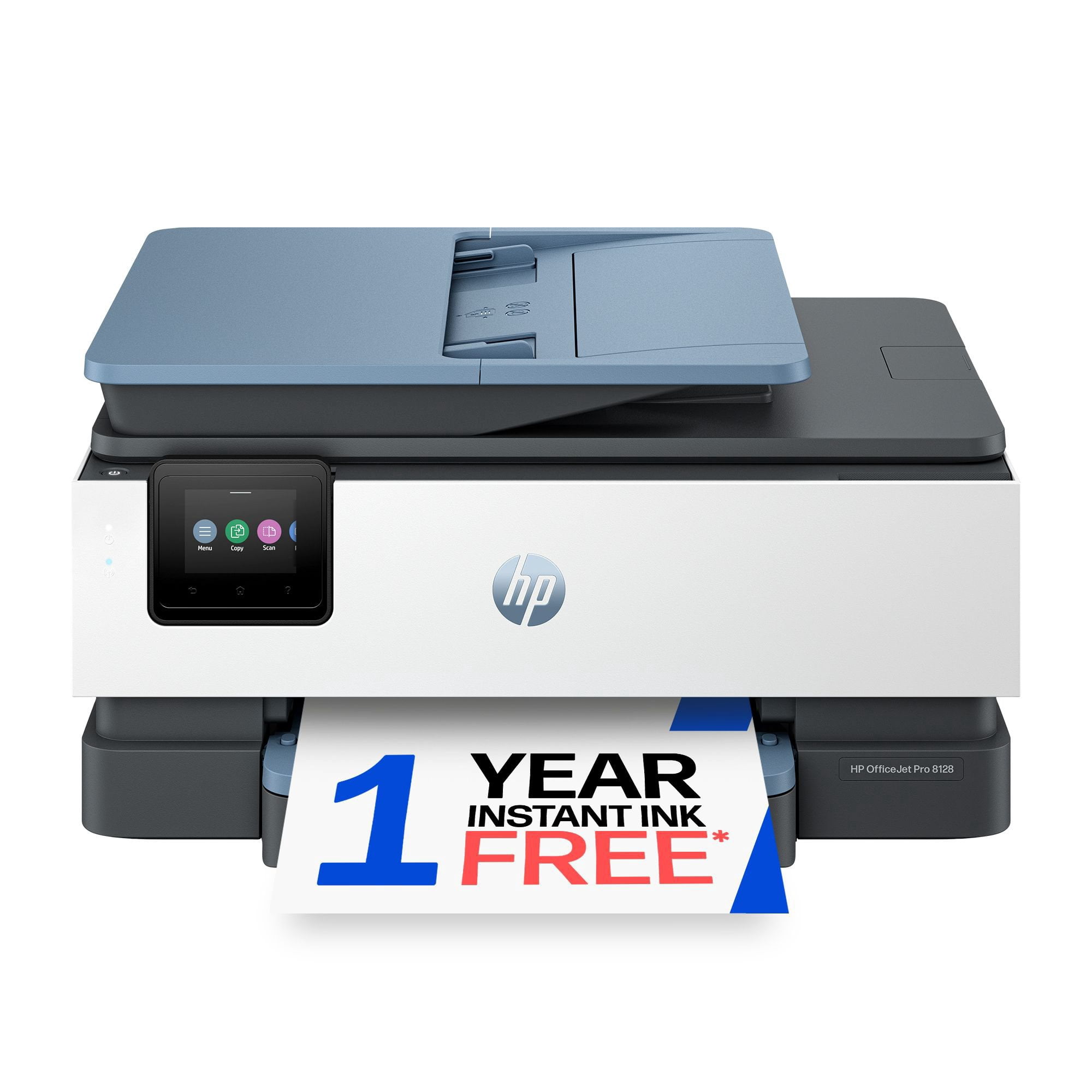
HP OfficeJet Pro 8128 Wireless All-in-One Inkjet Printer, 1 Year Instant Ink
4.1 out of 5 stars
stars
677 ratings360 reviews
  1. 5 stars62% (419)
  2. 4 stars14% (97)
  3. 3 stars8% (55)
  4. 2 stars6% (44)
  5. 1 star9% (62)

Member photos

  • +32 images
Sort by |
Showing 1-10 of 360 reviews
Sep 19, 2026
Reviewer name: Marjorie
5 out of 5 stars
5 out of 5 stars review

Verified Purchase

So easy to set up

I do a lot of collage in my art, so I copy a lot of stuff. I needed a printer that was faster and better quality than my old HP. The Office Jet Pro 8120 fits the bill. I am 78 years old, and worried that I might need help to set it up. But I was wrong. It took me a half hour, and the directions were easy to follow. A young ger, more tech savvy person could probably do it in 15 minutes. Very pleased with my new printer.

Review from hp.com
Helpful?5FXNC6SDEQT120035223602
Sep 22, 2026
Reviewer name: Jorge
5 out of 5 stars
5 out of 5 stars review

Verified Purchase

It was easy to setup. It works great. I am happy with the print quality.

I like the easy setup. The print quality is great. I only use it for personal use so my printing is limited. I can't wait to print my tax returns on it. It also integrated well with my iPad and iPhone.

Review from hp.com
Helpful?5FXNC6SDEQT120035223602
Jul 22, 2026
Reviewer name: Anonymous
5 out of 5 stars
5 out of 5 stars review

Verified Purchase

This 8125 replaces my 6968 multifuntion

I bought this printer to replace an older OJ 6968, which was mostly still working except for the fact that I couldn't unclog the print heads and they are not replacable byowners and too expensive to even have done. So far, I am very happy with this 8125 as it is very similar in funtion. The one thing missing is the built in fax function, which, so far, I am not really missing. Set up was fairly easy and the prints look great. This is also my first experience with HP's (or actually Microsoft's) universal drivers for newer printers. So far, again, no problems.

Review from hp.com
Helpful?5FXNC6SDEQT120035223602
Sep 23, 2026
Reviewer name: Elena
5 out of 5 stars
5 out of 5 stars review

Verified Purchase

For me it's a little confusing, because is diferent than my other one, but the printers are good cuality, faster

Review from hp.com
Helpful?5FXNC6SDEQT120035223602
Sep 29, 2026
Reviewer name: Shiela
5 out of 5 stars
5 out of 5 stars review

Verified Purchase

Great Copier for Home Use

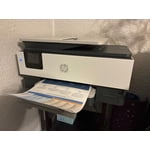
What I like is the quality of HP Products and the price. Upon comparison of other machines the HP gave me more for my money, (scanning, faxing, copying, color printing, etc.) than any other brand named equipment. What could be better? First provide an instruction book with the purchase of this equipment. Secondly, the paper tray could use a little re-vamp. Without an instruction book it took a little bit to figure out how to adjust the guides in the paper tray to hold the size paper you are working with in place so it would not grab and jam. The slide guide is on the bottom of the tray therefore you have to take the tray totally out, set the paper guide, and put it back in the copier.

Review from hp.com
Helpful?5FXNC6SDEQT120035223602
Sep 10, 2026
Reviewer name: Aa
4 out of 5 stars
4 out of 5 stars review

Verified Purchase

Good printer not that bad

In the first few days I had a problem with printing it as when I print it sometimes there is other pages that are unaligned but after a few days and some tips on google the printer became good I will definitely recommend

Review from hp.com
Helpful?5FXNC6SDEQT120035223602
Sep 17, 2026
Reviewer name: GSBl
4 out of 5 stars
4 out of 5 stars review

Verified Purchase

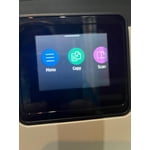
Scan and Menu Screen

I am disappointed that the printer does not do both sides of a document automatically. I also find the Menu screen is not as sensitive as I feel it should be. Often I have to press the screen repeatedly to operate the features. Otherwise the print feature is great.

Review from hp.com
Helpful?5FXNC6SDEQT120035223602
Sep 4, 2026
Reviewer name: Anonymous
3 out of 5 stars
3 out of 5 stars review

Verified Purchase

I am not very happy with this product

The print quality is acceptable. The control panel leaves much to be desired. I have been struggling to connect my HP laptop to the HP printer. This should be a no-brainer whatever happened to plug-in play I spent 30 years at Xerox as a designer and engineer. I know printing I am not at all happy with my new printer.

Review from hp.com
Helpful?5FXNC6SDEQT120035223602
Sep 3, 2026
Reviewer name: SpaCat
2 out of 5 stars
2 out of 5 stars review

Verified Purchase

Difficult to set up

Bought this for my home office. Was not easy to setup. I consider myself pretty tech savvy. It was easy for my wi-fi to “find” my new printer. However, creating a shortcut icon took forever! No clear instructions or even detailed instructions included. I hate the paper feeder tray when I need to scan documents! It takes at least 3 tries before it scans. Plus, I have to open the top of the feeder tray, take the paper out and try again before the scanner works. Not happy about this at all!! I would not recommend this AIO printer. If you want a better printer, you need to spend more money for an upgraded printer, which is not in my budget.

Review from hp.com
Helpful?5FXNC6SDEQT120035223602
Sep 29, 2026
Reviewer name: Thomas
2 out of 5 stars
2 out of 5 stars review

Verified Purchase

Paper Mismatch Error Code

I have set the printer up twice and I continue to get an error code every time I try to print from the computer. To get past this code, even though I use HP paper, I have to push in the print button on the printer itself which means that I can only print one page at a time

Review from hp.com
Helpful?5FXNC6SDEQT120035223602