Skip to Main Content
Sam's Club
Sam's Club
All Departments
All Services
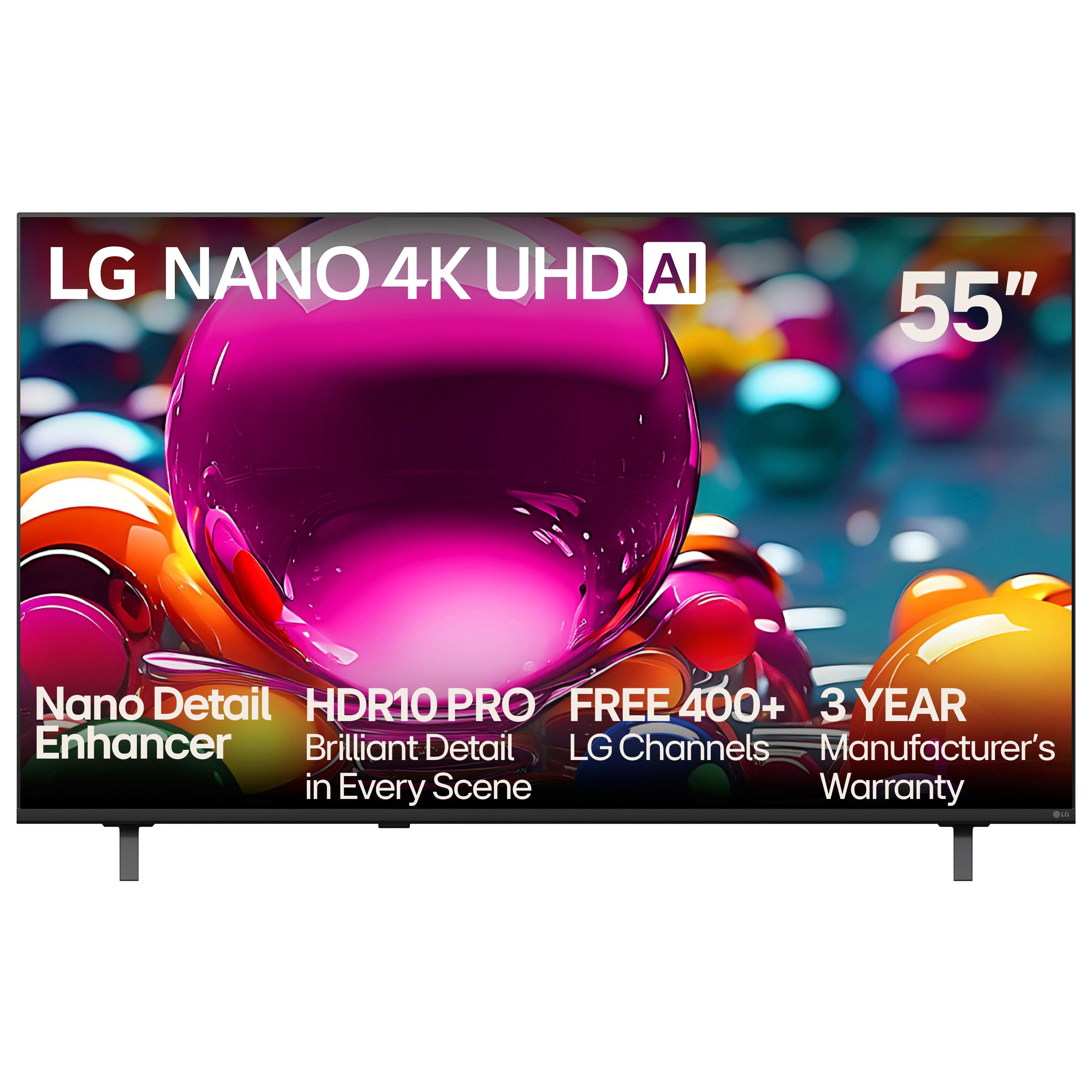
Customer reviews for LG 55" Class Nano NU850 Series 4K Smart TV for
LG 55" Class Nano NU850 Series 4K Smart TV
3.8 out of 5 stars
stars
65 ratings65 reviews
  1. 5 stars45% (29)
  2. 4 stars22% (14)
  3. 3 stars12% (8)
  4. 2 stars9% (6)
  5. 1 star12% (8)

Member photos

  • +15 images
Sort by |
Showing 41-50 of 65 reviews
Aug 19, 2025
Bobden
5 out of 5 stars
5 out of 5 stars review

Verified Purchase

Great TV

[This review was collected as part of a promotion.] Television has a good quality picture and was easy to set up

Review from lg.com/uk
Helpful?5JUHU8QLNI9U19936016783
Jul 21, 2026
LARRY BK
2 out of 5 stars
2 out of 5 stars review

Not Happy. Picture regularly Blurry and Looping.

Unlike my other 2 TVs including another LG this regularly has Blurry picture and looping. Unhappy for the Quality!

Review from lg.com
Helpful?5JUHU8QLNI9U19936016783
reply from LG

Hi, Larry. We appreciate you sharing your thoughts and review regarding your LG 65UA7700AUA TV. We recognize your experience with the blurry picture quality and screen looping on your unit. To help improve picture clarity and resolve display performance issues, ensure your TV's software is updated to the latest version and inspect your connected HDMI cables for a secure connection. For step-by-step guidance on picture issues, you can review our support guides at https://www.lg.com/us/support/help-library/lg-tv-troubleshooting-a-blurry-screen-on-an-lg-tv--20153130477848?srsltid=AfmBOoqp_XzVdbXand5EBo4C24bZGjD6dlF5RX9DOE3Ik0B3K88-FdLz and https://www.lg.com/us/support/help-library/lg-tv-troubleshooting-continuous-screen-flickering--20154896543894?srsltid=AfmBOoq_JCggGP2kSiPISPHGCNb4SEHBsQaQHV1zpr7NcnnWvbkWLJza. We want to help ensure your home entertainment setup operates perfectly and comfortably for your household. Please send us an email at lgdigitalcare@lg.sprinklrsupport.com if you need further support. ^James

Oct 16, 2025
Malcolm Bloomfield
5 out of 5 stars
5 out of 5 stars review

Verified Purchase

Excellent TV

[This review was collected as part of a promotion.] Very nice TV for the price, excellent bright picture, almost as good as my LG OLED TV

Review from lg.com/uk
Helpful?5JUHU8QLNI9U19936016783
Jul 23, 2026
RKOLA
1 out of 5 stars
1 out of 5 stars review

Sucky user interface and remote

The tv picture is fine. Control /remote is confusing and the television user interface is confusing. A lot of time wasted in the interface.

Review from lg.com
Helpful?5JUHU8QLNI9U19936016783
reply from LG

Hello. We appreciate you sharing your rating and feedback about your LG 65UA7700AUA TV. We recognize your experience with the remote controls and system navigation of your unit, and we aim to provide user-friendly electronics that make home entertainment enjoyable and seamless. You can review helpful tips for remote setup and navigation using this guide https://www.lg.com/us/support/help-library/lg-oled-tv-general-remote-control-troubleshooting-guide--20154713264827?srsltid=AfmBOoqw3LuaorSBbGvsMhkkS5KN7pg7zoevPiSkfWF85s-YysDHFtGB. We want to help ensure your home entertainment setup operates perfectly and comfortably for your household. Please send us an email at lgdigitalcare@lg.sprinklrsupport.com if you need further support. ^James

Sep 17, 2025
Roger D
5 out of 5 stars
5 out of 5 stars review

Verified Purchase

A bargain

[This review was collected as part of a promotion.] Excellent picture, great price. Very pleased with the quality.

Review from lg.com/uk
Helpful?5JUHU8QLNI9U19936016783
Jul 26, 2026
MR25
1 out of 5 stars
1 out of 5 stars review

Remote Control

Own 3 LG TV's. Latest 65" TV great but will not buy another because Remote does not have MUTE button.

Review from lg.com
Helpful?5JUHU8QLNI9U19936016783
reply from LG

Hello. We appreciate you sharing your thoughts about your LG 65UA7700AUA TV. We recognize your experience with the remote control layout and missing a dedicated Mute button, and we aim to design convenient products that fit easily into your daily viewing routine. As an alternative, you can hold down the Volume Down button or use the LG ThinQ app on your smartphone to control mute and volume functions smoothly. We want to help ensure your home entertainment setup operates perfectly and comfortably for your household. Please send us an email at lgdigitalcare@lg.sprinklrsupport.com if you need further support. ^James

May 13, 2026
Sorcha
5 out of 5 stars
5 out of 5 stars review

Great TV

Great TV,especially for the price. Picture compares favorably to our LG OLED TV in the living room. This one is in the MBR. Easy hook up to our LG soundbar.

Review from lg.com
Helpful?5JUHU8QLNI9U19936016783
reply from LG Digital Care Team

Hi there, Sorcha! Thanks for the five stars. Sounds like your new TV is holding its own beautifully and settling into the bedroom setup with ease. If you ever need a hand in the future, @LGUSSupport is always here to help. #LifesGood ❤️ ‑LG Digital Care Team ^Rich

May 26, 2026
Disappointed 26
1 out of 5 stars
1 out of 5 stars review

Randomly powers on

Our TV has been nothing but problems since we got it. It terms on randomly. It has had the motherboard replaced and still has problems. We can hear channels that we don't have on. LG channels turn on with no one around.

Review from lg.com
Helpful?5JUHU8QLNI9U19936016783
reply from LG

Hello. Thanks for sharing what’s been going on with your LG 75UA7700AUA TV. We appreciate you walking us through the random powering‑on, unexpected audio, and the channel behavior you’ve been seeing — we want your TV to feel reliable every time you use it. When a TV turns on by itself or switches to channels unexpectedly, it can sometimes be tied to features like Quick Start+, timers, or external devices sending signals through HDMI‑CEC. Turning off Quick Start+, checking that no timers are enabled, and disconnecting external devices one at a time can help narrow down the source. Power‑cycling the TV by unplugging it for a full minute can also help reset the internal board after a repair. You can refer to this helpful link for guidance on the intermittent power issues you're encountering with your LG TV: https://www.lg.com/us/support/help-library/lg-tv-troubleshooting-tv-intermittently-powers-onoff--1427121212479 If you’d like us to take a closer look at your case or continue troubleshooting with you, feel free to reach out to lgdigitalcare@lg.sprinklrsupport.com. ^James

Jan 8, 2026
Reither
3 out of 5 stars
3 out of 5 stars review

Average

Poor color and no real way to adjust the color. Red is way over done and using their ways of adjusting do not work well.

Review from lg.com
Helpful?5JUHU8QLNI9U19936016783
reply from LG

Hi. Thank you for sharing your experience with your LG TV. We appreciate you taking the time to highlight the color challenges you’re seeing, especially with the red tones and the adjustment options not giving you the results you expect. LG TVs do offer several picture modes and advanced color controls, and you may find the guidance on our official support page helpful for fine‑tuning your settings: https://www.lg.com/us/support/help-library/lg-tv-the-best-picture-settings-for-your-lg-tv--20150577528034. To allow us to properly investigate the details of your specific product model and to see if there is anything we can do to assist with this color‑related issue being encountered, please send us an email at lgdigitalcare@lg.sprinklrsupport.com if you need further assistance. You can also refer to the helpful link above for additional support. ^James

Jul 5, 2026
InfoTechLover
5 out of 5 stars
5 out of 5 stars review

LG Smart TV

I love LG products. I have been a fan of LG Electronics for years.The customer experience has been great as well.

Review from lg.com
Helpful?5JUHU8QLNI9U19936016783
reply from LG

Hello! Always great hearing this kind of love! Your long‑running loyalty to LG Electronics and the smooth customer experience along the way truly means a lot. When a brand keeps earning your trust year after year, that’s the kind of relationship we’re proud to be part of. If you ever need anything in the future, feel free to reach out to @LGUSSupport. ^James