Skip to Main Content
Sam's Club
Sam's Club
All Departments
All Services
Customer reviews for LG 55" Class Nano NU850 Series 4K Smart TV for
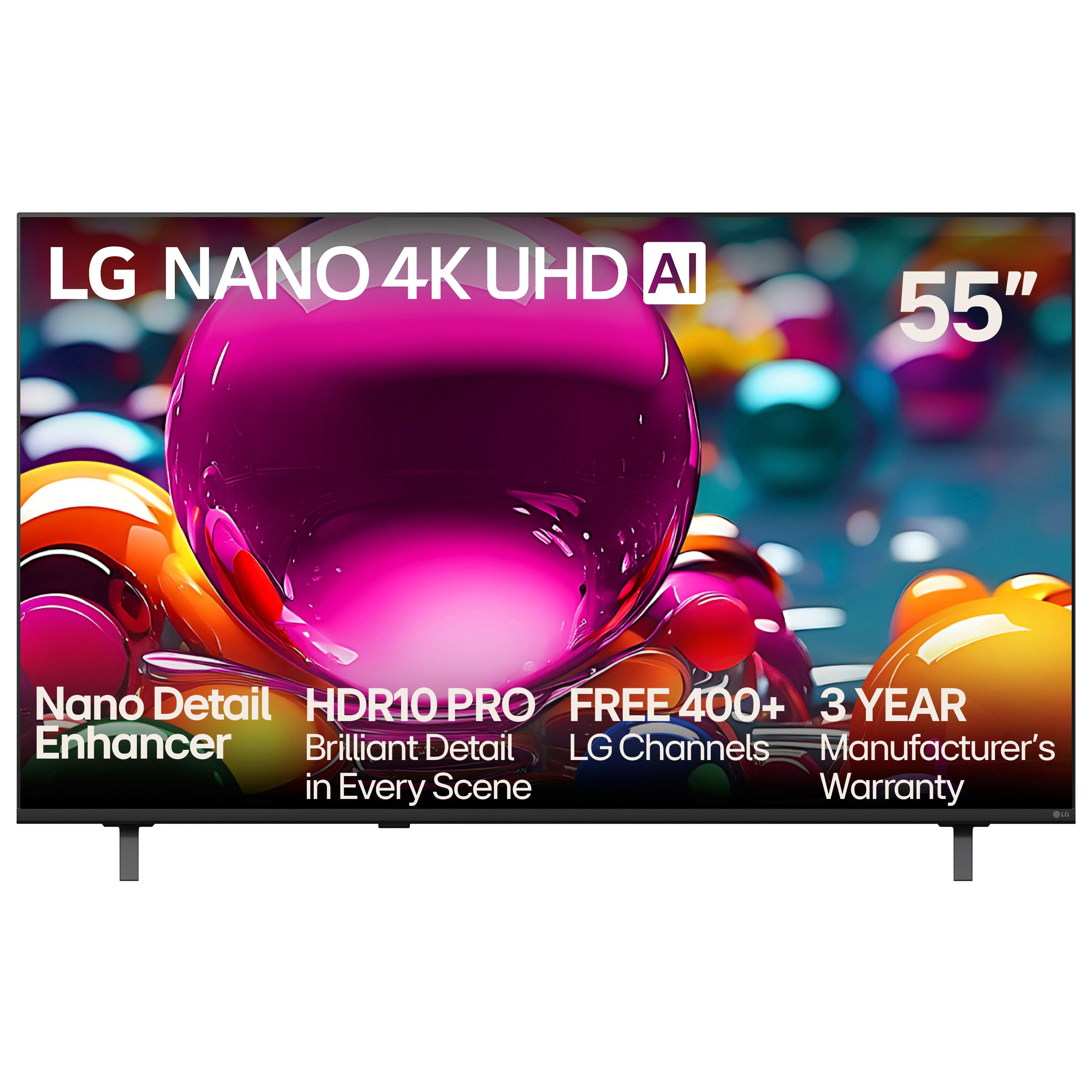
LG 55" Class Nano NU850 Series 4K Smart TV

Member photos

  • +1 image
Sort by |
Showing 51-53 of 53 reviews
Jul 7, 2025
jaxjohnny
2 out of 5 stars review

great picture, terrible user interface

Two stars only because the clarity is very good. The TV picture is great. However, the user interface running the device is terrible. It barely responds to the remote control. Instead of a button in the center of the directional arrows, there is a scroll wheel. But the scroll wheel does not do what you expect it to do, instead of moving from icon to icon, it activates a remote pointer mouse. Well the pointer mouses accuracy is horrendous. It jumps all over the screen, it clicks where you don't want it to, and doesn't click where you want it to. My recommendation for you before buying any television is to get the remote from sales and operate the tv, not just watch the high-resolution picture on display. This tv is very difficult to navigate. And there is no place to disable this annoying feature. Also, do not be fooled by the AI tag, this is NOT AI. The help feature they call chatbot, does not give prompts, it is merely a pre-defined set of questions and answers. Maybe they have some AI running in the background recording all you do so it can present content you are interested in, but even that is NOT AI, but simply maching learning and recording. don't be fooled, get the remote from sales, operate the TV. Make sure you are good with how this works. Also, the chromecast and apple air play barely work. I was finally able to use them both, but it seems to hang on to the connection after disconnection, so a second user cannot also cast via apple. The response time is slow and laggy when it finally does connect.

Review from lg.com
Helpful?5JUHU8QLNI9U19936016783
Nov 5, 2025
KD JOHNSON
3 out of 5 stars review

OK BUT

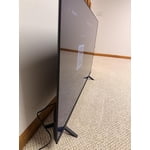
BIG PROBLEM I NEED TV THAT SITS ON TABLE THE LEGS ARE TOO FAR APART WHY LG DOES NOT MAKE TV STAND IN MIDDLE OF TV VS LEGS ON SIDES HAD TO RETURN

Review from lg.com
Helpful?5JUHU8QLNI9U19936016783
reply from LG

Hello. Thank you for sharing your experience with your LG TV. We understand how important it is for a TV to fit your setup, and wide-set legs can be limiting when placing the unit on narrower furniture. While many LG TVs are designed with side-positioned legs for stability and style, select models do offer center-mounted stands or are compatible with third-party pedestal bases and wall mounts. For reference, you can explore LG TV specifications and stand options here: https://www.lg.com/us/tvs. To allow us to properly investigate the details of your specific product model and to see if there is anything we can do to assist with this TV stand configuration issue being encountered, please send us an email at lgdigitalcare@lg.sprinklrsupport.com if you need further assistance. ^James

Jun 20, 2025
jjjjjjjjjjjj
1 out of 5 stars review

NO where can I find a list of the 300 channels you offer for free.

Review from lg.com
Helpful?5JUHU8QLNI9U19936016783
reply from LG Digital Team

We got you! LG Channels offers over 300 free live and on-demand channels on your LG Smart TV—no subscriptions or logins needed. You’ll find a wide variety of content, including news, sports, movies, music, lifestyle, and kids' entertainment. To view the complete list of channels, press the Home button on your LG Magic Remote and open the LG Channels app. From there, you can browse categories or access the built-in channel guide. The lineup may vary by region and is updated regularly with new content. For the latest list, visit the official LG Channels here: http://spr.ly/64284kUIw.. You can check out these tips and tricks to surf our LG Channels here: http://spr.ly/64294kUIb. It’s all designed to bring more entertainment to your screen and is free and easy to access. For more feedback or questions, private message us on social media @LGUSSupport . We're always here to help! ^David