Skip to Main Content
Sam's Club
Sam's Club
All Departments
All Services
Customer reviews for SAMSUNG 50” Class U8000H Series Crystal UHD 4K Vision AI Companion Smart Tizen TV for
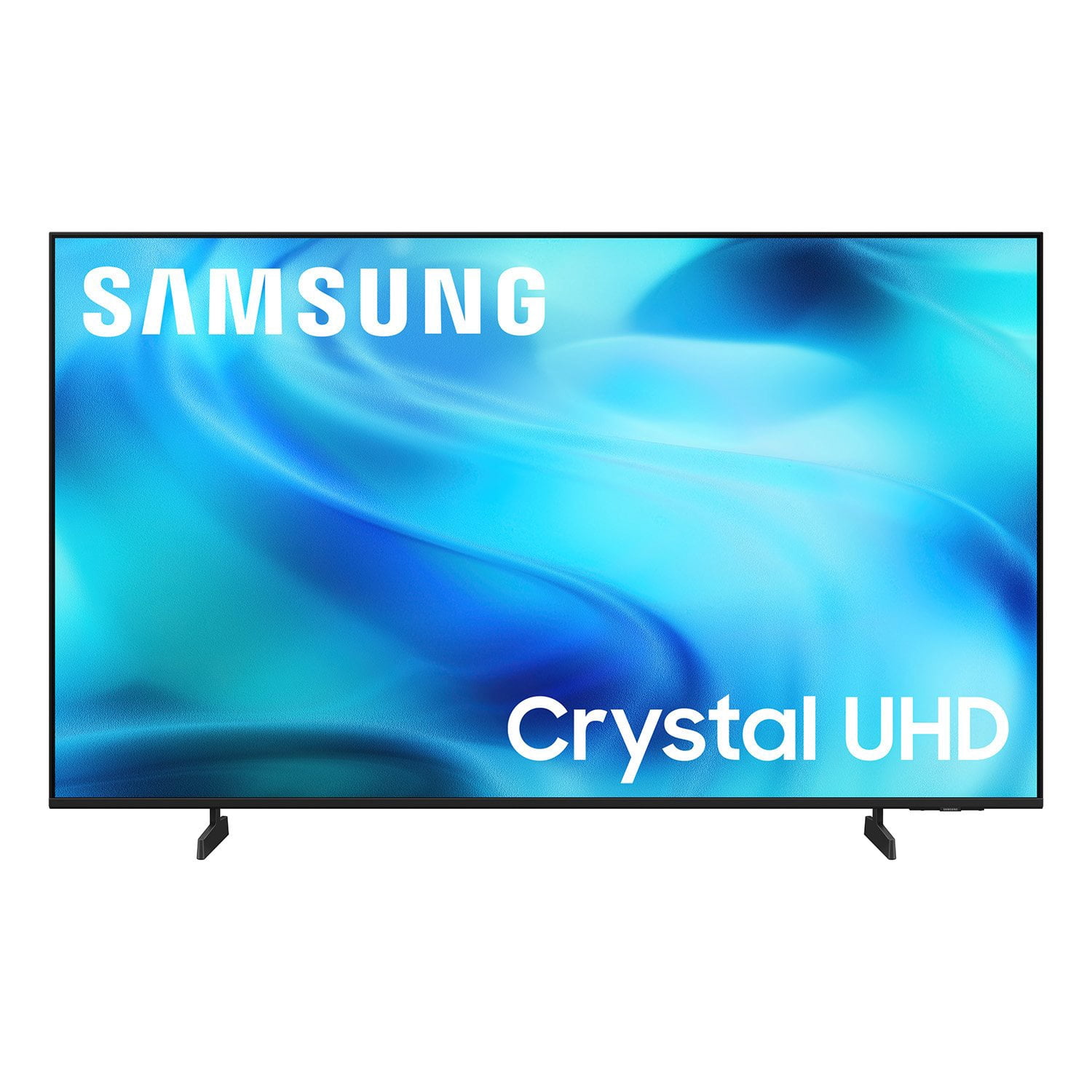
SAMSUNG 50” Class U8000H Series Crystal UHD 4K Vision AI Companion Smart Tizen TV
4.7 out of 5 stars
stars
773 ratings757 reviews
  1. 5 stars79% (609)
  2. 4 stars14% (109)
  3. 3 stars4% (31)
  4. 2 stars2% (14)
  5. 1 star1% (10)
Sort by |
Showing 81-90 of 757 reviews
Oct 5, 2026
Reviewer name: JD117
3 out of 5 stars
3 out of 5 stars review

Great TV, but does not have voice command

[This review was collected as part of a promotion.] This tv is the perfect size and it looks great. The only issue we have is that it is not voice activated. We have to search for anything that we want to watch. The box did say that it has voice activation capability Hi, how are you good, but the remote does not offer it.

Review from Samsung US
Helpful?3PDR7R7F67UH19901005916
reply from Samsung Advisor

Hi JD117, Thank you for sharing your review. Your TV Works With Alexa, meaning you’ll need to connect a standalone Alexa device such as an Echo speaker, to control compatible smart home devices and some experiences on your TV. Here are the steps: 1. Download both the Amazon Alexa and Samsung SmartThings apps, if you don't already have them. Both are available for iOS or Android devices. 2. Make sure your Alexa device and TV are both connected to the same Wi-Fi network. 3. Your TV must be enabled within the SmartThings app. If not, make sure you are signed in with your Samsung account on the TV: Settings > All Settings > Samsung Account 4. Log in to the SmartThings app with the same Samsung account. Tap Devices, and if your TV isn’t already shown, tap + to add it to the app. 5. In the Alexa app, enable the SmartThings skill and sign into your Samsung account. This will automatically connect your Samsung TV to Alexa and let you use voice commands to control your television. If you need more help, we’re here. Give us a call at 1-800-SAMSUNG (8AM – 9PM EST Mon – Fri, 8AM – 6PM Sat). You can also connect with a LiveChat agent through the Support link on our website. ~ Samsung Advisor

Oct 13, 2026
Reviewer name: Jackson
3 out of 5 stars
3 out of 5 stars review

Good TV! Bombardment of advertisements.

[This review was collected as part of a promotion.] The tv is good! Has good picture quality and crisp lines. The adjustable brightness makes it great for use both during the night and the day. But i think these are the bare minimum. The downside is the main menu. Everytime you turn on the tv there is a constant bombardment of advertisements and suggestions. And no matter how far down or deep into the settings you go, there is no way to remove the “top picks for you”. Which is always suggesting some unwelcome irrelevant tv show or movie. Or trying to encourage using ai

Review from Samsung US
Helpful?3PDR7R7F67UH19901005916
reply from Samsung Advisor

Hi Jackson, We appreciate your feedback on the U8000HD TV. Please know that your opinion is important to us and will be shared with our internal teams. If there’s anything we can assist with, please don’t hesitate to call us at 1-800-SAMSUNG (8AM – 9PM EST Mon – Fri, 8AM – 6PM Sat), or reach us via text anytime. You can also visit ‘Support’ on our website for: • Live Chat • Manuals, Software, & Warranty Info ~ Samsung Advisor

Oct 12, 2026
Reviewer name: bigJthepeopleschoice
5 out of 5 stars
5 out of 5 stars review

Samsung rocks the TV world.

[This review was collected as part of a promotion.] this thing is wonderful for a while just like the day we got it I would recommend this TV but the Samsung the app on it it's it's wonderful we got everything we possibly need picture it's in our bedroom until this TV just like totally goes out it's a great thing that's it have a good day. 😁

Review from Samsung US
Helpful?3PDR7R7F67UH19901005916
Oct 12, 2026
Reviewer name: Jade
5 out of 5 stars
5 out of 5 stars review

Great Experience

[This review was collected as part of a promotion.] I am enjoying this upscaled quality that I am experiencing. This TV has clean bright visualities and great contrast. Along with the ease of functionality with speed and flow. The setup is fast. TV is also a great price. The sound has a stage quality. Every function can be changed. Great Experience! Five stars!

Review from Samsung US
Helpful?3PDR7R7F67UH19901005916
Oct 12, 2026
Reviewer name: Kingjune
5 out of 5 stars
5 out of 5 stars review

Worth every penny

[This review was collected as part of a promotion.] The TV has a fas refresh,the upscaling on the it looks amazing, and love the setting for audio, contrast and brightness, but the uniformity on the black screen would need a bit of work. Worth the price

Review from Samsung US
Helpful?3PDR7R7F67UH19901005916
Sep 20, 2026
Reviewer name: Wanda
5 out of 5 stars
5 out of 5 stars review

Perfect for mom in Memory Care

[This review was collected as part of a promotion.] This television was purchased for my mother-in-law in memory care. The size is perfect for her room, but more importantly, the picture and clarity are good for her to see from her bed. The usb port was perfect to put in a flash drive with old home movies.

Review from Samsung US
Helpful?3PDR7R7F67UH19901005916
Oct 13, 2026
Reviewer name: Bud315
5 out of 5 stars
5 out of 5 stars review

Best TV Around

[This review was collected as part of a promotion.] This TV is fantastic!! Samsung is known for their quality and it shows in this product. The brightness, contrast, responsiveness of the remote, sound, and upscale is top notch! We were pleasantly surprised and happy with this TV. We highly recommend this TV from Samsung.

Review from Samsung US
Helpful?3PDR7R7F67UH19901005916
Sep 21, 2026
Reviewer name: Eric
5 out of 5 stars
5 out of 5 stars review

Great features

[This review was collected as part of a promotion.] I'm really impressed with the U8000HD 4K Smart TV (2026). The picture quality is sharp and clear, with good color and plenty of detail when watching movies, sports, and regular TV. The 4K resolution really stands out, especially when viewing high-quality content. The smart TV features are easy to navigate, and apps load quickly without much hassle. The setup was straightforward, and the overall design looks modern and clean without taking up too much space. The sound quality is decent for everyday viewing, although adding a soundbar would be a nice upgrade if you want a more immersive experience. Overall, for the price, the U8000HD offers a lot of features and delivers a great viewing experience. Overall a great choice for anyone looking for an affordable 4K smart TV with a sharp picture and easy-to-use smart features.

Review from Samsung US
Helpful?3PDR7R7F67UH19901005916
Sep 22, 2026
Reviewer name: Hawkrider
3 out of 5 stars
3 out of 5 stars review

TV Picture is great.

[This review was collected as part of a promotion.] This TV offers great picture at a really fair price. However Users Manual is not much use to someone tha just wants to install the DirecTV App and watch my choice of TV programs. Unfortunately the Users Manual focus on all the "Smart Features" at the expense of a clear explanation of how to just watch TV Programs. Fortunately the Users Manual is available for download because the printed copy text is so small that a magnifine glass is necessary to read it. Then there is the "Remote" that has no intutive functions. I own three older Samsung TVs on Smart and one which I use a Firestick to make it smart ; also have Samsung cell phone. My positive experience with their performance caused me to purchase this TV. I will not make that mistake again!

Review from Samsung US
Helpful?3PDR7R7F67UH19901005916
reply from Samsung Advisor

Hi Hawkrider, Thank you for sharing your feedback with us. To help you get the most from your TV, you can download the full e-Manual and more by visiting Samsung’s website, then navigating to: Support > Manual & Software > TVs & Home Theater. From there, you can search for and select your U8000H TV model to view or download the available guides. The e-Manual & User Guide are also conveniently built into your TV: Settings > Support > Tips and User Guides. Your TV includes Learn Menu Screen, an accessibility feature that provides audio guidance for on-screen menus. When enabled, your TV will announce the name and function of each menu item as you scroll, without making any changes. This feature is particularly helpful for users who are visually impaired or new to Smart TV menus. To enable, go to: Settings > All Settings > General & Privacy > Accessibility > Learn Menu Screen. To exit, press the Return key twice. If you’d like more assistance with this feature, please reach Samsung Support at 1-800-SAMSUNG (8AM – 9PM EST Mon – Fri, 8AM – 6PM Sat – Sun). LiveChat agents are also available through the ‘Support’ link on our website. ~ Samsung Advisor

Sep 28, 2026
Reviewer name: Braddie
5 out of 5 stars
5 out of 5 stars review

Easy setup...I have an Droid too, so extra fast

[This review was collected as part of a promotion.] I have had Samsung for 15 plus years their TVs their phones anything that has Samsung on it I will entertain the thought of purchasing the setup in particular on this Crystal Edition Samsung 43 inch beautiful amazing quality great job well priced as well

Review from Samsung US
Helpful?3PDR7R7F67UH19901005916