Skip to Main Content
Sam's Club
Sam's Club
All Departments
All Services
Customer reviews for SAMSUNG 50” Class U8000H Series Crystal UHD 4K Vision AI Companion Smart Tizen TV for
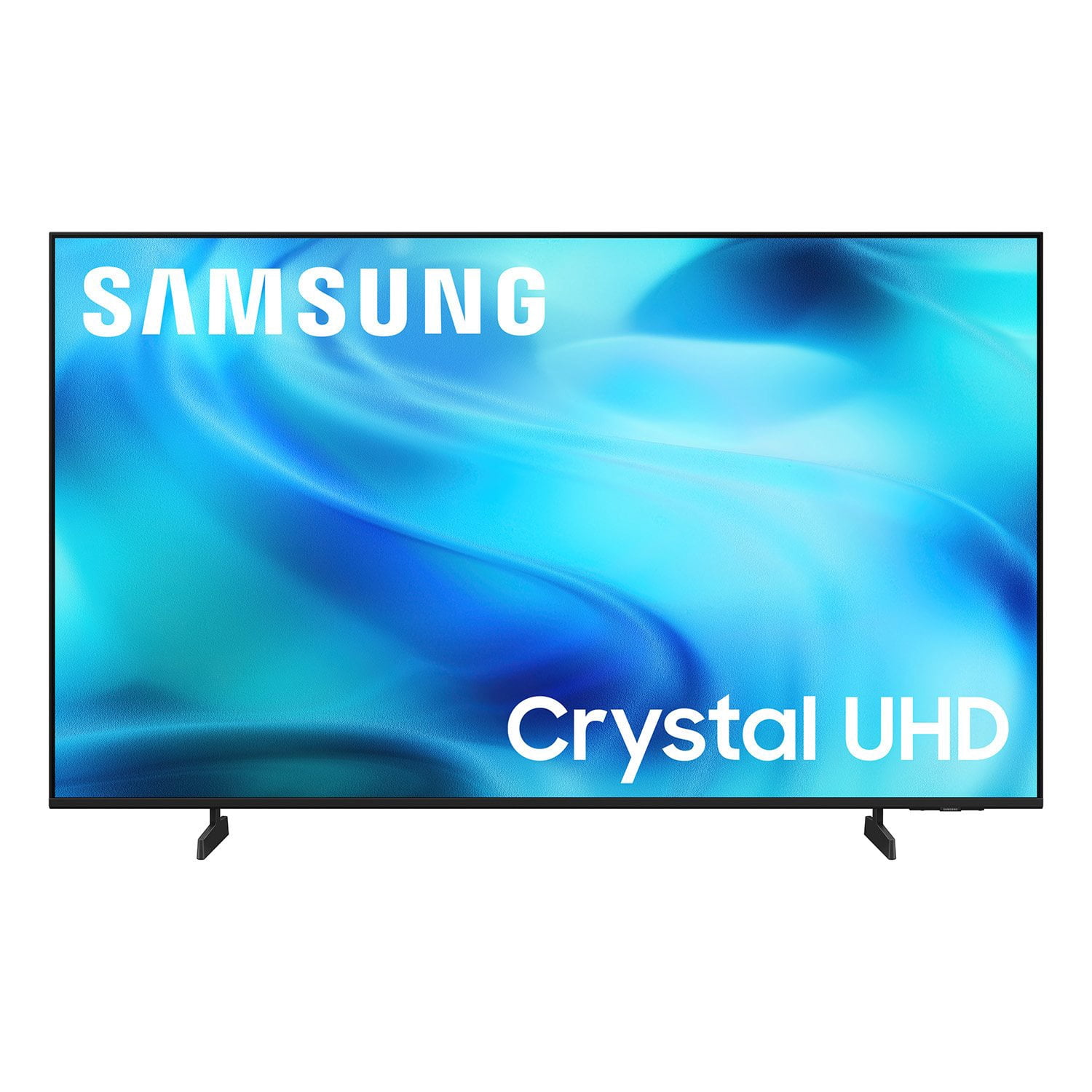
SAMSUNG 50” Class U8000H Series Crystal UHD 4K Vision AI Companion Smart Tizen TV
4.7 out of 5 stars
stars
180 ratings180 reviews
  1. 5 stars81% (146)
  2. 4 stars13% (24)
  3. 3 stars3% (5)
  4. 2 stars2% (3)
  5. 1 star1% (2)
Sort by |
Showing 1-10 of 180 reviews
Jul 11, 2026
Geg1953
5 out of 5 stars review

Geg Samsung review

[This review was collected as part of a promotion.] We purchased this television for the bedroom and only use it for a short time when retiring for the night.the television has a great picture and many options on channels and programs. Since we only use it for a short timeframe daily we are still learning how to navigate through the channels. We are enjoying the television. This is not our first Samsung Smart television. We had purchased a 65” Samsung Smart television 8 years ago and very pleased with it.

Review from Samsung US
Helpful?3PDR7R7F67UH19901005916
Jul 5, 2026
Anonymous
5 out of 5 stars review

Great Smart TV.

Our previous smart tv died. We needed an affordable replacement. After doing research we decided to purchase the new Samsung. The quality of the picture was a pleasant surprise. The ease in setting up the TV and activating the apps to stream was relatively simple. We are very pleased that we chose Samsung.

Review from Samsung US
Helpful?3PDR7R7F67UH19901005916
Jul 20, 2026
BioPat
5 out of 5 stars review

Well done, Samsung

We have multiple. Samsung TV's. Of all TV's, this new one is by far superior to the others. The contrast. Of all the items that might be in the screen. The responsiveness, how quick it is to set up even in a house that it uses only streaming. The sound is amazing. We are very pleased with the TV. That we've only had a week but look forward to many years of good service.

Review from Samsung US
Helpful?3PDR7R7F67UH19901005916
Jul 20, 2026
Elguapo
5 out of 5 stars review

Great features

Just bought new Samsung television due to I knocked off stand. Always buy Samsung TVs. TV was 5 years old. The new TV has much better picture and sound is louder for speaker TV. Like the new remote too. Price was inexpensive. All around better TV. Keep up the work Samsung

Review from Samsung US
Helpful?3PDR7R7F67UH19901005916
Jul 8, 2026
Wayne
5 out of 5 stars review

Great features

This is a great television. Samsung did really well in the design and architecture of this model. I have enjoyed Samsung products for years now. And I will continue to purchase, and enyoy their products into the future. Itruly love the contrast and vivid color. As well as I am able to use all of my streaming platforms to stream my favorite content, as it has a remarkable response time. With outstanding brightness.

Review from Samsung US
Helpful?3PDR7R7F67UH19901005916
Jul 7, 2026
CLIM
4 out of 5 stars review

Great Picture/No Optical Port

Overall I'm delighted with my budget friendly Samsung. Color is great. However, it's caused me some extra expense and lots of trouble connecting to my older Bose Solo because it does not have an optical port so that the Bose can be connected directly to the Samsung TV and using Bluetooth works but does not give quality sound. Eventually and with difficulty, I bought an Extractor and a Switch and an extra HDMI cable. I finally have a great picture and great sound, but it took a great deal of effort.

Review from Samsung US
Helpful?3PDR7R7F67UH19901005916
Jul 6, 2026
Beresond
4 out of 5 stars review

Decent display for the money.

[This review was collected as part of a promotion.] For the price the UHD display is pretty decent. The only issue I find with it is it is slow to react to commands from the remote. Like really slow. Sound is good. Brightness, contrast was great out of the box.

Review from Samsung US
Helpful?3PDR7R7F67UH19901005916
Jul 13, 2026
DeeM
2 out of 5 stars review

Not Up to Expectation

My first Samsung product. Not very happy. Setup much more difficult than previous purchases. Not connection for my sound bar. Bought the Audio adapter. Still not recognizing. No usb marked arc or earc. I was told it was #3. Obviously not, since there is still no recognition. Picture OK. Support legs not nearly as sturdy as my previous Vizio. Probably my last Samsung product.

Review from Samsung US
Helpful?3PDR7R7F67UH19901005916
reply from Samsung Advisor

Hi DeeM, Thank you for your feedback on the U8000HD. Please know your TV can connect to external sound via HDMI and Bluetooth. If you're not hearing sound from your connected device over HDMI ARC or eARC, here are some steps that can help: 1. Confirm proper port connection. Make sure you're using the HDMI port labeled ARC or eARC on both your TV and the connected device (like a soundbar or receiver). Use a High-Speed HDMI cable with Ethernet (HEC) or Ultra High-Speed HDMI cable to ensure full functionality. 2. Enable HDMI eARC Mode. Go to: Home > left directional key > Settings > All Settings > Sound > Expert Settings > HDMI eARC Mode, and set it to Auto. 3. Enable Anynet+ (HDMI-CEC). ARC and eARC require HDMI-CEC to function. Go to: Settings > All Settings > General & Privacy > External Device Manager > Anynet+ (HDMI-CEC) and set it to On. 4. Adjust Digital Output Audio Format. Some receivers and soundbars may not support all audio formats. Go to: Settings > All Settings > Sound > Expert Settings > Digital Output Audio Format, and set this to Auto if your audio device does not support Dolby Digital+ or other advanced formats. If your device does support higher formats, Pass-Through can be selected to send audio directly without additional processing from the TV. 5. Check TV firmware. Updates may improve compatibility and resolve sound issues. Go to: Settings > Support > Software Update > Update Now to install the latest version. If the issue continues, try restarting both the TV and the audio device, switching HDMI cables, or toggling Anynet+ off and back on. If you need further help, please reach out to Samsung Support at 1-800-SAMSUNG (8AM – 9PM EST Mon – Fri, 8AM – 6PM Sat – Sun). LiveChat agents are also available on the ‘Support’ section of our website. ~ Samsung Advisor

Jul 23, 2026
DeeM
2 out of 5 stars review

Not thrilled.

Not the best TV I have ever had. Setup much harder than previous TV's. Bose sound bar does not work after I bought suggested adapter. Roku streamer works some of the time. No problem on my other three TV's. Base support does not appear very sturdy. Picture OK, but no better than any others.

Review from Samsung US
Helpful?3PDR7R7F67UH19901005916
Jul 7, 2026
Ludite1976
1 out of 5 stars review

No Account No TV

I could not use the TV without making a Samsung Account. I do not want a samsung account. The menus are horribly nested. Over air TV broadcast is our primary usage and it is 3 or 4 clicks deep from turning on. The picture is decent, but only after turning off all of the enhancements that make it look like a soap opera.

Review from Samsung US
Helpful?3PDR7R7F67UH19901005916
reply from Samsung Advisor

Hi Ludite1976, Thank you for your review and for sharing your concerns. A Samsung Account is required to access Smart Hub, which powers the core smart features of your TV - including app access (like Netflix and YouTube), service updates, and content personalization. Without signing in and accepting the Terms and Conditions, your TV will function in a basic mode - supporting external devices (such as HDMI and over-the-air antenna), but streaming apps and Smart Hub services will be unavailable. We understand this requirement may not be ideal for all users, but it’s necessary for full access to Samsung’s smart features and connected services. If you need assistance creating or logging into a Samsung Account, we’re here to help. Please contact Samsung Support at 1-800-SAMSUNG (8AM – 9PM EST Mon – Fri, 8AM – 6PM Sat – Sun). LiveChat and additional support resources are also available through the Support link on our website. ~ Samsung Advisor