Join Now
Skip to Main Content
Sam's Club
Sam's Club
All Departments
All Services
Customer reviews for SAMSUNG 50” Class U8000H Series Crystal UHD 4K Vision AI Companion Smart Tizen TV for
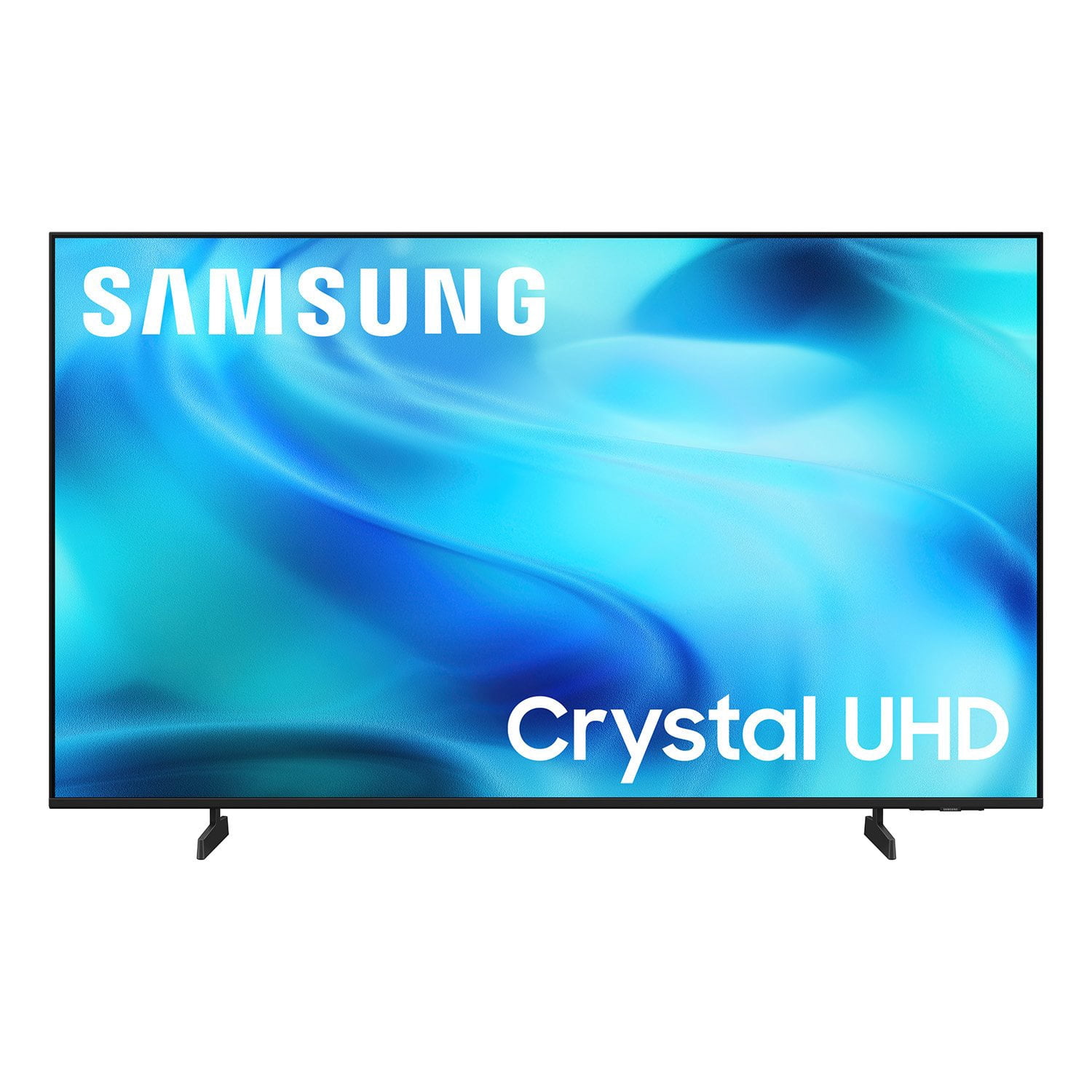
SAMSUNG 50” Class U8000H Series Crystal UHD 4K Vision AI Companion Smart Tizen TV
4.7 out of 5 stars
stars
773 ratings757 reviews
  1. 5 stars79% (609)
  2. 4 stars14% (109)
  3. 3 stars4% (31)
  4. 2 stars2% (14)
  5. 1 star1% (10)
Sort by |
Showing 71-80 of 757 reviews
Oct 2, 2026
Reviewer name: Nathen r
4 out of 5 stars
4 out of 5 stars review

Games, better price, Ai, shopping, EVERYTHING

[This review was collected as part of a promotion.] I will say it's responsiveness is a little slow not to much but with everything this has it makes up for it. Brightness is awesome because the settings menu gives you a wide variety of different settings. Same thing goes with contrast it's awesome. I just switched from a I don't know maybe 25 inch monitor so this TV is a big and the movie upscaling is great it just feels like I'm watching on a mini movie theater screen and last uniformity is good to I haven't experienced any blurry pictures or dark cloudy spots.

Review from Samsung US
Helpful?3PDR7R7F67UH19901005916
Oct 6, 2026
Reviewer name: Julian s
5 out of 5 stars
5 out of 5 stars review

Great tv for the price

[This review was collected as part of a promotion.] This tv is really worth it for the price and game mode is the best mainly becuase I do a ton of gaming also I love that you can change screen modes and brightness plus the 4k chip that upscales some video to 4k.

Review from Samsung US
Helpful?3PDR7R7F67UH19901005916
Sep 22, 2026
Reviewer name: Duncanville
5 out of 5 stars
5 out of 5 stars review

Great TV

[This review was collected as part of a promotion.] The TV is clear and has a beautiful picture. It was fairly easy to install. The one thing I had a problem was the changer. It take a while to get use to. I have had many. Samsung products and I had not had any issues with them. SAMSUNG IS THE BEST.

Review from Samsung US
Helpful?3PDR7R7F67UH19901005916
Sep 21, 2026
Reviewer name: Anonymous
5 out of 5 stars
5 out of 5 stars review

A must buy

[This review was collected as part of a promotion.] the TV is an amazing product I'm glad that I researched it for a couple of weeks before I could board it I love the Readiness of it I love the gaming over version of it being able to have the apps open as fast as they do no product problems it's a really amazing TV the TV is an amazing product I'm glad that I researched it for a couple of weeks before I could board it I love the Readiness of it I love the gaming mode version of it being able to have the apps open as fast as they do no product problems it's a really amazing TV the brightness on it is amazing I'm glad that I was able to upscale the television and the Sound stage of it is great

Review from Samsung US
Helpful?3PDR7R7F67UH19901005916
Oct 5, 2026
Reviewer name: MGoos
3 out of 5 stars
3 out of 5 stars review

Tv start up is too complicated and annoying

[This review was collected as part of a promotion.] I don't like the opening home page that requires several steps to reach what you want to view. I wish you could set it so it opened to live tv or option to open to certain station . I'd like to not have to be prompted to Samsung tv always first because we rarely view it and it is an annoyance

Review from Samsung US
Helpful?3PDR7R7F67UH19901005916
reply from Samsung Advisor

Hi MGoos, Thank you for your review. While your U8000HD TV may currently default to Samsung TV Plus when powered on, you can customize what your TV does at startup by adjusting the Start Screen Options. To do this, navigate to: Settings > All Settings > Advanced Features > Start Screen Option and choose from the following: 1. Start with Smart Hub Home – Automatically launches Smart Hub when the TV is turned on. You can enable or disable this option based on your preference. 2. Autorun Samsung TV Plus – Automatically launches Samsung TV Plus when the TV is turned on. If this option is turned off, the last used source will be displayed instead. 3. Autorun Multi View Casting – If you cast YouTube content from your mobile device, the TV will automatically display the content using Multi View. 4. Autorun Multi View Mirroring – When you screen mirror your mobile device, Multi View will automatically open to show your device’s screen. 5. Autorun Last App: The last used app is automatically run when you turn on the TV. You can turn this function on or off. Press the Select button at the current menu If you need help adjusting these settings or have any other questions, please contact Samsung Support at 1-800-SAMSUNG (8AM – 9PM EST Mon – Fri, 8AM – 6PM Sat ). LiveChat agents are also available by clicking on the ‘Support’ link on our website. ~ Samsung Advisor

Oct 12, 2026
Reviewer name: Kingjune
5 out of 5 stars
5 out of 5 stars review

Worth every penny

[This review was collected as part of a promotion.] The TV has a fas refresh,the upscaling on the it looks amazing, and love the setting for audio, contrast and brightness, but the uniformity on the black screen would need a bit of work. Worth the price

Review from Samsung US
Helpful?3PDR7R7F67UH19901005916
Oct 6, 2026
Reviewer name: Dermodad
5 out of 5 stars
5 out of 5 stars review

Good for the price

[This review was collected as part of a promotion.] This TV was purchased by Allstate extended warranty plan after my prior 86" Samsung unit went black. The best thing about this unit is it is much lighter than my prior unit, which really stressed my articulating wall mount. The picture quality is good. I can't really fault it. The worst thing is the remote. It has a maddening delayed response. No idea why. Overall I do recommend this TV.

Review from Samsung US
Helpful?3PDR7R7F67UH19901005916
Oct 1, 2026
Reviewer name: Cj70
5 out of 5 stars
5 out of 5 stars review

Great buy snd super quality easy to use

[This review was collected as part of a promotion.] I am very happy with my tv. The picture sound quality all tremendous and very thankful for it. As well it's ease in use in moving around from tv apps internet games etc so very easy. I'm very pleased. The ease of use sbd functioning with quality just wonderful!

Review from Samsung US
Helpful?3PDR7R7F67UH19901005916
Sep 21, 2026
Reviewer name: Eric
5 out of 5 stars
5 out of 5 stars review

Great features

[This review was collected as part of a promotion.] I'm really impressed with the U8000HD 4K Smart TV (2026). The picture quality is sharp and clear, with good color and plenty of detail when watching movies, sports, and regular TV. The 4K resolution really stands out, especially when viewing high-quality content. The smart TV features are easy to navigate, and apps load quickly without much hassle. The setup was straightforward, and the overall design looks modern and clean without taking up too much space. The sound quality is decent for everyday viewing, although adding a soundbar would be a nice upgrade if you want a more immersive experience. Overall, for the price, the U8000HD offers a lot of features and delivers a great viewing experience. Overall a great choice for anyone looking for an affordable 4K smart TV with a sharp picture and easy-to-use smart features.

Review from Samsung US
Helpful?3PDR7R7F67UH19901005916
Sep 22, 2026
Reviewer name: Hawkrider
3 out of 5 stars
3 out of 5 stars review

TV Picture is great.

[This review was collected as part of a promotion.] This TV offers great picture at a really fair price. However Users Manual is not much use to someone tha just wants to install the DirecTV App and watch my choice of TV programs. Unfortunately the Users Manual focus on all the "Smart Features" at the expense of a clear explanation of how to just watch TV Programs. Fortunately the Users Manual is available for download because the printed copy text is so small that a magnifine glass is necessary to read it. Then there is the "Remote" that has no intutive functions. I own three older Samsung TVs on Smart and one which I use a Firestick to make it smart ; also have Samsung cell phone. My positive experience with their performance caused me to purchase this TV. I will not make that mistake again!

Review from Samsung US
Helpful?3PDR7R7F67UH19901005916
reply from Samsung Advisor

Hi Hawkrider, Thank you for sharing your feedback with us. To help you get the most from your TV, you can download the full e-Manual and more by visiting Samsung’s website, then navigating to: Support > Manual & Software > TVs & Home Theater. From there, you can search for and select your U8000H TV model to view or download the available guides. The e-Manual & User Guide are also conveniently built into your TV: Settings > Support > Tips and User Guides. Your TV includes Learn Menu Screen, an accessibility feature that provides audio guidance for on-screen menus. When enabled, your TV will announce the name and function of each menu item as you scroll, without making any changes. This feature is particularly helpful for users who are visually impaired or new to Smart TV menus. To enable, go to: Settings > All Settings > General & Privacy > Accessibility > Learn Menu Screen. To exit, press the Return key twice. If you’d like more assistance with this feature, please reach Samsung Support at 1-800-SAMSUNG (8AM – 9PM EST Mon – Fri, 8AM – 6PM Sat – Sun). LiveChat agents are also available through the ‘Support’ link on our website. ~ Samsung Advisor