Skip to Main Content
Sam's Club
Sam's Club
All Departments
All Services
Customer reviews for SAMSUNG 50” Class U8000H Series Crystal UHD 4K Vision AI Companion Smart Tizen TV for
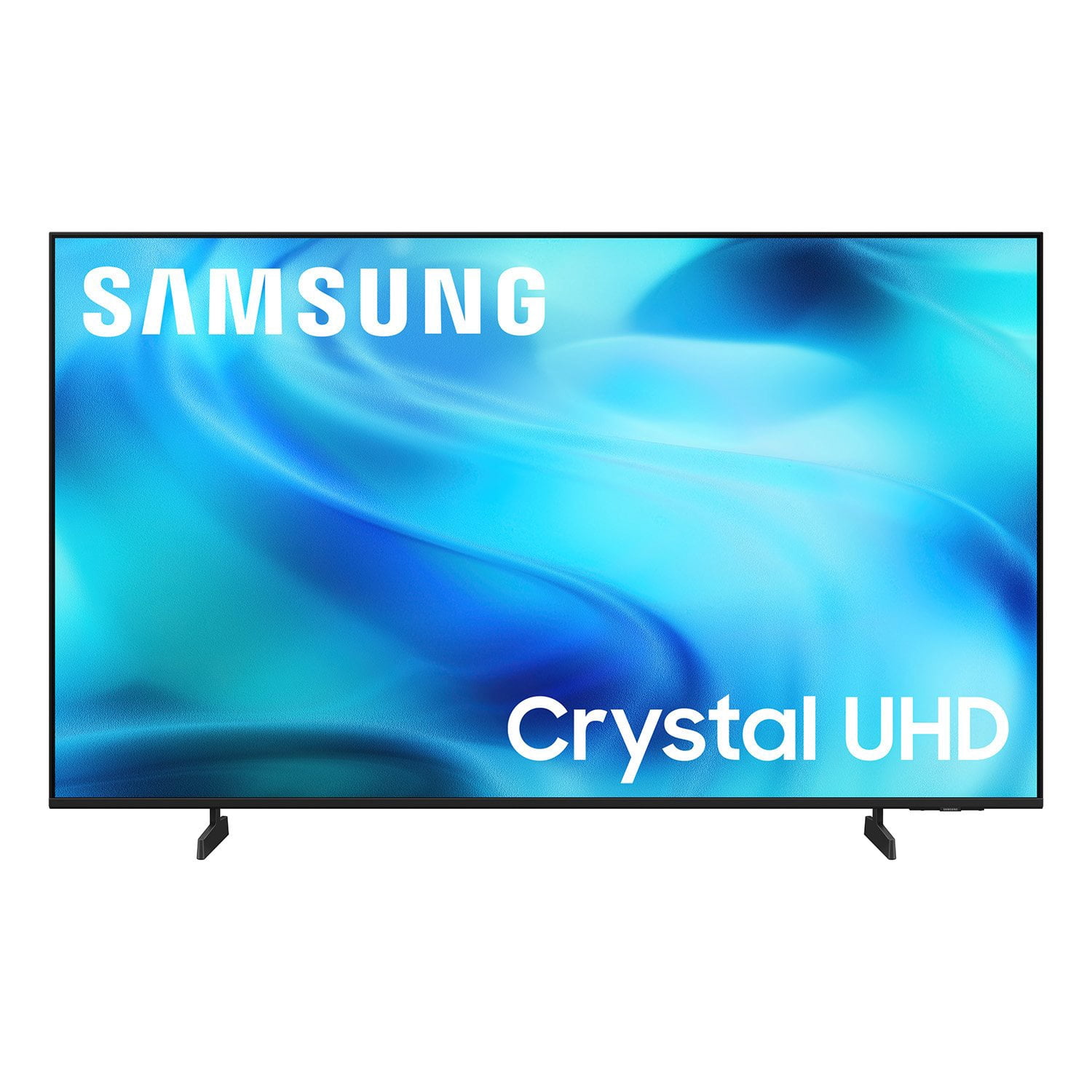
SAMSUNG 50” Class U8000H Series Crystal UHD 4K Vision AI Companion Smart Tizen TV
4.7 out of 5 stars
stars
773 ratings757 reviews
  1. 5 stars79% (609)
  2. 4 stars14% (109)
  3. 3 stars4% (31)
  4. 2 stars2% (14)
  5. 1 star1% (10)
Sort by |
Showing 91-100 of 757 reviews
Sep 21, 2026
Reviewer name: Ray J
4 out of 5 stars
4 out of 5 stars review

A fantastic TV just one little flaw

[This review was collected as part of a promotion.] It is a very wonderful TV. The only problem I found with it was if you have something else hooked up to it the HDMi3 like a ROKU, have to set it back to the port every time which is a fairy big inconvenience.

Review from Samsung US
Helpful?3PDR7R7F67UH19901005916
Sep 21, 2026
Reviewer name: Invictus
5 out of 5 stars
5 out of 5 stars review

Great mid range tv

[This review was collected as part of a promotion.] Amazing value for a good 65 inch tv that will work in a living room that has windows that output a decent amount of light into the room. It has a good enough contrast to make movies pop too, just don't expect it to beat a oled and you will be happy. I also game on a pc connected to this tv and it works very good too.

Review from Samsung US
Helpful?3PDR7R7F67UH19901005916
Sep 20, 2026
Reviewer name: DenRussell
2 out of 5 stars
2 out of 5 stars review

Impossible to view in a bright environment

[This review was collected as part of a promotion.] Like all Samsung televisions, this one is reliable, but the screen image “disappears” when there is any light in the room. Great for dark or darkened room, but definitely not a good choice for a room with any sunlight whatsoever.

Review from Samsung US
Helpful?3PDR7R7F67UH19901005916
reply from Samsung Advisor

Hi DenRussell, We’re sorry to hear you’re not fully satisfied with the picture quality on your Samsung U8000H TV. If the image appears too dark, we suggest disabling certain energy-saving features, which can automatically adjust brightness and affect how the screen looks. Go to: Settings > All Settings > General & Privacy > Power and Energy Saving, then turn off Brightness Optimization, Energy Saving Solution, Motion Lighting, and/or Contrast Enhancer. You can also adjust the Picture Mode to better suit your environment: Settings > All Settings > Picture > Picture Mode • Standard – Default mode for general viewing • Dynamic – Brighter and clearer, ideal for well-lit rooms • Movie – Best for dark room viewing • Eco – Energy-saving mode • Filmmaker Mode – Preserves content as intended by creators To fine-tune brightness, go to: Home > left directional key > Settings > All Settings > Picture > Expert Settings, then adjust the Brightness level (0–50) to your preference. Lastly, please make sure your TV is running the latest firmware: Home > left directional key > Settings > Support > Software Update > Update Now We hope these tips help improve your viewing experience. If you need further support, feel free to contact us at 1-800-SAMSUNG (8AM – 9PM EST Mon – Fri, 8AM – 6PM Sat – Sun). LiveChat is also available via the ‘Support’ link on our website. ~ Samsung Advisor

Sep 20, 2026
Reviewer name: Kurt
4 out of 5 stars
4 out of 5 stars review

Value Priced

[This review was collected as part of a promotion.] Good value for the money. The USB slideshow functionality is useful, but the slideshow interface needs an upgrade. I have never seen a Samsung remote control that I liked. Areas for Improvement: 1) A unified menu for slide (Data-USB) viewing. 2) Increase Transition speed between slides (it is jumpy and it seems the processor is not strong enough to handle the transition, even on a new TV!) 3) Additional slideshow features (display speed control, and extra display options) 4) The Remote. Just copy Apple.

Review from Samsung US
Helpful?3PDR7R7F67UH19901005916
Sep 21, 2026
Reviewer name: Jas B
5 out of 5 stars
5 out of 5 stars review

Love this TV

[This review was collected as part of a promotion.] This is the best TV I've ever owned. I was adamantly against smart TVs because I didn't have a use for all of the features they provide but when I started using my Samsung TV, I realized that it was the clearest picture, best gameplay experience and sound quality. Perfect size and perfect TV for me.

Review from Samsung US
Helpful?3PDR7R7F67UH19901005916
Oct 1, 2026
Reviewer name: Cj70
5 out of 5 stars
5 out of 5 stars review

Great buy snd super quality easy to use

[This review was collected as part of a promotion.] I am very happy with my tv. The picture sound quality all tremendous and very thankful for it. As well it's ease in use in moving around from tv apps internet games etc so very easy. I'm very pleased. The ease of use sbd functioning with quality just wonderful!

Review from Samsung US
Helpful?3PDR7R7F67UH19901005916
Sep 20, 2026
Reviewer name: Nuthin2lose
5 out of 5 stars
5 out of 5 stars review

Very Smart TV!

[This review was collected as part of a promotion.] This TV is used in my bedroom. This picture quality is amazing. I enjoy the smart tv options. This setup was easy. After downloading app the setup was easy. Brightness, Contrast is of good quality.

Review from Samsung US
Helpful?3PDR7R7F67UH19901005916
Sep 29, 2026
Reviewer name: Rene
5 out of 5 stars
5 out of 5 stars review

Totally Awesome

[This review was collected as part of a promotion.] The television is crystal clear, especially by watching movies. The sound is excellent is amplified through. This is a great television. I originally had the Samsung curved television, and they didn't have those anymore. I really love that one. But this one is just as great, just doesn't have the curve. I wish samsung would bring the curve television back. I trust samsung, I have my other television for ten years. And it still works, and I. It's still in the home. We just updated for better picture.

Review from Samsung US
Helpful?3PDR7R7F67UH19901005916
Oct 5, 2026
Reviewer name: Andi
5 out of 5 stars
5 out of 5 stars review

Bigger is better!

[This review was collected as part of a promotion.] Love the tv. I went from 43” to 50”. Really happy with the size besides the quality. I chose Samsung because my mother gave me her Samsung which she had had for several years. Now I have it and use it in my bedroom for 19 years. Great Tv,. The one I replaced with the 50” replaced another brand that did not last a mere six years. My only complaint was with the set up. I did not sign up for what you offered in form of Samsung programming. Opting out made set up more confusing . Just to let you know, I am 80 years old. I am semi computer illiterate, but had a hard time bypassing your Samsung programming to get just to the TV programs. I got there, but it took me longer than I had to

Review from Samsung US
Helpful?3PDR7R7F67UH19901005916
Oct 2, 2026
Reviewer name: Nathen r
4 out of 5 stars
4 out of 5 stars review

Games, better price, Ai, shopping, EVERYTHING

[This review was collected as part of a promotion.] I will say it's responsiveness is a little slow not to much but with everything this has it makes up for it. Brightness is awesome because the settings menu gives you a wide variety of different settings. Same thing goes with contrast it's awesome. I just switched from a I don't know maybe 25 inch monitor so this TV is a big and the movie upscaling is great it just feels like I'm watching on a mini movie theater screen and last uniformity is good to I haven't experienced any blurry pictures or dark cloudy spots.

Review from Samsung US
Helpful?3PDR7R7F67UH19901005916