Skip to Main Content
Sam's Club
Sam's Club
All Departments
All Services
Customer reviews for SAMSUNG 43” Class M70H Series Mini LED 4K UHD Vision AI Companion Smart Tizen TV for
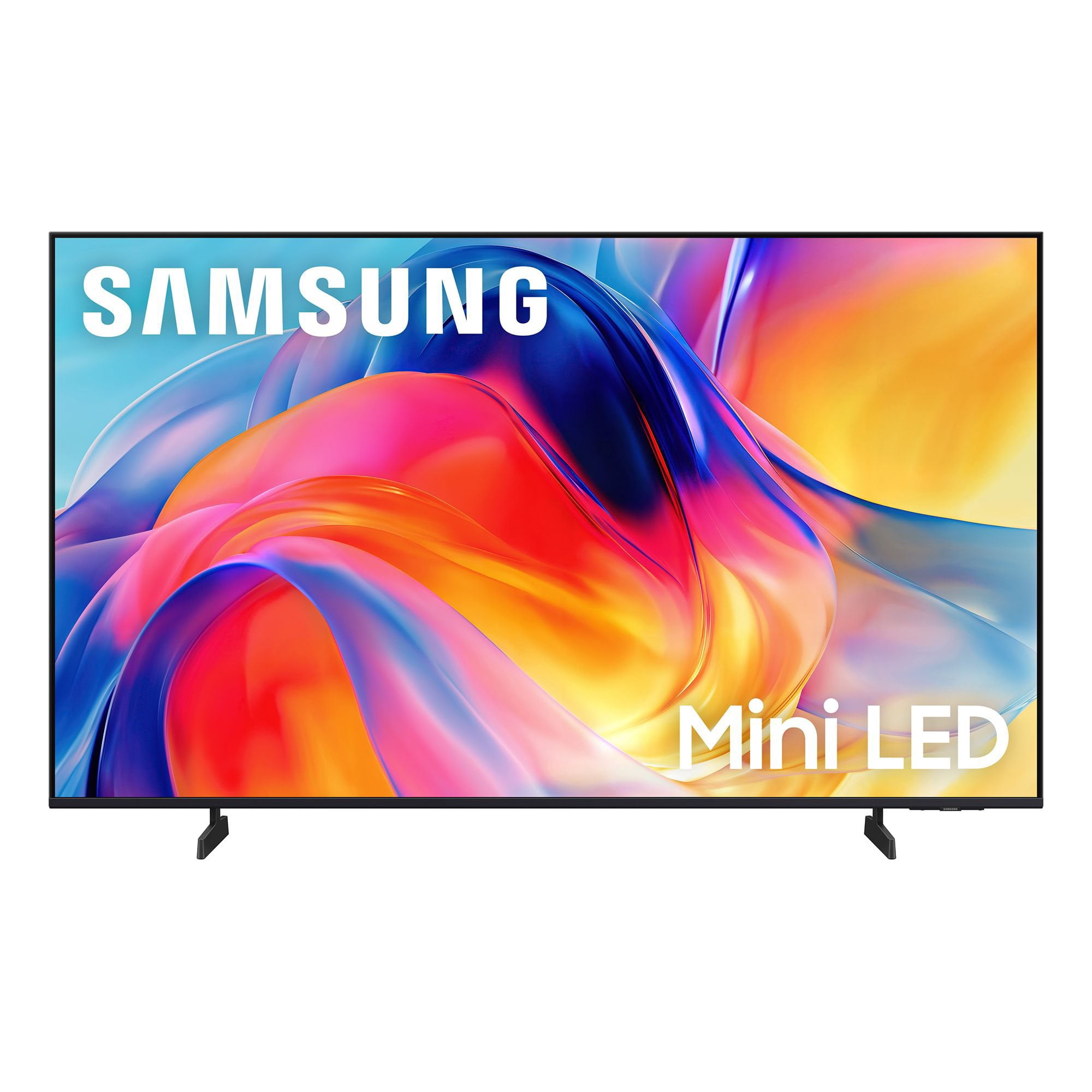
SAMSUNG 43” Class M70H Series Mini LED 4K UHD Vision AI Companion Smart Tizen TV
4.5 out of 5 stars
stars
470 ratings466 reviews
  1. 5 stars71% (335)
  2. 4 stars15% (70)
  3. 3 stars7% (33)
  4. 2 stars5% (25)
  5. 1 star1% (7)

Member photos

  • +123 images
Sort by |
Showing 181-190 of 466 reviews
Aug 20, 2026
Reviewer name: Coach
5 out of 5 stars
5 out of 5 stars review

excellent quality

[This review was collected as part of a promotion.] Still getting used to features abut picture quality is perfect. Colors and contrast are excellent along with the brightness. This 65 inch Samsung replaced another 65 inch Samsung which was about seven years old and the picture would not emerge, just the sound. I have owned no other brand in the last fifteen years and well satisfied with the quality.

Review from Samsung US
Helpful?75IY9CO16QMG19894754865
Aug 17, 2026
Reviewer name: Dinesh
5 out of 5 stars
5 out of 5 stars review

OLED-Like Picture Quality at a Great Price

[This review was collected as part of a promotion.] I'm really impressed with the picture quality. The colors are vibrant and accurate, and the image quality looks almost like an OLED display. The brightness is excellent, and the contrast is deep and impressive. The TV is also very responsive, with smooth navigation across apps. Another thing I really like is the consistent sound quality—the audio level and performance remain uniform across different apps. Overall, a great TV with excellent picture quality, performance, and sound.

Review from Samsung US
Helpful?75IY9CO16QMG19894754865
Aug 24, 2026
Reviewer name: Potz
5 out of 5 stars
5 out of 5 stars review

Great bang for the buck

[This review was collected as part of a promotion.] Great picture, everything great on that front. Not crazy about the menu, especially built in links to things I will never use. But the picture, as expected, is excellent. I still have 2 30 year old Samsung 19” tvs and to this day they have the best color and sound of any tvs I've ever owned. Samsung doesn't disappoint!

Review from Samsung US
Helpful?75IY9CO16QMG19894754865
Sep 20, 2026
Reviewer name: Ashley
5 out of 5 stars
5 out of 5 stars review

Beautiful TV

[This review was collected as part of a promotion.] Absolutely love this TV! The picture quality is incredibly crisp and bright, with gorgeous colors and deep contrast that make everything look amazing. Setup was easy, the smart features are simple to use, and overall it looks and performs like a much more expensive TV—definitely a 5-star purchase!

Review from Samsung US
Helpful?75IY9CO16QMG19894754865
Sep 5, 2026
Reviewer name: Humpy 58
5 out of 5 stars
5 out of 5 stars review

Love this TV

[This review was collected as part of a promotion.] It's the perfect size for my space and has an amazing picture, colors are so bright and vivid. As a senior I wish the remote was a little bigger it would be easier to hold and see especially if arthritis is present in my hands.

Review from Samsung US
Helpful?75IY9CO16QMG19894754865
Sep 7, 2026
Reviewer name: Debbie
5 out of 5 stars
5 out of 5 stars review

Great picture quality
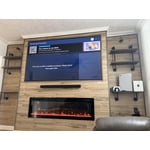
[This review was collected as part of a promotion.] The TV looks beautiful, feels very high quality, and the smart features are easy to use. I'm especially impressed with how detailed everything looks, even on a huge screen. It was definitely worth the investment, and I'm extremely happy with my purchase.

Review from Samsung US
Helpful?75IY9CO16QMG19894754865
Sep 6, 2026
Reviewer name: Capt
5 out of 5 stars
5 out of 5 stars review

Omg I'm pleased

[This review was collected as part of a promotion.] I feel I made a great choice in this selection after reading many many reviews looking up specs and what they meant, then looking at the size and color in store I feel I made a great choice. I'm more than pleased with color and the picture. Everything including my favorite black and white movies are clear. I don't use for gaming or browsing. But a big TV watcher. I'm impressed and pleased a great choice for those who use for music and tv watching. Will try connecting an olde game system when I have time to actually used. Very pleased with this tv. My second Samsung is why I went with this, I replaced my Vizio which was on the blink with old Samsung which is still working great.

Review from Samsung US
Helpful?75IY9CO16QMG19894754865
Aug 23, 2026
Reviewer name: stoney
2 out of 5 stars
2 out of 5 stars review

Remote

[This review was collected as part of a promotion.] The picture is fine. The remote is the most difficult tool I have ever used. It is very small. The volume control has a "hair trigger" that very easily goes to the mute setting. I have not figured out how to select a channel on antenna viewing without going to the "guide" which is default set to the lowest channel to be received

Review from Samsung US
Helpful?75IY9CO16QMG19894754865
reply from Samsung Advisor

Hi Stoney, While the M70HD TV Remote may appear minimal, many buttons offer multiple or long-press functions to help simplify the design without sacrificing functionality. For example: • Settings/Number/Color: Allows you to easily access your TV's Quick Settings and input channel numbers. • Volume rocker: Push up/down to adjust volume. Press and release quickly to mute. • Long-press Volume button: Hold for more than 1 second to open Accessibility Shortcuts. • RETURN button: Press to go back to the previous menu or screen. While watching TV, it takes you back to the previous channel. These functions allow for a more streamlined experience without adding extra buttons. Learn TV Remote is a feature designed to help users become familiar with the layout and function of each button on the Samsung remote. When enabled, pressing any button (except the Power button, which will still turn off the TV) will prompt the TV to announce the button’s name and its purpose – without affecting TV operation. This teaching mode is especially useful for users who are visually impaired or new to Samsung remotes. To enable this feature, go to: Settings > All Settings > General & Privacy > Accessibility > Learn TV Remote. To exit, simply press the Return key twice. If you’d like more assistance with this feature, please reach Samsung Support at 1-800-SAMSUNG (8AM – 9PM EST Mon – Fri, 8AM – 6PM Sat – Sun). LiveChat agents are also available through the ‘Support’ link on our website. ~ Samsung Advisor

Nov 6, 2026
Reviewer name: Jimmy
5 out of 5 stars
5 out of 5 stars review

Verified Purchase

Samsung

Picture is unbelievable

Helpful?75IY9CO16QMG19894754865
Oct 5, 2026
Reviewer name: Rayc
5 out of 5 stars
5 out of 5 stars review

Great Experience

[This review was collected as part of a promotion.] The TV is great - clear, vibrant, and responsive. The TV is loaded with various choices of different apps. Easy to use, except for some apps are awkward.

Review from Samsung US
Helpful?75IY9CO16QMG19894754865