Skip to Main Content
Sam's Club
Sam's Club
All Departments
All Services
Customer reviews for SAMSUNG 43” Class M70H Series Mini LED 4K UHD Vision AI Companion Smart Tizen TV for
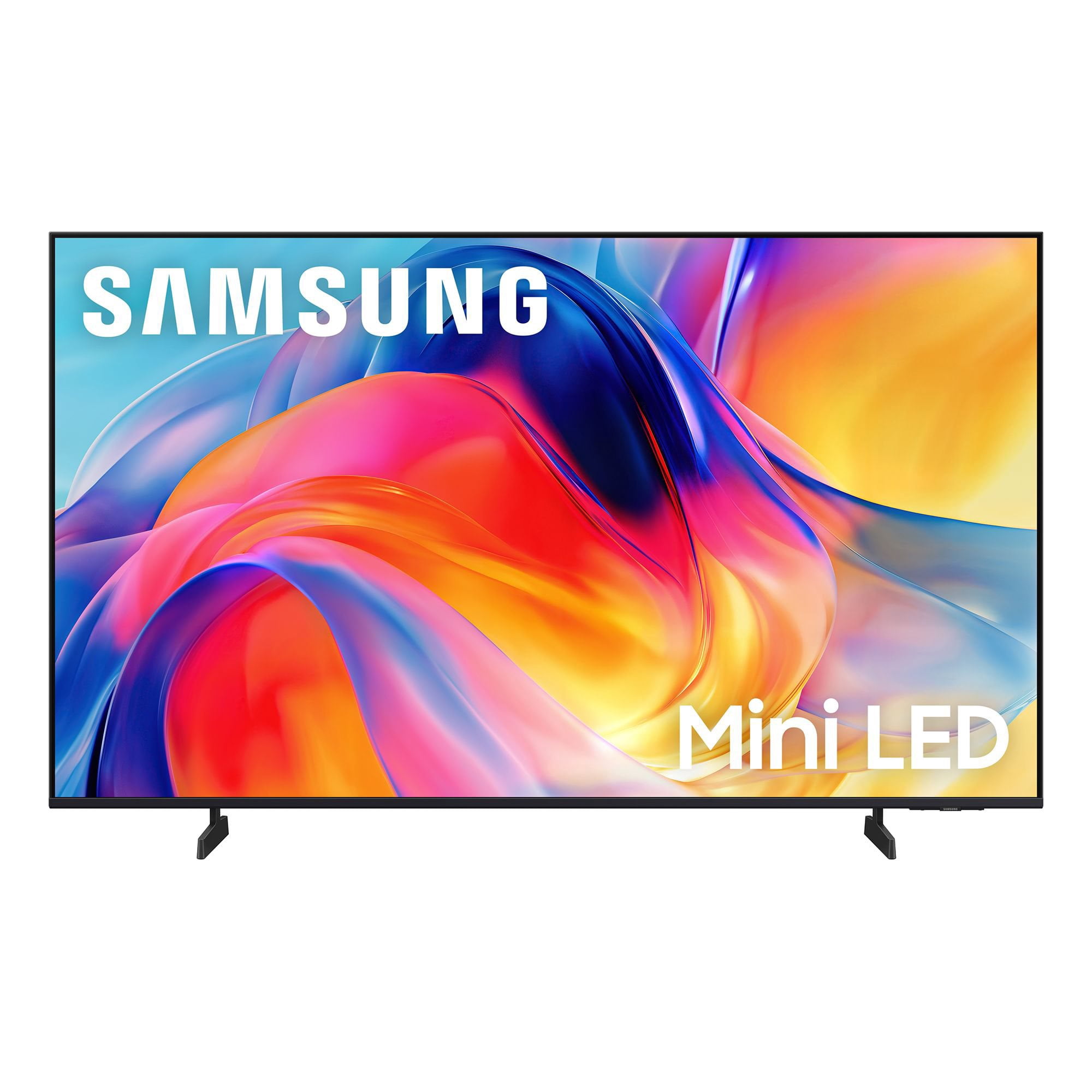
SAMSUNG 43” Class M70H Series Mini LED 4K UHD Vision AI Companion Smart Tizen TV
4.5 out of 5 stars
stars
101 ratings101 reviews
  1. 5 stars68% (69)
  2. 4 stars19% (19)
  3. 3 stars5% (5)
  4. 2 stars7% (7)
  5. 1 star1% (1)

Member photos

  • +6 images
Sort by |
Showing 1-10 of 101 reviews
Jul 5, 2026
Kim chi do
5 out of 5 stars review

Tv

[This review was collected as part of a promotion.] So what I wanted was the qd led but they didn’t have it but the mini led is like the same to it and the color and the brightness plus the contrast and the responsiveness when playing on a console connected to the tv was little to no delay and uniformity is good too !!

Review from Samsung US
Helpful?75IY9CO16QMG19894754865
Jul 9, 2026
Blytz
5 out of 5 stars review

Best Bang-for-your-buck Top Tier 4k TV! (Debatable

Stepping up to this 75-inch Samsung Mini-LED TV is a game-changer, delivering striking brightness and deep contrast that make high-quality movies like *Puss in Boots* truly pop. It's the ultimate bang-for-your-buck option, providing premium 4K quality that gets you incredibly close to OLED performance without the premium price tag.

Review from Samsung US
Helpful?75IY9CO16QMG19894754865
Jun 29, 2026
Looty
5 out of 5 stars review

One of a Kind Television

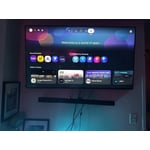
I absolutely love this television. The setup is beyond what I imagined. Quick access to Netflix, Amazon Prime, and Samsung Plus. The only negative thing, is that I do not like the volume feature on the remote. For whatever reason, it is difficult for me to use! With that being said, I still plan on buying both a 50 inch and 75 inch (or 65) of the SAME model.

Review from Samsung US
Helpful?75IY9CO16QMG19894754865
Jul 5, 2026
Yasso
5 out of 5 stars review

Excellent picture, easy setup, and outstanding tv.

⭐⭐⭐⭐⭐ Excellent TV! Crystal-clear picture, vibrant colors, and great sound. Easy to set up and the smart features work flawlessly. Highly recommend! Option 2: ⭐⭐⭐⭐⭐ Very impressed! The picture quality is stunning, the interface is fast, and streaming apps load quickly. Great value for the money. Option 3: ⭐⭐⭐⭐⭐ Fantastic purchase! Bright, sharp display with smooth performance. Perfect for movies, sports, and gaming. Samsung delivered another great TV.

Review from Samsung US
Helpful?75IY9CO16QMG19894754865
Jun 22, 2026
Ibarra
5 out of 5 stars review

Very good product

[This review was collected as part of a promotion.] This television offers impressive picture quality with vibrant colors and deep blacks. Its interface is intuitive and easy to navigate, allowing you to access your favorite content without hassle. Connectivity is excellent, making it easier to integrate with other devices in your home. In addition, its modern and elegant design is perfectly suited to any space. You will enjoy an immersive, high-level viewing experience with this device.

Review from Samsung US
Helpful?75IY9CO16QMG19894754865
Jul 5, 2026
Foxx
5 out of 5 stars review

live and color

[This review was collected as part of a promotion.] I have been a Samsung client for the last 25 years I have 3 Samsung products a 43 inch Qled a 55 Crystal Hud now I purchased a 55 inch mini Led led the quality of the picture is remarkable feel like I am inside the Tv ... excellent picture

Review from Samsung US
Helpful?75IY9CO16QMG19894754865
Jul 20, 2026
Wheelie
5 out of 5 stars review

Fantastic TV

The TV is fabulous! The magnificent brightness ,colors and contrasts are amazing! It was an easy setup and we use the remote without difficulty, but must say old remote, with numbers and functions, a thing of the past, is what I wish would return! That's never happening, but you can only hope!!!

Review from Samsung US
Helpful?75IY9CO16QMG19894754865
Jun 25, 2026
TV Voyeur
4 out of 5 stars review

Great little set.

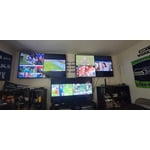
I use this set in my work out room. The 55” replaces an 32” old set. What a difference. Screen detail, brightness makes it a worthwhile investment. We really enjoy the set while grunting and sweating Set up was easy once we figured out how to use to magic remote. Personally i think the remote sucks. Give me one with buttons that work. The sound requires a sound bar w/sub. Also note if you do install a sound system to the set you will need to turn on the eArc system on the set. For some reason Samsung doesn't ship with it on. Lots of magic buttons and steps to get it on. Pricing was good and the set a pleasure to watch. Great for a small space.

Review from Samsung US
Helpful?75IY9CO16QMG19894754865
Jul 5, 2026
The Bowler
4 out of 5 stars review

Good TV for the Price

The TV has a very good picture from all angles. The audio is just average. The physical setup was relatively easy. Going through the menu to setup the TV up at times was very confusing. Trying to find certain settings was very difficult at times. The remote did not come with a voice command button even though the TV supported voice control via Bixby so I had to buy another remote with the voice button. The paper instructions could have been more comprehensive. I added a sound bar to improve the audio quality.

Review from Samsung US
Helpful?75IY9CO16QMG19894754865
Jul 8, 2026
I hate samsung
1 out of 5 stars review

Not living up to your advertising

the TV is nothing but a huge disappointment. the remote is super janky . the Samsung TV app is glitchy and not user-friendly. it is very difficult to get unsupported apps. the apps that it does have is a short list. had to get a firestick to compensate for the massive short comings of this unit. never going to purchase any Samsung products again

Review from Samsung US
Helpful?75IY9CO16QMG19894754865
reply from Samsung Advisor

Hi, Thank you for sharing your experience. For optimal performance on your M70HD TV, please ensure you are running the latest Firmware update. Go to Settings> Support> Software Update. Please know that you can customize your Home screens by installing, removing or adding your favorite apps to Apps Home and/or For You Home screen. Here's how: Searching for & Installing Apps 1. From the Home screen, press up on the remote’s directional pad. 2. Navigate to and select Search. 3. Using the search bar, enter the content or app you’d like to find. 4. Navigate to and select the app you’d like to install, then select Install. Note: Previously installed apps can be accessed on the Settings screen. Adding & Managing Apps on Home Screen 1. Go to App Settings (these can be found at the bottom of the Apps screen) and select the app you want to move. The following options will be available: a. Add to Home: Move the app to your desired location on the Home screen. b. Delete: Delete app. c. Lock/Unlock: Lock the app with a PIN so only you can use it. When the app is selected again, you will be prompted to enter the PIN to unlock it. d. Reinstall: Reinstall the app. e. View Details: View the app’s information and details. If you need additional support, Samsung is here to help. Please call us at 1-800-SAMSUNG (8AM – 9PM EST Mon – Fri, 8AM – 6 PM Sat – Sun), or reach us via text 24/7. You can also visit ‘Support’ on our website for: • Live Chat • Manuals, Software, & Warranty Info ~ Samsung Advisor