Skip to Main Content
Sam's Club
Sam's Club
All Departments
All Services
Customer reviews for SAMSUNG 43” Class M70H Series Mini LED 4K UHD Vision AI Companion Smart Tizen TV for
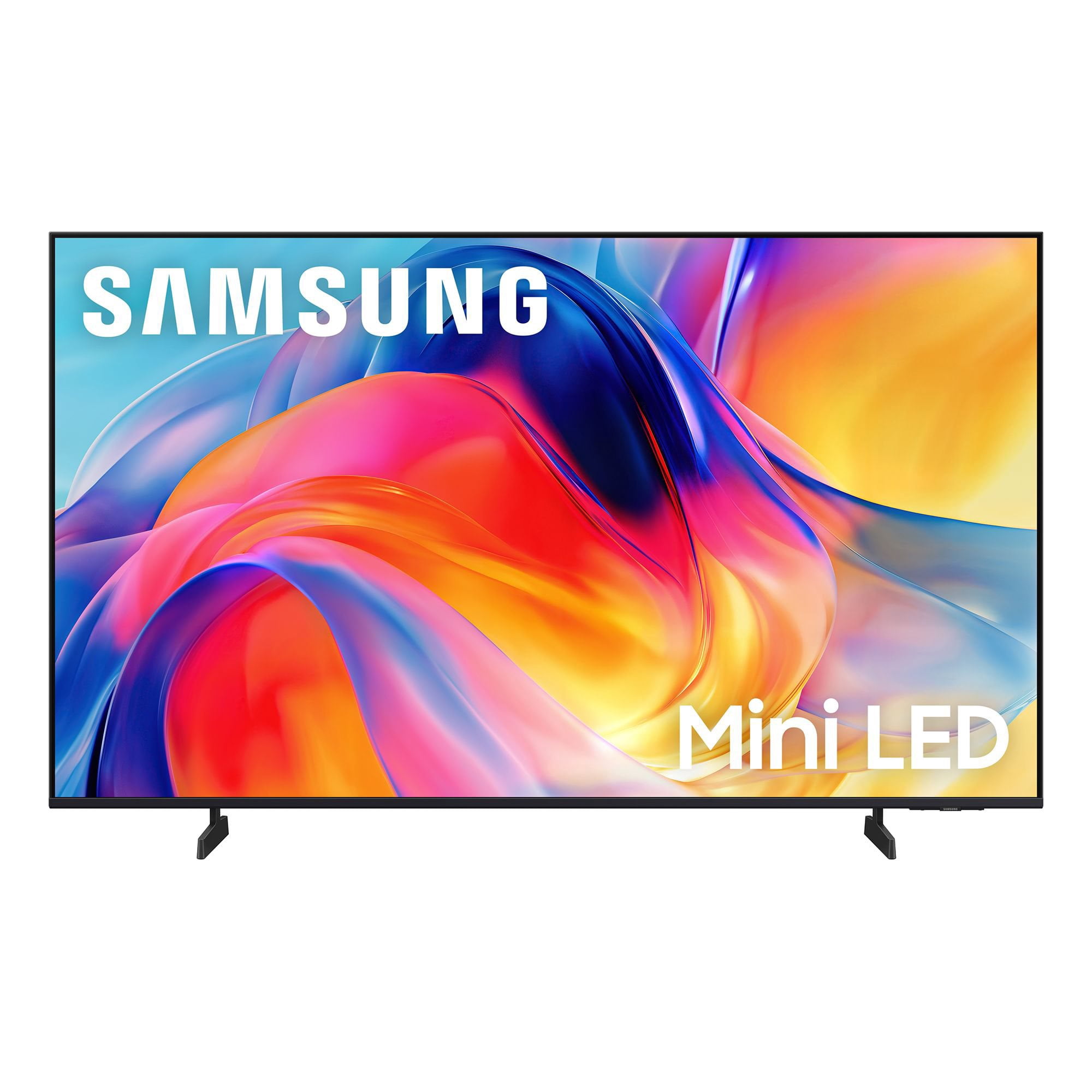
SAMSUNG 43” Class M70H Series Mini LED 4K UHD Vision AI Companion Smart Tizen TV
4.5 out of 5 stars
stars
159 ratings159 reviews
  1. 5 stars70% (111)
  2. 4 stars18% (28)
  3. 3 stars6% (10)
  4. 2 stars6% (9)
  5. 1 star1% (1)

Member photos

  • +29 images
Sort by |
Showing 21-30 of 159 reviews
Jul 5, 2026
Kevin
4 out of 5 stars
4 out of 5 stars review

Picture Quality

[This review was collected as part of a promotion.] The quality of the picture does not appear to be as good as I observed in the store.

Review from Samsung US
Helpful?75IY9CO16QMG19894754865
Jul 5, 2026
Jafh
5 out of 5 stars
5 out of 5 stars review

Great features!

[This review was collected as part of a promotion.] Color and brightness are beautiful! I recommend this gizmo!

Review from Samsung US
Helpful?75IY9CO16QMG19894754865
Jul 6, 2026
David
5 out of 5 stars
5 out of 5 stars review

Samsung tv

[This review was collected as part of a promotion.] Very nice picture and vivid colors. Easy to set up also.

Review from Samsung US
Helpful?75IY9CO16QMG19894754865
Aug 5, 2026
JJ Johnson
5 out of 5 stars
5 out of 5 stars review

Nice TV

I like the TV, but not sure how to use all the features. It’s a learning process.

Review from Samsung US
Helpful?75IY9CO16QMG19894754865
Aug 10, 2026
Maka
5 out of 5 stars
5 out of 5 stars review

Great features

Very nice picture and features. Very good apps and picture quality.

Review from Samsung US
Helpful?75IY9CO16QMG19894754865
Aug 5, 2026
JohnE
5 out of 5 stars
5 out of 5 stars review

Super picture

The color and brightness are the best I’ve ever seen.

Review from Samsung US
Helpful?75IY9CO16QMG19894754865
Aug 5, 2026
Jennifer
4 out of 5 stars
4 out of 5 stars review

Easy to use!

Love the brightness and very easy to use! Has access to lots of apps and channels.

Review from Samsung US
Helpful?75IY9CO16QMG19894754865
Aug 5, 2026
Rich
5 out of 5 stars
5 out of 5 stars review

Great TV

This is my 3rd Samsung big screen and this one is the best so far. Beautiful picture, easy remote control and, paired with a Samsung sound bar, it's the perfect television experience, especially for the price. The picture is as good, or better, than most higher priced models I've considered. Samsung is my 'go to' brand and will be forever.

Review from Samsung US
Helpful?75IY9CO16QMG19894754865
Aug 5, 2026
Randyfish
3 out of 5 stars
3 out of 5 stars review

OK...but

This is an ok TV. We're cable cutters who have for several years streamed our TV content. The picture quality is ok but there are times when the picture is slightly "fuzzy" which may be more of a streaming issue rather than the TV's problem. The reason for 3 stars is that we bought this particular TV because it was one of the few cabable of having 2 Bluetooth wireless headphones operating at the same time. However, you have "reconnect" the "paired" headphones each time the TV is turned on...but even more frustrating is the fact this TV frequently drops the headphone connection while watching a show. We use a Bose and Cowin headphone so its not a headphone problem...it a Samsung TV problem.

Review from Samsung US
Helpful?75IY9CO16QMG19894754865
reply from Samsung Advisor

Hi Randyfish, We appreciate your feedback on the M70HD TV. For the most optimal performance, please ensure your TV and headphones are up to date with the latest software. To update your TV, go to Settings> Support> Software Update. Please also note that the TV and Bluetooth device may disconnect if the distance between them is too great or if there are obstacles. Next, buffering during streaming is typically related to internet speed or signal strength. This can happen when your connection isn’t able to deliver data quickly enough for smooth playback. We recommend the following steps to help improve streaming performance: 1. Use a 5GHz Wi-Fi connection, if available 2. Try a wired LAN connection for more stability 3. Reposition your router to minimize obstacles between it and the TV 4. Make sure your TV is running the latest firmware (Settings > Support > Software Update) 5. Run Device Care to optimize performance: Home > left directional key > Settings > Support > Device Care > Start Device Care If buffering continues, you may want to contact your internet service provider to check your current speed or explore upgrade options. If we can assist further, please call us at 1-800-SAMSUNG, (8AM – 9PM EST Mon – Fri, 8AM – 6PM Sat – Sun). LiveChat with an agent as well as manuals, software, and warranty info can be found at the ‘Support’ link on our Samsung website. ~ Samsung Advisor

Jul 21, 2026
Clos
4 out of 5 stars
4 out of 5 stars review

Great for sporting events

[This review was collected as part of a promotion.] I love it. My 65” mounted to a wall swivel. Just in time to enjoy every minute of every World Cup Soccer Match. As a sports junkie, I specifically selected this model for the enhanced sports optics.

Review from Samsung US
Helpful?75IY9CO16QMG19894754865