Skip to Main Content
Sam's Club
Sam's Club
All Departments
All Services
Customer reviews for SAMSUNG 43” Class M70H Series Mini LED 4K UHD Vision AI Companion Smart Tizen TV for
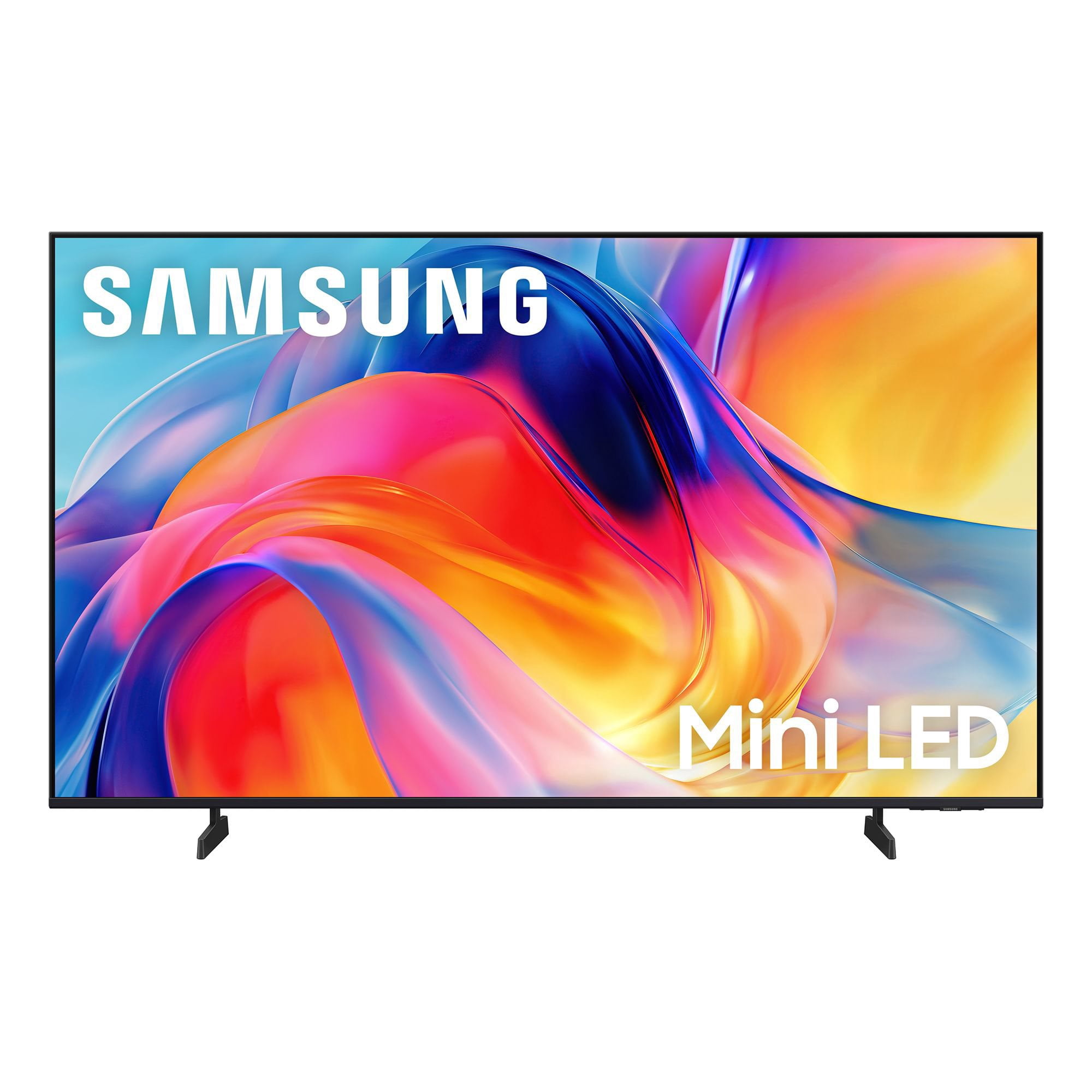
SAMSUNG 43” Class M70H Series Mini LED 4K UHD Vision AI Companion Smart Tizen TV
4.5 out of 5 stars
stars
199 ratings199 reviews
  1. 5 stars71% (142)
  2. 4 stars16% (32)
  3. 3 stars7% (14)
  4. 2 stars5% (10)
  5. 1 star1% (1)

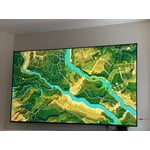
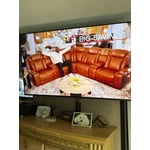
Member photos

  • +39 images
Sort by |
Showing 191-199 of 199 reviews
Jun 24, 2026
Reviewer name: Wicckkid
4 out of 5 stars
4 out of 5 stars review

Great picture and stable viewing

[This review was collected as part of a promotion.] Colol is great sounds clear and long life expectancy

Review from Samsung US
Helpful?75IY9CO16QMG19894754865
Jun 20, 2026
Reviewer name: None
5 out of 5 stars
5 out of 5 stars review

Works just as it should.

[This review was collected as part of a promotion.] Easy set up - even for this old lady. I like the 55” screen.

Review from Samsung US
Helpful?75IY9CO16QMG19894754865
Jun 1, 2026
Reviewer name: Dakii
4 out of 5 stars
4 out of 5 stars review

Amazing product

[This review was collected as part of a promotion.] I love this TV it has anxiety picture and sounds I wouldn't buy another until I needed to

Review from Samsung US
Helpful?75IY9CO16QMG19894754865
Jun 5, 2026
Reviewer name: Erika
5 out of 5 stars
5 out of 5 stars review

Perfect Picture

[This review was collected as part of a promotion.] Great TV! Easy to use. Picture is fantastic. Definitely recommend.

Review from Samsung US
Helpful?75IY9CO16QMG19894754865
Jun 13, 2026
Reviewer name: Brandy
5 out of 5 stars
5 out of 5 stars review

Great product

[This review was collected as part of a promotion.] Best product Great quality Great price Great picture

Review from Samsung US
Helpful?75IY9CO16QMG19894754865
Apr 20, 2026
Reviewer name: Albert
5 out of 5 stars
5 out of 5 stars review

Great features

[This review was collected as part of a promotion.] That tv is the best ever nitid color nice resolution excelen brightness the contrast is the best

Review from Samsung US
Helpful?75IY9CO16QMG19894754865
Apr 18, 2026
Reviewer name: None
5 out of 5 stars
5 out of 5 stars review

Great product

[This review was collected as part of a promotion.] Great product best ive deem around my wife was impressed

Review from Samsung US
Helpful?75IY9CO16QMG19894754865
Apr 19, 2026
Reviewer name: Jennie
5 out of 5 stars
5 out of 5 stars review

Great all the way around

[This review was collected as part of a promotion.] Love it everything is the best when it comes to samsung

Review from Samsung US
Helpful?75IY9CO16QMG19894754865
May 22, 2026
Reviewer name: David
2 out of 5 stars
2 out of 5 stars review

Defective from the get go, kept rebooting

Nice picture, but TV started having issues nearly the time I installed. It would reboot after watching it like 10 minutes in the first week and by the third week was constantly rebooting.

Helpful?75IY9CO16QMG19894754865
reply from Samsung

Hi David,<br /><br />Thank you for sharing your experience. We’re sorry to hear your M70H TV is turning on and off unexpectedly. This kind of power cycling can often be resolved with a few troubleshooting steps:<br /><br />1. Check the power cable for secure connection and signs of damage. If it’s bent, pinched, pressed by furniture, or shows wear, replacing it may resolve the issue.<br />2. Unplug the TV from the wall outlet for 30 seconds, then plug it back in and test operation.<br />3. Update the TV’s software (if the TV remains on long enough). Note that a power interruption during an update can cause further issues, so only proceed if the TV is staying on reliably. Go to: Settings &gt; Support &gt; Software Update &gt; Update Now<br />4. If your TV is connected to SmartThings, it may be turning on from a signal sent through the network. You can disable this feature by going to: Home &gt; left directional key &gt; Settings &gt; All Settings &gt; Connection &gt; Network &gt; Expert Settings &gt; Power On with Mobile &#61; Off<br /><br />If none of these steps resolve the issue, your TV may need service. Please give us a call at 1-800-SAMSUNG (8AM – 9PM EST Mon – Fri, 8AM – 6PM Sat – Sun). Our LiveChat agents are also available at the ‘Support’ link on our website.<br /><br />~Samsung Advisor