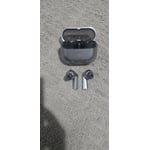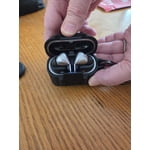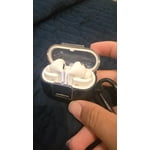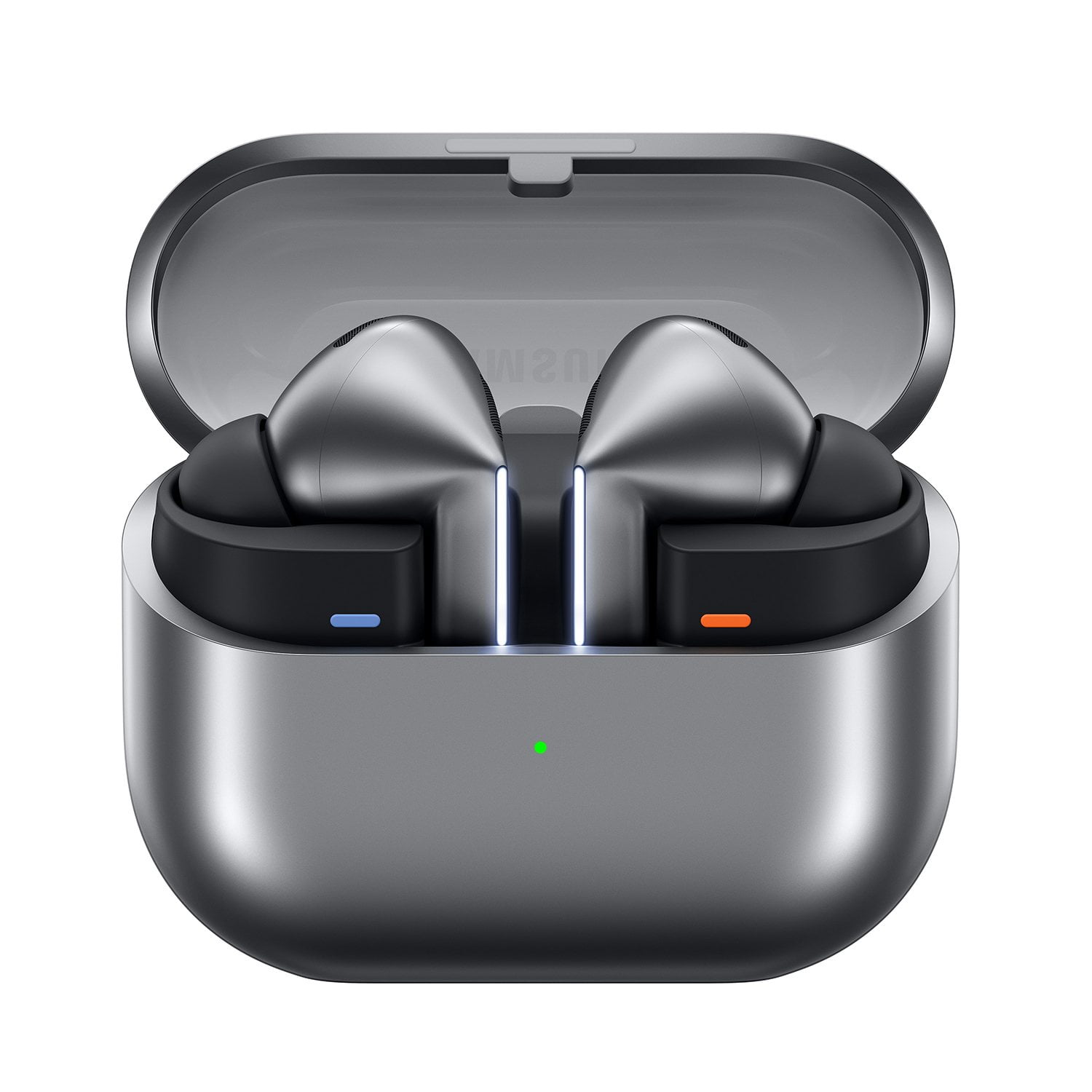
Member photos


+3548 images
Nice Features But Design Issues
[This review was collected as part of a promotion.] The sound quality is great compared to the Buds FE, Live, and the other variations I have had. The biggest complaint I have is the buds fall constantly. The Galaxy Buds Live were the only ones that fit my ear with never falling out.
Howdy Baker78, Thanks for taking the time out of your hectic day to share your thoughts with us about your Samsung Galaxy Buds3 Pro. We appreciate your feedback as we strive in providing the best products with superior functionality on the market for our customers. Wearing your earbuds properly is important for many reasons. You'll get better sound quality from them, they'll fit more comfortably, and they'll stay in your ears. Wearing them improperly can cause discomfort, sound leaks, and makes them more likely to fall out. As you know, the Galaxy Buds3 Pro come with different sized ear tips. The first thing you want to do is make sure they have the right size tips for your ears. You want them to fit so that there isn't a gap between your ear and the ear tip. This helps to avoid sound leaks and ensure optimal audio. Once you have the right tips on your buds: 1. Check the bottom of the earbuds for directional marks. You will see an L and an R. 2. Insert the R bud into your right ear with the R facing you. 3. Insert the L bud into your left ear with the L facing you. 4. Angle the blade slightly so that the microphone on the bottom is pointing towards your mouth rather than straight down. 5. You can adjust the buds by rotating them forwards and backwards until the fit feels right. You can also run an earbud fit test in the Galaxy Wearable app to ensure you have the proper fit. To run an Earbud fit test, 1. Open the Galaxy Wearable app on your connected phone. 2. From the Buds3 Pro screen, tap Sound quality and effects. 3. Tap Earbud fit test. 4. The screen will display either In ear or Not in ear. Make sure both buds are in your ears, and then tap Start. 5. The buds will chime for a few seconds, and then the app will display your results. It may say Poor fit or Good fit. If the fit is poor, make small adjustments and then tap Try again. 6. Continue running the fit test and making adjustments until you get a good fit result for both buds. If you would like more information regarding fit, feel free to check out "How to wear your Samsung Galaxy Buds3 and 3 Pro. If you would like any further assistance afterward, feel free to contact Samsung Support. Thank you for being a devoted Samsung customer. Debra Samsung Support smsng.us/Samsung-Support Warranty Info smsng.us/Warranty-Info Facebook Messenger smsng.us/Facebook-Messenger X Messages https://smsng.us/X-Messages Samsung Community smsng.us/Samsung-Community Buds3 Pro https://www.samsung.com/us/mobile-audio/galaxy-buds3-pro/ How to wear your Samsung Galaxy Buds3 and 3 Pro https://www.samsung.com/us/support/answer/ANS10003519/
Excellent sound quality
[This review was collected as part of a promotion.] The new galaxy buds3 pros have the best sound quality out of all of the previous galaxy buds models. I was extremely impressed by the evolving standards that samsung is using to make their products. The look of the buds3 pros are unbeatable.
The product Amazing Sound Quality and Comfort
[This review was collected as part of a promotion.] Also I've been using these Galaxy earbuds for a few weeks now, and I'm really impressed with the sound quality. The bass is deep, and the highs are crystal clear. They're also super comfortable to wear for long periods, and the battery life is excellent. Plus, the noise-canceling feature works like a charm. Highly recommend.
The best ever the style!
[This review was collected as part of a promotion.] These are top of the line Buds they went to work and solve the problems with previous Buds. I like the sound comfort of the fit right into the ear without worrying about them falling out the way they look so chic! I have the silver color look so expensive and attractive don't have to worry about them looking dirty with white. I recommend them 100 percent!
Integration integration integration
[This review was collected as part of a promotion.] Well there are many options when it comes to earbuds on the market The Galaxy Bud 3 pros or superior due to a seamless integration they have when using a Samsung device. The wear app helps run a smooth user interface making the earbud even better and more customized. The integration it has with the routines options allowing you to set special modes when you connect your buds are unmatched.
Best Ear Buds I've Ever Owned
[This review was collected as part of a promotion.] Immersive sound quality elevates the listening experience to new heights. A comfortable fit ensures hours of uninterrupted enjoyment. Advanced noise cancellation creates a personal oasis of tranquility. Crystal-clear calls maintain seamless communication. Intuitive touch controls provide effortless command. Long battery life keeps the music playing throughout the day. A sleek, compact design enhances portability. The overall performance delivers exceptional value.
Solid Upgrade
I bought these to upgrade from my original Galaxy Buds. The sound is pretty good, certainly better than my previous pair but nothing incredible. I was able to receive a significant discount, so for the price I paid, it was well worth it. I wish I was able to try UHQ audio, but due to having an S23, the update hasn't been released for my device yet. The battery life is slightly worse than my previous Galaxy Buds (with ANC/Ambient mode off), but not by a large margin. The fit is very good, I've ran with them in multiple times now and have rarely had to adjust them. The stem design is taking some getting used to, but in normal conditions it works well. The issue is trying to pause, play, or skip music while running and covered in sweat. It takes a few tries to get it to work, and I haven't gotten the volume sliding function to work in those conditions at all. Now that I'm getting used to it some, it's a slight downgrade from the touchpads on the original Galaxy Buds while exercising, but somewhat of an upgrade in normal conditions. I personally have not experienced the countless QC issues that many people are facing, although I have not attempted to replace the ear tips since they currently fit well. I have also not tested the IP57 rating, in fear of damaging one of the buds due to an unseen QC issue. Otherwise, externally the buds seem fine and sound like they should. Nothing appeared on the diagnostics report either. The features are very impressive, the ANC is far beyond what the original Galaxy Buds were capable of. I found the ambient mode to be far superior as well. The voice and siren detection works well, although I wish it was capable of detecting other people's voices including my own. The interpreter feature works as intended, but I probably will not be using it too much. I found the adaptive mode to be quite good, but I feel like it would be better if the threshold for loud noises was able to be adjusted. Overall, a very solid upgrade. If the QC issues can be ironed out, it is certainly worth picking up if you have anything older than the Buds 2 Pro.
Sound amazing
[This review was collected as part of a promotion.] The earbuds look very futuristic. Coming from the previous galaxy buds, the mic quality is significantly better. The audio quality is great and definitely feature rich. The anc is very good. The fit is great, but the body of the ear bud keep sliding out of my ear. I testes all the rubbers that come, but other than that it's been great. For the price definitely have to be, cause they are up there in price
Less good, More Trash
Amazing Sound, just a steps up from Buds 2 Pro. They stay in the ear's better than the 2. Trash battery life compared to Buds 2, even with all of the features and ANC turned off, I don't get 5 hours out of them. Trash ear tips, good luck getting these ear tips off for cleaning, and even more luck for trying to get them back on, makes my blood boil how these are designed. Worse, on Samsung support page on how to replace ear tips, it shows notches on the buds pro 3 for them to click back in, but mine don't even have notches, just a small dot.
Thank you for sharing your experience with the Galaxy Buds 3 Pro! We’re glad to know that you find the sound quality amazing and an upgrade from your previous model. Regarding battery life, while the Buds 3 Pro are designed to offer extended playback, factors such as volume levels and the use of various features can impact battery performance. To ensure optimal usage, please keep the earbuds in the charging case with the cover closed when they are not in use. Also be sure to adjust notification settings, use the Galaxy Wearable app on your connected phone. If you are using iOS, you can adjust the notification settings in the Galaxy Buds app. We understand that ear tip removal and reattachment can be tricky. To ensure a proper fit and easy cleaning, it’s best to align the ear tip with the bud and push firmly until you feel or hear a slight click. If you're finding this particularly difficult, please refer to our support page for a step-by-step guide on how to properly clean and replace the ear tips. We appreciate your feedback about the design of the ear tips. Our team is always looking for ways to improve user experience, and your insights are invaluable in that process. If you have any additional questions or need further assistance, feel free to reach out to us at Samsung Support! -Kelvin smsng.us/Samsung-Support smsng.us/Facebook-Messenger smsng.us/X-Messages smsng.us/Samsung-Community smsng.us/Warranty-Info smsng.us/Samsung-Care-Plus
Loud crisp phone calls, good highs and mids.
[This review was collected as part of a promotion.] There's a lot you can do with the buds that I like. Instant translation is awesome, I work construction and I used to have a hard time communicating with some of the guys but now it's easier with the bud 3 pros. Also I am hard of hearing and they amplify conversations I have with people and let's me hear better
It's great to hear from you, Adam. Thank you for sharing how the Galaxy Buds3 Pro has made a meaningful difference for you. It's incredible to see that the live translation feature has helped bridge communication gaps on the construction site, making your work life easier. The Adaptive Noise Control and Galaxy AI feature amplify conversations in a way that ensures better hearing for users, and we are thrilled to know this has been helpful for you. Your experience showcases the thoughtful design and functionality of the Buds3 Pro, and we truly appreciate your feedback! If you have any questions or concerns, please be sure to reach out to us at Samsung Support. -Kelvin smsng.us/Samsung-Support smsng.us/Facebook-Messenger smsng.us/X-Messages smsng.us/Samsung-Community smsng.us/Warranty-Info smsng.us/Samsung-Care-Plus