Skip to Main Content
Sams Club
Sams Club
Customer reviews for Samsung Galaxy Buds3 Pro for
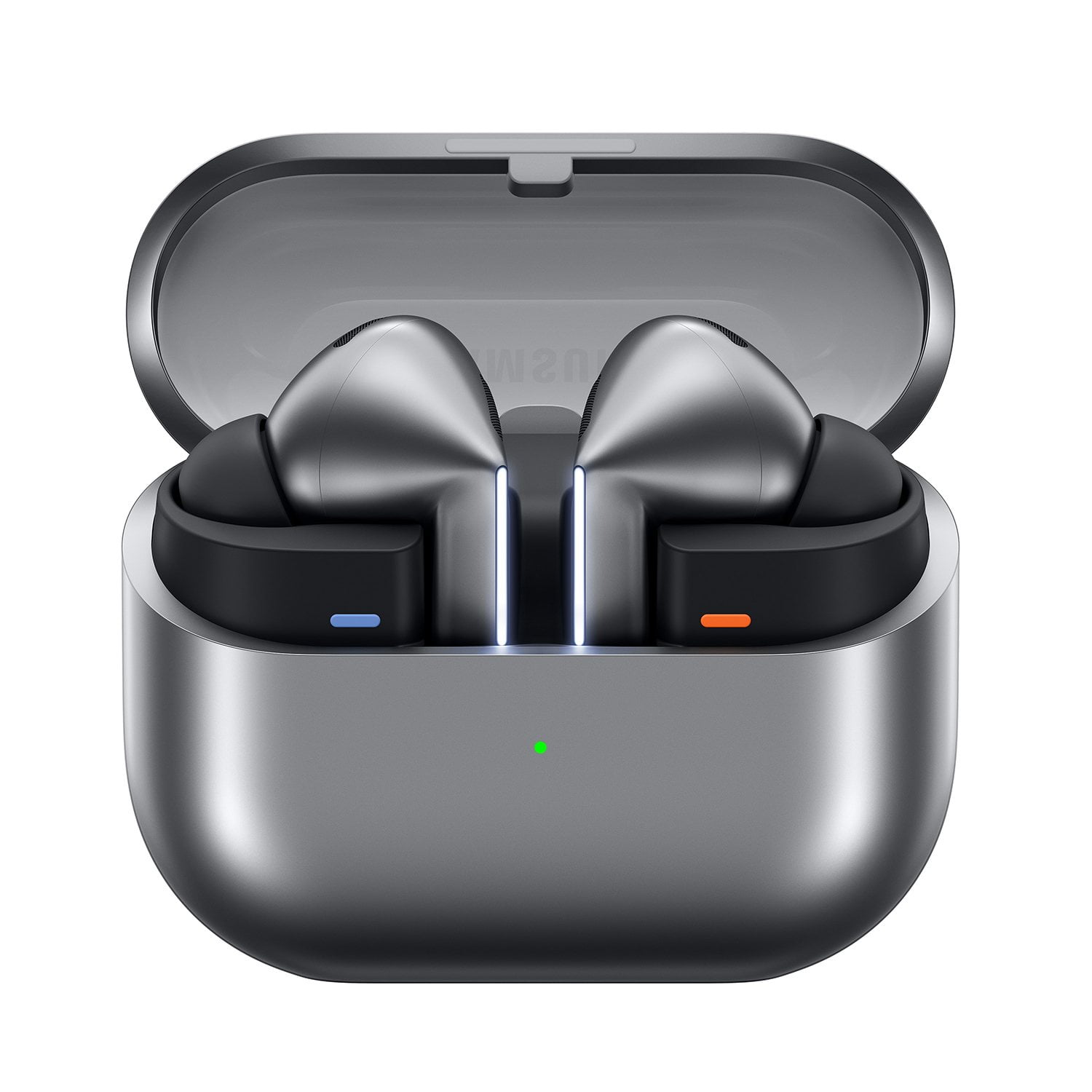
Samsung Galaxy Buds3 Pro

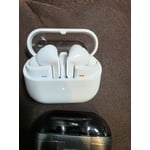
Member photos

  • +3557 images
Sort by |
Showing 3,751-3,760 of 13,602 reviews
Sep 26, 2024
William
5 out of 5 stars review

Verified Purchase

Very Happy with Gallaxy buds 3.

Improvement over last Samsung Gallaxybuds 2 That I purchased. Excellent sound listening to Rock, Now able to turn of with touch of buds.

Review from Samsung US
Helpful?3MTCIEJ7RGUC18797511992
Jan 13, 2025
Deus
5 out of 5 stars review

Verified Purchase

Awesome sound! Good comfort for my sensitive ears.

These sound absolutely phenominal! I am not sure what materials they use exactly, but it seems to not bother my ears as much as the others either.

Review from Samsung US
Helpful?3MTCIEJ7RGUC18797511992
Jul 28, 2024
Erik
5 out of 5 stars review

Verified Purchase

Great fit, rich sound

These are the best Buds ever! They fit perfectly and cancel noise so well and sound so rich, I bought another pair for my wife.

Review from Samsung US
Helpful?3MTCIEJ7RGUC18797511992
Oct 24, 2024
Bobby
3 out of 5 stars review

Verified Purchase

Great Sound. Poor design

Sound quality is great. They only stay in when I am not moving. If I turn my head they fall out. They don't come with different size ear cups.

Review from Samsung US
Helpful?3MTCIEJ7RGUC18797511992
reply from Social Commerce

Hi Bobby, thank youfor your feedback on your Samsung Galaxy Buds3 Pro. We love hearing that you are enjoying the enhanced audio quality of your earbuds every day. We would love to help you have the best experience possible with your earbuds and torubleshot the fit. We have provided a linkt o an article to help you troubleshoot the fit of your earbuds. You should have received additional ear tips with this device in a small cardboard box that also contains the charging cable for your earbuds. We have provided a link to the Samsung Support Team if you did not receive the accessories in your purchase. Thank you for being a Samsung customer. -Elizabeth How to wear your Samsung Galaxy Buds3 and 3 Pro https://www.samsung.com/us/support/answer/ANS10003519/ Samsung Support smsng.us/Samsung-Support Samsung Community smsng.us/Samsung-Community Facebook smsng.us/Facebook-Messenger X https://smsng.us/X-Messages

Sep 24, 2024
brad c
5 out of 5 stars review

Verified Purchase

best buds ever

best ear buds ever sound quality is amazing fit is so comfortable I sometimes forget I'm wearing them definitely a game changer

Review from Samsung US
Helpful?3MTCIEJ7RGUC18797511992
Dec 12, 2024
Sirak
5 out of 5 stars review

Verified Purchase

Good Upgrade

The buds have a very good sound quality and fit. I find the sound amazing with rich bass and noise cancellation.

Review from Samsung US
Helpful?3MTCIEJ7RGUC18797511992
Mar 20, 2025
Jayson
3 out of 5 stars review

Verified Purchase

Not worth it

Does not fit right in the ear and they dont offer different size earplugs anymore Design is not tht great ,charging has had issue since firat day

Review from Samsung US
Helpful?3MTCIEJ7RGUC18797511992
reply from R&R Team

Thank you for sharing your thoughts on the Galaxy Buds3 Pro, Jayson. We see that you may be having a tough time trying to get your buds to fit just right. First, we want to clarify that the Galaxy Buds3 Pro actually come with different sized ear tips to ensure a comfortable fit. If you didn’t receive an extra set, please check the box one more time. Getting the right size ear tips is essential for a good fit. This ensures that there isn't a gap between your ear and the ear tip, which helps avoid sound leaks and guarantees optimal audio quality. If you need help changing the tips, you can find instructions in our guide on how to switch out the ear tips for your Buds3 Pro. Once you have the right tips on your earbuds, here’s how to wear them for the best experience: check the bottom of the earbuds for directional marks. You’ll see an 'L' for the left bud and an 'R' for the right. Insert the 'R' bud into your right ear with the 'R' facing you, and insert the 'L' bud into your left ear with the 'L' facing you. Angle the earbud slightly so the microphone on the bottom is pointing towards your mouth rather than straight down. You can adjust the buds by rotating them forwards and backwards until the fit feels just right. Additionally, you can run an earbud fit test in the Galaxy Wearable app to make sure you have the perfect fit for your ears. If the tips are not there, please don’t hesitate to reach out to us at Samsung Support for further assistance. -Kelvin smsng.us/Samsung-Support smsng.us/Facebook-Messenger smsng.us/X-Messages smsng.us/Samsung-Community smsng.us/Warranty-Info smsng.us/Samsung-Care-Plus

Aug 4, 2024
Marisol
5 out of 5 stars review

Verified Purchase

Awesome!

Love them! They're completely comfortable, LOVE that I don't have to go to my phone to lower or turn up the volume.

Review from Samsung US
Helpful?3MTCIEJ7RGUC18797511992
Jul 28, 2024
Jose
5 out of 5 stars review

Verified Purchase

Better than buds 2 pro

Can't be any happier. The battery last long sound is awesome, looks amazing and they are extremely comfortable.

Review from Samsung US
Helpful?3MTCIEJ7RGUC18797511992
Mar 18, 2025
Hung PHam
3 out of 5 stars review

Verified Purchase

not good design

does not stay lock very good in my ears, I would prefer the old design where it's small and stay lock in ears

Review from Samsung US
Helpful?3MTCIEJ7RGUC18797511992
reply from R&R Team

Thanks for sharing your thoughts on the Galaxy Buds3 Pro, Hung. To ensure a secure and comfortable fit, it is important to use the right size ear tips, as they come in various sizes to accommodate different ear shapes. A proper fit minimizes gaps between the ear and the earbud, which helps prevent sound leaks and enhances audio quality. If you need assistance with changing the tips, you can find a helpful guide in the link provided. Once you have selected the appropriate ear tips, check the bottom of the earbuds for the directional marks indicating L for left and R for right. Insert the right bud into your right ear with the R facing you and do the same for the left bud. Angle the earbuds slightly so that the microphone points towards your mouth for better clarity, and adjust them until they feel comfortable. Additionally, running an earbud fit test in the Galaxy Wearable app can help ensure you have the ideal fit. We hope these tips enhance your experience with the Galaxy Buds3 Pro. If you have further questions, please feel free to reach out to us at Samsung Support. -Kelvin https://www.samsung.com/us/support/answer/ANS10003496/ smsng.us/Samsung-Support smsng.us/Facebook-Messenger smsng.us/X-Messages smsng.us/Samsung-Community smsng.us/Warranty-Info smsng.us/Samsung-Care-Plus