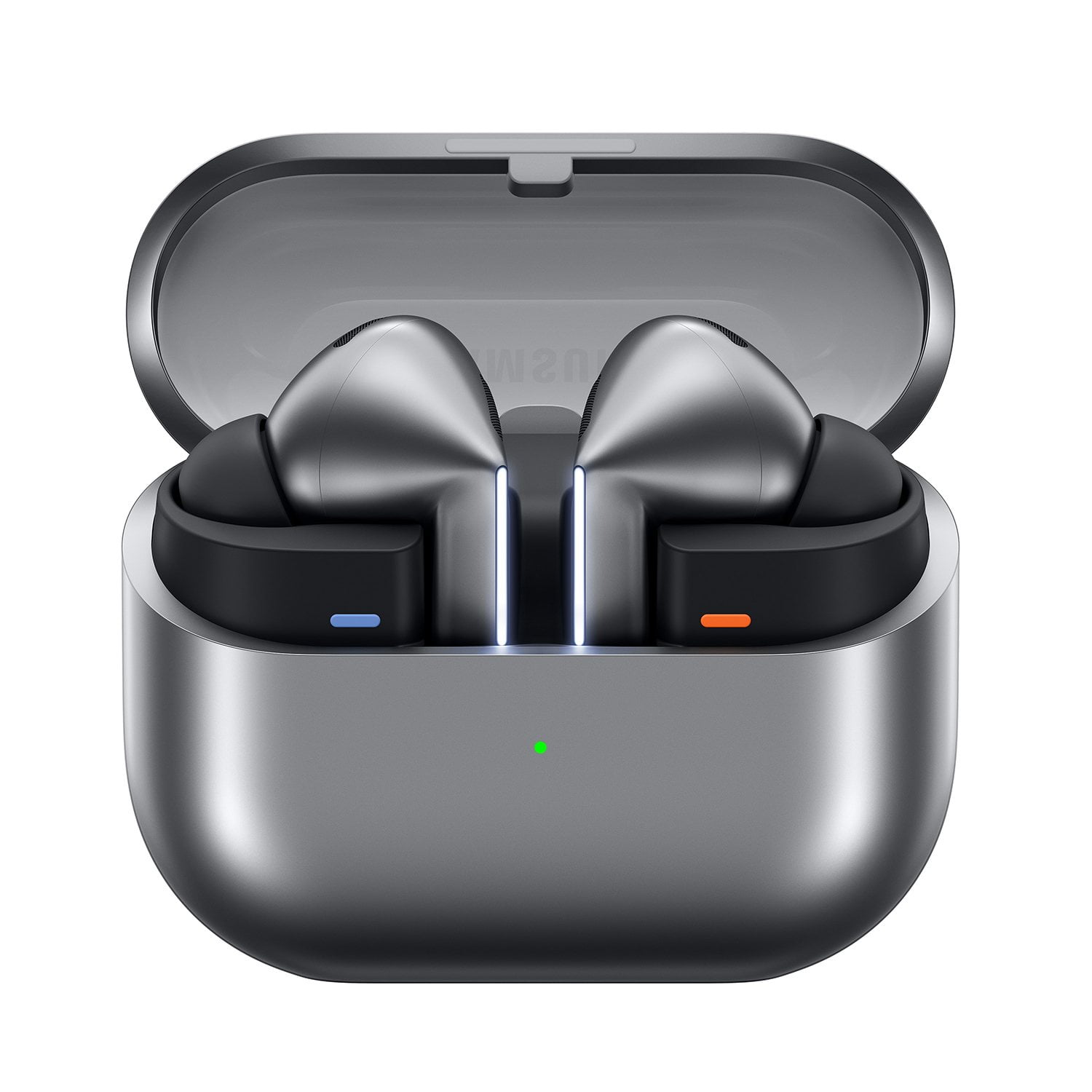
Skip to Main Content
Sams Club
Sams Club
Customer reviews for Samsung Galaxy Buds3 Pro for
Samsung Galaxy Buds3 Pro

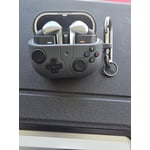
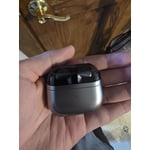
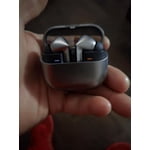
Member photos

  • +3548 images
Sort by |
Showing 1,641-1,650 of 13,581 reviews
Jul 12, 2025
Sergio
5 out of 5 stars review

Verified Purchase

AMAZING EXPERIENCIE!

first time I got one of this kind...One way journey!

Review from Samsung US
Helpful?3MTCIEJ7RGUC18797511992
Jun 16, 2025
Dmytro
3 out of 5 stars review

Verified Purchase

not all functions work

I can't connect the voice translator. But it is in the advertisement!!!

Review from Samsung US
Helpful?3MTCIEJ7RGUC18797511992
reply from R&R Team

Thanks for sharing your experience with the Galaxy Buds3 Pro, Dmytro! We understand that you may be experiencing some challenges trying to use the live translation feature. We want to assure you that these buds are designed to enhance your communication, especially with the incredible live translation feature powered by Galaxy AI. To help you, we provided a link below with step-by-step instructions on how to use the Interpreter app. With this feature, you'll be able to listen to real-time conversations or lectures in different languages and receive instant translations directly through your earbuds. Additionally, you'll receive a text transcript along with the audio translation to make it easier to follow along. If you have any other questions or need further assistance, feel free to reach out to us at Samsung Support. -Kelvin https://www.samsung.com/us/support/answer/ANS10003613/#:~:text=Tap%20Listening%20mode%20(the%20single,Buds3%20or%20Galaxy%20Buds3%20Pro. smsng.us/Samsung-Support smsng.us/Facebook-Messenger smsng.us/X-Messages smsng.us/Samsung-Community smsng.us/Warranty-Info smsng.us/Samsung-Care-Plus

Aug 1, 2025
Anonymous
5 out of 5 stars review

Verified Purchase

Awesome

I love them. I can fall asleep with them in ny ears.

Review from Samsung US
Helpful?3MTCIEJ7RGUC18797511992
reply from R&R Team

Thank you so much for your feedback, Kasey! We’re more than happy to see that you find the Galaxy Buds3 Pro comfortable enough to wear while you sleep. Comfort is a key feature we focused on during design, and it’s great to know you’re enjoying that aspect. We encourage you to explore additional features like ambient sound and the Equalizer on the Wearable app to enhance your experience even further. If you have any questions or concerns, please don’t hesitate to reach out to Samsung Support. -Kelvin smsng.us/Samsung-Support smsng.us/Facebook-Messenger smsng.us/X-Messages smsng.us/Samsung-Community smsng.us/Warranty-Info smsng.us/Samsung-Care-Plus

Sep 18, 2025
Elvis
4 out of 5 stars review

Verified Purchase

Slippery Earbuds

I love the sound of the ear buds but they keep on slipping out of my ears.

Review from Samsung US
Helpful?3MTCIEJ7RGUC18797511992
Jun 2, 2025
BLACKY
5 out of 5 stars review

Verified Purchase

Quality

Very superb product. Worth the price. Recommend it to everyone

Review from Samsung US
Helpful?3MTCIEJ7RGUC18797511992
Jun 30, 2025
Deyon habersham
5 out of 5 stars review

Verified Purchase

Great watch

Glad to have a great watch from samsung its been help full

Review from Samsung US
Helpful?3MTCIEJ7RGUC18797511992
Aug 22, 2025
Sergio
5 out of 5 stars review

Verified Purchase

Galaxy Buds Pro

Very good sound, easy to pair up. Good noise cancelation.

Review from Samsung US
Helpful?3MTCIEJ7RGUC18797511992
Sep 11, 2025
Gail G
4 out of 5 stars review

Verified Purchase

I Like!!!

Very good. I had to buy ear clingers for better fit

Review from Samsung US
Helpful?3MTCIEJ7RGUC18797511992
reply from R&R Team

Thank you for your honest feedback, Gail! We're glad to hear you're enjoying the Galaxy Buds3 Pro. To help you get the perfect fit, we recommend trying out the additional ear tips that come with your buds. Also, don't forget to check out the Fit Test on the wearable app. It can really help ensure a perfect fit. When you achieve that fit, we recommend checking out the Equalizer feature on your buds to personalize your audio experience. This allows you to adjust the sound settings to match your unique preferences, whether you prefer a bass-heavy sound or a more balanced audio profile. If you have any questions or need assistance, feel free to reach out to us at Samsung Support. -Kelvin smsng.us/Samsung-Support smsng.us/Facebook-Messenger smsng.us/X-Messages smsng.us/Samsung-Community smsng.us/Warranty-Info smsng.us/Samsung-Care-Plus

Sep 11, 2025
Anonymous
5 out of 5 stars review

Verified Purchase

Amazing sound

The sound it's amazing y this generation of buds is most faster than buds 2 pro

Review from Samsung US
Helpful?3MTCIEJ7RGUC18797511992
reply from R&R Team

Thanks for sharing your thoughts about the Galaxy Buds3 Pro, Rene. We love to see that you think that these buds sound amazing and that you're enjoying the upgrade from the Galaxy Buds3 Pro. To deliver that amazing sound, the Galaxy Buds3 Pro are equipped with an innovative Dual Amplifier that features our first-ever independently controlled woofer and tweeter. This groundbreaking design allows you to experience a wide range of sound, while the enhanced 2-way speaker with a broad frequency response reveals the intricate details in your music, creating an immersive listening experience. We hope you continue to have a great experience with your buds, and if you ever have any questions or concerns, please be sure to reach out to us at Samsung Support. -Kelvin smsng.us/Samsung-Support smsng.us/Facebook-Messenger smsng.us/X-Messages smsng.us/Samsung-Community smsng.us/Warranty-Info smsng.us/Samsung-Care-Plus

Jul 2, 2025
Chris
3 out of 5 stars review

Verified Purchase

Poor battery life

Does not have a long battery life. I have some JBL ones that have a much longer battery life

Review from Samsung US
Helpful?3MTCIEJ7RGUC18797511992
reply from R&R Team

Thanks for taking the time to share your honest experience with the Galaxy Buds3 Pro, Chris. We love hearing from our customers and getting your insights. We understand that you have concerns about the battery life. The Galaxy Buds3 Pro offers up to 26 hours of playtime on a full charge, which can be extended to 30 hours with a fully charged case. To help conserve battery power, please store the earbuds in the charging case with the cover closed when not in use, and adjust the notification settings via the Galaxy Wearable app on your connected phone (or through the Galaxy Buds app if you are using iOS). We hope these tips enhance your experience! If you continue to experience a shortened battery life, we encourage you to reach out to us at Samsung Support so that we can look further into what could be causing this. -Kelvin smsng.us/Samsung-Support smsng.us/Facebook-Messenger smsng.us/X-Messages smsng.us/Samsung-Community smsng.us/Warranty-Info smsng.us/Samsung-Care-Plus