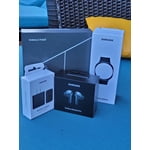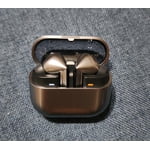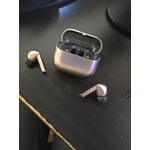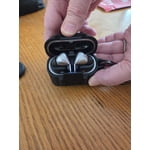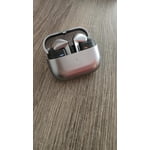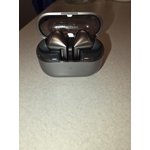
Member photos


+3548 images
Verified Purchase
Swing and a miss
When I got them, I liked the look and the LED features on the stems. What really blew me away was when I put them in my ears and turned on the ANC, EVERYTHING dissipeared. It was 1000% better than their last attempt. Of course, a recient software update got rid of practically all of the ANC. It is really not much better than them just in your ears. The previous generation is better. The music quality is on par or slightly better than the previous generation, but, can not get as loud. Battery life is about on par with the last gen as well. Overall I would rate this generation as pretty disapointing.
Hi August, thank you for your feedback on your Samsung Galaxy Buds3 Pro. We love hearing how much you initally loved all of the features and functionality of your new earbuds. We would love to help you restore that original experience you had at your convenience. We have provided a link to an article to help you with the software updates of your earbuds. We have also provided a link to the full device manual to help you with the features of the enhanced ANC settings available int he Samsung Wearables App. We have also shared a link to the Samsung Support Team if you continue to experience anything out of the ordinary with your device, or have questions about any of your Samsung products. Thank you for being a Samsung customer. -Elizabeth Software updates for Samsung earbuds https://www.samsung.com/us/support/answer/ANS00078087/ Product Manuals https://www.samsung.com/us/support/downloads/ Samsung Support smsng.us/Samsung-Support Samsung Community smsng.us/Samsung-Community Facebook smsng.us/Facebook-Messenger X https://smsng.us/X-Messages
Verified Purchase
most excellent
love my heads phones louder thand the buds 2 ... battery doesnt last as long but im still glad i switchex ..looking foward to what active translate updates so i can just listen for ttanslation either idk how to use it right yet or its work the same as google translate have to listen then push button not just listen through the headphones like i had expected droped the case and broke a hinge but the lid holds the broken case in place and its no problem at all ... wish the lights had color but ive lost them in the dark and been glad i had the lights on
Verified Purchase
Samsung Galaxy Buds3 Pro
Subject: Review of Wireless Earbuds I recently purchased a pair of wireless earbuds and wanted to share my thoughts. The sound quality is impressive, offering a rich and balanced audio experience. The noise cancellation feature effectively blocks out distractions, creating an immersive listening environment. I found the earbuds comfortable to wear for extended periods, even during workouts. The compact charging case is also convenient for on-the-go use. Overall, I am very satisfied with the performance and features of these wireless earbuds.
Verified Purchase
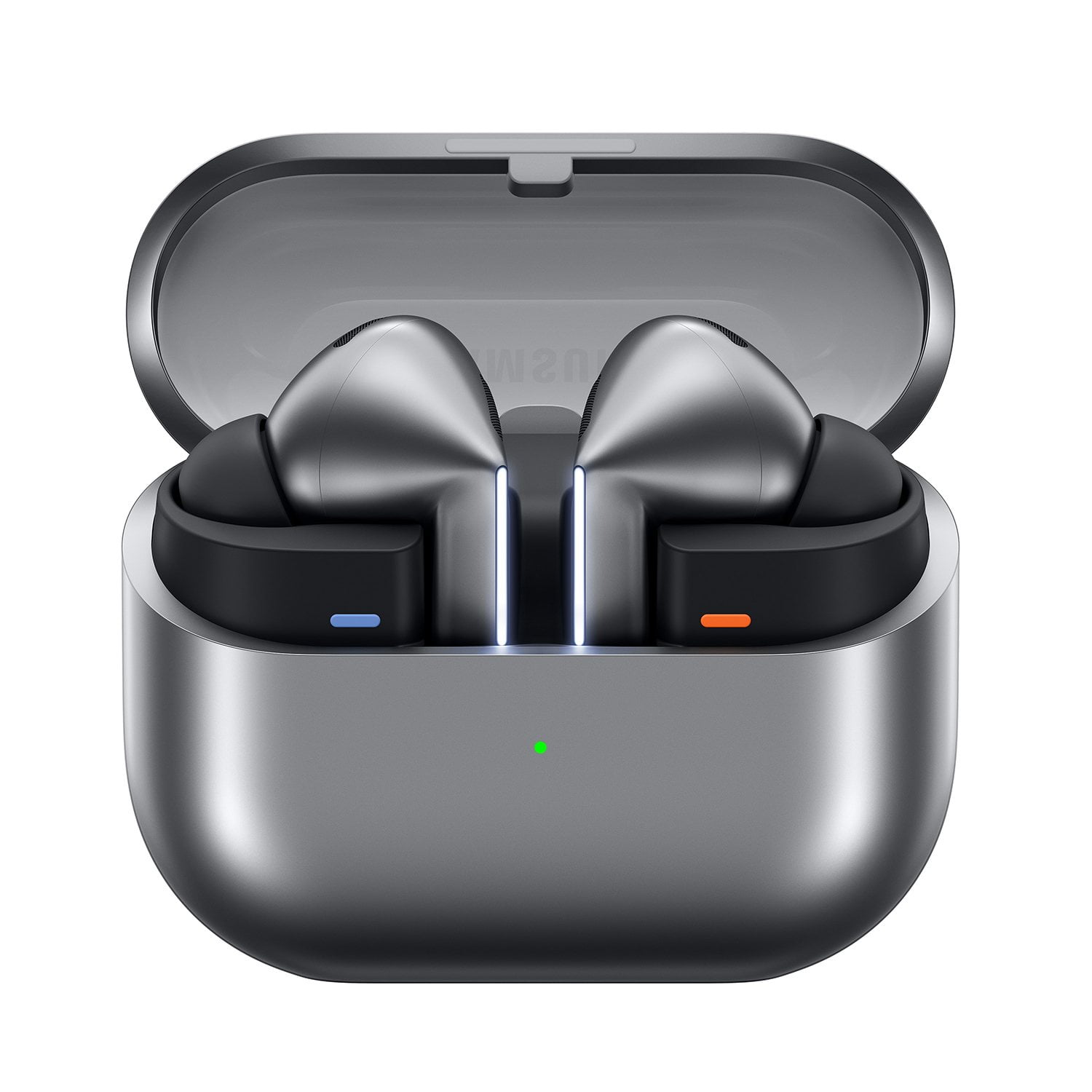
Galaxy Buds3 Pro Silver
The Galaxy Buds3 Pro's work as described & designed. I deducted 1 ⭐️ nref2 the EarTip Fit, which in turn doesn't create a proper seal than ends up effecting the ANC. I typically buy & use 3rd Party Triple Flange EarTips with ALL my Samung EarBuds( Buds Pro & Buds2 Pro's ) because of the Seal & the assist it creates with the ANC. The New design make this impossible currently due to the size if the EarTip Connector( for the lack of its official term ). I personally find that Bullet/Cone Shaped EarTips create a better Seal which in turn improves on the EarBuds Performance regardless of Brand. Samsung should create different Shape EarTips as an Accessory & Colors( makes Dark Colored Buds easier to find IF & When dropped in areas not well lit ) too IF you don't want to include them in the Package.
Verified Purchase
A high-quality headset with one minor drawback.
The audio quality and design are excellent, and the lightweight construction ensures a comfortable fit. The connection is stable and reliable. However, it would be beneficial to have the option to activate the light from within the Wear APP, as it can be challenging to activate it from the stem at times. Despite this minor inconvenience, the headset offers an impressive battery life and overall performs exceptionally well.
Verified Purchase
New features, but also new problems.
The Buds3 Pro earbuds have awesome features and sound/call quality. The adaptive ambient sound with automatic volume dampening is very helpful, and call quality while commuting in my noisy vehicle bests any other set of earbuds I have owned previously. However, none of the ear tips provided seem to create a seal secure enough to keep the earbuds from sliding out of the ear over time, indicating room for improvement in design. The Buds+ design achieved a great balance between sound and a secure fit, and while the Buds Live provided the ultimate experience with a secure fit, they leaked too much sound and did not provide the best listening experience unless you prefer the live (true ambient sound) experience they were designed for. Perhaps incorporating the rubber wing-like piece found on the Buds+ with the design of the next Buds Pro might be an improvement. Additionally, the squeal upon touch that appears seemingly by random with the Buds3 Pro is truly upsetting. Some users have noted that it only happens when touching the microphones, but I have tried avoiding the mics and have still experienced this unsettling and harsh noise. Overall, I am happy with my purchase, and hopeful that Samsung will continue to improve upon their earbuds and achieve an even better product next time around. Improved battery life would also be appreciated, but I recognize the tradeoff when you have adaptive and/or automatic features available and enabled.
Hi there Michael, thank you for taking time out of your day to share your experience with your Samsung Galaxy Buds3 Pro. We are so happy to hear how awesome you are finding the enhanced features and audio quality of your new earbuds. We would love to help you troubleshoot the audio quality you mention with the occasional squeal and have provided a link to a troubleshooting article. We have also shared a link to the Samsung Support Team if you have any questions or would like additional troubleshooting assistance with your Samsung products. We appreciate you being a Samsung customer. -Elizabeth No, low, or poor audio quality on Samsung earbuds https://www.samsung.com/us/support/troubleshooting/TSG01111323/ Samsung Support smsng.us/Samsung-Support Samsung Community smsng.us/Samsung-Community Facebook smsng.us/Facebook-Messenger X https://smsng.us/X-Messages
Verified Purchase
Don't buy Buds 3 Pro instead buy Buds 2 Pro
Issue #1 Fit: I liked the idea of the stems, but buds do not fit properly. Additional tips provided do not address the fit problem and they are almost impossible to change without ripping them. Sound quality is on par with the Buds 2 Pro, but lacks noise cancelation due to fit issues. Issue #2 Bug: Each time I put them in my ear and adjust I hear a loud sound (like feedback) in my right ear. Samsung support is clueless and not understanding of the issue. This was a problem reported during the initial launch and apparently they do not have the ability to address the issue
Thank you for sharing your thoughts on the Galaxy Buds3 Pro, Scott. We truly appreciate your feedback and want to ensure you have the best experience possible. We're glad to hear you liked the concept of the stems, and for an optimal fit, we recommend trying the different ear tip sizes provided. Finding the right size can significantly enhance sound quality and comfort, while also improving noise cancellation. We understand that hearing a loud feedback sound in your right ear can be quite frustrating. To address this, you might want to try resetting your Galaxy Buds3 Pro. Simply place the buds in their charging case with the lid open, then press and hold the touch sensors on both earbuds for about 7 seconds until you see the LED indicator blink. This reset can often resolve sound-related concerns. Additionally, please check the Galaxy Wearable app for any software updates, as keeping your earbuds up to date can enhance their performance. We are here to support you, and if you have any further questions or need assistance, please reach out to us at Samsung Support. Thank you for being a valued member of the Samsung community! smsng.us/Samsung-Support smsng.us/Facebook-Messenger smsng.us/X-Messages smsng.us/Samsung-Community smsng.us/Warranty-Info smsng.us/Samsung-Care-Plus
Verified Purchase
Great upgrade.
I had the Buds 2 Pro before these. Had to get used to that new style but I like the function of Volume control and other controls with the new design. I also like the Voice controls. Ambient sound works better than the Buds 2 Pro. ANC is also good. I have the discomfort using the silicon tips as before with the Buds 2 Pro, so I got memory foam tips for these as well. There is a sight difference in sound quality with but using the silicon tips, but until Samsung can make tips that don't get uncomfortable after a short while in just, I'll have to use aftermarket tips. Overall a great purchase.
Verified Purchase
Good, but
The noise cancellation is quite imImpressive. The audio quality of the microphone and sound are amazing. However, I am experiencing some difficulty because they tend to slip out of my ears, requiring frequent readjustment. Consequently, I am currently using my previous headphones until a solution for improved fit is found.
Thank you for sharing your thoughts about the Galaxy Buds3 Pro, R sam. We're thrilled to hear that you find the noise cancellation impressive and appreciate the outstanding audio quality for both the microphone and sound. Regarding your experience with fit, we understand how important it is for your earbuds to stay secure during use. To enhance comfort, we recommend trying out different ear tip sizes that come included with your Galaxy Buds3 Pro. Finding the right fit can significantly improve stability and overall listening experience. You can easily swap the ear tips by following the guidance in the user manual available on Samsung.com. Additionally, ensure that the earbuds are properly seated in your ears. You can adjust their position slightly for a more secure fit. For further assistance, we encourage you to check out the link attached, which provides helpful advice for maximizing your experience with the Galaxy Buds3 Pro. We value your feedback and hope these suggestions help you enjoy your earbuds even more! If you have any more questions or need further assistance, please don’t hesitate to reach out to us at Samsung Support. -Kelvin https://www.samsung.com/us/support/answer/ANS10003519 smsng.us/Samsung-Support smsng.us/Facebook-Messenger smsng.us/X-Messages smsng.us/Samsung-Community smsng.us/Warranty-Info smsng.us/Samsung-Care-Plus
Verified Purchase
Still looking for better.
While the fit in ear is better the functionality of the product is still subpar. The lack of touch and addition of pressing more to activate features is a disappointment, 1 unit dies out faster than the other after full charge, and the app has condensed features visibly and not enhanced the user interaction. Still not what was expected of such an expensive in-ear set.
Hey there CKT1, thank you for sharing your thoughts with us about your Samsung Galaxy Buds3 Pro. We completely understand how important the features and functionality of your earbuds are to you every day. We would love to help you have the best experience possible with your devie. We have provided a link to the full device manual to help you best align the settings and features to your preferences. We have also shared a link to the Samsung Support Team if you believe any aspect of your earbuds are not operating as intended. We appreciate you being a Samsung customer. -Elizabeth Product Manuals https://www.samsung.com/us/support/downloads/ Samsung Support smsng.us/Samsung-Support Samsung Community smsng.us/Samsung-Community Facebook smsng.us/Facebook-Messenger X https://smsng.us/X-Messages