Skip to Main Content
Sam's Club
Sam's Club
All Departments
All Services
Customer reviews for TurboTax Desktop Premier 2025 Email Delivery, Federal & State Returns + Federal E-file + $10 In-Product Credit (Win 11, Mac 14) for
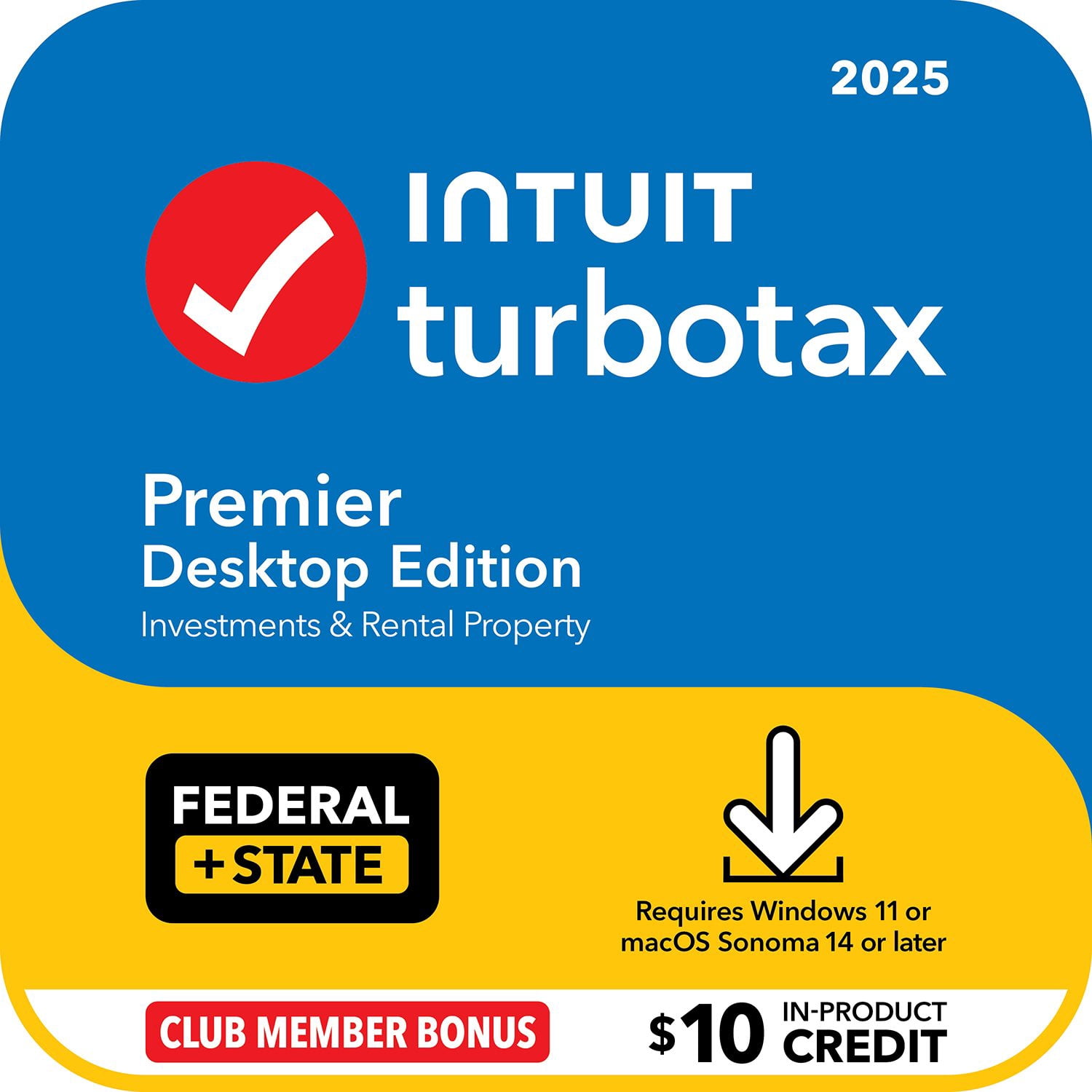
TurboTax Desktop Premier 2025 Email Delivery, Federal & State Returns + Federal E-file + $10 In-Product Credit (Win 11, Mac 14)
3.8 out of 5 stars
stars
5,689 ratings5,689 reviews
  1. 5 stars42% (2,374)
  2. 4 stars25% (1,409)
  3. 3 stars17% (961)
  4. 2 stars8% (436)
  5. 1 star9% (509)

Member photos

Sort by |
Showing 471-480 of 5,689 reviews
Mar 27, 2026
Reviewer name: Tim_3
3 out of 5 stars
3 out of 5 stars review

CA state implementation was poor

The federal tax return went well. The CA state return was not well implemented with TurboTax. I had to manually enter much of the information without any confidence that the data entered was correct since there were no instructions in TTax for the CA return.

Review from turbotax.intuit.com
Helpful?6EB49KDBCT9F18151355382
Feb 13, 2026
Reviewer name: why1233333
1 out of 5 stars
1 out of 5 stars review

Could use more details on the tricky concepts

Some of the prompts are confusing and make you double enter your data twice even though you imported the document already. Also please work on the Mortage Crdit Certificate forms, they are very confusing and hard to figure out which interest amount I should enter. Please add area to type in your questions throughout the program would be more helpful to get live chat answers on a specific page rather than have to wait on the phone for a live person.

Review from turbotax.intuit.com
Helpful?6EB49KDBCT9F18151355382
Mar 30, 2026
Reviewer name: JMV 1
5 out of 5 stars
5 out of 5 stars review

Overall great product, desktop online inconsistent

I love TurboTax and plan to continue to use. The only issue I've had came up this year as I needed to use Form 5329 and it wasn't available on the on-line version. So after all the years using the online version I will have one year not included in my online history. I've been told that I will not be able to upload this years into my online account so that's unfortunate. Hopefully the Form becomes available in future years' online version.

Review from turbotax.intuit.com
Helpful?6EB49KDBCT9F18151355382
Mar 27, 2026
Reviewer name: lillypad9876
3 out of 5 stars
3 out of 5 stars review

Donations table needs to be brought back

Turbo tax used to really great and easy to worth with, even though some things can be confusing. but it has many issues. this year for example was the worst for clothing donations. What happened to the table chart to just enter how many of what you are donating. We donate a ton of clothing each year. It comes from 80 year olds that never got rid of anything. boxes of kids clothes in the attic and so on. So if we donated a box of kids clothes we could enter the date then check off how many pants, sweaters, tshirts, shorts, dresses and it used to lump it all and calculate everything. Now we have to look up the cost ourselves and enter each item seperately. It makes me wonder if you want us donating at all. Not a good change at all. Bring back the table. Also importing 1099 and stock reports. I had duplicate entries for everything. I had to g back and delete entries. and what was imported was wrong. I had 30 errors to fix at the end, all because of duplicate entries and the imports had the wrong address and Tin which messed everything up an wasn't asking the questions that I would have solved the error messages if they were imported correctly to begin with. I have to walk through turbo tax a second and third time just to make sure things were correctly imported.

Review from turbotax.intuit.com
Helpful?6EB49KDBCT9F18151355382
Apr 1, 2026
Reviewer name: CandySC
5 out of 5 stars
5 out of 5 stars review

Security Options for saving PDF file

One thing didn't work this time...every time I tried the security options for the PDF file, it did not work. It only saved the "untitled" (instead of what I tried to name it and did not have it password protected. Instead, I had to do it on my own computer after downloaded from TT. That didn't used to happen in previous year.

Review from turbotax.intuit.com
Helpful?6EB49KDBCT9F18151355382
reply from TurboTax Care Team

We’re glad you chose us, but sorry to hear the process wasn’t as seamless as it should have been. Your insights are being shared with our team so we can fix these friction points for the future.

Mar 19, 2026
Reviewer name: SGrayOR
3 out of 5 stars
3 out of 5 stars review

Great, but required manual entries

The interview in the desktop software would not let me enter medical expenses because it said we only qualified for the federal standard deduction. It DID let me add charitable donations. The software automatically entered our medical expenses based on our 1095-A form, but we had more expenses to enter. While we still only qualified for the FEDERAL return standard deduction, the additional expenses are beneficial for our state return. I added them manually via “Forms”, but it was VERY frustrating. I buy TurboTax to avoid the manual entries and to cover all possibilities. Fail. I looked online and found similar questions from multiple years back. Some answers were vague and some accusatory that users didn't understand what they were doing. I wasn't going to ask a forum question or pay for advice for something the software should do and I was able to figure out on my own.

Review from turbotax.intuit.com
Helpful?6EB49KDBCT9F18151355382
Mar 4, 2026
Reviewer name: HEM2026
4 out of 5 stars
4 out of 5 stars review

Without TurboTax--NO WAY!!

I have been using TurboTax for years and years. I don't like the new format when the old incomes and deductions are presented individually instead of in a table as before. Much easier to just click on each line of the old table instead of scrolling down each item--need the summary table back. Also, in the final review, there is always one or two items that are missing from downloading from LPL Financial or Fidelity, but it is not clear where to go search for answers to fill in the blanks--your program could give options.

Review from turbotax.intuit.com
Helpful?6EB49KDBCT9F18151355382
reply from TurboTax Care Team

Thank you for sharing your filing experience with us. We’re grateful for the support, and we’ve noted your feedback on where things fell short. We’re committed to refining the tax filing experience for your next year's return process .

Apr 15, 2026
Reviewer name: PaminaMarie
4 out of 5 stars
4 out of 5 stars review

Some ups and downs with entry format

I didn't care for the format changes made this year, as I was used to the previous format and the new step-through entry process kept making me feel that I missing things. Found myself going back to recheck entries. Also import from my e*Trade account never worked as I have a 2-step verification and it kept telling me that info returned from the institution said that I was entering incorrect login/password info. I was able to log in via my cell, so I knew that my entries were accurate.

Review from turbotax.intuit.com
Helpful?6EB49KDBCT9F18151355382
Mar 9, 2026
Reviewer name: RolandoKS
3 out of 5 stars
3 out of 5 stars review

A Few Minor Problems with 2025 tax filing

Two problems with the filing this year (2026): 1) When in the section regarding RMD's not withdrawn from an IRA account, it refers to "last year". I had to call your people to get a definition of "last year" (i.e. 2025 vs 2024). This should be corrected. 2) After filing (but not paying) electronically, I was told I had to ALSO mail in my return. Very confusing. This instruction should be corrected to say that I have to mail certain forms (in this case, just the payment vouchers). You guys still have the best program out there. Keep up the good work!

Review from turbotax.intuit.com
Helpful?6EB49KDBCT9F18151355382
Mar 15, 2026
Reviewer name: Robert0Allen
4 out of 5 stars
4 out of 5 stars review

Send This to Tech Staff

Multiple problems today trying to launch and update TurboTax to complete my 2025 tax returns. First I tried to launch TT by clicking on a return I had been working on, but nothing happened. I shut down my Mac and restarted, but this made no difference. Then I clicked on TT icon in the dock. Same result even after shutting down and restarting the computer. Finally, I removed TT from dock and launched the app from the Applications folder after once again shutting down and restarting. This finally worked. (Running macOS Tahoe 26.3.1)

Review from turbotax.intuit.com
Helpful?6EB49KDBCT9F18151355382
reply from TurboTax Care Team

Thanks for taking the time to leave a review, we value customer feedback like yours that gives us something we can share with our internal teams for making the experience better in the future.