
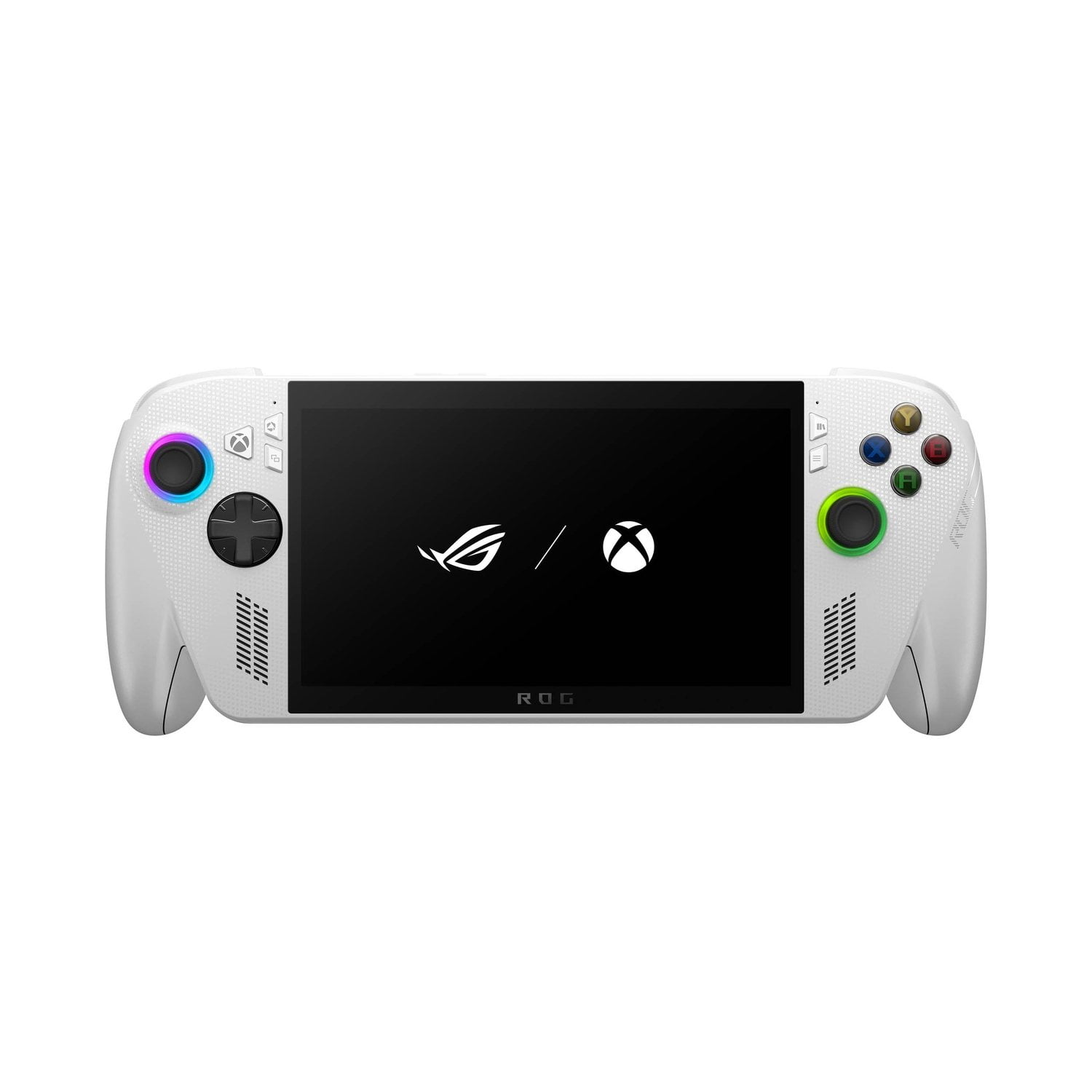
 Customer reviews for ASUS ROG Xbox Ally – 7” 1080p 120Hz Touchscreen Gaming Handheld, 3-month Xbox Game Pass Premium included, AMD Ryzen Z2 A, 16GB RAM, 512GB SSD, White for
ASUS ROG Xbox Ally – 7” 1080p 120Hz Touchscreen Gaming Handheld, 3-month Xbox Game Pass Premium included, AMD Ryzen Z2 A, 16GB RAM, 512GB SSD, White
3.9 out of 5 stars
stars
120 ratings118 reviews
Member photos
- +30 images








Sort by |
Showing 111-118 of 118 reviews
Feb 11, 2026
Reviewer name: zacriac_UwU
5 out of 5 stars review
My favorite product
Review from ASUS.com
Helpful?
Dec 6, 2025
Reviewer name: kadies8_7888
5 out of 5 stars review
Love it
Review from ASUS.com
Helpful?
Jul 13, 2026
Reviewer name: Joshey Pop709
5 out of 5 stars review
Great system
Review from ASUS.com
Helpful?
Oct 17, 2025
Reviewer name: Matthew
5 out of 5 stars review
Verified Purchase
Review from walmart.com
Helpful?
Apr 6, 2026
Reviewer name: Stormcrow 71
5 out of 5 stars review
Love this
Review from ASUS.com
Helpful?
Oct 18, 2025
Reviewer name: WalmartCustomer
5 out of 5 stars review
Verified Purchase
Review from walmart.com
Helpful?
Dec 10, 2025
Reviewer name: Arthur
1 out of 5 stars review
Helpful?
reply from ASUS Answers
Oct 17, 2025
Reviewer name: tabithaaaa
5 out of 5 stars review
my rig ally z1e
Review from ASUS.com
Helpful?