Skip to Main Content
Sam's Club
Sam's Club
All Departments
All Services
Customer reviews for HP Smart Tank 5104 Wireless All-in-One Inkjet Printer w/Bonus Black Ink Bottle for
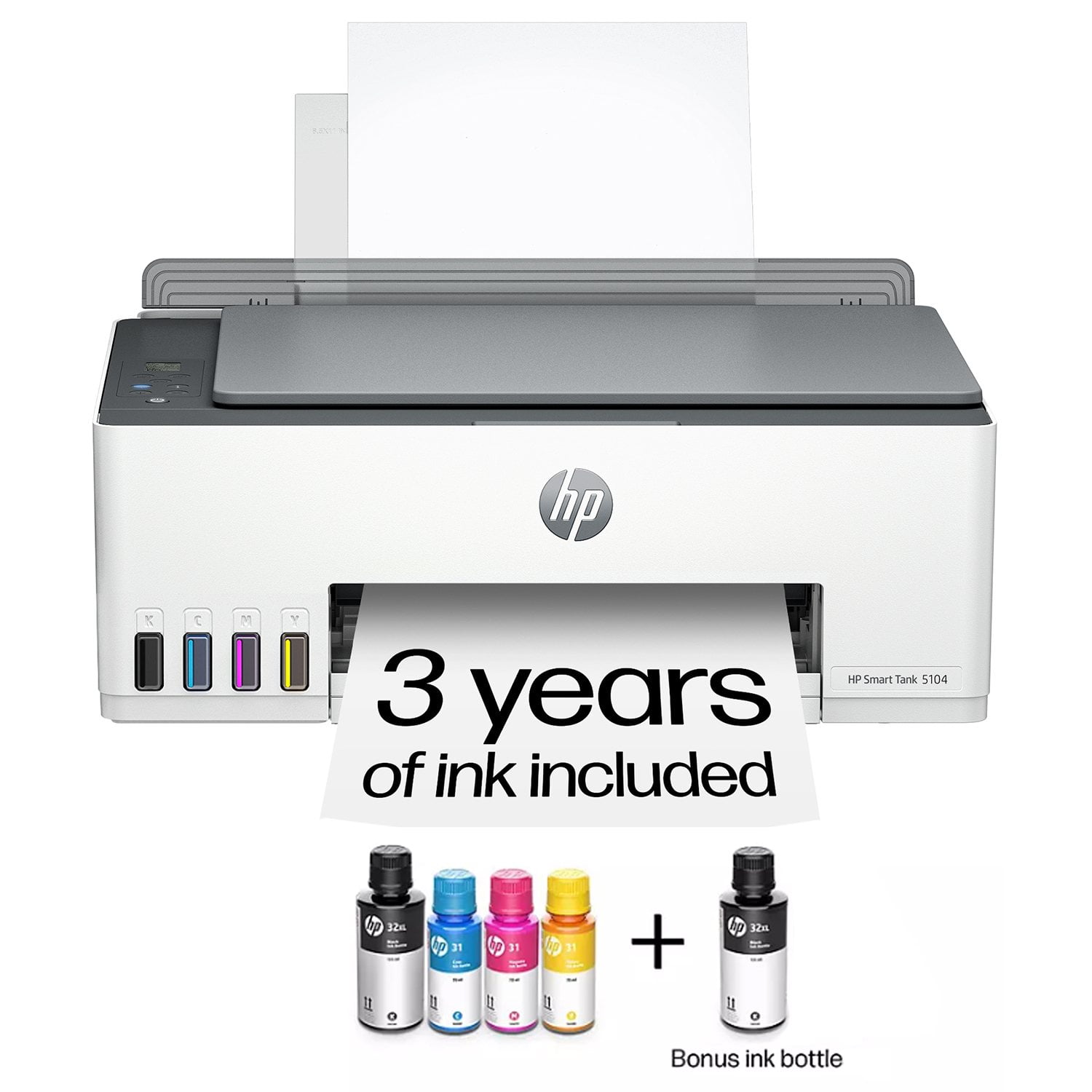
HP Smart Tank 5104 Wireless All-in-One Inkjet Printer w/Bonus Black Ink Bottle
3.9 out of 5 stars
stars
964 ratings489 reviews
  1. 5 stars52% (501)
  2. 4 stars18% (174)
  3. 3 stars9% (89)
  4. 2 stars6% (57)
  5. 1 star15% (143)
Sort by |
Showing 11-20 of 489 reviews
Nov 26, 2025
Reviewer name: akbi
1 out of 5 stars
1 out of 5 stars review

Verified Purchase

deception

I have written before . HP has failed me - I bought a smart tank that was defective-HP agreed to pick it up - they never did - so I am out my c out plus loss of work time etc

Review from hp.com
Helpful?5ZUIW37FRAUB17067010453
Dec 30, 2025
Reviewer name: Sandy J.
2 out of 5 stars
2 out of 5 stars review

Verified Purchase

Very hard to figure out problems with it.

I am not sure I am glad that I bought this one. It worked at first but after about a couple of weeks it now will not print the files on my computer that I want to make a copy of.

Review from hp.com
Helpful?5ZUIW37FRAUB17067010453
Jul 27, 2026
Reviewer name: Plain old me
3 out of 5 stars
3 out of 5 stars review

Verified Purchase

Disappointed

Somewhat disappointing since this printer is a replacement for a laser jet - This printer cannot print double side, it won't support an HP Printer software that will let my older iMac print in color and it doesn't have a document feeder. Sorry I didn't ask more questions.

Review from hp.com
Helpful?5ZUIW37FRAUB17067010453
Sep 8, 2026
Reviewer name: Ann A
1 out of 5 stars
1 out of 5 stars review

Verified Purchase

Not a good start

This printer was easy to set up and the print quality was OK. Until it stopped working after a few days. Now it continually goes offline and HP support was not able to help and closed my case. I feel cheated. It shouldn't be that difficult to fix a connectivity problem.

Review from hp.com
Helpful?5ZUIW37FRAUB17067010453
Oct 27, 2026
Reviewer name: SKH
3 out of 5 stars
3 out of 5 stars review

Verified Purchase

Missing a few key features

I'm disappointed it does not automatically print on both sides without manually having to reinsert the paper. I wish that it had a paper drawer instead of the upright holder on the back. And I manually have to open the paper support arm when printing instead of it automatically opening up. All these were features on my previous HP printer that is 10 years old. Hopefully I won't be disappointed in how long the ink last, which is the only reason I purchased it. On the positive side, setup was extremely easy to follow in the instructions.

Helpful?5ZUIW37FRAUB17067010453
Oct 18, 2026
Reviewer name: Anonymous
5 out of 5 stars
5 out of 5 stars review

Verified Purchase

I’m using my product at home and I like the ink system. I would buy it again and would recommend it and now the bad. Please make the instructions so an older person can follow them and do it without any hassle. Figuring out the Internet and the wire was a problem it might not be a problem for a young person, but at 79 years old, it does pose a little bit of problem maybe write some software or something that would set it up for your phone and computer automatically, but that would probably have its own problems so this is just an old man ranting and raving, but I do like the printer. It’s a far step above having to buy cartridges and everything.

Review from hp.com
Helpful?5ZUIW37FRAUB17067010453
Aug 13, 2026
Reviewer name: Anonymous
1 out of 5 stars
1 out of 5 stars review

Verified Purchase

Mickey mouse

The worst support system I have ever experienced

Review from hp.com
Helpful?5ZUIW37FRAUB17067010453
Oct 19, 2026
Reviewer name: Rochel
5 out of 5 stars
5 out of 5 stars review

Verified Purchase

Perfect print copy and scan very easy

This HP is very easy set up very easy to use. Love the step-by-step app with pictures to set it up. Very easy to use. I would highly recommend it. I would also let people know you could use it as a fax machine to when you hook up the app you could fax it with your phone on the app.

Review from hp.com
Helpful?5ZUIW37FRAUB17067010453
Oct 6, 2026
Reviewer name: Lindsay
5 out of 5 stars
5 out of 5 stars review

Verified Purchase

Just had to get the hang of it.

At first I just did not get it! The scanning process . I was just accustomed to placing the document on the printer. Using the app to complete this task is awesome! Question, is there a way to convert a hand written document to a word document or typed print using the app?

Review from hp.com
Helpful?5ZUIW37FRAUB17067010453
Sep 29, 2026
Reviewer name: Impatient Izzy
2 out of 5 stars
2 out of 5 stars review

Verified Purchase

I returned it. Not easy to setup.

I figured out how to fill the ink wells, but the printer cartridges were difficult. Even 2 Geek squad guys were tugging at cardboard and tape and the plastic form. We figured it out together. But then at home, there were scanning and copying issues. I printed only one test paper and the errors had to do with figuring out the proper icons to press but the manual wasn't clear nor similar to instructions online about working the various methods. BTW, the back of printer is where plug goes but you have to shove it hard to connect the two prongs. It will click in then but I thought it was a faulty plug til Geek Squad pushed it hard. It was apparent to me that software wasn't compatible with my computer and many online complaints agreed. I'd love to return to wired printer cables and forget WIFI!

Review from hp.com
Helpful?5ZUIW37FRAUB17067010453