Skip to Main Content
Sams Club
Sams Club
Customer reviews for SAMSUNG 58” Class U7900F Series 4K Crystal UHD Smart TV for
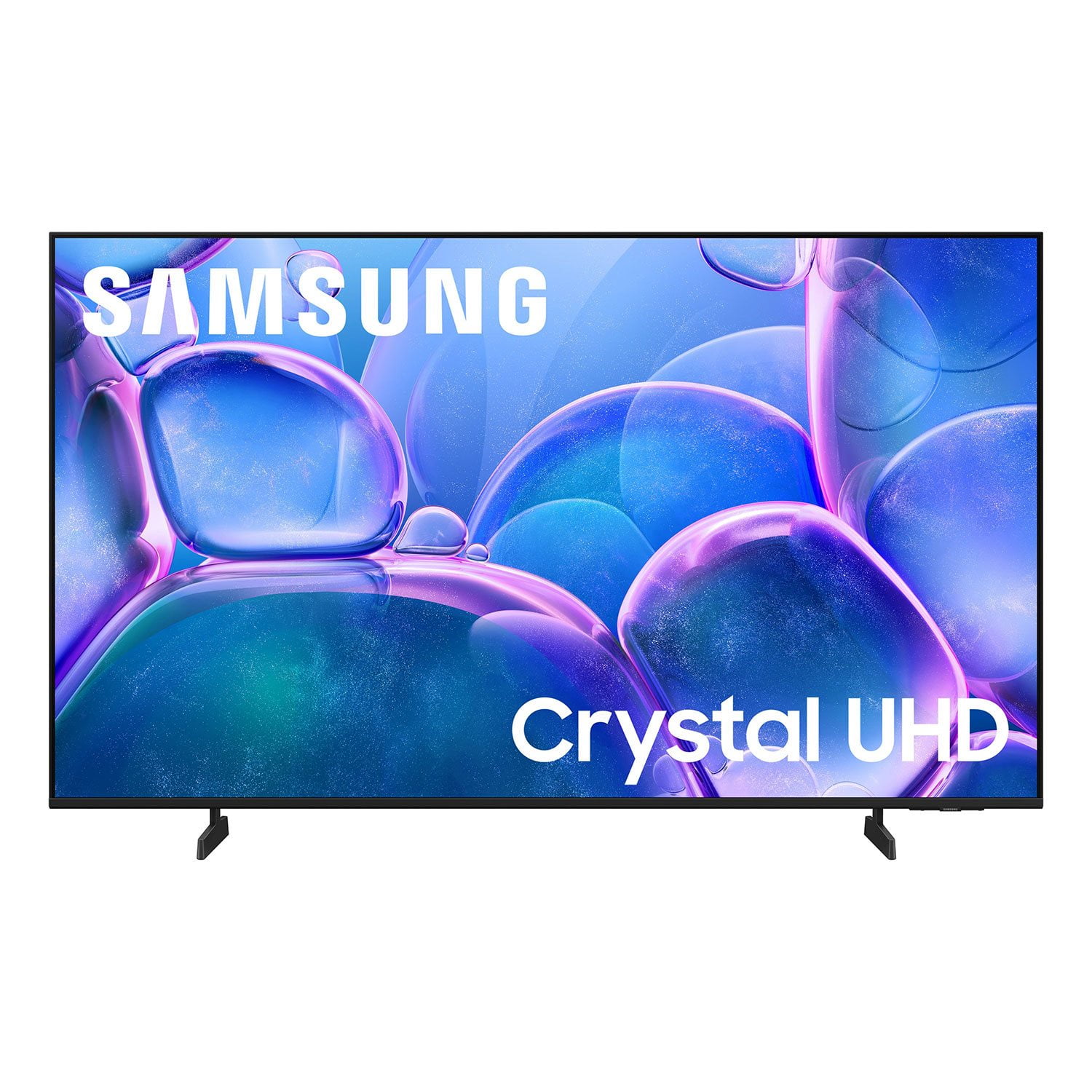
SAMSUNG 58” Class U7900F Series 4K Crystal UHD Smart TV
4.7 out of 5 stars
stars1,734 ratings1,676 reviews
  1. 5 stars78% (1,361)
  2. 4 stars14% (243)
  3. 3 stars4% (70)
  4. 2 stars1% (24)
  5. 1 star2% (36)

Member photos

  • +643 images
Sort by |
Showing 591-600 of 1,676 reviews
Dec 20, 2025
TechLoverNY
5 out of 5 stars review

Love the quality and features!

[This review was collected as part of a promotion.] My new Samsung has exceeded my expectations with great picture quality, built in Samsung TV Plus channels for free streaming entertainment, and a modern user interface. A great choice for any entertainment setup, and the sleek, lightweight, slim design is simply amazing.

Review from Samsung US
Helpful?18J4E5E7OZVG16422722568
Sep 20, 2025
Doubletap52
5 out of 5 stars review

The Hands Down Best TVs!

[This review was collected as part of a promotion.] We have four Samsung TVs in our home, two 55” and two 32”. One 55” is in the Living Room for news, sports (especially the big games), favorite shows, and Netflix, Prime etc. the other 55” is in the garage/man cave for big games, poker games and parties. The 32” TVs: one is in my home office/music room. I use that one for news, background music and for watching music lessons, both subscription and YouTube lessons. The other 32” is the spare bedroom for guests or when the grandkids stay over. They can watch their cartoons and play video games without disrupting the rest of the family and activities. We love Samsung TVs for their easy to use and manage “Smart” features. Samsung TVs are also incredibly reliable, reasonably priced, and provide great value.

Review from Samsung US
Helpful?18J4E5E7OZVG16422722568
Sep 26, 2025
Kimiv96
5 out of 5 stars review

Clear images, good tv volume, and quick.

[This review was collected as part of a promotion.] My games, Netflix, and YouTube look great on my TV. I have my TV in my room and I use it so much. It's a great device for film fanatics and gamers who want a good an inexpensive TV with great quality.

Review from Samsung US
Helpful?18J4E5E7OZVG16422722568
Nov 21, 2025
Sarmoon26
5 out of 5 stars review

U79000 Review

[This review was collected as part of a promotion.] Picture Quality: Delivers clear, crisp images with vibrant and sharp colors The remote is easy to use when switching through my fire stick and cable . Just wish it had another port for another output . The sound is loud enough and clear without a soundbar . I like this TV overall for the size of the room I have it in . Overall it is a good TV for the price I paid . Samsung puts out good products . This is my 3rd Samsung already . One lasted 12 years and the other one lasted like 10

Review from Samsung US
Helpful?18J4E5E7OZVG16422722568
Dec 17, 2025
Gemfreak
5 out of 5 stars review

Love it just right

[This review was collected as part of a promotion.] I just love my TV it's so lightweight and sleek. It's the perfect size and the picture it's the best picture I've ever seen the colors are so bright and vivid just vibrant it's one of the best investments I've made recently Love my tv

Review from Samsung US
Helpful?18J4E5E7OZVG16422722568
Dec 21, 2025
RemarkableMya
5 out of 5 stars review

This item is worth the purchase

[This review was collected as part of a promotion.] It has great pictures quality, amazing sound system. Good quality speakers, if you use it for a bedroom you don't need a surround set...I recommend getting this product. I want to upgrade my 50" nxt year.

Review from Samsung US
Helpful?18J4E5E7OZVG16422722568
Nov 6, 2025
Janice
1 out of 5 stars review

7900FD Crystal UHD TV (2025)

[This review was collected as part of a promotion.] This TV sucks! I spoke to support, and he tried different troubleshooting tasks, and nothing worked, so the next thing I know the phone disconnected and he didn't bother to call me back. I get the error message "smarthings tv plus" is installing but it never finishes and the same thing in happening with other apps that I try to watch.

Review from Samsung US
Helpful?18J4E5E7OZVG16422722568
reply from Samsung Advisor

Hi Janice, We appreciate your feedback regarding the performance of Smart Hub on your U7900 TV. If you're experiencing freezing, lag, or issues with apps not launching properly, the following steps may help: 1. Reset Smart Hub – This restores Smart Hub to factory settings and can resolve many performance issues: Home > left directional key > Settings > Support > Device Care > Self Diagnosis > Reset Smart Hub (Note: This will sign you out of all apps and reset Smart Hub preferences.) 2. Check for Firmware Updates – An outdated software version can impact Smart Hub functionality: Home > left directional key > Settings > Support > Software Update > Update Now 3. Run Device Care – This tool helps optimize performance by clearing cached memory and closing background processes: Home > left directional key > Settings > Support > Device Care > Start Device Care If Smart Hub continues to have issues after performing these steps, please contact Samsung Support at 1-800-SAMSUNG, available 8AM – 12AM EST, 7 days a week. LiveChat support is also available through the ‘Support’ link on our website. ~ Samsung Advisor

Dec 5, 2025
TheAlphaDad
3 out of 5 stars review

Great picture but...

[This review was collected as part of a promotion.] Love this TV. Has all the features I wanted. The only issue I have encountered is the wifi signal will just drop. Everything else in my house works fine. In fact the FireTv Stick I have attached to it works too. I have to go into the wifi settings and reset the connection to get it to reconnect. Overall a decent TV.

Review from Samsung US
Helpful?18J4E5E7OZVG16422722568
reply from Samsung Advisor

Hi Thank you for your purchase and for sharing your experience with us. If your TV is having trouble maintaining a wireless connection, please try the following: 1. Distance matters – Keep your TV within 50 feet of your router. Avoid placing the router behind walls, furniture, or electronic devices. 2. Minimize interference – Turn off nearby wireless devices that may disrupt the signal. 3. Power cycle both devices – Unplug the TV and router for 30 seconds, then plug them back in. 4. Run diagnostics: o Settings > Support > Device Care > Self Diagnosis > Smart Hub Connection Test o Settings > Support > Device Care > Self Diagnosis > Wi-Fi 5. Update firmware: Settings > Support > Software Update > Update Now 6. Factory reset (if needed): Settings > All Settings > General & Privacy > Reset > Factory Data Reset If you continue to experience issues, please contact Samsung Support at 1-800-SAMSUNG, available 8AM – 12AM EST, 7 days a week. LiveChat support and additional help are available at the ‘Support’ link on our website. ~ Samsung Advisor

Oct 17, 2025
Staezy67
5 out of 5 stars review

I'm switching all of my T.V's to Samsung .

[This review was collected as part of a promotion.] I've enjoyed the quality that the Samsung T.V's have given me. The ease of setup and operation is second to no other tv I have used. I'm switching both my houses and my mother's house's to Samsung. The Samsung streaming on the tv is easy for my elderly mother to use.

Review from Samsung US
Helpful?18J4E5E7OZVG16422722568
Oct 15, 2025
Anonymous
3 out of 5 stars review

Samsung is usually a step above

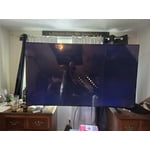
[This review was collected as part of a promotion.] So, I use my tv for everyday viewing, as well as video games. Over the years, I have a always thought that samsung had such a better picture than my other tvs, that I swore to only get samsung going forward in my life. This is my first television since this declaration. I am a little disappointed in that the picture isn't neccessarily bad, but it is so dark. I can not brighten it enough. I set it to movie as this is the most recommended setting, but it usually isn't this dark. Samsung tvs normally almost loook 3D to me, and this one just isn't the same.

Review from Samsung US
Helpful?18J4E5E7OZVG16422722568
reply from Samsung Brand Ambassador

TobyWanKenobi, We appreciate you taking the time to let us know about your experience with your TV. So that we can better troubleshoot this issue and provide steps towards a solution, please contact Samsung Support at 1-800-SAMSUNG, 8AM - 12AM EST, 7 days a week. Or visit us on the Samsung website and click on the ‘Support’ link for: •  LiveChat •  Manuals, Software, & Warranty Info ~ Samsung Pro