Skip to Main Content
Sams Club
Sams Club
Customer reviews for SAMSUNG 58” Class U7900F Series 4K Crystal UHD Smart TV for
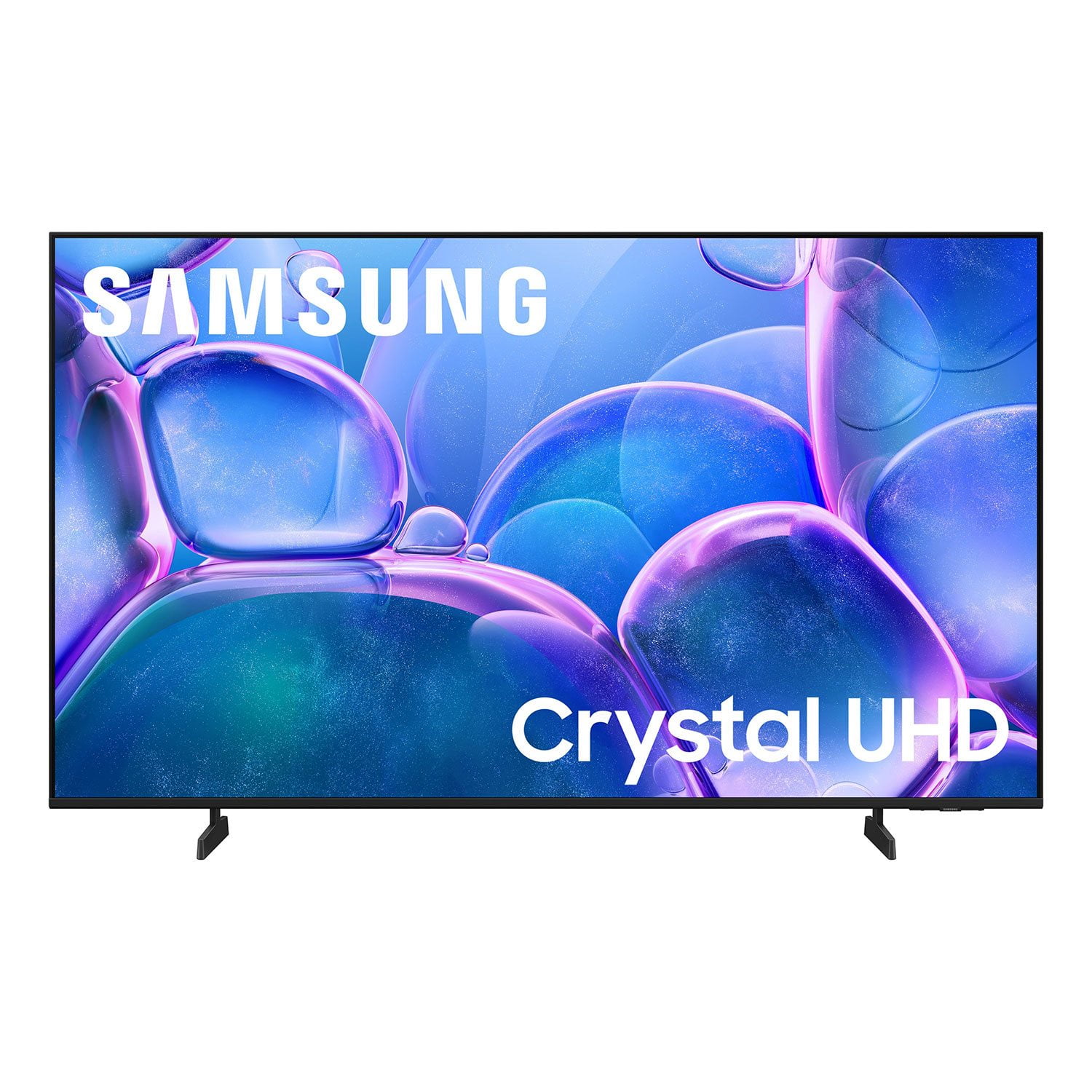
SAMSUNG 58” Class U7900F Series 4K Crystal UHD Smart TV
4.7 out of 5 stars
stars1,752 ratings1,694 reviews
  1. 5 stars78% (1,373)
  2. 4 stars14% (248)
  3. 3 stars4% (71)
  4. 2 stars1% (24)
  5. 1 star2% (36)

Member photos

  • +659 images
Sort by |
Showing 1-10 of 1,694 reviews
Oct 19, 2025
Jer
5 out of 5 stars review

Verified Purchase

Worth the money

Inexpensive TV that has surprisingly good quality would definitely recommend

Helpful?18J4E5E7OZVG16422722568
Oct 2, 2025
Karen Coffer
5 out of 5 stars review

Verified Purchase

Great TV

Mostly easy to setup. Even for someone that is not really tech savvy. Great picture and sound

Helpful?18J4E5E7OZVG16422722568
Oct 22, 2025
David H
5 out of 5 stars review

Verified Purchase

I'd buy it again!!!

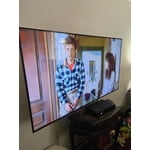
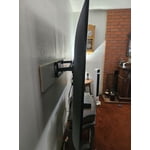
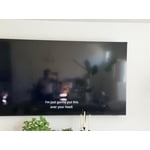
We purchased our Samsung 58 Class TV at a great price! When we saw the $100.00 instant discount, we immediately decided to purchase it at $289.00. The size and weight fit perfectly on our wall. Plus, it has a fantastic, clear image display and amazing speakers.

Helpful?18J4E5E7OZVG16422722568
Sep 30, 2025
Russ M
5 out of 5 stars review

Verified Purchase

Bang For The Buck!

Nice picture! Great sound! Fantastic price!

Helpful?18J4E5E7OZVG16422722568
Sep 22, 2025
Judy
5 out of 5 stars review

Verified Purchase

Great tv!

Excellent picture and sound. Was everything I was expecting.

Helpful?18J4E5E7OZVG16422722568
Sep 21, 2025
Randall
5 out of 5 stars review

Verified Purchase

Good tv

Everything was good - nothing surprises

Helpful?18J4E5E7OZVG16422722568
Dec 3, 2025
Mrs Maynard
5 out of 5 stars review

Verified Purchase

Just fits the bill!

Lightweight, easy to mount and set up. Beautiful picture.

Helpful?18J4E5E7OZVG16422722568
Oct 5, 2025
Pfal66
4 out of 5 stars review

Verified Purchase

My second samsung

Priced right, great picture and great sound

Helpful?18J4E5E7OZVG16422722568
Oct 23, 2025
Lisa
3 out of 5 stars review

Verified Purchase

Would choose differently next time

I'm disappointed that I can't add my own apps to this tv. It limits what I can do with it. Quality of the screen and sound works as expected though.

Helpful?18J4E5E7OZVG16422722568
reply from Samsung

Hi Lisa,<br /><br />Thank you for sharing your experience. Please know that you can customize your Home screen by installing, removing or adding your favorite apps to the Home screen. Here&#39;s how:<br /><br />Searching for &amp; Installing Apps<br />1. From the Home screen, press left on the remote’s directional pad. <br />2. Navigate to and select Search.<br />3. Using the search bar, enter the content or app you’d like to find.<br />4. Navigate to and select the app you’d like to install, then select Install.<br /><br />Note: Previously installed apps can be accessed on the Settings screen.<br /><br />Adding &amp; Managing Apps on Home Screen<br />1. Go to App Settings (these can be found at the bottom of the Apps screen) and select the app you want to move. The following options will be available:<br /> a. Add to Home: Move the app to your desired location on the Home screen.<br /> b. Delete: Delete app.<br /> c. Lock/Unlock: Lock the app with a PIN so only you can use it. When the app is selected again, you will be prompted to enter the PIN to unlock it.<br /> d. Reinstall: Reinstall the app.<br /> e. View Details: View the app’s information and details.<br /><br />If you need more help with app management, please don’t hesitate to reach Samsung Support at 1-800-SAMSUNG, 8AM - 12AM EST, 7 days a week. LiveChat with an agent as well as manuals, software, and warranty info can be found at the ‘Support’ link on our Samsung website.<br /><br />~ Samsung Advisor

Sep 23, 2025
Hell
1 out of 5 stars review

Verified Purchase

Samsung

Always had samsung tv's, but maybe I just got a lemon! Picture quality and color suck. I'll watch a show having to adjust color & tone, but if I change show still have to readjust again!!! Going to return it!!!!

Helpful?18J4E5E7OZVG16422722568
reply from Samsung

Hi Hell,<br /><br />We appreciate your feedback on the picture quality of Samsung’s U7900F TV. If the image doesn’t quite match your preferences, there are several adjustments you can make to better suit your viewing environment and content type.<br /><br />First, please ensure your TV is running the latest firmware, as updates may include important picture quality enhancements. Go to: Home &gt; Left directional button &gt; Settings &gt; Support &gt; Software Update &gt; Update Now<br /><br />To explore picture mode options, navigate to: Home &gt; Left directional button &gt; Settings &gt; All Settings &gt; Picture &gt; Picture Mode. Options include:<br />• Standard – Ideal for general viewing<br />• Dynamic – Brighter and more vibrant for well-lit spaces<br />• Eco – Optimized for energy efficiency<br />• Movie – Best for viewing in low light<br />• Filmmaker Mode – Preserves the content creator’s intent and disables motion smoothing for supported content<br /><br />You can further customize your image by going to: Settings &gt; All Settings &gt; Picture &gt; Expert Settings, where you can adjust Brightness, Contrast, Color Tone, Sharpness, Contrast Enhancer and more.<br /><br />If you’d like help finding the best picture settings for your preferences, please don’t hesitate to contact Samsung Support at 1-800-SAMSUNG, available 8AM – 12AM EST, 7 days a week. You can also LiveChat with an agent or explore additional resources on our website by clicking the ‘Support’ link.<br /><br />~ Samsung Advisor