Join Now
Skip to Main Content
Sam's Club
Sam's Club
All Departments
All Services
Customer reviews for Epson EcoTank ET-4958 Wireless All-in-One Color Supertank Printer, 1 Bonus Black Ink Bottle for
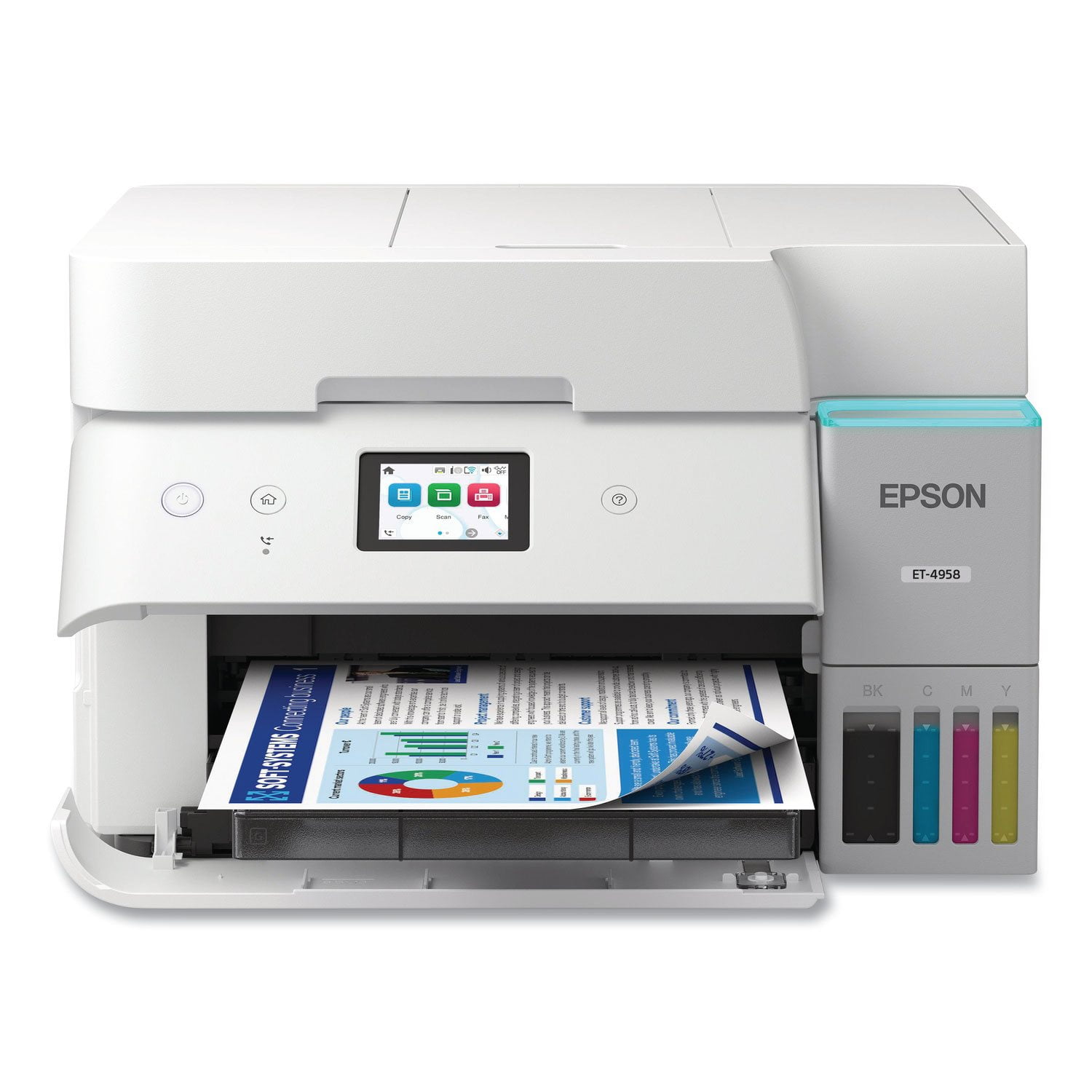
Epson EcoTank ET-4958 Wireless All-in-One Color Supertank Printer, 1 Bonus Black Ink Bottle
4.1 out of 5 stars
stars
182 ratings135 reviews
  1. 5 stars59% (108)
  2. 4 stars18% (32)
  3. 3 stars5% (9)
  4. 2 stars7% (12)
  5. 1 star12% (21)

Member photos

Sort by |
Showing 61-70 of 135 reviews
Jun 20, 2026
Reviewer name: Ed007
1 out of 5 stars
1 out of 5 stars review

BAD

Impossible to set up with laptop. Will be returning it. Spent hours trying to do so. Won't print from laptop and scanner won't add. Can't even connect to Epson anymore either. Falsely claims password is wrong even though it worked before.

Review from epson.com
Helpful?373OTNA1GT2F16188611314
Mar 27, 2026
Reviewer name: Tim
2 out of 5 stars
2 out of 5 stars review

Not for Glossy or Presentation Matte Paper.

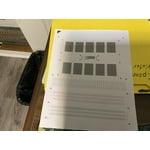
It print standard documents on copy paper, but doesn't print borderless prints (jams on printhead). Neither does it feed well with glossy or presentation matte paper (jams half the time).

Helpful?373OTNA1GT2F16188611314
Oct 3, 2025
Reviewer name: BluFJ
4 out of 5 stars
4 out of 5 stars review

Verified Purchase

Great All-In-One once setup.

The ET-4950 seems to be a decent All-In-One and I really like the eco-tank set up. The only issue that I ran in to is that it doesn't print dark blacks straight out of the box. Text prints in dark gray until considerable adjustments are made in the print dialogue page in my laptop settings for the specific printer. It took a while to figure out that the settings couldn't be adjusted on the printer itself; that is, unless I just couldn't find them. In that case, user setup and use is not as intuitive as other high end printers that I have had in the past.

Review from epson.com
Helpful?373OTNA1GT2F16188611314
Jan 28, 2026
Reviewer name: Alex K
2 out of 5 stars
2 out of 5 stars review

Worst Printer I Have Ever had the Misfortune of Dealing With

This is the single worst piece of equipment I have ever bought and used. Connectivity between household WIFI is weak and inconsistent, cannot download any firmware update to try to fix any problem, and will not allow me to print via WIFI from any other device, Android, IOS, Windows, or Mac. Printer based WIFI is also weak and inconsistent, often dropping its own service in the middle of a job, canceling any task midway, and stopping itself from clearing the job queue. Those issues only actually IF the printer is willing to take itself out of its own "Printer is Busy" status, which it will keep itself in for an indeterminate amount of time, or put itself into that status with no warning, when you are trying to use it, or not. Save your self the time and headache, look elsewhere, literally anywhere.

Review from epson.com
Helpful?373OTNA1GT2F16188611314
Dec 4, 2025
Reviewer name: Mb316
1 out of 5 stars
1 out of 5 stars review

I wouldn't have bought one if I knew

Since I bought this printer, I have had to completely delete every Epson app and download and install the printer again at least five time because it keeps falling off of the network, even with the router right next to it and wont reconnect no matter what I do. Very frustrating!!!!!!!!!!!

Review from epson.com
Helpful?373OTNA1GT2F16188611314
Nov 23, 2025
Reviewer name: ChadM1
2 out of 5 stars
2 out of 5 stars review

Sketchy WIFI and software

We bought this machine today. The ink tank technology seems really good. The WIFI network connection is very poor. We have to keep restarting it for our phones and computers to see it, and scanning sometimes crashes. It is sitting within 5 feet of my router and all our other devices are fine. So far, not at all impressed for the price paid. Probably a good machine if you

Review from epson.com
Helpful?373OTNA1GT2F16188611314
Jan 22, 2026
Reviewer name: anonymous
4 out of 5 stars
4 out of 5 stars review

Only selling point is the ink and quality.

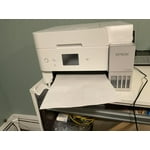
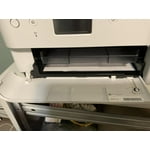
First day of use and the paper already jams. I have a cheaper version of this machine which I use for sublimation and no issues because everything is manual and I feed the paper from the top and the scanner is a flatbed scanner. This item has too many fancy parts. No need for the paper holder to be controlled electronically to come in and out. That should have been manual. If you push it back in an error will say it can't print. It is in the way when I insert my paper. I haven't scanned yet so hopefully that goes well. Colors print very well. Sometimes I get asked what type of paper and size I want to print before it prints even though I chose it on my computer settings which is odd. So if I am printing from another room, I would assume it was printing when it really was not. I have had my HP printer for almost 6 years, exact features less fancy parts. Only difference is the ink cost effective since I can no longer use aftermarket ink. My HP only started jamming around the 5th year and that is every blue moon.

Helpful?373OTNA1GT2F16188611314
Jan 15, 2026
Reviewer name: CHERYL
5 out of 5 stars
5 out of 5 stars review

Easy Set Up

Love this printer. It's an upgrade from a very cartridge hungry old HP model. WiFi set up was extremely easy to set up. Been working flawlessly for these past few weeks for WFH. Love that it doesn't take up (wide) space and love the color (white). Ink will last long and will be more affordable when it needs to be replaced. Extremely happy with this purchase.

Helpful?373OTNA1GT2F16188611314
Jan 24, 2026
Reviewer name: JAMES
1 out of 5 stars
1 out of 5 stars review

Sam's Club 2-Year Warranty Not Honored by Epson

As others have noted, Epson does not honor the 2-year manufacturer warranty that Sam's Club advertises for Sam's Club Members. When you register the printer, Epson only provides a 1-year warranty. I spent a couple of hours working with a Sam's Club corporate supervisor and also opened a case with Epson. Neither was able to resolve the issue. Sam's Club's only solution was to return the printer. If this were a one-off problem, I could understand that response. However, multiple reviews report the same registration issue, so returning the printer does not address the underlying problem. Sam's Club also would not contact Epson to try to resolve this for their customers. Epson support has also been extremely unresponsive. Their support phone hours appear inaccurate, they advertise Saturday hours, but when you call on Saturday, the recording states they are only open on weekdays. Because Epson is not honoring the advertised warranty, I will be returning this printer and will avoid Epson products going forward.

Helpful?373OTNA1GT2F16188611314
Feb 28, 2026
Reviewer name: ANGIE
2 out of 5 stars
2 out of 5 stars review

Don't waste your money or time on this!

I'm writing this after clearing out ANOTHER jam - have not gotten through a print job yet without it getting a jam. Doesn't matter if it's plain paper, labels, cardstock - it will jam! Also the red color stuff I've printed is off. Gotta go clear out another jam!

Helpful?373OTNA1GT2F16188611314