Join Now
Skip to Main Content
Sam's Club
Sam's Club
All Departments
All Services
Customer reviews for SAMSUNG 85" Class U8000F Series 4K Crystal UHD Smart TV for
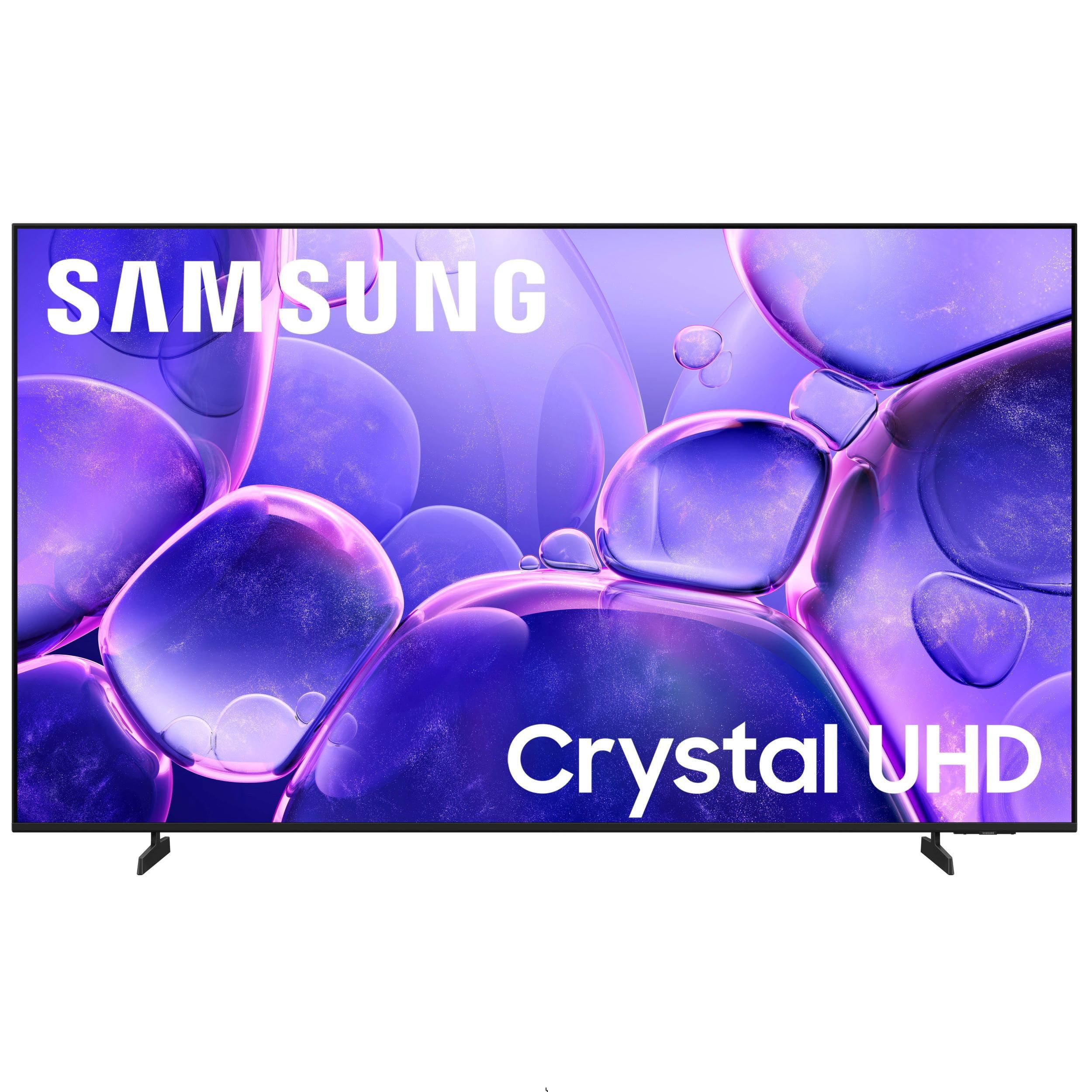
SAMSUNG 85" Class U8000F Series 4K Crystal UHD Smart TV
4.5 out of 5 stars
stars
3,681 ratings3,649 reviews
  1. 5 stars71% (2,606)
  2. 4 stars16% (573)
  3. 3 stars7% (240)
  4. 2 stars3% (125)
  5. 1 star4% (137)

Member photos

  • +1177 images
Sort by |
Showing 3,481-3,490 of 3,649 reviews
Oct 14, 2025
Reviewer name: Irisvelaz
2 out of 5 stars
2 out of 5 stars review

The HDMI on this 58 inch tv didn't work

[This review was collected as part of a promotion.] I use my samsung tv for gaming stresming and regular uses but y his model 58 inch tv the HDMI none of them work on it .

Review from Samsung US
Helpful?3CTS2O15ZY1416007408101
reply from Samsung Brand Ambassador

Irisvelaz, We appreciate you taking the time to let us know about your experience with your TV. So that we can better troubleshoot this issue and provide steps towards a solution, please contact Samsung Support at 1-800-SAMSUNG, 8AM - 12AM EST, 7 days a week. Or visit us on the Samsung website and click on the ‘Support’ link for: •  LiveChat •  Manuals, Software, & Warranty Info ~ Samsung Pro

Apr 22, 2025
Reviewer name: Ferxxo
5 out of 5 stars
5 out of 5 stars review

My tv has a good display, color and size, so good
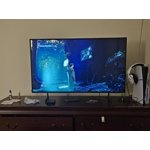
[This review was collected as part of a promotion.] I use my tv at play videogames, i watch videos, has a good resolution, it's so great, i love the products of samsung all the time.

Review from Samsung US
Helpful?3CTS2O15ZY1416007408101
Oct 14, 2025
Reviewer name: Sheepdog
2 out of 5 stars
2 out of 5 stars review

No audio out.

[This review was collected as part of a promotion.] I discovered that there was no audio out on the TV. I need to connect to my Bose surround system. The picture was good, but with no audio out, it was useless. I returned the TV.

Review from Samsung US
Helpful?3CTS2O15ZY1416007408101
reply from Samsung Advisor

Hi Sheepdog, Thank you for sharing your thoughts on the available inputs for the U8000F. If an Optical port is a crucial part of your setup needs, you’ll find that connection starting with our Q8F Series and above. If you decide to explore Samsung TVs again in the future, we’re always here to support you - whether it’s setup, features, or troubleshooting. Reach us anytime at 1-800-SAMSUNG (8AM – 12AM EST, 7 days a week), or visit the ‘Support’ section of our website for LiveChat, manuals, and more. ~ Samsung Advisor

Oct 18, 2025
Reviewer name: Livingroomitswhereitis
5 out of 5 stars
5 out of 5 stars review

Great display, loads easy , apps games work Great.

[This review was collected as part of a promotion.] Streaming games and watching my favorite shows come in so clear and loads fast . Couldn't ask for a better tv.

Review from Samsung US
Helpful?3CTS2O15ZY1416007408101
Sep 19, 2025
Reviewer name: Neil
2 out of 5 stars
2 out of 5 stars review

Good TV but the user interface stinks

If I could get the stations I want and mute the audio when I need it to be quiet I'd give it a 5. However, the user interface, both the native remote and via the SmartThings app on my phone, just pain sucks.

Review from Samsung US
Helpful?3CTS2O15ZY1416007408101
reply from Samsung Advisor

Hi Neil, We appreciate your thoughts on the U8000F TV’s remote. While it may appear minimal at first glance, many of the buttons are designed with dual or long-press functions to help reduce clutter without sacrificing functionality. For example: • Volume rocker: Push UP/DOWN to adjust volume; press and release quickly to MUTE. • Long-press Volume button: Hold for more than 1 second to access Accessibility Shortcuts. • RETURN button: Press to go back to the previous screen or menu; when watching TV, it takes you back to the previous channel. These combined functions help create a cleaner design while keeping everything you need just a button away. If you ever need help with your remote or want to learn more shortcuts, we’re here to assist. You can reach us at 1-800-SAMSUNG, available daily from 8AM - 12AM EST. You can also visit the Samsung website and click on ‘Support’ for: • Live Chat • Manuals, Software, & Warranty Info ~ Samsung Advisor

Oct 22, 2025
Reviewer name: Shygirl
5 out of 5 stars
5 out of 5 stars review

This product blows all the rest out the water

[This review was collected as part of a promotion.] I only swear by Samsung products I have Samsung washer and dryer set, refrigerator, tvs, phones, etc this is honestly a great tv the picture is super clear and it's def worth the money

Review from Samsung US
Helpful?3CTS2O15ZY1416007408101
Nov 20, 2025
Reviewer name: Jorge
5 out of 5 stars
5 out of 5 stars review

Verified Purchase

Wow

Great tv

Helpful?3CTS2O15ZY1416007408101
Apr 29, 2025
Reviewer name: SammyNerd83
4 out of 5 stars
4 out of 5 stars review

Beautiful TV

[This review was collected as part of a promotion.] This is a beautiful tv with an AMAZING picture. The screen is bright (even with the anti-reflective coating) vivid, and has an amazing picture quality. Where i have some issues is that whether it's the processor or the ram, the smart functionality is slow (a lot) and sometimes even stutters a little in it's response to my inputs. Also I'm kinda annoyed that the smart remote this year is larger and takes batteries instead of being rechargeable. I understand it was probably a cost savings measure, I just don't like it. I really like the game mode. It's a great idea, it's implemented quite well. And the streaming games, although have occasional pretty bad latency (lag) issues, works great. Other then the issues I mentioned previously (which to be fair and completely honest are actually very minor) this is an exceptionally great tv for the price. This is an ABSOLUTELY amazing midrange tv. I just wish i could have afforded a neo-qled.

Review from Samsung US
Helpful?3CTS2O15ZY1416007408101
reply from Samsung Advisor

Hi Sammynerd83, We appreciate your feedback regarding your U8000F TV’s performance. If you're experiencing slow apps, freezing, or lag in general response time, try the following steps: 1. Check for firmware updates – Keeping your TV up to date can resolve many performance issues: Home > left directional key > Settings > Support > Software Update > Update Now 2. Run Device Care – This tool checks system memory, frees up cached data, and closes background apps that could be slowing things down: Home > left directional key > Settings > Support > Device Care > Start Device Care 3. Cold boot your TV – With the TV powered on, press and hold the Power button on your remote for 5+ seconds until the TV restarts. This helps refresh the system. If you're still noticing performance issues after these steps, please contact Samsung Support at 1-800-SAMSUNG, 8AM – 12AM EST, 7 days a week. You can also connect with a LiveChat agent via the ‘Support’ link on our website. ~ Samsung Advisor

Sep 17, 2025
Reviewer name: MJChatesHub
1 out of 5 stars
1 out of 5 stars review

Smart Hub Bad

We have had this TV for quite some time now and I like it for the picture quality. The home screen "Smart Hub" is the absolute worst and it makes me hate this TV. In fact, I loathe it with a passion. The hub is cluttered and full of recommendations that I cannot remove. I want to see my downloaded apps so that I can launch them as needed. I do not want recommendations. I do not want banners with inappropriate content at 85" up for my children when we just turn on the TV. I can set parental parameters, but then I've got boxes with a stock photo of a lock. The navigation for settings is clunky and things are buried in miles of tiles that I just don't care about. I wish we hadn't bought it. I wish we had returned it. Do not leave LG for a Samsung.

Review from Samsung US
Helpful?3CTS2O15ZY1416007408101
reply from Samsung Advisor

Hi MJChatesHub, Thank you for sharing your experience. Please know that you can customize your Home screen by installing, removing or adding your favorite apps to the Home screen. Here's how: Searching for & Installing Apps 1. From the Home screen, press left on the remote’s directional pad. 2. Navigate to and select Search. 3. Using the search bar, enter the content or app you’d like to find. 4. Navigate to and select the app you’d like to install, then select Install. Note: Previously installed apps can be accessed on the Settings screen. Adding & Managing Apps on Home Screen 1. Go to App Settings (these can be found at the bottom of the Apps screen) and select the app you want to move. The following options will be available: a. Add to Home: Move the app to your desired location on the Home screen. b. Delete: Delete app. c. Lock/Unlock: Lock the app with a PIN so only you can use it. When the app is selected again, you will be prompted to enter the PIN to unlock it. d. Reinstall: Reinstall the app. e. View Details: View the app’s information and details. If you need more help with app management, please don’t hesitate to reach Samsung Support at 1-800-SAMSUNG, available daily from 8AM - 12AM EST. You can also visit the Samsung website and click on ‘Support’ for: • Live Chat • Manuals, Software, & Warranty Info ~ Samsung Advisor

Aug 3, 2025
Reviewer name: Mary
3 out of 5 stars
3 out of 5 stars review

Would like universal remote control

I just purchased het crystal uhd u8000f 43 inch, I have small room. Very frustrating setting up the tv when you stream multiple services. I do not care for this simple remote, I would prefer a universal remote with all the selections. I am having a hard time finding one for this specific tv. Any suggestions on where to buy one, that would be great.

Review from Samsung US
Helpful?3CTS2O15ZY1416007408101
reply from Samsung Advisor

Hi Mary, Thanks for your review. While Samsung remotes are designed for ease and versatility, universal remotes can also be used to control your TV. If you're using a third-party remote, please refer to its manufacturer guide for the correct Samsung code and setup process. If you run into any trouble or have compatibility questions, Samsung Support is happy to help. You can reach us at 1-800-SAMSUNG, 8AM – 12AM EST, 7 days a week. LiveChat agents are also available at the ‘Support’ link on our website. ~ Samsung Advisor