Join Now
Skip to Main Content
Sam's Club
Sam's Club
All Departments
All Services
Customer reviews for SAMSUNG 85" Class U8000F Series 4K Crystal UHD Smart TV for
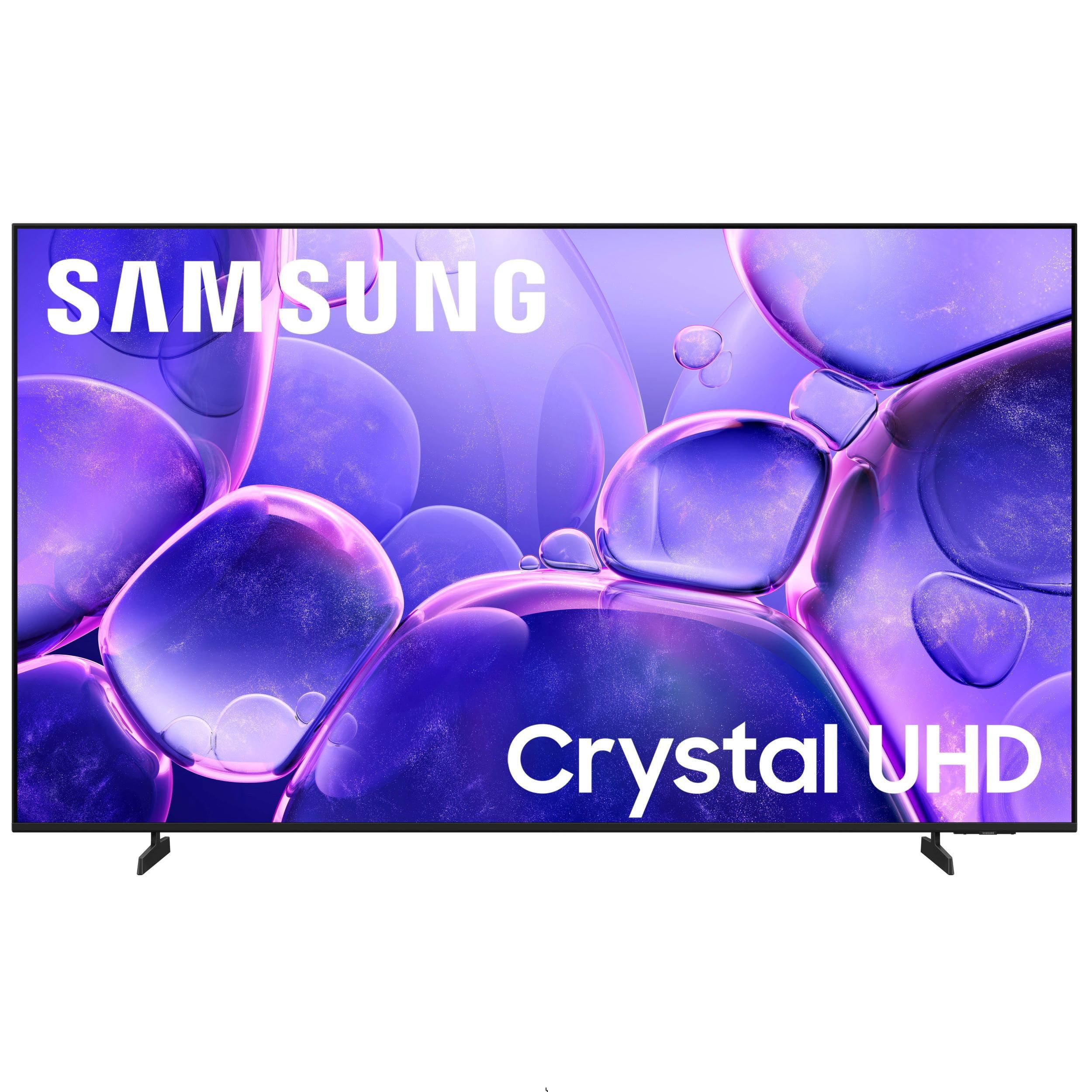
SAMSUNG 85" Class U8000F Series 4K Crystal UHD Smart TV
4.5 out of 5 stars
stars
3,681 ratings3,649 reviews
  1. 5 stars71% (2,606)
  2. 4 stars16% (573)
  3. 3 stars7% (240)
  4. 2 stars3% (125)
  5. 1 star4% (137)

Member photos

  • +1177 images
Sort by |
Showing 3,641-3,649 of 3,649 reviews
Oct 14, 2025
Reviewer name: Tim4ketc
5 out of 5 stars
5 out of 5 stars review

This picture is very clear

[This review was collected as part of a promotion.] This TV picture is very clear. The sound is great and the home screen is easy to navigate.

Review from Samsung US
Helpful?3CTS2O15ZY1416007408101
Nov 29, 2025
Reviewer name: DaTippaDisD
5 out of 5 stars
5 out of 5 stars review

Amazing product would recommend

[This review was collected as part of a promotion.] Tv is super clear, and super quick features. Great smart tv.

Review from Samsung US
Helpful?3CTS2O15ZY1416007408101
Nov 24, 2025
Reviewer name: Arkcan
3 out of 5 stars
3 out of 5 stars review

It's a decent tv

[This review was collected as part of a promotion.] Multiview(PIP) isn't included in this model, but I mostly use it for gaming so it's not the end of the world. My next tv will have that feature!

Review from Samsung US
Helpful?3CTS2O15ZY1416007408101
reply from Samsung Advisor

Hi Arkcan, We appreciate your purchase and feedback on the U7900 TV features. Please note Multi-View is available on our Q7F TV Series and above. If you ever have questions or need support, we’re here to help. Call us at 1-800-SAMSUNG, available from 8AM - 12AM EST, seven days a week. You can also connect with a LiveChat agent by clicking the ‘Support’ link on our website. ~ Samsung Advisor

May 27, 2025
Reviewer name: Bruce145
5 out of 5 stars
5 out of 5 stars review

Small office tv
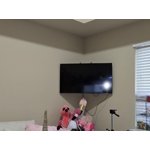
[This review was collected as part of a promotion.] I got this tv to be in my office to display my laptops screen and play music in the background other times. Great and light weight.

Review from Samsung US
Helpful?3CTS2O15ZY1416007408101
Apr 30, 2025
Reviewer name: Charan
5 out of 5 stars
5 out of 5 stars review

Good

Exlent model in samsung TV good latest models AI upscaling

Review from Samsung US
Helpful?3CTS2O15ZY1416007408101
Jun 5, 2025
Reviewer name: LuvSamung2
4 out of 5 stars
4 out of 5 stars review

Great sharpness and clarity, love it
[This review was collected as part of a promotion.] All the above, gaming, streaming, video sharing, everything is super sharp. Very impressive

Review from Samsung US
Helpful?3CTS2O15ZY1416007408101
Oct 20, 2025
Reviewer name: iphilmar
5 out of 5 stars
5 out of 5 stars review

Samsung TVs are better than any other TVs that I .
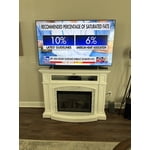
[This review was collected as part of a promotion.] It's the best TV I've ever had. I love Samsung TVs and sound systems.

Review from Samsung US
Helpful?3CTS2O15ZY1416007408101
Jun 1, 2025
Reviewer name: mjb7302
1 out of 5 stars
1 out of 5 stars review

Cheap TV

The remote control is a joke. NO NUMBERS for changing channels. Cheap move by Samsung and wish I had realized before installing.

Review from Samsung US
Helpful?3CTS2O15ZY1416007408101
reply from Samsung Advisor

Hi mjb7302, Thank you for your feedback. Please know the remote that comes with your TV has a number shortkey button available on the top left side of the remote control. We also understand if you prefer to use a third-party remote. If you run into any trouble or have compatibility questions, Samsung Support is happy to help. You can reach us at 1-800-SAMSUNG, 8AM – 12AM EST, 7 days a week. LiveChat agents are also available at the ‘Support’ link on our website. ~Samsung Advisor

Jul 14, 2025
Reviewer name: Robbo
1 out of 5 stars
1 out of 5 stars review

TV+ Sucks

Samsung TV+ Sucks it over rides my antenna input signal. No local channels

Review from Samsung US
Helpful?3CTS2O15ZY1416007408101
reply from Samsung Advisor

Hi Robbo, While your U8000F TV may default to Samsung TV Plus at startup, you can customize what happens when the TV powers on. Go to: Settings > All Settings > Advanced Features > Start Screen Option, then enable or disable: • Start with Smart Hub Home • Autorun Multi View Casting • Autorun Multi View Mirroring If you need help adjusting these options, feel free to reach out to Samsung Support at 1-800-SAMSUNG, 8AM – 12AM EST, 7 days a week. LiveChat agents are also available on our website under ‘Support’. ~ Samsung Advisor