
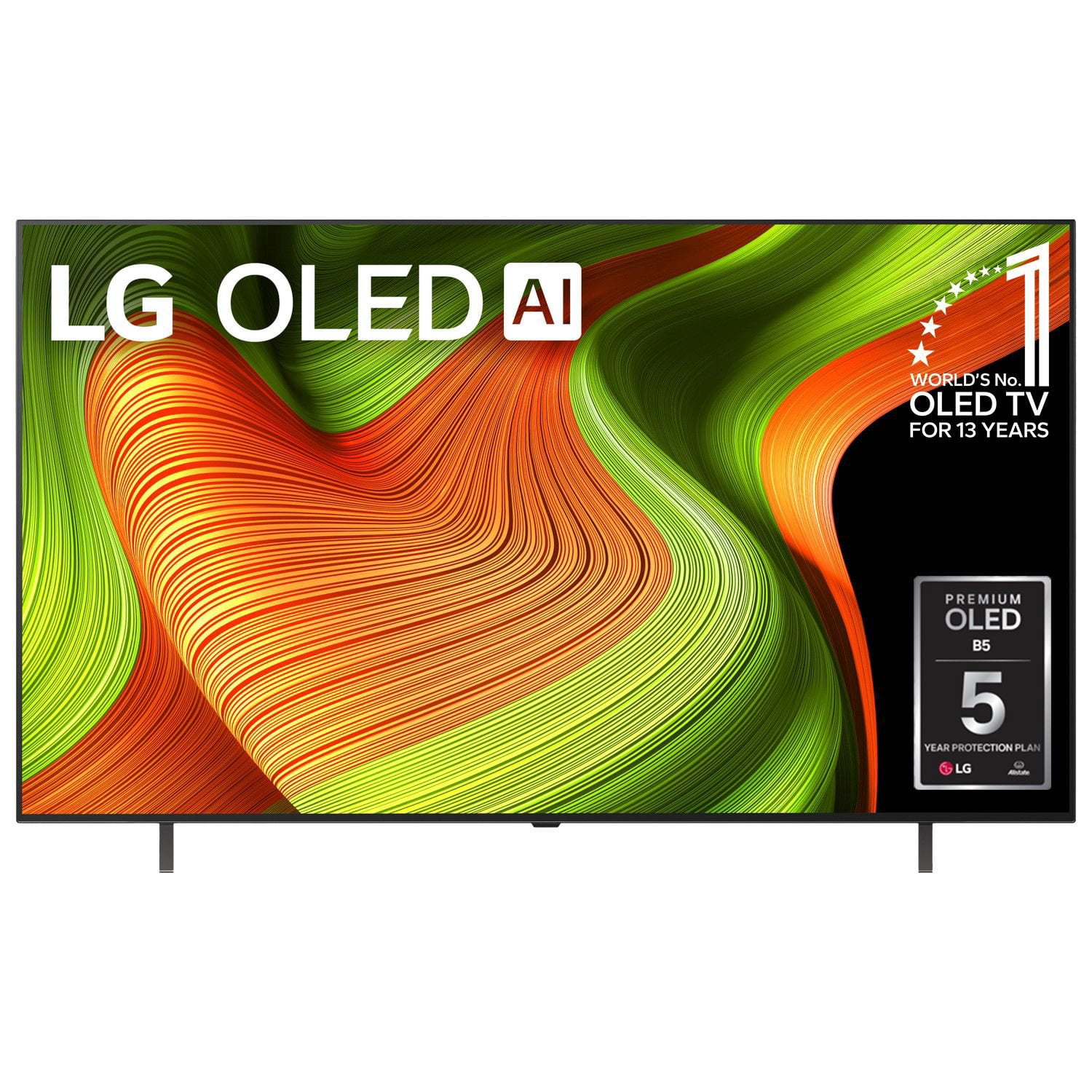
 Customer reviews for LG 65" Class B5 Series OLED 4K Smart TV for
Member photos
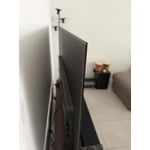
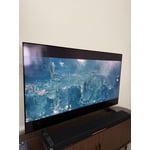
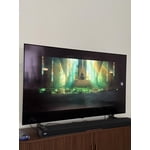
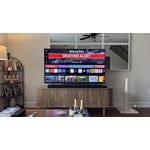
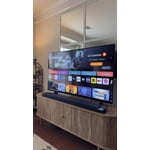
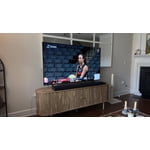
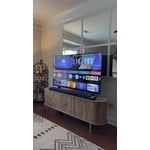 +8 images
Great Tv! Great picture quality and very light
[This review was collected as part of a promotion.] I really love this TV, it's the largest TV that I've purchased for myself, and I was really surprised by how light and thin it is. My old TV was much smaller, but it made my room so hot. This TV doesn't really emit any heat, so I can watch TV for as long as I want, without having to block out sunlight or crank up the AC I've been really enjoying the screensaver mode, it's nice to have the TV on in the background without having to watch anything, it just adds to the vibe of the room. There's also a large variety of live channels to watch if you do enjoy live TV. I was really pleased with the selection of live anime channels to watch which can substitute for a subscription. Lastly, I'm really happy with how sturdy and responsive the remote is. There isn't any lag when I use it, and I've dropped it a few times, and the back hasn't gone flying, which is really nice! Review submitted as part of a program that provides a purchase discount.
Verified Purchase
A great tv that works best in a slightly dark room
I bought this TV because it delivered very realistically colour reproduction, and it had excellent blacks. I use it in my living room, which has side lighting from patio doors. With the blinds fully open, the TV screen is somewhat washed out, but if the blinds are partially closed, everything looks fine. Closing the blinds completely lets this TV's performance really shine.
Verified Purchase
Great OLED TV on a budget
This TV has a fantastic picture and a lot of settings to tweak and learn. Gaming features are especially good. My Switch 2 hooked up and setup looks great! Most affordable OLED and LG really delivered bang for buck on this!
Now THIS is the kind of OLED experience we love hearing about! We’re absolutely thrilled that your OLED65B6EUA is delivering such an incredible picture and giving you so many ways to fine-tune and personalize your setup. It’s especially exciting to hear that the gaming features are shining and that your Switch 2 looks amazing on the screen — that’s exactly the immersive experience OLED is built for! We also love hearing that you feel you’re getting incredible value for the price. Bringing premium OLED performance together with strong gaming capabilities and stunning visuals is something we’re very proud of, and it’s fantastic to know it’s hitting the mark for you. Thank you so much for sharing such an enthusiastic review and for choosing LG for your gaming and entertainment setup! If you ever need assistance, our LG Care team is always happy to help at 1-888-542-2623 or via live chat or email through https://www.lg.com/ca_en/support/contact-us/
HOLY SMOKES this is huuge and I LOVE IT
[This review was collected as part of a promotion.] Look I have had lots of TVs. I am a movie buff for sure... and let me tell you The quality, the colors, the sounds... its like walking into a theater in your own home. The colors are so vibrant the sound -sounds so good just as if I am in the theatre. I have bought many sound bars before but this TV sounds 100x better than any expensive sound bar I got. I could not recommend this enough. Review submitted as part of a program that provides a purchase discount.
Major upgrade
[This review was collected as part of a promotion.] I've been really impressed with the quality of this TV. The picture is incredibly sharp, the colors look vibrant, and everything just feels like a major upgrade from my previous TV. As a big soccer fan, one of my favorite things has been watching games on it. The movement looks smooth and clear, and the picture quality makes sports so much more enjoyable. I'm also a big action movie fan, and this TV has made movie nights at home feel like a completely different experience. The dark scenes, colors, and details look amazing, especially with action movies. Overall, I'm really happy with the TV and the upgrade in quality has been noticeable from day one. Review submitted as part of a program that provides a purchase discount.
Verified Purchase
LG 65” OLED AI TV
This is a very good TV; great picture. I have an existing LG sound bar, but I'm not able to sync the TV and sound bar so that they both come on and turn off with one click of the remote.
A stunning picture is what OLED is all about, and we're delighted to hear you're enjoying your OLED65B6EUA! Thank you for taking the time to share your experience with us. We also appreciate you letting us know about the synchronization concern with your existing LG sound bar. We'd be happy to help you get the most out of your home entertainment setup. If you could reach out to our LG CareQ team, we'll be glad to review your TV and sound bar models and help with the appropriate settings to achieve seamless operation whenever possible. Our LG CareQ team can be reached at 1-888-542-2623, or via WhatsApp, Live Chat, or email through our support page: https://www.lg.com/ca_en/support/contact-us/.
Verified Purchase
Amazing quality tv! Ai audio and quality is great! Only issue was the screws on the stand werent what it came with but i guess that goes with “open-box”
Verified Purchase
Nice & Bright
Great picture. The only issue we have which we were told would not be an issue is the poor sound quality of this TV. Be prepared to buy a sound bar for this model.
Thank you for sharing your experience with your OLED65B6EUA. We're so glad to hear you're enjoying the picture quality. OLED technology truly shines when it comes to delivering rich colours, impressive contrast, and deep blacks that bring content to life. At the same time, we understand that the audio performance has not quite been the experience you were hoping for, especially after being advised that sound quality would not be a concern. Because OLED TVs feature an ultra-thin design, the available space for built-in speakers is naturally limited, which can affect the overall audio experience depending on the room and viewing environment. Before considering an external audio solution, you may wish to explore the TV's sound settings. Features such as Clear Voice, OLED Surround, or Smart Sound Mode can often help enhance dialogue clarity and create a fuller sound experience by automatically adjusting audio based on your content and room conditions. We appreciate you taking the time to leave a review. Thank you for welcoming LG into your home and for your continued support. Should you have any questions or would like assistance optimizing your TV's audio settings, our LG CareQ team is always here to help at 1-888-542-2623, or via WhatsApp, live chat, or email through our support page: https://www.lg.com/ca_en/support/contact-us/
Verified Purchase
Underwhelming
The TV is like any other on the market, however due to the multitude of apps and LGs own channels, the experience can be quite meh. The remote needs a serious upgrade. The enter button is so small that invariable one tends to press some other button creating frustration as you land on some other screen. The stands is another bugbear with me as they appear unstable. No S-video or component output so trying to link an older amp / speakers requires multiple cords and DAC
Hi Kwhemz. Thank you for sharing your candid and detailed feedback on your OLED55B6EUA TV. While we are glad you are exploring its features, we understand how the smart interface, remote layout, stand stability, and connectivity options can affect the overall experience. Regarding the remote, if your TV is using an LG Magic Remote, you can take advantage of its motion-controlled on-screen pointer by moving the remote to bring up the cursor and pointing directly to the app or option you want to select, which may make navigation easier and help avoid accidental button presses. For your legacy audio setup, if your older amplifier supports analog input, a Digital Optical (Toslink) connection from the TV’s optical audio output to a compatible digital-to-analog converter (DAC) may help simplify the connection and reduce the number of cables required. We also recommend checking that the stand and all securing screws are properly installed and tightened according to the installation instructions. We truly appreciate your detailed feedback regarding the interface, remote ergonomics, stand design, and connectivity options, and we will be sure to share your comments with our product and design teams for further review and consideration. If you need any assistance with your TV or audio setup, our support team is always happy to help through https://www.lg.com/ca_en/support/contact-us/ and reference CNN260819149463.
Verified Purchase
Dont buy - they make it mandatory to record you
You need to sign up with LG just to use, all apps are not usable till you do. Buy something else that doesn't make it mandatory they can use the microphone in the TV to record you and sell it to a third party.
Thanks for letting us know you would prefer to download apps without creating an LG profile. We understand your privacy concerns. LG follows data privacy laws, and an LG account is mainly used to improve your experience, like recommending more relevant content and ads based on usage, and making it easier to sync and transfer settings when you upgrade to a newer TV. Features like the microphone are optional and are there to make it easier to control your TV using Voice Command, which is one of the key Smart TV features. LG also wants to reassure you that your personal information is encrypted and not shared, and your data is protected under federal law. You can review our Privacy Policy here for more details: https://www.lg.com/ca_en/privacy/?srsltid=AfmBOooZP0LilDzodPV1GfBIJ4vUiaePMLsDE3kxUAzFG15rcp6puLeW Hope this helps put your mind at ease. If you have any other questions, please feel free to contact us through our Customer Service channels and include your reference number CNN260813057400: https://www.lg.com/ca_en/support/contact-us/