Skip to Main Content
Sam's Club
Sam's Club
All Departments
All Services
Customer reviews for LG 65" Class C5 Series OLED evo AI Smart TV for
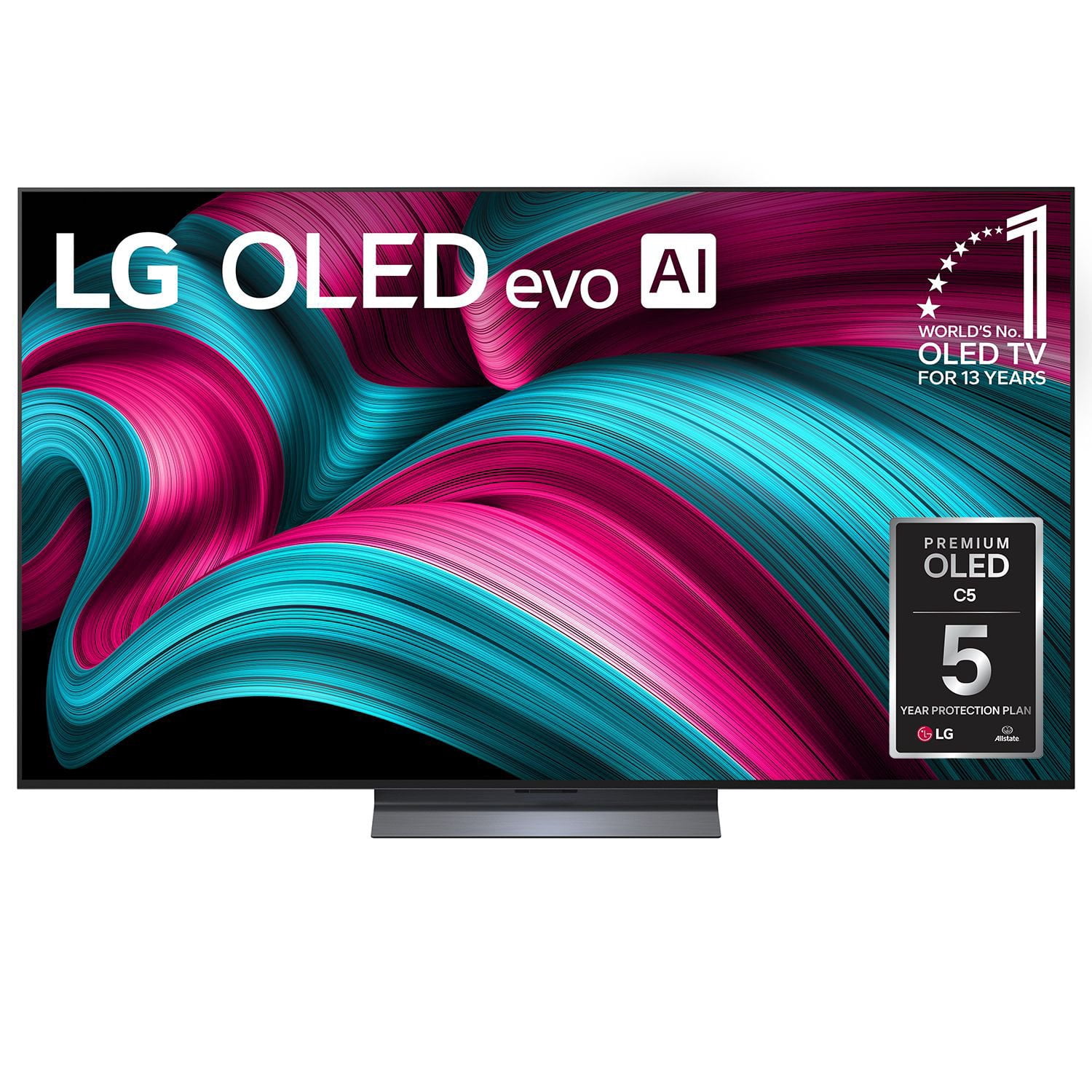
LG 65" Class C5 Series OLED evo AI Smart TV
4.4 out of 5 stars
stars
84 ratings54 reviews
  1. 5 stars75% (63)
  2. 4 stars10% (8)
  3. 3 stars5% (4)
  4. 2 stars4% (3)
  5. 1 star7% (6)

Member photos

Sort by |
Showing 31-40 of 54 reviews
Feb 17, 2026
Reviewer name: STEVEN
3 out of 5 stars
3 out of 5 stars review

Very frustrating experience with the sound on the LG C5. There is no way to interface the sound output with analog speakers without some kind of expensive overly complex interface like a receiver. eARC doesn't allow use of the TV speaker for center channel and optical has no volume control. It's ridiculous that my cheap Vizio is capable of this but this expensive LG is not.

Helpful?4ORWK3N5WOZ115880567017
Jul 28, 2025
Reviewer name: Brenda
5 out of 5 stars
5 out of 5 stars review

Verified Purchase

GREAT PICTURE

This TV has excellent color, even on older movies. Love it.

Helpful?4ORWK3N5WOZ115880567017
May 1, 2026
Reviewer name: Anon
5 out of 5 stars
5 out of 5 stars review

Verified Purchase

LG oLED 65” TV

Excellent picture and color.

Helpful?4ORWK3N5WOZ115880567017
Apr 12, 2026
Reviewer name: Jack cline
5 out of 5 stars
5 out of 5 stars review

Verified Purchase

Lg OLED tv as a retired electronic repairman

Best tv ever best picture

Helpful?4ORWK3N5WOZ115880567017
Mar 22, 2026
Reviewer name: Tomas 89
5 out of 5 stars
5 out of 5 stars review

Verified Purchase

65inch oled evo

Brilliant tv ,so happy! Highly recommended ho want good quality.

Review from lg.com/uk
Helpful?4ORWK3N5WOZ115880567017
Jul 4, 2026
Reviewer name: Anonymous
1 out of 5 stars
1 out of 5 stars review

TV did not last a year..

Bought two TVs of this model. First one did not turn on and was return within a few days. Second TV worked fine for a few months, then no image. Had to return it as well. The screen resolution is outstanding... when it works.

Review from lg.com
Helpful?4ORWK3N5WOZ115880567017
reply from LG

Hi, Luis. We appreciate you sharing your thoughts and feedback regarding your LG TV, model OLED55C5AUA. To help optimize the system stability and screen runtime of your unit, we recommend performing a thorough power reset by disconnecting the power cord from the wall outlet, pressing and holding the physical power button on the television for ten seconds to clear residual energy, and ensuring all connected media cables are tightly secured. For comprehensive technical insights on managing your display performance, please visit this helpful guide at https://www.lg.com/us/support/help-library/lg-tv-troubleshooting-an-lg-tv-with-no-picture-and-no-sound--20154765216944?srsltid=AfmBOoqcg63RCGyaOisikIywZhYvo0rqHvoXDwzF9BDKHgWuqiG8fyGY. We want to help ensure your entertainment setup operates perfectly and comfortably for your household. Please send us an email at lgdigitalcare@lg.sprinklrsupport.com if you need further support. ^James

Jul 17, 2026
Reviewer name: Groovy1952
4 out of 5 stars
4 out of 5 stars review

[This review was collected as part of a promotion.] Very happy so far except too many streaming Icons to c when starting up in order to watch my regular cable stations

Review from lg.com
Helpful?4ORWK3N5WOZ115880567017
reply from LG

Hello. Thank you for sharing your thoughts about your LG OLED65C5AUA TV! We are delighted to hear that you are happy with the unit overall. We understand your inquiry regarding the home screen layout and the extra icons when starting up your TV. To make accessing your cable channels easier, you can turn on the Home Auto Launch setting or set your TV to automatically open to the last used input like your cable box upon power-on via the General/System settings menu. For more feedback or questions, please send us an email at lgdigitalcare@lg.sprinklrsupport.com. ^James

Aug 12, 2026
Reviewer name: Linda
1 out of 5 stars
1 out of 5 stars review

Had this tv for 2 months and there is a big blue spot on the left side all ready wow will be returning it as soon as possible.

Helpful?4ORWK3N5WOZ115880567017
reply from LG Digital Customer Care

Hi, Linda. Thank you for sharing your feedback with us regarding your LG TV (OLED65C5PUA). We understand how vital pristine picture quality, vibrant screen uniformity, and dependable warranty and return support are for your viewing experience. We are fully committed to stepping in right away to help resolve this display concern and ensure your return or replacement process is handled smoothly. To identify the cause of the blue spot, check the following: <br /><br />- Use Pixel Cleaning in the OLED Care menu to refresh the panel. <br />- Ensure Screen Shift is enabled to avoid image retention. <br />- Verify that the panel brightness isn’t too high, as extreme settings can reveal uniformity issues. <br />- Power-cycle the TV by unplugging it for 30 seconds and then reconnecting it to refresh internal controls. For more guidance, visit https://www.lg.com/us/support/help-library/lg-tv-troubleshooting-abnormal-picture-color-screen-displayed-in-blue-or-red--20154860114156?. If you’d like us to assist further, please email us at lgdigitalcare&#64;lg.sprinklrsupport.com. We&#39;re here to help. ^Juvy

Apr 13, 2026
Reviewer name: Dugg
5 out of 5 stars
5 out of 5 stars review

Love it

[This review was collected as part of a promotion.] Love it. Quality is fabulous. neighbours love the sound quality - wait until we get a sound bar 🤣

Review from lg.com/uk
Helpful?4ORWK3N5WOZ115880567017
May 11, 2026
Reviewer name: abc12344444444
2 out of 5 stars
2 out of 5 stars review

LG OLED65C5AUA

Thumb wheel on the remote control failed two times in six months. Both replacement remote controls took 7-10 days, no remote no TV. I would not buy this LG OLED65C5AUA again.

Review from lg.com
Helpful?4ORWK3N5WOZ115880567017
reply from LG

Hi. Thank you for sharing your experience with your LG OLED65C5AUA TV. We understand how important it is for the remote to perform reliably, and we appreciate you pointing out the repeated thumb‑wheel issue. We want to make sure your LG OLED TV is working the way you expect, and your feedback about the replacement wait time is helpful for us to review. To allow us to properly investigate the details of your specific product model and to see how we can assist with your remote control issue, please send us an email at lgdigitalcare@lg.sprinklrsupport.com if you need further assistance. You can also refer to this helpful link for reference on your LG TV Remote: https://www.lg.com/us/support/help-library/lg-tv-how-to-troubleshoot-your-lg-magic-remote--1427121727809OLT ^James