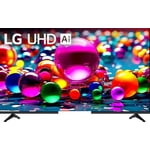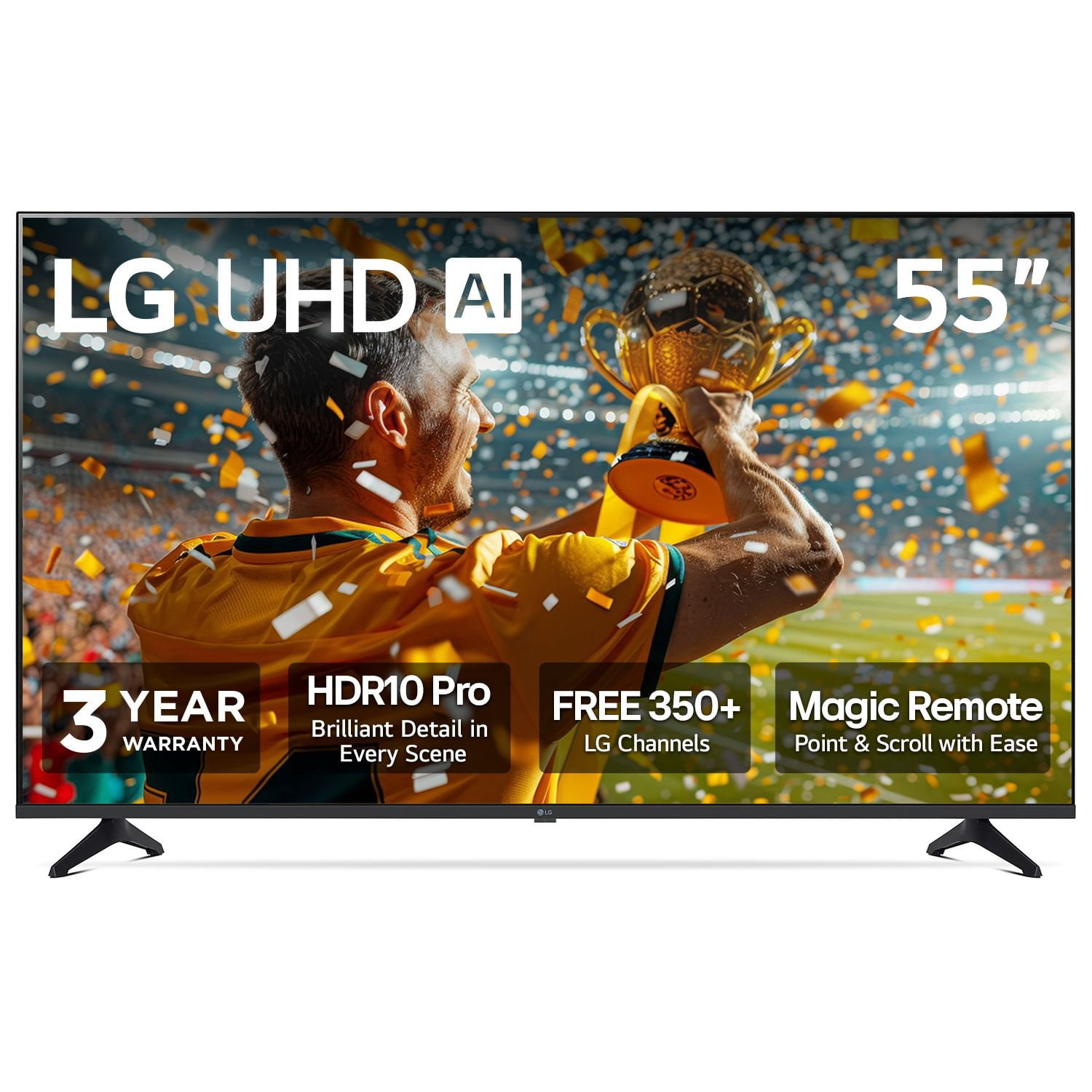
Customer reviews for LG 55" Class UA7700 Series 4K UHD Smart TV forValue Driven
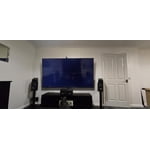
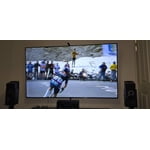
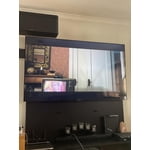
Nice picture with lots of viewing options! This is a good value, especially when on sale! The bells and whistles are many and the thin geometry makes it an attractive wall mount. Processor is a bit slow and LG+ Gallery functionality is not as expected due to it lacking an active auto brightness sensor to adjust brightness to changing room lighting conditions automatically. All around good value driven 4K UHD TV!
Hello. Thanks for sharing your experience with your LG TV. It’s great to hear you’re enjoying the picture quality, viewing options, and the slim design—those are definitely standout strengths of this model. Your notes about the processor speed and the LG+ Gallery brightness behavior give helpful insight into how the TV is performing in your space, and feedback like this is valuable for us to review. To allow us to properly investigate the details of your specific product model and to see how we can assist with your LG TV features and performance issue being encountered, please send us an email at lgdigitalcare@lg.sprinklrsupport.com if you need further assistance. You can also refer to this helpful link for reference on LG TV features and settings: https://www.lg.com/us/support/help-library/lg-tv-picture-quality-and-optimization--20152175493545 ^James
Clue to set up, patience,
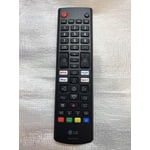
I am an older male without any help from younger people. The remote setup took me over two hours to somewhat master. My cat was having a great time chasing the pointer. The remote did not have any instructions and had all unfamiliar buttons. My wife told me to quit trying several times, box it up, and take it back to Sams. Finally almost figured it out, except pairing to my BTES universal remote, it will not turn my set off The color and sound are above average. I would suggest a printout of how the remote buttons are for, sure they have it on line but that would save others the time to figure it out for older adults
NEW: Unwanted ads
It just started playing ads while it is on sleep mode 🤮🤢 This was just introduced in a software update last week.
Hi, Allan. Thanks for reaching out. We understand the importance of having your LG TV (55UA7700PUB) model operate the way you expect, especially when the TV is in sleep mode. A helpful step you can try is going to Settings → All Settings → General → System → Additional Settings → Home Settings, then switching Home Promotion off. This option often prevents unexpected ads from appearing on webOS TVs. For more guidance, visit https://www.lg.com/us/support/product/lg-55UA7700PUB.AUSQ. If the behavior continues, we’d be glad to take a closer look. Please send us an email at lgdigitalcare@lg.sprinklrsupport.com so our team can assist you further. We're here to help. ^Juvy
NO instructions so cannot operate
I just got this tv after doing research and deciding that this was the tv I wanted and that Sam's Club offered the most for the money. I was excited to get it and I got it standing upright on a bureau, turned it on, found the only remote that came with it, the magic remote. It came on, I clicked everything on the magic remote and all I could do was put it on English. I looked thru the box and there was not one spec of instructions. That is where I am, on English and cannot get further. I think I will love it, once I can find something that guides me in actually using it. If you get this tv, get a regular remote, one that you understand and some instructions.
The TV has a great picture, But...
The TV has a great picture. Setup was a nightmare, it wants to talk to you while setting up. It talks so fast it's like listening to an auctioneer, I had to reset the TV to factory setting 3 times before I was able to figure out how to stop the talking. Read the user manual you say, I answer, what user manual? Not one in the box, not one on line that explains how to change settings. Every time I turn the TV on I have to agree to LG's user agreements, I then have to hunt for the HDMI inputs. Let me tell you about the "Magic Remote" IT SUCKS! Every time I push a button it throws up a cursor that is controlled by pointing the remote, I position the remote then press the enter button to make my selection and the cursor moves and I end up selecting something else because by trying to press the enter button the remote moved causing the cursor to move. I don't believe this "great" option can be disabled, if there is a way I haven't been able to figured out how to do it. Using the direction buttons that surrounds the enter button is far more easier to use, if only the cursor wouldn't pop up every time a button is pushed. I'm going to keep trying to learn how to use the TV, but I've got a premonition this TV will be returned. This is the first TV I've ordered online and will most likely be the last.
Hi, Michael. Thank you for sharing your experience with your LG TV (55UA7700PUB) model. We understand how important it is for setup and daily use to feel simple and intuitive. For the talking setup guide, one helpful step is to turn off the Voice Guidance feature in Accessibility settings—this will stop the fast audio prompts during setup. For the Magic Remote cursor, you can disable the pointer function by pressing the Settings button, navigating to Pointer Options, and switching it off, which allows you to use only the directional buttons for navigation. For more help, visit https://www.lg.com/us/support/help-library/lg-webos-tv-magic-remote-control-CT10000018-20154712681992. If you need further assistance with settings or service support, please send us an email at lgdigitalcare@lg.sprinklrsupport.com so we can help you directly. ^Juvy
Good color
The TV is good the remote it comes with is terrible. Stop taking the number button off remotes.
Great value
This is our 3rd LG love the tvs