Skip to Main Content
Sam's Club
Sam's Club
All Departments
All Services
Customer reviews for SAMSUNG 65" Class S90FD Series 4K OLED Smart TV for
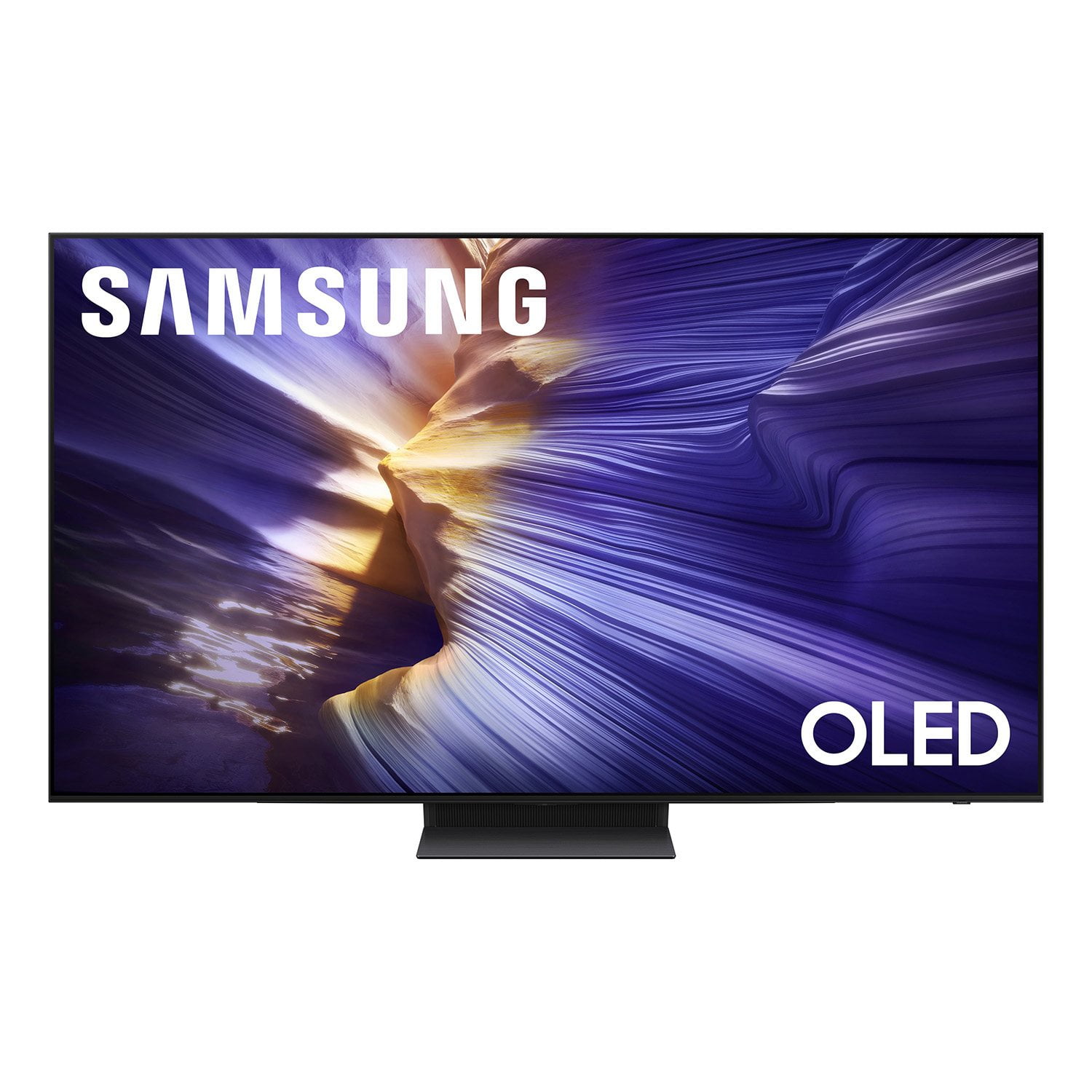
SAMSUNG 65" Class S90FD Series 4K OLED Smart TV
4.7 out of 5 stars
stars
499 ratings462 reviews
  1. 5 stars81% (405)
  2. 4 stars12% (59)
  3. 3 stars3% (17)
  4. 2 stars2% (12)
  5. 1 star1% (6)

Member photos

  • +137 images
Sort by |
Showing 81-90 of 462 reviews
Jul 25, 2026
Amyc
5 out of 5 stars review

Verified Purchase

SAMSUNG 65 INCH S90FD

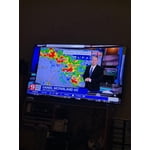
Awesome picture sharp images just beautiful

Helpful?4UOK28GQVEHZ15549550113
May 29, 2026
caliblondlocks
5 out of 5 stars review

awesome product

[This review was collected as part of a promotion.] Great resolution and brightness!! As well as great features

Review from Samsung US
Helpful?4UOK28GQVEHZ15549550113
Jul 4, 2026
Tina
5 out of 5 stars review

Verified Purchase

Samsung OLED

Great picture and amazing color.

Helpful?4UOK28GQVEHZ15549550113
Jun 21, 2026
Zeke
5 out of 5 stars review

Samsung

Very nice picture and easy to navigate recommend to anyone who wants to get a new TV

Review from Samsung US
Helpful?4UOK28GQVEHZ15549550113
Jun 20, 2026
Dug 1
5 out of 5 stars review

Clear picture

Love this TV, the picture is clear and crisp! The remote is very easy to use.

Review from Samsung US
Helpful?4UOK28GQVEHZ15549550113
Jun 20, 2026
Cinemascribe
5 out of 5 stars review

Absolutely the WOW factor

Responsiveness and picture are cinema quality. Next level entertainment.

Review from Samsung US
Helpful?4UOK28GQVEHZ15549550113
Jan 22, 2026
JAMES
2 out of 5 stars review

To be fair, the picture is stunning. That said, the operating system has a mind of its own, and not in a good way. It's SO intrusive and SO ad-intensive, and the picture will just go to screensaver randomly despite my resetting the well-hidden settings per Samsung's chat advice. I wouldn't have bought it if I had known.

Helpful?4UOK28GQVEHZ15549550113
reply from Samsung

Hi JAMES,<br /><br />Thank you for sharing your thoughts on Samsung&#39;s S90FD. Please keep in mind that if your OLED TV displays a still image or receives no input for 2 minutes, the Screen Saver will activate automatically. This feature is built in and cannot be disabled, as it plays a key role in protecting your screen from long-term image retention or burn-in.<br /><br />We understand this may be unexpected, but it is designed to preserve your screen’s performance and longevity.<br /><br />If you have questions or need help adjusting your TV settings, Samsung Support is here to assist at 1-800-SAMSUNG, available daily from 8AM - 12AM EST. You can also visit the Samsung website and click on ‘Support’ for:<br />• Live Chat<br />• Manuals, Software, &amp; Warranty Info<br /><br />~ Samsung Specialist

Jan 16, 2026
JIMMY
3 out of 5 stars review

Great display but with one very big issue.

While I like the picture quality of the TV and think it's very good, I am really frustrated with one issue that I've been told by a very unhelpful Samsung support is a "feature". The TV will automatically dim the display when it doesn't detect any motion (like when I pause a video), and there is nothing you can do to change that behavior. They say it's so the TV doesn't burn in the screen, but it does it after only 4 or 5 minutes and I don't believe burn in happens that fast. In any case I could live with that if it functioned correctly. But instead of brightening the display back to normal once it detects motion again, about half the time it keeps the display dim. Even after a couple minutes it doesn't detect the motion, and the only solution I've found is to go into settings and change the picture mode. As soon as you do that, it brightens up and it's back to normal. I don't feel like I should not have to get into settings to get it to do what it should do in the first place! I'm so very disappointed with Samsung support because they don't seem to think that's a problem, as I was told it was designed to work that way. At this point I'm seriously considering boxing it up and taking it back to Sam's Club.

Helpful?4UOK28GQVEHZ15549550113
reply from Samsung

JIM,<br /><br />We appreciate you sharing details about the brightness fluctuations you’ve experienced on your Samsung S90FD TV. This behavior may be related to energy-saving features or dynamic picture settings that adjust the screen brightness automatically.<br /><br />Please try disabling the following features: Settings &gt; All Settings &gt; General &amp; Privacy &gt; Power and Energy Saving &gt; Brightness Optimization, Energy Saving Solution, and Motion Lighting<br /><br />If these are already off, check if Contrast Enhancer is enabled, which can also cause brightness to shift depending on content: Settings &gt; All Settings &gt; Picture &gt; Expert Settings &gt; Contrast Enhancer<br /><br />To ensure optimal performance, please also confirm your TV is running the latest firmware: Settings &gt; Support &gt; Software Update &gt; Update Now<br /><br />We hope these steps help stabilize your screen brightness. If you continue to experience issues, please don’t hesitate to contact Samsung Customer Support at 1-800-SAMSUNG, 8AM – 12AM EST, 7 days a week. LiveChat is also available via the ‘Support’ link on our website.<br /><br />~ Samsung Specialist

Mar 24, 2026
Mott
5 out of 5 stars review

Great TV

[This review was collected as part of a promotion.] The TV is so beautiful I love it! I even game with it and it's flawless. Best TV ever 📺

Review from Samsung US
Helpful?4UOK28GQVEHZ15549550113
Feb 13, 2026
Anoor
5 out of 5 stars review

Great features

[This review was collected as part of a promotion.] Samsung 77 inch Oled has a beautiful screen and the picture quality is amazing. Love it!

Review from Samsung US
Helpful?4UOK28GQVEHZ15549550113