Skip to Main Content
Sam's Club
Sam's Club
All Departments
All Services
Customer reviews for SAMSUNG 65" Class S90FD Series 4K OLED Smart TV for
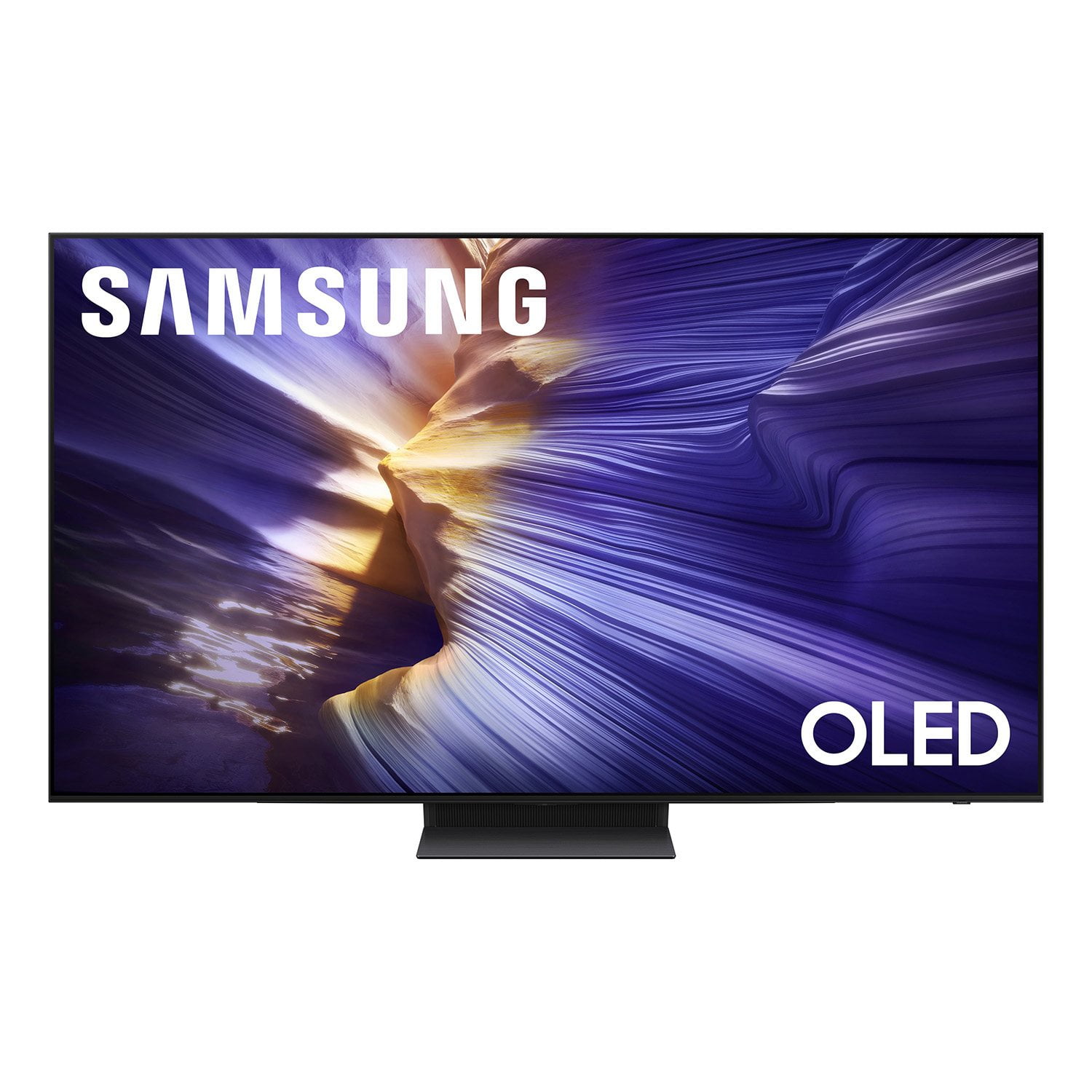
SAMSUNG 65" Class S90FD Series 4K OLED Smart TV
4.7 out of 5 stars
stars
703 ratings661 reviews
  1. 5 stars79% (558)
  2. 4 stars13% (93)
  3. 3 stars4% (27)
  4. 2 stars2% (15)
  5. 1 star1% (10)

Member photos

  • +213 images
Sort by |
Showing 91-100 of 661 reviews
Sep 21, 2026
Reviewer name: Tim S
5 out of 5 stars
5 out of 5 stars review

My very first TV i bought with my own money.
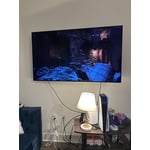
[This review was collected as part of a promotion.] I wanted a high quality TV to put in my living room to watch football and other shows. I am very happy with my purchase and the level of entertainment it brings to my family.

Review from Samsung US
Helpful?4UOK28GQVEHZ15549550113
Oct 5, 2026
Reviewer name: Jeff88
5 out of 5 stars
5 out of 5 stars review

We love our Samsung TV
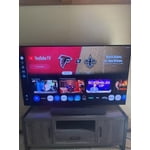
[This review was collected as part of a promotion.] We love our 77" Samsung TV. It has fabulous picture quality and sound. Best TV we have ever owned. Le look forward to watching our TV every night.

Review from Samsung US
Helpful?4UOK28GQVEHZ15549550113
Oct 5, 2026
Reviewer name: Redvette
5 out of 5 stars
5 out of 5 stars review

The best TV yet!

[This review was collected as part of a promotion.] The picture is the clearest of any TV that we considered purchasing along with having the best response time for video and having the absolute best sounding audio!

Review from Samsung US
Helpful?4UOK28GQVEHZ15549550113
Sep 21, 2026
Reviewer name: Amc73
5 out of 5 stars
5 out of 5 stars review

Outstanding picture

[This review was collected as part of a promotion.] The TV has been a great purchase. The screen brightness and contrast are outstanding. The picture is always clear and in focus.

Review from Samsung US
Helpful?4UOK28GQVEHZ15549550113
Sep 21, 2026
Reviewer name: Greg
5 out of 5 stars
5 out of 5 stars review

Smart TV

[This review was collected as part of a promotion.] Everything about this TV is amazing and with it we no longer need to have the Roku box. Love it. Only suggestion is to add 2 bolts for the wall mount.

Review from Samsung US
Helpful?4UOK28GQVEHZ15549550113
Oct 5, 2026
Reviewer name: Joey
5 out of 5 stars
5 out of 5 stars review

Samsung TVs are intuitive and the best value.
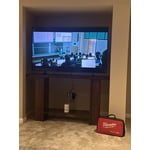
[This review was collected as part of a promotion.] Easy setup Brilliant video image and smooth operation. They just keep getting better. I've owned 3 and setup close to 30 Samsung TVs they are just the best.

Review from Samsung US
Helpful?4UOK28GQVEHZ15549550113
Oct 5, 2026
Reviewer name: Mike
5 out of 5 stars
5 out of 5 stars review

Great quality and astounding picture

[This review was collected as part of a promotion.] Easy setup, astounding picture quality and a perfect fit for our streaming style. Love the edge to edge screen makes it the set look bigger that it is.

Review from Samsung US
Helpful?4UOK28GQVEHZ15549550113
Oct 5, 2026
Reviewer name: Rocky
5 out of 5 stars
5 out of 5 stars review

Excellent Pict

[This review was collected as part of a promotion.] This is the first tv that I did not have to tweak the color, brightness, sharpness, etc. Came out of the box with a perfect picture.

Review from Samsung US
Helpful?4UOK28GQVEHZ15549550113
Sep 28, 2026
Reviewer name: jamrrj
3 out of 5 stars
3 out of 5 stars review

.

[This review was collected as part of a promotion.] when watching live sports the picture seems to pixelate. sometimes the words do not match to the sound

Review from Samsung US
Helpful?4UOK28GQVEHZ15549550113
reply from Samsung Pro

jamrrj, We’re sorry to hear about the distorted picture on your Samsung S90FD TV. This can sometimes happen due to video compression - especially with fast-moving content like sports or action scenes. Here are a few quick steps to try: 1. Unplug and reconnect power and HDMI cables 2. Use a certified 4K HDMI cable if your external device supports UHD 3. Check your internet connection if streaming - restart your router if needed 4. Review video output settings on your external device to ensure compatibility Also, please make sure your TV is running the latest firmware: Settings > Support > Software Update > Update Now The audio syncing issues you're experiencing may be related to the content source, but if you're noticing the audio delay across all sources or channels, especially when using an external speaker setup (soundbar, receiver, etc.), there are a few settings that may help: 1. Adjust Digital Audio Delay. You can manually increase the audio delay to better match the video: Settings > All Settings > Sound > Expert Settings > Digital Output Audio Delay 2. Enable Audio Pass-Through. Samsung TVs include an audio pass-through option, which sends the audio signal directly to your connected soundbar or receiver without additional processing by the TV. This can reduce delay when using external audio devices: Settings > All Settings > Sound > Expert Settings > Digital Audio Output Format > Pass-Through 3. Check for Firmware Updates. Ensure your TV is running the latest software, which may include performance improvements If these issues continue, feel free to reach out to Samsung Support at 1-800-SAMSUNG (8AM – 9PM EST Mon – Fri, 8AM – 6PM Sat). LiveChat is also available via the ‘Support’ link on our website. ~ Samsung Pro

Sep 21, 2026
Reviewer name: Bwitchy62
4 out of 5 stars
4 out of 5 stars review

Clear picture

[This review was collected as part of a promotion.] Would highly recommend this product. Works gtreat in my den and kids game room in basement. Just great!

Review from Samsung US
Helpful?4UOK28GQVEHZ15549550113