
 Member ratings & reviews for
Marvelous
[This review was collected as part of a promotion.] I like all the channels Samsung plays. I can see a lot of shows I grew up with in the past. Since I'm new to this tv it a joy to explore. The remote is very modern and the solar part is a added joy. The tv make me want to watch tv. Before I wasn't to much in tv, also I love playing my Quests games with my PS4. Hoping by Christmas I can upgrade to a PS5, ( another reason why I purchased this tv.
Great color and sound
[This review was collected as part of a promotion.] Use it for everything but gaming! Many adjustments available to tailor viewing and sound. The solar charged remote is great but more instructions should be in print on delivery. Can be complicated interfacing with cable & streaming services. Once the learning curve is mastered love it.
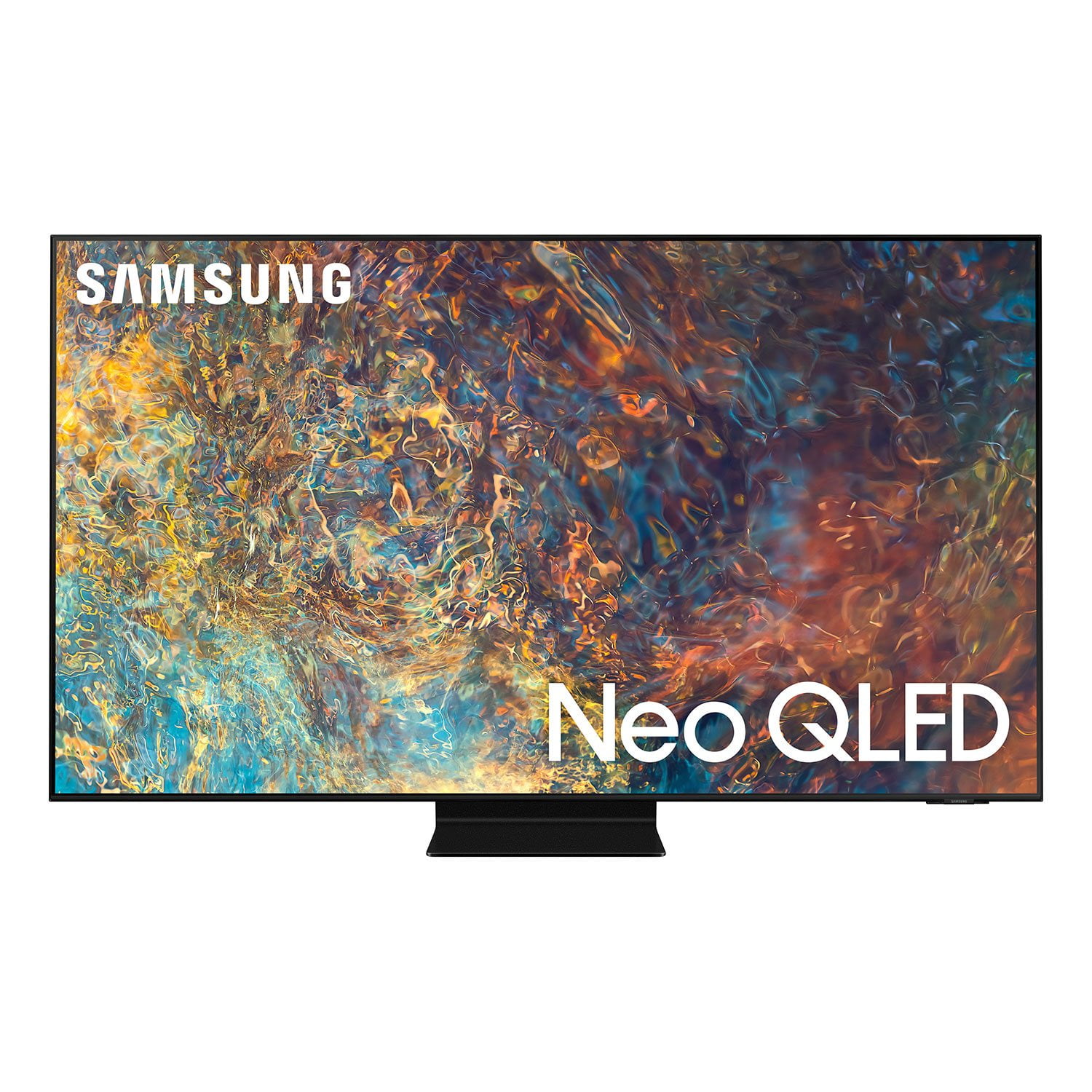
Hi TV4us, Thank you for choosing Samsung’s new 2021 QN90A Neo QLED 4K Smart TV. I am happy to hear that our Quantum Matrix Technology is delivering great black levels and superb color. The intense picture is powered by our exclusive Mini LED designed technology for hyper-focused brightness and dimming in all the right areas. We appreciate your feedback on the Solar Cell remote, as well as your TV’s interface. There are many guides and manuals you can download from Samsung's website by clicking "Support" > "Manuals & Software" > "TVs & Home Theater" > "TVs". From there, you can select the QN90A TV under "Samsung Neo QLED 4K” > “A Model Lineup" > and choose the guides you would like to download. The e-Manual is also embedded into your TV itself under Settings > Support > Open e-Manual. Should you ever have questions or need help, please call us at 1-800-SAMSUNG (ask for TVs), available 8AM -12AM EST, 7 days a week. Or text HELP to 62913. For additional support resources, visit us on the Samsung website and click on the ‘Support’ link in the upper right corner of the homepage for: 1) More ‘Contact Us’ options – LiveChat, Facebook, Twitter, Samsung Community, Samsung Members app 2) Manuals & Software 3) Warranty Info 4) Product Registration: For access to easy warranty support, convenient opt-in to special promos and offers, faster troubleshooting and service, and quick notification of system updates. ~ Samsung Specialist
Good picture, apps/home screen
the picture is very nice. the tv comes with a gaggle of pre-installed apps and sponsored content, and you can't remove them, hide them (remove from home screen). also can't remove live tv icon being first on the home screen. and don't get me started on the sponsored content. very upsetting that they don't indicate anywhere on their website or packaging that there is no ad-free experience available with their tv, nor that appletv, peacock, netflix, hulu, amazon, and others, have all paid to ensure that you can't remove or hide their apps, regardless of the fact that you don't wish to subscribe to them, or use them.
Hi Scott, Thank you for purchasing the new 2021 QN90A Neo QLED 4K Smart TV and for your review. I am happy to hear that you are enjoying the picture brought to you by our Neo Quantum Processor 4K which analyzes the signal, source, and content scene-by-scene to optimize your 4K clarity. You get our finest picture ever with Color Volume 100% Quantum Dot giving you a billion shades of color. Although they cannot be deleted, please know the Apple TV+, Hulu, Netflix, Peacock, Prime Video and Samsung TV Plus apps you’ve mentioned can be removed from your TV’s Smart Hub by pressing and holding the ‘Select’ button (in the middle of your remote’s circular pad). You will then have the option to either ‘Move’ or ‘Remove’ from the Smart Hub. I hope this tip helps! Should you ever have questions or need help, please call us at 1-800-SAMSUNG (ask for TVs), available 8AM - 12AM EST, 7 days a week. Or text "SUPPORT" to 800-726-7864. For additional support resources, visit us on the Samsung website and click on the ‘Support’ link in the upper right corner of the homepage for: 1) More ‘Contact Us’ options – LiveChat, Facebook, Twitter, Samsung Community, Samsung Members app 2) Manuals, Software, & Warranty Info ~ Samsung Specialist
The color Pops
i got this tv and i love it! the color pops and the sound quality is brilliant! the 1st thins i did once it was up and running after the setup process, is go and find some really great movies and watch some iconic scenes to see how they looked. i watched a cosmos episode, marvel fight scene, borne action scene and more. wow! amazing, i also went back to other movies that were 20 or so years older and they looked better on this tv. i highly recommend this tv 1
Great clarity and viewing experience
[This review was collected as part of a promotion.] The TV is great, I have had it for a month now and have zero complaints. The setup was simple and easy to follow, the stand looks great and the quality is such a step up from my previous LG TV. It is also great to use for gaming as the blacks are great and the speed of the pixels doesn't allow for any sort of blur. I watch it in a very bright room and there is no problem with glare or light disturbing my vision. At nighttime the picture settings (cinema) provides a really movie watching experience. I would buy it again, i just need another room to put it in!
Amazing
[This review was collected as part of a promotion.] General tv, internet. processing speed is extra fast especially when compared to my four year old LG. Excellent sound built in, no soundbar is necessary. Outstading picture quality, right out of the box. I didn't even need to calibrate it.
A very good TV that could be great!
I purchased the 65", QN90A after spending a good six months researching all of the top television sets available. I am quite impressed with the TV. The picture is very detailed and it can get extremely bright. I have zero complaints about picture quality. Where I am a bit annoyed is with the DSE/vertical lines on the screen. Now I should start by saying that straight on, the DSE is quite good. I know there will always be some but this television isn't too bad. I do notice it though, especially during sports. The real bummer is that when sitting at an angle to the tv, there are noticeable/faint vertical lines down the entire screen. It's very noticeable with sports or lighter content. Some say this vertical banding will go away with time, but I don't buy that. I paid $4000 all in for this television so to see this is a real letdown. I love the tv, but this issue is definitely frustrating.
Hi Scotty1818, thanks so much for your kind words! We sincerely appreciate your feedback and will share this with our team. We hope you enjoy many years of great entertainment with your Samsung TV!
Great picture.
[This review was collected as part of a promotion.] Setup was easy, picture looks amazing! Overall I am very happy with the purchase, but there is one ongoing bug that is driving me crazy. Every few days the tv loses network connection, and when I go back in to wifi settings to rejoin the wifi network it appears that the antennae is not working, as it recognizes no networks in the area (there are dozens). Unplugging the TV resolves the issue, although I have to rejoin my wifi each time it happens. I had hoped to rely on the TV interface and get rid of the Roku, but if this keeps happening I will have no choice but to go back to the Roku. Again, other than that the TV has been perfect. Love it.
Really great picture. Limited apps!
I had this TV for about 3 months. The picture is awesome. What I don't like is because Samsung has its own operating system they have their own App Store. They have limited and seem to chose what you can get. Even more annoying is some apps are available in the US but not Canada. They need to fix this.
Hi Sulphide1, thanks so much for your kind words! We sincerely appreciate your feedback and will share this with our team. We hope you enjoy many years of great entertainment with your Samsung TV!
Best TV I've Owned
[This review was collected as part of a promotion.] This TV is the best I've ever owned. I love the clarity, the fullness of the colors, and the intuitive software. It was easy to set up and connect to the other smart devices in the house. It is great for gaming and watching games or movies. I love it. The sound is great with the sound bar. Movie nights are a real treat!