Skip to Main Content
Sams Club
Sams Club
Customer ratings & reviews for
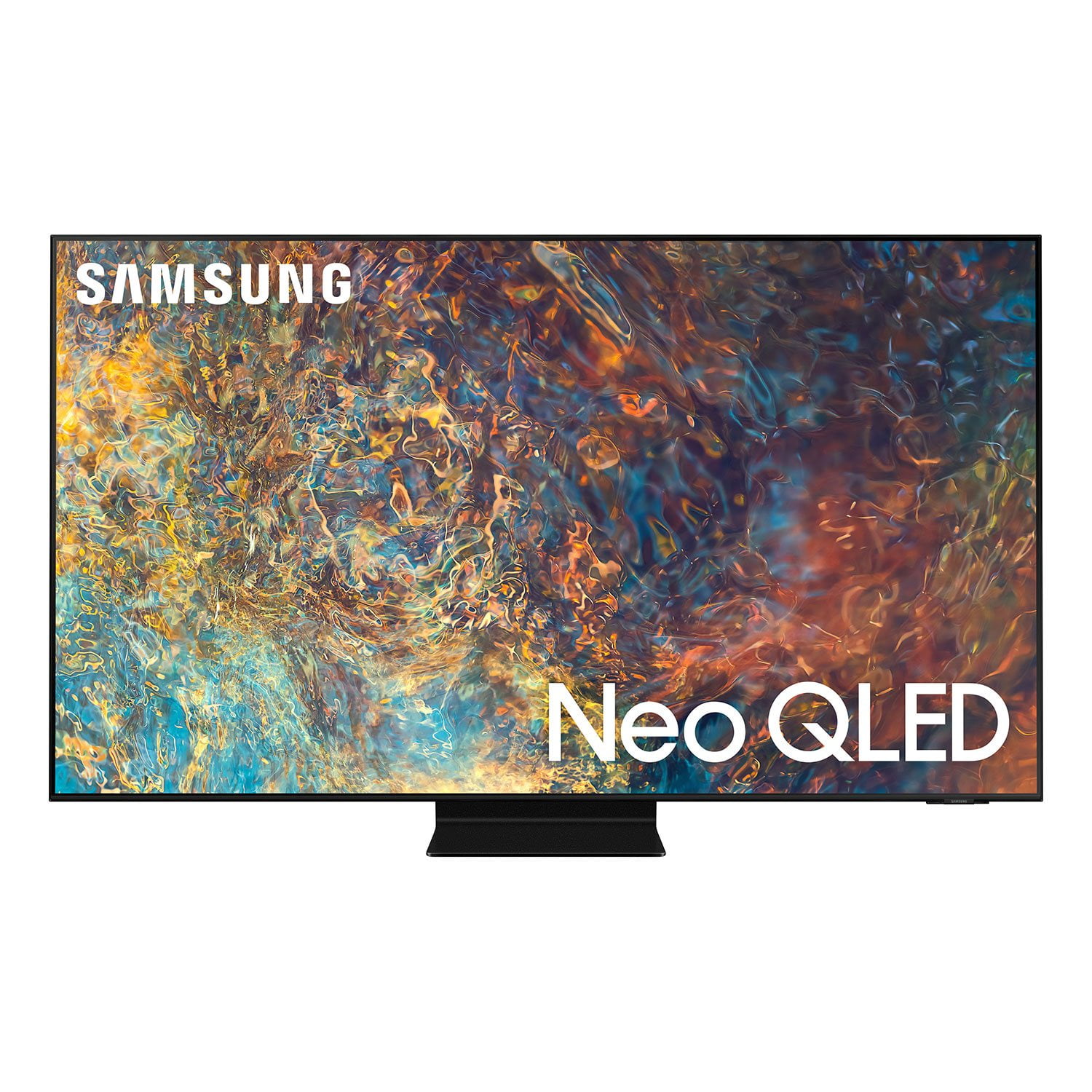
SAMSUNG 75" Class QN9D-Series 4K Ultra HD Smart Neo QLED TV - QN75QN9DAAFXZA
4.6 out of 5 stars
stars1,188 ratings1,186 reviews
  1. 5 stars78% (922)
  2. 4 stars15% (176)
  3. 3 stars4% (47)
  4. 2 stars1% (10)
  5. 1 star3% (33)
Write a review
Sort by |
Showing 1,181-1,186 of 1,186 reviews
Jul 23, 2021
Nguyeh34
5 out of 5 stars review

Great picture

[This review was collected as part of a promotion.] Great TV set. I am using it for playing games, watching sports

Review from Samsung US
Helpful?45GEEAK9PTJO15322462706
May 2, 2021
Luvsamsung
5 out of 5 stars review

Unbelievable picture quality

[This review was collected as part of a promotion.] Just perfect for streaming, and just perfect for the home and family.

Review from Samsung US
Helpful?45GEEAK9PTJO15322462706
Apr 28, 2021
rayBinod
3 out of 5 stars review

Pic Quality

[This review was collected as part of a promotion.] The technology is good but not happy with the picture Quality.

Review from Samsung US
Helpful?45GEEAK9PTJO15322462706
reply from Samsung Brand Ambassador

rayBinod: Thank you for sharing your thoughts on the picture quality of your new 2021 QN90A Neo QLED TV. If the picture you are seeing out-of-the-box are not to your liking, there are several picture settings you may want to try adjusting. You can select the Picture Mode that provides the best viewing experience. Go to Home > Settings > Picture > Picture Mode 1) Standard: Is the default mode suitable for general viewing environments. 2) Natural: Reduces eye strain for a comfortable viewing experience. 3) Movie: Is suitable for watching TV or movies in a dark room. 4) Dynamic: Makes the picture brighter and clearer in bright viewing environments. 5) Filmmaker Mode: You can watch the source content (e.g., movie) as it is. If the image is defined as Filmmaker Mode, it will automatically switch to Filmmaker Mode while watching. Filmmaker Mode™ is a trademark of UHD Alliance, Inc. You can also go to: Settings > Picture > Expert Settings > to manually fine tune your image. For further assistance with settings adjustments, please contact Samsung Customer Support. For additional support resources, visit us on the Samsung website and click on the ‘Support’ link in the upper right corner of the homepage for: 1) More ‘Contact Us’ options – LiveChat, Facebook, Twitter, Samsung Community, Samsung Members app 2) Manuals & Software 3) Warranty Info 4) Product Registration: For access to easy warranty support, convenient opt-in to special promos and offers, faster troubleshooting and service, and quick notification of system updates. ~ Samsung Solutions

Apr 2, 2021
Pamculver
5 out of 5 stars review

The features are great

[This review was collected as part of a promotion.] For streaming movies and video games. I use for my computer when I work

Review from Samsung US
Helpful?45GEEAK9PTJO15322462706
Nov 5, 2022
Mickey
3 out of 5 stars review

Not a true 2.1 hdmi port.

I bought this TV about 6 months ago and I'm wishing I shopped around more.

Review from Samsung US
Helpful?45GEEAK9PTJO15322462706
Jul 12, 2021
wattsie
5 out of 5 stars review

excellent features. still finding more options

Best decision for viewing and gaming. love the features

Review from Samsung Canada
Helpful?45GEEAK9PTJO15322462706
reply from Operations

Thank you, Wattsie! We love to hear positive feedback and we’re delighted you’re enjoying your new Samsung TV.