
 Member ratings & reviews for
Picture
[This review was collected as part of a promotion.] I would use it for gaming decently and movie nights but also to show my videos Pictureand tethering my Samsung phone as well Mostly gaming alot to expect for PS5 coming out and 8k quality and the magnificent sound of them as I unfold the story modes and multiply playing online games.
The perfect TV
[This review was collected as part of a promotion.] This TV IS PERFECT!! I can watch It comfortably without wearing my glasses. The picture is so clear. I use all the smart features to watch my favorite movie/show apps with the help of the Alexa voice command on the remote. It adds to the luxury feel
This product has wonderful features
[This review was collected as part of a promotion.] Excellent for streaming, gaming, and movies. I also purchased a sound bar which adds excellently to the overall experience. I would highly recommend. Only negative thus far would be that the remote doesn't have number digits on it which can be a bit annoying occasional. Overall very satisfied with the purchase.
Awfully nice tv!
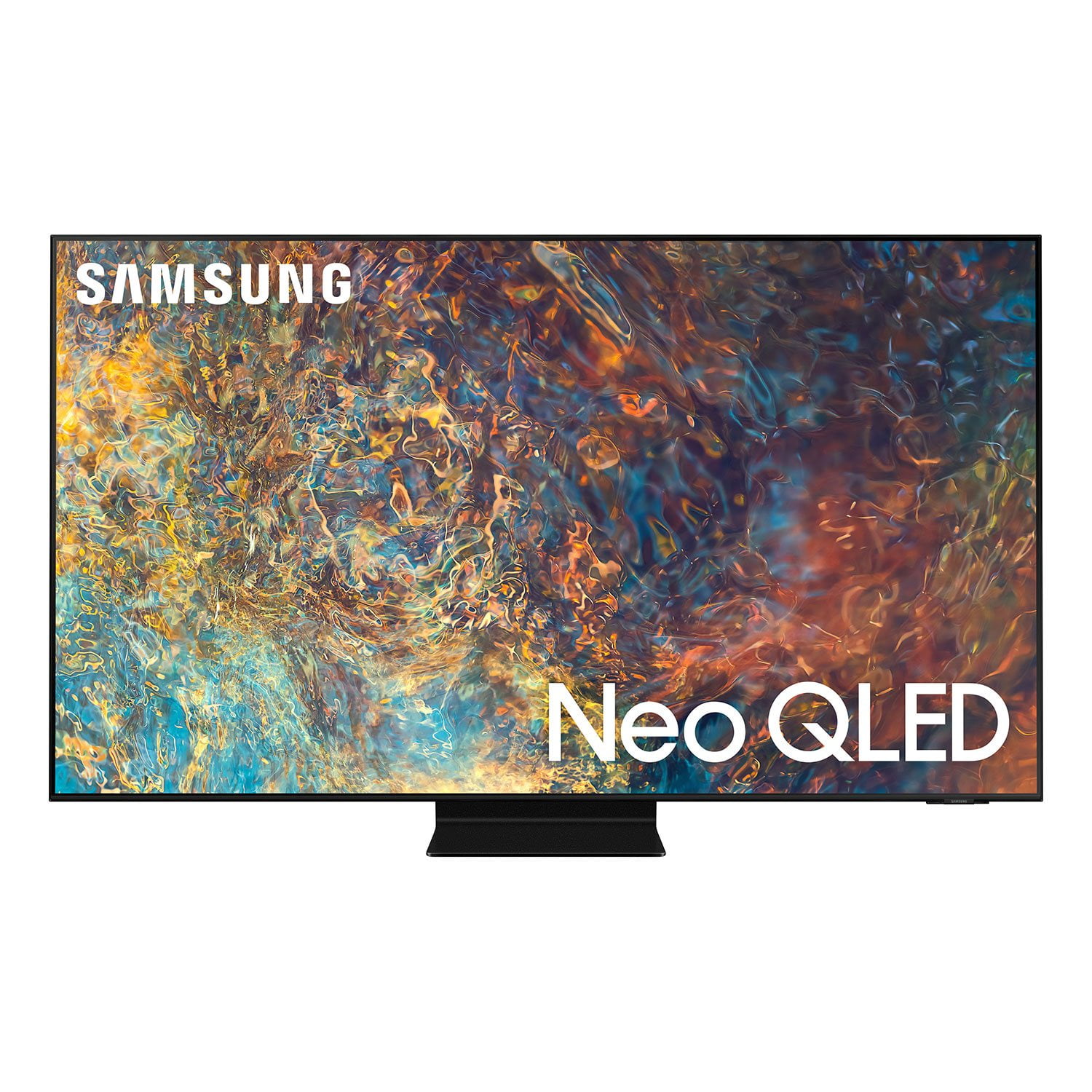
I've had the 85" Class Samsung Neo QLED 4K QN90A (2021) for 18 months. Biggest difference is in rewatching Disney films. The HDR while watching The Incredibles really kicks in when Jack Jack goes into his fire mode. It's just a brighter flame. Same with bright or highlighted scenes in Encanto or Coco or other Disney films. Sunlight scenes actually made me squint a little cuz it was just brighter than it used to be. Twilight scenes are more realistic. Not all films use HDR effectively, but Disney animation appears to. Baseball, football are more normal, but very sharp. My chair is at a 45 degree angle but still very easy to get a clear bright image. We don't do video games so no need for the 2022 version. The support stand is in the middle of the tv, and the tv extends 12" over boths ends of my tv stand, but no need for a wider TV stand due to the tv's center support. We had a 75" that failed, and 85" is pretty big, but if you have room, it's a great tv, esp at reduced priced.
Samsung television great picture clarity and size.
[This review was collected as part of a promotion.] I bought a 55 inch Samsung television it is a nice size television. The picture clarity is great and colors are vibrant. It is a definite upgrade from my last television. I enjoy watching football , movies , cartoons on my Samsung television.
My own mini home theater
[This review was collected as part of a promotion.] This tv is a perfect fit for my space available. And the picture quality is fantastic, like I am in a theater. May add a sound bar at a later date, but for now the tv speakers do very well. Navigation of the controls was easy to learn even foe someone who is not very tech savvy. Fits all the requirements that I was looking for.
This TV is amazing!!
[This review was collected as part of a promotion.] I'm a gamer and love watching sci-fi and action movies. Right out of the box in my 10'×16' space it's unreal. The clarity and low latency the brightness the color! It truly gives you an advantage in gaming. I'm glad I waited for this one.
Great picture and features but remote has issues
the picture is fantastic and the overall features are really nice. my problems with the tv has to do with the remote. first of all i hate the small little remote it came with and the fact that it has no numbers keypad. hopefully i can find a different one to use. second, there is a problem with the remote working properly with my bose sound system. i can change the volume up and down but it will not power on or off my bose system. then out of the blue even the volume control stopped working. i had to reset the tv and go thru the initial setup to get it work again. really annoying. i hope it doesn't happen again.
critter4511, Thank you for purchasing Samsung’s QN85A TV and for your review. We appreciate your feedback regarding the issues you are experiencing with your remote control. You may first want to reset your remote by pressing and holding Return and Enter (the center of the navigation pad) for more than 10 seconds. After performing this reset, you will need to pair the remote to the TV again. To pair, press the Return and Play/Pause buttons simultaneously for at least 5 seconds or until a message appears on your TV indicating that the remote is now connected. Please also check to see if your remote is charged. You can check remaining battery by going to: Settings > General > Power and Energy Saving > Available Remote Battery. Check if the remote is sending an IR signal. If it is sending an IR signal, you will see a red colored light coming from the remote control. If the remote still will not work, it may be faulty. Please ensure Anynet+ (HDMI-CEC) is enabled on your TV. With Anynet+, you can control external devices that are connected to your TV with HDMI using your TV remote. To turn on Anynet+ (HDMI-CEC), go to: Settings > General > External Device Manager > Anynet+ (HDMI-CEC). If your soundbar does not support HDMI-CEC, you will not be able to use Anynet+. If that is the case, you will simply need to enable the Universal Remote feature on your TV’s remote with these set-up steps: 1) Connect an external device to the HDMI port of the TV, and then power on the external device. Your TV will automatically recognize the device when connected through HDMI and will switch the output. If it doesn't automatically detect it, then keep following the steps to set up Universal Remote. 2) Press the Home button on your TV remote to access the Home Screen. Using the directional pad on the remote, navigate to Source. When the selector is placed over Source, the Source menu will appear. Press UP on the directional pad to access Universal Remote. 3) Select Universal Remote on the Source screen. Next, select Start and make sure the device you want to connect is turned on. When your desired device displays, select it. Follow the on-screen instructions to complete the setup and register the device. The instructions may vary, depending on the device type selected. 4) Your TV and the remote will memorize the external device and its connection port (HDMI 1, HDMI 2, etc.) to make controlling everything even easier. Occasionally, the device may not respond after it's registered. To make sure the connection is made, you need to re-register the device. I hope this helps. For further assistance, please contact Samsung Customer Support at 1-800-SAMSUNG (ask for TVs), available 8AM - 12AM EST, 7 days a week. For additional support resources, visit us on the Samsung website and click on the ‘Support’ link in the upper right corner of the homepage for: 1) Chat with Us/Product Help: To begin a chat or find solutions, choose ‘TVs & Home Theater’ and select your model & topic. 2) Manuals, Software, & Warranty Info ~ Samsung Specialist
Sweet Spot Television
[This review was collected as part of a promotion.] HDR content from HBO and Disney Plus really pop on this set. Sports is awesome as well with smith motion flow. This is my first smart tv so having all of my streaming apps accessible from the screen is awesome. I also enjoy using you-tube for old basketball highlights. The sound also syncs perfectly with my Samsung sound bar. I only wish the remote was a bit larger to keep it from hiding in our couch. Very pleased with this TV.
Best TV on the Market!
[This review was collected as part of a promotion.] I have been using Samsung Neo QLED Smart TV for a few months now and I must say the picture is stunning. Every time I turn on this tv I am blown away with how vibrant and clear the picture is. The blacks are black and the colors are bright. Samsung didn't stop there the Smart features of the tv are very fast and easy to use. The TV comes with a remote that is rechargeable via solar or a USB C cable. Gone are the days you need to hunt for batteries when all you want to do is relax and watch for favorite shows.