
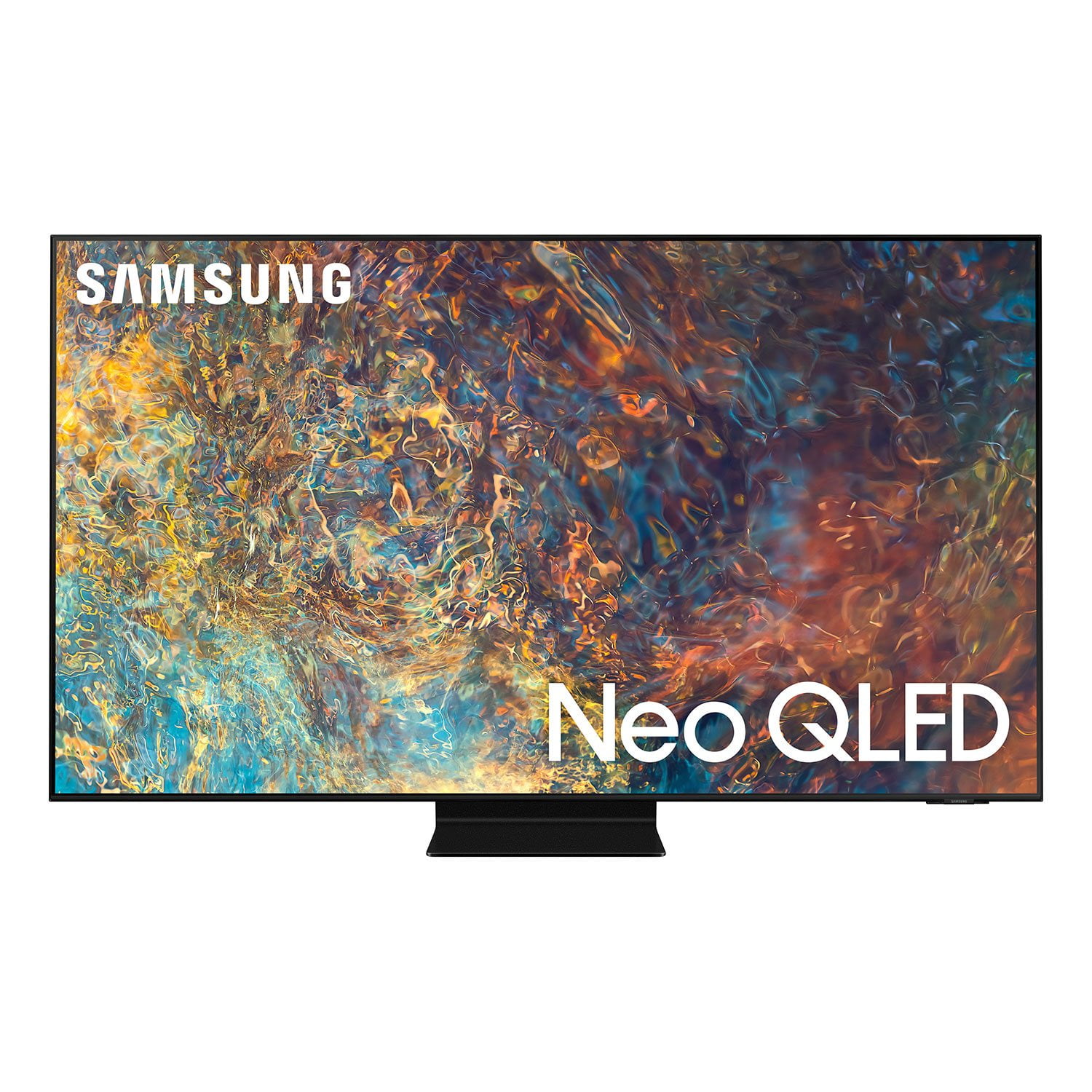
 Customer ratings & reviews for
Had to return it twice.
[This review was collected as part of a promotion.] I like samsung and this would be the second TV I buy made by Samsung in my life so far. I like the features of it being smart and that the apps are easy to get to and organize them how I want. But for some reason it would glitch and show a line on the right side of the screen, it would be a quick second glitch. I returned it to the retailer twice but all three TVs did the same, same series.
Dreamer210: Thank you for your review of the Samsung QN90A TV and for sharing the issues that you have experienced with multiple units. We appreciate your patience in having to deal with the inconvenience of exchanging. If you are still in possession of your unit, please reach out to Samsung Customer Support so we can better understand your issue within your setup scenario & provide assistance. For additional support resources, visit us on the Samsung website and click on the ‘Support’ link in the upper right corner of the homepage for: 1) More ‘Contact Us’ options – LiveChat, Facebook, Twitter, Samsung Community, Samsung Members app 2) Manuals & Software 3) Warranty Info 4) Product Registration: For access to easy warranty support, convenient opt-in to special promos and offers, faster troubleshooting and service, and quick notification of system updates. ~ Samsung Solutions
Displays art without compromising on performance!
[This review was collected as part of a promotion.] It's an awesome tv, it mounts nearly flush on my wall with the samsung 2021 mount, has ambient mode to display the art I choose which was something my wife really wanted. Some oleds have art display but cycle after a few seconds to prevent burn in and you can't customize the pictures or art. We wanted to have a tv that could display the art we wanted for as long as we wanted and this was perfect. In addition, I didn't want to compromise on picture quality when it came to normal tv stuff like playing games, movies, sports. This tv displays stunning picture quality on my ps5 and streaming movies shows and sports. The only thing I can nitpick is that they dropped the price on this just after I bought it! No regrets great tv for my uses.
unable to pair Bluetooth headphones
i've tried and tried (with three different bluetooth headphones) to pair them with no success. seems to hang (nothing happens) after selecting "pair and connect". maybe a sw update will fix it? would like to get this to work due to my "hearing situation". also the neggen (atsc 3.0) channels look worse than the corresponding hd channels. however this could be a broadcaster problem.
Steve, Thank you for purchasing the QN90A TV and for your review. We appreciate you sharing your experience when connecting your Bluetooth headphones to the TV. To pair your headphones using the TV's Bluetooth function, go to: Settings > Sound > Sound Output > Bluetooth Speaker List - If the TV fails to find a Bluetooth device, place the device closer to the TV, and then select Refresh. - When you turn on a paired Bluetooth device, the TV detects it automatically, and then displays a pop-up window. Use this pop-up window to activate or deactivate the Bluetooth device. You may also want to check the Connection Guide for detailed information regarding connecting your headphones. Go to Source > Connection Guide > Audio Device > Bluetooth. Some things to keep in mind when using Bluetooth headphones: - You can only pair one Bluetooth device at a time. - You can't use Bluetooth devices and the Wi-Fi Speaker Surround Setup feature (also called Surround), or TV SoundConnect simultaneously. Please also be sure you have the latest firmware update. You may want to enable automatic updates for convenience. Select Settings > Support > Software Update, then select Auto Update. If you need further assistance, please contact Samsung Customer Support, and a representative will gladly help you. Call us at 1-800-SAMSUNG (ask for TVs), available 8AM - 12AM EST, 7 days a week. For additional support resources, visit us on the Samsung website and click on the ‘Support’ link in the upper right corner of the homepage for: 1) Chat with Us/Product Help: To begin a chat or find solutions, choose ‘TVs & Home Theater’ and select your model & topic. 2) Manuals, Software, & Warranty Info ~ Samsung Specialist
Samsung quality convinced this broadcasting pro
[This review was collected as part of a promotion.] In the world of network broadcasting, there is only one brand which I'm not allowed to mention in this review on the site. Supposed to say that I've only had monitors and television sets by that Japanese brand, since it's what we used at HBO and NBC. On a whim I decided to buy a Samsung Smart TV a bit more than a year ago. My regular professional brand didn't have anything on the market that met my needs, which turned out good for Samsung: the color quality, temperatures, resolution, motion and everything are just extraordinary on the Samsung. I appreciate the additional capabilities of having a television that connects to my Galaxy phones, but really it's just a heck of a display.
Performance is great but durability is pathetic
i've had this since it came out and the tv was great. all the good disappeared when i turned the swivel mounted tv and turned it back to find an under the screen crack in the upper right corner. it takes no pressure at all to turn my mount so the tv breaking from this blows my mind. of course the warranty won't cover such a fragile product either. i've never been this angry/disappointed w/ a samsung product.
Danny M, We appreciate you sharing your situation with a crack having developed in your screen. Please know that a crack will not spontaneously develop; a physical impact – perhaps small but done at just a certain degree – would be the most likely cause. Our warranty covers manufacturing defects in materials and workmanship encountered in normal, noncommercial use of this product, and does not apply to damage incurred during shipment, delivery and /or installation. Should you ever have questions or need help, please call us at 1-800-SAMSUNG (ask for TVs), available 8AM - 12AM EST, 7 days a week. For additional support resources, visit us on the Samsung website and click on the ‘Support’ link in the upper right corner of the homepage for: 1) Chat with Us/Product Help: To begin a chat or find solutions, choose ‘TVs & Home Theater’ and select your model & topic. 2) Manuals, Software, & Warranty Info ~ Samsung Specialist
Superb detail in the colors
[This review was collected as part of a promotion.] Great product and easy to use and set up. The built in controls to set up the various functions was Great. The ability to set up the remote access the varying degrees of colors and sounds are nice. My family is amazed and in wonderment as to this The details are unbelievable I have folks who have asked where I purchased the TV. Thanks
Feliciano: I’m happy to hear that you found setup to be easy, and you and your family are now enjoying the details brought to you by Quantum HDR 32x, designed to bring details to life with ultra-rich color, deep contrast, and HDR10+ dynamic tone mapping that shifts the color and contrast scene by scene for spectacular clarity. Samsung Customer Support is here to help if you need assistance or have questions regarding features, functions, setup and more. You can reach us at 1-800-SAMSUNG (ask for TVs), available 8AM -12AM EST, 7 days a week. Or text HELP to 62913. For additional support resources, visit us on the Samsung website and click on the ‘Support’ link in the upper right corner of the homepage for: 1) More ‘Contact Us’ options – LiveChat, Facebook, Twitter, Samsung Community, Samsung Members app 2) Manuals & Software 3) Warranty Info 4) Product Registration: For access to easy warranty support, convenient opt-in to special promos and offers, faster troubleshooting and service, and quick notification of system updates. ~ Samsung Solutions
Best QLED so far
this display is superb, many clickbaitors on youtube sewpaerate for attemtion will tell you different. 1. suoerb color 2. near oled black levels 3. brigthest hdr i have seen i was tired of worring about burin and the dim screen of oled so i made the change,
Califronia cool: Thank you for choosing Samsung’s new 2021 QN90A New QLED 4K Smart TV. I am happy to hear that our Quantum Matrix Technology is delivering great black levels and superb color. The intense picture is powered by our exclusive Mini LED designed technology for hyper-focused brightness and dimming in all the right areas. Samsung Customer Support is here to help if you need assistance or have questions regarding features, functions, setup and more. 1-800-SAMSUNG (ask for TVs), available 8AM -12AM EST, 7 days a week Or visit us on the Samsung website and click on the ‘Support’ link in the upper right corner of the homepage for: 1) Contact Us Options (LiveChat, Remote Support, Facebook, Twitter) 2) Product Support 3) Manuals and Downloads 4) Warranty Info 5) Product Registration: Registering your product gives you access to easy warranty support, convenient opt-in to special promos and offers, faster troubleshooting and service, and quick notification of system updates 6) Samsung Community: A great resource for getting help from Samsung moderators and customers and more 7) …and more product, repair, order, and care options ~ Samsung Solutions
I'm a happy customer!
i previously owned the un55js8500 and the it is worth the upgrade to the newest qled tv. it took a few hours of my eyes to adjust to the picture quality and the brightness and how clear this tv performs. i'm really happy i made the purchase and it is going to be a good summer chilling in the air conditioned room. gaming on this tv are amazing, everything came in details which the old "js" model could not compare. if your cable box has no sound, try the hdmi (earc) port.
The TV is nice
[This review was collected as part of a promotion.] I use this TV mostly for gaming, secondly movies and streaming. It has amazing features for standards, and great picture quality. The only issue I notice is how bad the blooming is for this TV. It's easily visible. And the local dimming at times take from the overall quality. Would easily be a five star for me if this were to be fixed
JaeBoy808: Thank you for purchasing the Samsung QN90A TV and for sharing details of your image quality. Quantum Matrix Technology is powered by exclusive Mini LED designed technology engineered to give you hyper-focused brightness and dimming in all the right areas. To optimize your picture quality, please be sure your firmware is up to date with version 1066.2 which includes picture quality updates. You can check this by going to: Settings > Support > Software Update. You may want to enable Auto Update for convenience. Should you need further assistance with image quality adjustments, please give us the opportunity to assist you. You can reach us at 1-800-SAMSUNG (ask for TVs), available 8AM -12AM EST, 7 days a week. Or text HELP to 62913. For additional support resources, visit us on the Samsung website and click on the ‘Support’ link in the upper right corner of the homepage for: 1) More ‘Contact Us’ options – LiveChat, Facebook, Twitter, Samsung Community, Samsung Members app 2) Manuals & Software 3) Warranty Info 4) Product Registration: For access to easy warranty support, convenient opt-in to special promos and offers, faster troubleshooting and service, and quick notification of system updates. ~ Samsung Solutions
The great giant
[This review was collected as part of a promotion.] This TV is great and big. You really feel like you are at the movies with very accurate colors. The features include voice assistant and all streaming apps - all seamlessly integrated into the user interface. Samsung's own TV service is a plus.