Skip to Main Content
Sams Club
Sams Club
Customer ratings & reviews for
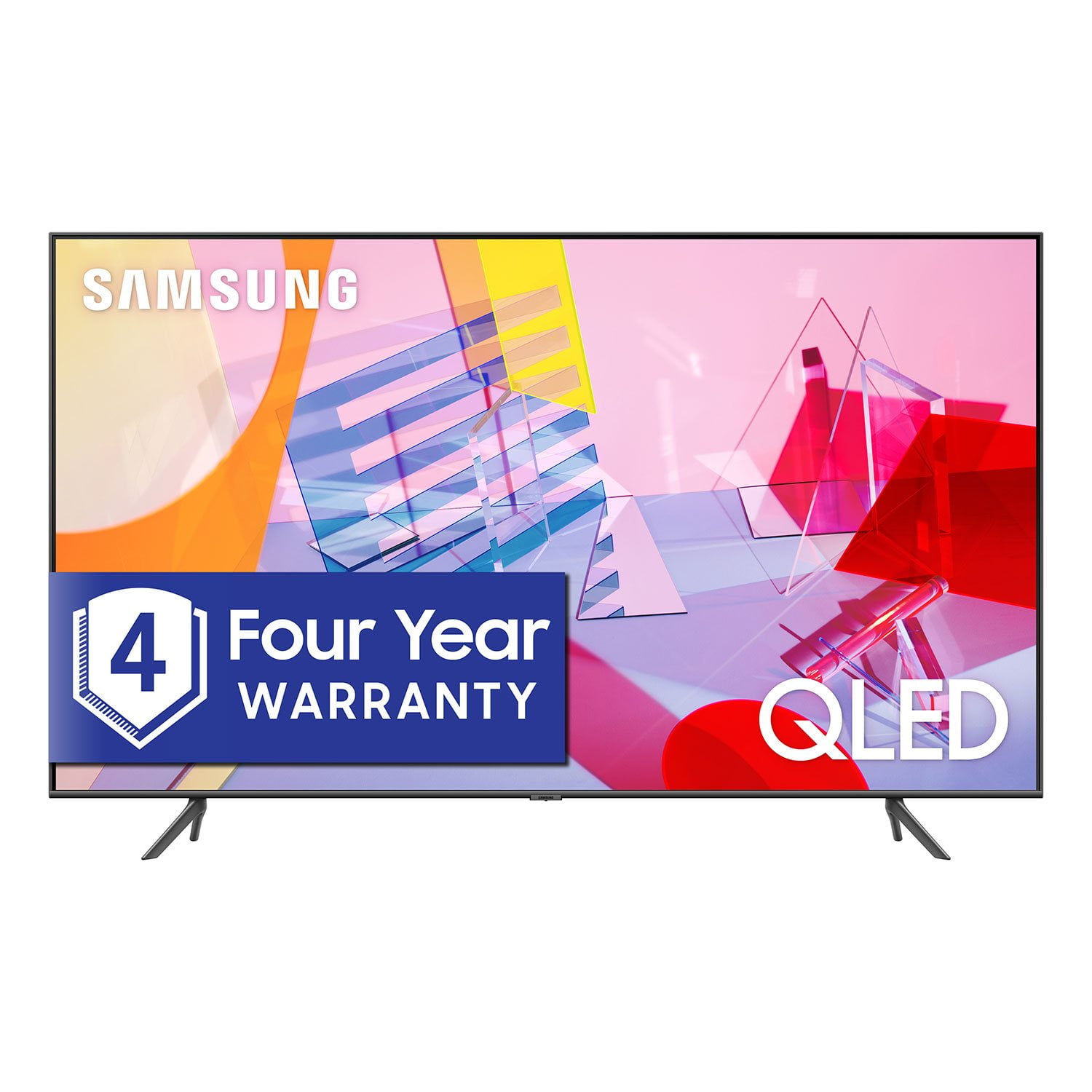
SAMSUNG 55" Class Q6DT-Series 4K Ultra HD QLED Smart TV - QN55Q6DTAFXZA (2020 Model)
4.7 out of 5 stars
stars2,111 ratings2,037 reviews
  1. 5 stars78% (1,656)
  2. 4 stars15% (321)
  3. 3 stars3% (56)
  4. 2 stars1% (22)
  5. 1 star3% (56)
Write a review

Customer photos

  • +13 images
Sort by |
Showing 1-10 of 2,037 reviews
Dec 19, 2020
Jim
5 out of 5 stars review

Verified Purchase

Great Smart TV features, Colors that pop

I was looking for a set for a home gym. Wanted some quality, but didn't want to spend a huge amount on this set. I am not putting a cable box or blu ray player on this set so smart TV functions were very important to me. Q6DT seemed to fit the bill. Before my purchase I read criticism that the black levels, viewing angles, and brightness were lacking on this set. With my expectations sufficiently lowered this set easily exceeded them. The colors pop, the picture is sharp and bright, and Samsung supports the ESPN app which LG does not. I looked at sets in stores and there were sets that clearly looked better than this one. But they cost at least $200 more. Very happy with the choice.

Helpful?2NS8KJIS3KAL15252270711
Mar 25, 2021
Teddi
5 out of 5 stars review

Verified Purchase

Excellent Choice

Ordered on line, received it the next day on a Sunday. Excellent size for our bedroom. Our original 72" was over powering the room. Have always been happy with the Samsung brand and this one did not disappoint. Highly recommend. Picture quality and clarity is outstanding. You won't be sorry if you purchase one.

Helpful?2NS8KJIS3KAL15252270711
Feb 23, 2021
Anonymous
5 out of 5 stars review

Verified Purchase

Better quality than the in store 55inch

Satisfied i ordered this online instead of in store. Better deals through Sam's club online! Great picture. Even got the samsung sound bar from sams also and they go perfectly together! Will be getting my new bedroom tv through online as well!

Helpful?2NS8KJIS3KAL15252270711
Dec 12, 2020
Gary
5 out of 5 stars review

Verified Purchase

Great TV with many features

Great TV I watched an old black show and it was like looking at a black and white photo. The color is great very bright. Lots of features that have not been able explore much yet

Helpful?2NS8KJIS3KAL15252270711
Feb 26, 2026
Nitehawk92
5 out of 5 stars review

Love this TV...

Ibought my TV 4 1/2 years ago and I have had no problems at all with it. Great color, and picture quality. I love everything about it except for the stupid Samsung TV app. Anytime the TV is loses power and you turn i back on, the stupid Samsaung TV app comes up as default. Maybe I just don't know how to set up correctly. But overall this TV was a really great for me.

Review from Samsung US
Helpful?2NS8KJIS3KAL15252270711
May 6, 2020
Just Bring It BOOMSAUCE 1
5 out of 5 stars review

BOOMSAUCE LEVELS!! So happy in purchasing it

[This review was collected as part of a promotion.] BOOMSAUCE the best purchase ever and quality of the 65” one that we purchase is hands down awesomness but remember this that you have to install a lot of apps like Disney plus and etc. Especially the newer ones but I just watch Star Wars IV New Hope holy cow!!! 5 star rating!! Makes the movie like infinite Boomsauce levels!! Well worth the money

Review from Samsung US
Helpful?2NS8KJIS3KAL15252270711
Feb 24, 2021
William B
4 out of 5 stars review

Verified Purchase

Very Pleased

This is a fine TV that has a great picture, impressive contrast and a bright screen. The built-in speakers are considerably better than the TV it replaces. The on-line content, both free and subscription, is impressive. I have not had time to explore all the fine points, but there are several review sites that will give you the details. This TV replaces a plasma TV. Plasma TVs are no longer available, but they had the advantages of remaining bright at all angles of view and a very high motion rate. Motion blur is noticeable at times on the Q6DT if you are looking for it and the view angle is somewhat limited; however these issues are not particularly annoying to me. It only has two HDMI ports, which could be a problem for some. Set up was mostly automated and straight forward. Navigating with the remote takes some getting used too but is logical once you figure it out.

Helpful?2NS8KJIS3KAL15252270711
Dec 29, 2020
delite2
4 out of 5 stars review

Verified Purchase

Great TV!

We had been looking at this tv for a long time. When it went on sale we decided it was too good of a deal to pass up. After having the wrong tv shipped to us, Sam's was quick to rectify the mistake and we got the tv. The only thing that kept us from giving it 5 stars was the audio. The audio was so low that we couldn't hear it when our furnace ran! We had to buy a sound bar and, voila...problem solved!

Helpful?2NS8KJIS3KAL15252270711
Jan 30, 2021
Ronnie
3 out of 5 stars review

Verified Purchase

Not what I expected

I purchased this television as a late xmas present. Although we have an older Samsung t.v that still works I wanted a newer updated t.v. We were disappointed that the picture quaility wasnt much better than our older t.v.Also it was not compatible with our older Yamaha receiver and speaker system. The remote control was frustrating to use as well.

Helpful?2NS8KJIS3KAL15252270711
Jul 15, 2020
Dr Bob
1 out of 5 stars review

Totally Disapointed

purchased this 43" qled 2020 tv to replace our lg hd smart tv because the picture quality, which we were never satisfied with, was getting worse. we were expecting a major improvement in the picture quality but it is actually far worse than the lg. it is far worse than the samsung models we have seen in the stores. do not like the design of the remote. while during the setup of the tv it recognized our directtv remote it did not configure all of the functions so now we have to have both remotes available to be able to turn the tv on or off, adjust the volume, etc. the instruction manual is inadequate as it only says do this without providing detailed instructions. i would not recommend this product to a friend or an enemy.

Review from Samsung US
Helpful?2NS8KJIS3KAL15252270711
reply from OBA

Dr Bob, Thank you for sharing your feedback with us. I apologize for the disappointment you had with the Q60T QLED Smart TV. There are several preset picture modes and many custom settings that can optimize image quality for your viewing scenario. Go to HOME > SETTINGS > PICTURE > PICTURE MODE and choose: 1) Dynamic: Makes the picture brighter and clearer in bright viewing environments. 2) Standard: This is the default mode suitable for general viewing environments. 3) Natural: Reduces eye strain for a comfortable viewing experience. 4) Movie: Suitable for watching TV or movies in a dark room. 5) Filmmaker: Watch the source content (e.g., movie) as it is. You can further configure advanced picture setting. Go to Home> Settings> Picture> Expert Settings You can control your connected devices using your TV remote by following these set-up steps: 1) Connect an external device to the HDMI port of the TV, and then power on the external device. Your TV will automatically recognize the device when connected through HDMI, and will switch the output. If it doesn't automatically detect it, then keep following the steps to set up Universal Remote. 2) Press the Home button on your TV remote to access the Home Screen. Using the directional pad on the remote, navigate to Source. When the selector is placed over Source, the Source menu will appear. Press UP on the directional pad to access Universal Remote. 3) Select Universal Remote on the Source screen. Next, select Start and make sure the device you want to connect is turned on. When your desired device displays, select it. Follow the on-screen instructions to complete the setup and register the device. The instructions may vary, depending on the device type selected. 4) Your TV and the remote will memorize the external device and its connection port (HDMI 1, HDMI 2, etc.) to make controlling everything even easier. Occasionally, the device may not respond after it's registered. To make sure the connection is made, you need to re-register the device. Should you need further assistance, please reach out to our Customer Support at 1-800-SAMSUNG, or visit us on the Samsung website and click on the ‘Support’ link in the upper right corner of the homepage for: 1) Contact Us Options (LiveChat, Remote Support, Facebook, Twitter) 2) Product Support 3) Manuals and Downloads 4) Warranty Info 5) Product Registration: Registering your product gives you access to easy warranty support, convenient opt-in to special promos and offers, faster troubleshooting and service, and quick notification of system updates 6) Samsung Community: A great resource for getting help from Samsung moderators and customers and more 7) …and more product, repair, order, and care options Again, thank you for taking the time to share your thoughts. Your feedback helps us continuously deliver best-in-class products and service. -Samsung Ambassador