
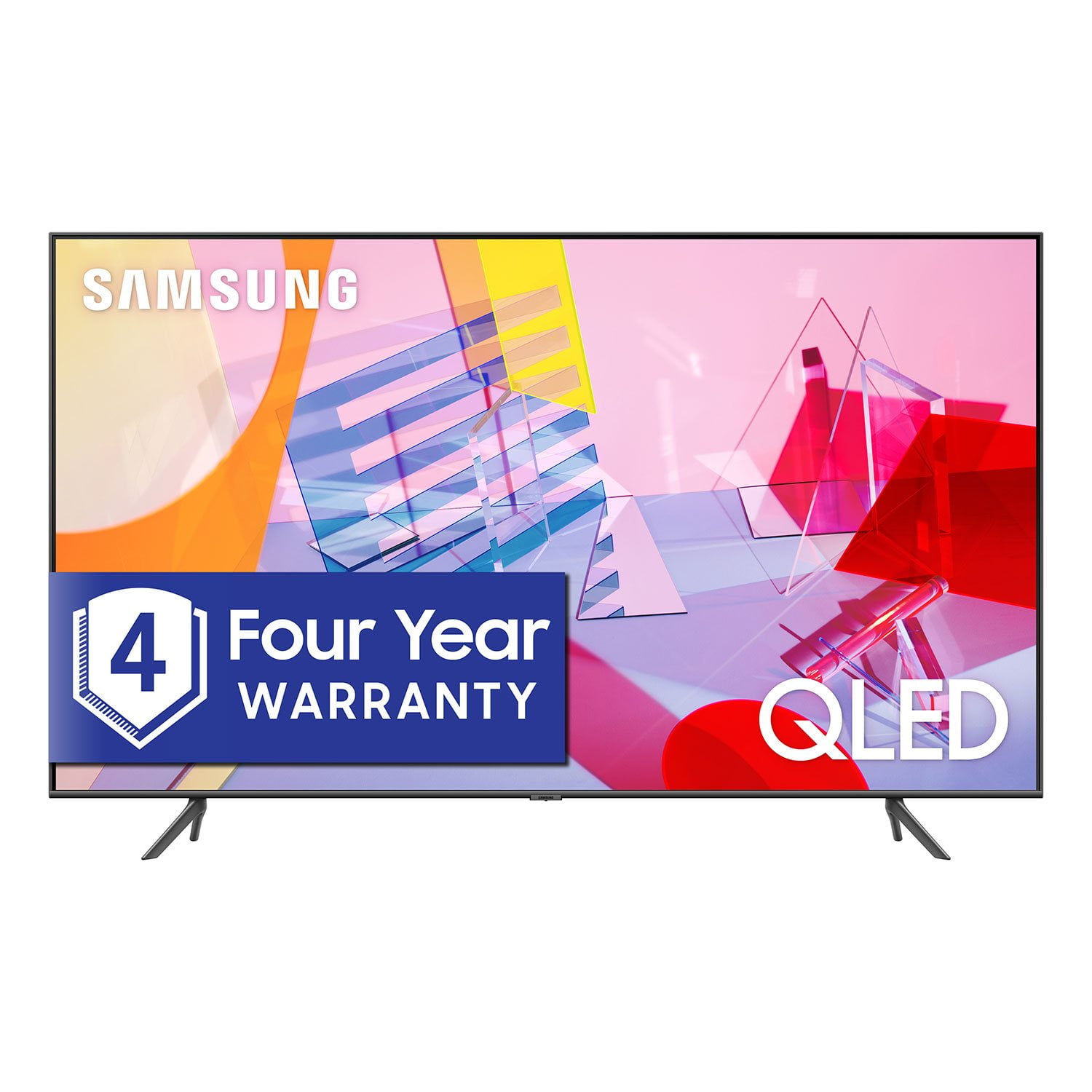
 Member ratings & reviews for
Member photos



 +13 images
Didn't even last 14 months
samsung seems to be having problems with this tv. it's funny how you spend so much money on it and it goes out right after the warranty is gone. it may possibly cost as much to fix it as to buy a whole new tv! beware samsung does not stand behind their products!

Ignore other reviews - digital tuner included!
The new dual-tone backlight is absolutely incredible. You'd never know this model was edge lit. As far as the other short-sighted review regarding the tuner, it's right there in the specs: Digital Broadcasting ATSC/ClearQAM Analog Tuner Yes
Jackson G, I am glad to see that you are enjoying the spectacular image quality of the new Samsung Q60T QLED Smart TV. In addition to the Dual LED technology, The Q60T series, powered by our proprietary Quantum Processor, optimizes the picture according to the scene as well as to your room environment, such as the lighting condition. The intuitive Smart TV interface brings you the best entertainment experience with voice assistants, smart home integration, and ease of use. New to our 2020 TVs, MultiView lets users enjoy TV and mobile contents together on the big screen. Music Wall is another great feature that shows matching visuals that fits the music you plau on the TV. The built-in Bixby voice, Alexa and Google Assistant let you easily control your TV with just your voice. With AirPlay2, you can stream or share content from Apple devices to the TV in a breeze. Should you have questions, please contact us at 1-800-SAMSUNG and a representative will gladly help you. You can also reach us via LiveChat: http://www.samsung.com/us/support/contact Or by Facebook Messenger: https://www.facebook.com/samsungsupport Find us on Twitter: https://twitter.com/SamsungSupport Thank you for taking the time to share your positive experience and for choosing Samsung. -Samsung Ambassador
Fantastic value for the price
Stable wifi access to 5.0 GHz channel, crazy contrast level, awesome billion colors, ambient art mood, VA panel, deep dark colors, Samsung TV plus, easy to use control and simplified minimalistic menu, apple airplay cast, ready DLNA and built in alexa that connects with my camera and lamps, slim profile, no need to buy another apple tv. 60 Hz refresh rate absolutely compensated with quantum processor and make me want to watch HBO, Amazon prime and Hulu all day. These all have built in app in Tizen OS on top of Netflix and other services. I am so happy with this purchase specially with not buying a stupid IPS screen with 1/6th of contrast ratio and so called ”natural colors”. I have seen those natural colors in my living room enough and I think my work room Samsung Q60 is by far better.
Totally Disapointed
purchased this 43" qled 2020 tv to replace our lg hd smart tv because the picture quality, which we were never satisfied with, was getting worse. we were expecting a major improvement in the picture quality but it is actually far worse than the lg. it is far worse than the samsung models we have seen in the stores. do not like the design of the remote. while during the setup of the tv it recognized our directtv remote it did not configure all of the functions so now we have to have both remotes available to be able to turn the tv on or off, adjust the volume, etc. the instruction manual is inadequate as it only says do this without providing detailed instructions. i would not recommend this product to a friend or an enemy.
Dr Bob, Thank you for sharing your feedback with us. I apologize for the disappointment you had with the Q60T QLED Smart TV. There are several preset picture modes and many custom settings that can optimize image quality for your viewing scenario. Go to HOME > SETTINGS > PICTURE > PICTURE MODE and choose: 1) Dynamic: Makes the picture brighter and clearer in bright viewing environments. 2) Standard: This is the default mode suitable for general viewing environments. 3) Natural: Reduces eye strain for a comfortable viewing experience. 4) Movie: Suitable for watching TV or movies in a dark room. 5) Filmmaker: Watch the source content (e.g., movie) as it is. You can further configure advanced picture setting. Go to Home> Settings> Picture> Expert Settings You can control your connected devices using your TV remote by following these set-up steps: 1) Connect an external device to the HDMI port of the TV, and then power on the external device. Your TV will automatically recognize the device when connected through HDMI, and will switch the output. If it doesn't automatically detect it, then keep following the steps to set up Universal Remote. 2) Press the Home button on your TV remote to access the Home Screen. Using the directional pad on the remote, navigate to Source. When the selector is placed over Source, the Source menu will appear. Press UP on the directional pad to access Universal Remote. 3) Select Universal Remote on the Source screen. Next, select Start and make sure the device you want to connect is turned on. When your desired device displays, select it. Follow the on-screen instructions to complete the setup and register the device. The instructions may vary, depending on the device type selected. 4) Your TV and the remote will memorize the external device and its connection port (HDMI 1, HDMI 2, etc.) to make controlling everything even easier. Occasionally, the device may not respond after it's registered. To make sure the connection is made, you need to re-register the device. Should you need further assistance, please reach out to our Customer Support at 1-800-SAMSUNG, or visit us on the Samsung website and click on the ‘Support’ link in the upper right corner of the homepage for: 1) Contact Us Options (LiveChat, Remote Support, Facebook, Twitter) 2) Product Support 3) Manuals and Downloads 4) Warranty Info 5) Product Registration: Registering your product gives you access to easy warranty support, convenient opt-in to special promos and offers, faster troubleshooting and service, and quick notification of system updates 6) Samsung Community: A great resource for getting help from Samsung moderators and customers and more 7) …and more product, repair, order, and care options Again, thank you for taking the time to share your thoughts. Your feedback helps us continuously deliver best-in-class products and service. -Samsung Ambassador
No Sound and Picture quality
this tv is ok but not worth the money they charge for it. when the tv has been off overnight or long periods of time and you turn it on most of the time there is no sound on the tv for about 1 to 2 minutes. we have changed the picture settings numerous times and people's faces on certain programs are really red. disappointed to say the least
Gbuc, Thank you for your purchase and review. I am sorry to hear that you are experiencing sound and color issue with your Q60T QLED 4K TV. The audio delay is possibly a source issue. You can also try making changes to digital audio output in Expert Settings: Settings > Sound > Expert Settings > Digital Output Audio Delay If your issue persists, please reach out to us so that we can provide further troubleshooting. You can call Samsung Support at 1-800-SAMSUNG (available 8AM -12AM EST, 7 days a week) Or visit us on the Samsung website and click on the ‘Support’ link in the upper right corner of the homepage for: 1) Contact Us Options (LiveChat, Remote Support, Facebook, Twitter) 2) Product Support 3) Manuals and Downloads 4) Warranty Info 5) Product Registration: Registering your product gives you access to easy warranty support, convenient opt-in to special promos and offers, faster troubleshooting and service, and quick notification of system updates 6) Samsung Community: A great resource for getting help from Samsung moderators and customers and more 7) …and more product, repair, order, and care options -Samsung Ambassador
QN50 Short Lifespan
purchased the qn50 in 2020 and now i have thin black horizontal lines on the screen. it will shut off and go black with the qn50 logo on the screen and then go to a grey screen for a short moment. unplugged the device for a minute and sometimes the screen will return to normal after maybe half an hour or so. had to unplug power for an entire day before the screen returned to normal with the black horizontal lines.
Excellent upgrade!
[This review was collected as part of a promotion.] This TV wasn't a planned purchase. I had a 70” that had begun to have sound no picture. Instead of fixing I chose to upgrade. What an excellent upgrade! Samsung is a well know brand and I thought price would be way out of my range. However price was comfortable but, the quality…… The picture quality is unbelievable. During football games I feel like I'm in the stadium ( I also purchased Samsung home theater). You can see the pores and goosebumps on the actors and actresses in the movie or tv shows you watch. The apps are very easily accessible. Don't want to watch cable? Fine you have so many other options. This was a excellent upgrade to my living room!!
I love this tv!
[This review was collected as part of a promotion.] This tv takes gaming and streaming to a new level! We have a big family. We are a family of 6. My kids are constantly waiting for their turn to play the Xbox on this tv especially because of the lock down our state is in. We have spent a lot of time at home and using this tv. The colors are so vibrant, and the entire gaming experience is great. The remote control is so different. It has been a process that I still haven't mastered! But I will get it! We stream a lot through our tv. This tv works so well for streaming! We use multiple streaming services and they all work great and load quickly and in great quality. The picture is always clear and vibrant on all streaming services which is a huge plus for us! This tv checks off all of our needs for a tv and we love this tv! I am completely happy with this tv and so glad we have it. I would recommend this tv to anyone who likes or wants a big tv! This tv is great it has a high quality picture quality and has a setting for gaming mode. I couldn't say enough how happy we are with this tv!
Excellent user experience!
Bought this tv a few weeks ago to replace a Sony XBR X900E that died at 2 years old (exactly one week after the geek squad plan expired). I dare say that the picture is every bit as good (better?) than the much more expensive Sony, even with edge lighting versus full array! On top of that, the remote and ui design are infinitely better in my opinion. The Sony remotes are offensively awful. This television even integrates more smoothly with my PS4 than the tv of the same brand did! I can hardly say enough good things about my experience with my new Samsung. The only caveat, in my opinion, that it concedes to the previous set is glare. The screen on this television is more susceptible to ambient light sources than my Sony was, however my absolute pleasure watching and using this new Samsung tv eclipses that annoyance, making it minor for me. So, although I was not prepared to have to replace my television, I'm rather glad I did!
Thistvhavegreatquality
[This review was collected as part of a promotion.] I was out shopping for a new TV I looked at several but the Samsung stood out most to my taste the picture quality is great could not have made a better choice I also told other family members about it and they to went and purchased one so to anyone who sees this please give it a try